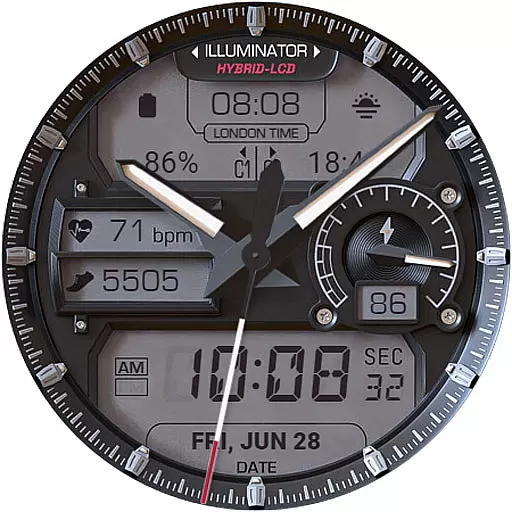
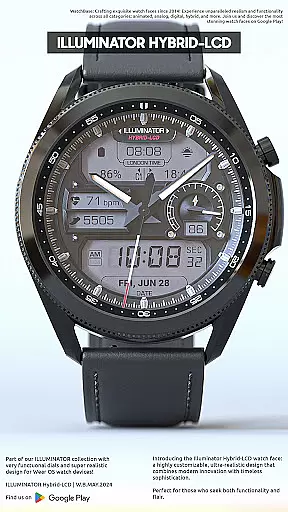
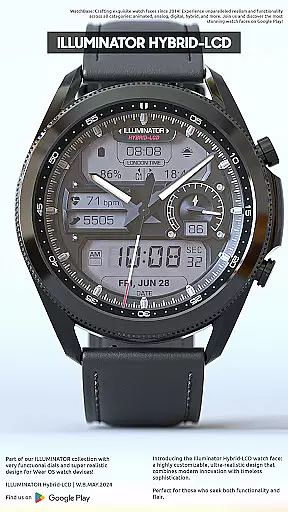
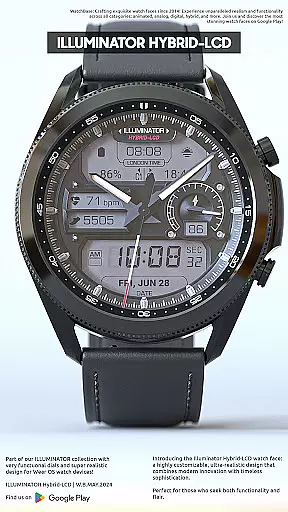
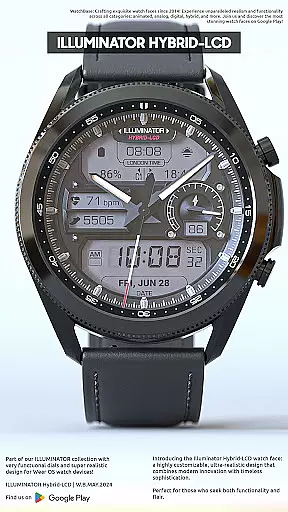
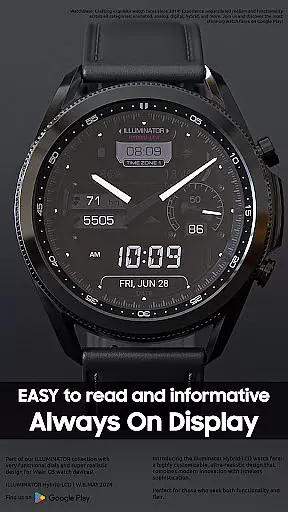
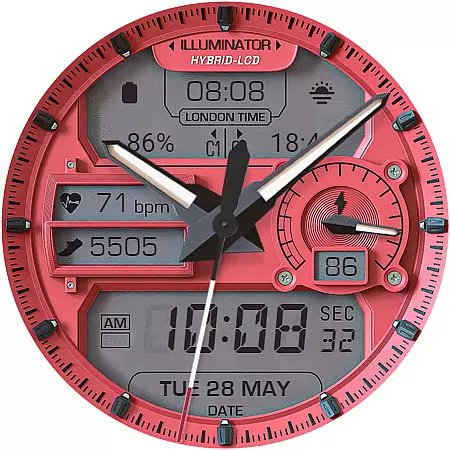
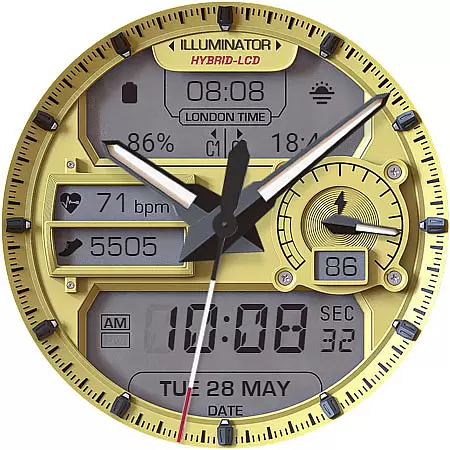
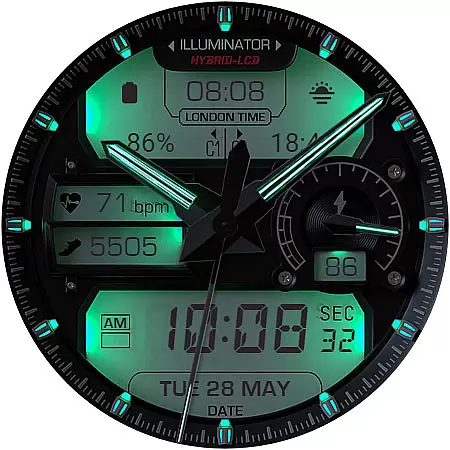
ILLUMINATOR Hybrid-LCD is a premium watch face for Wear OS devices, offering an ultra-realistic and highly customizable LCD-style display. This hybrid design combines traditional watch aesthetics with modern smartwatch functionality.
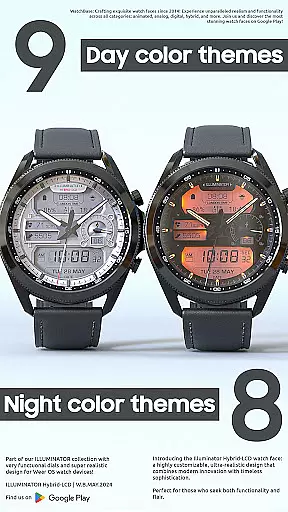
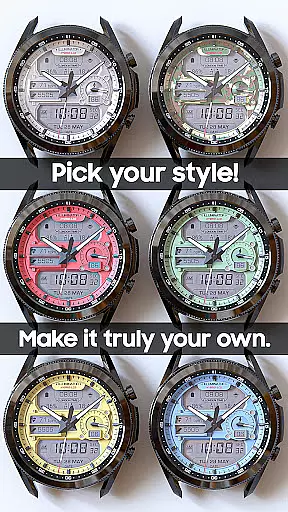
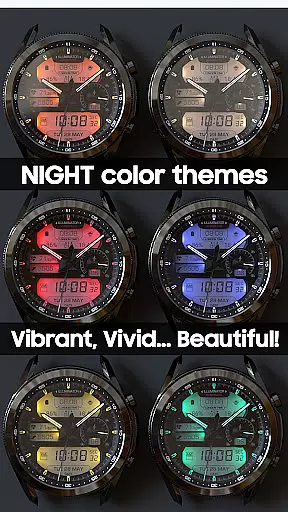
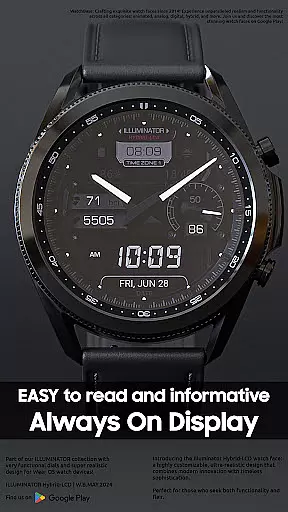
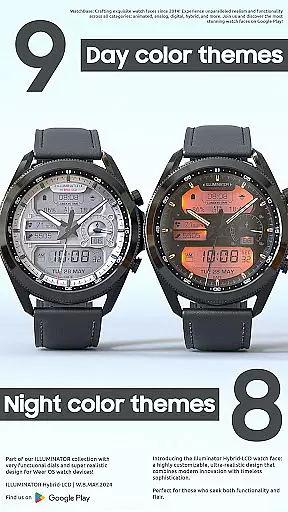
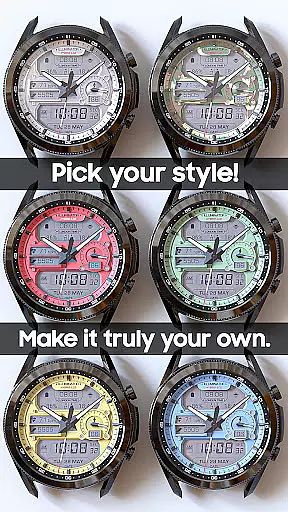
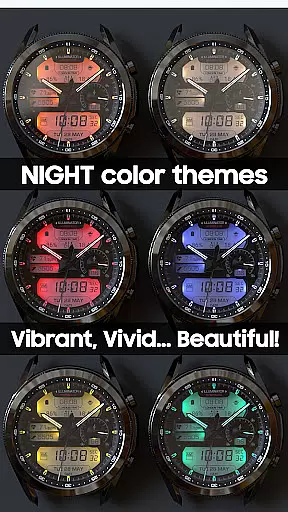
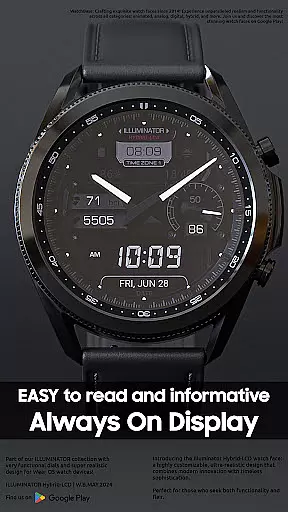
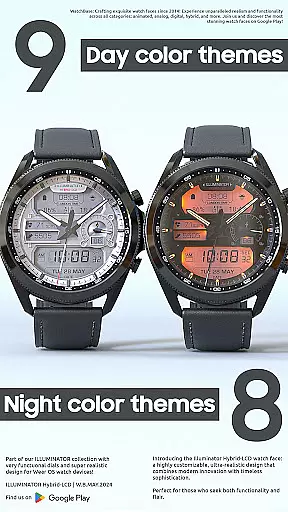
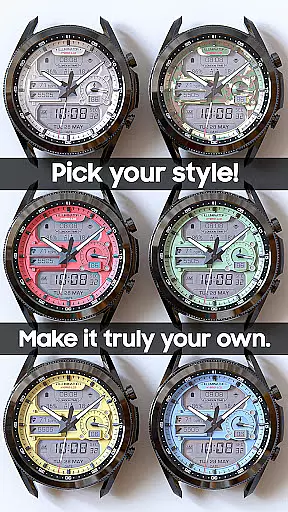
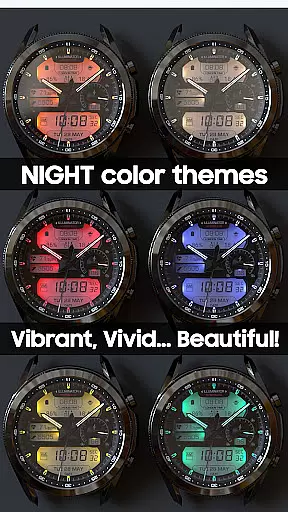
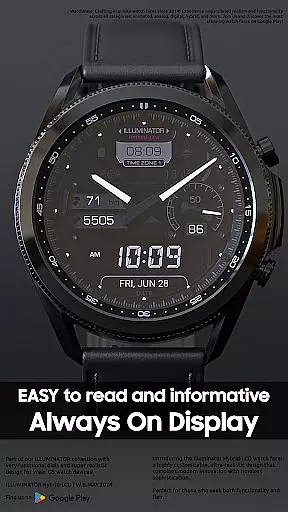
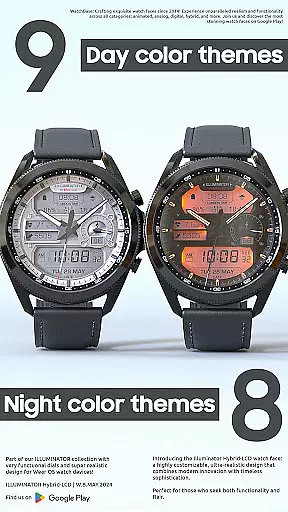
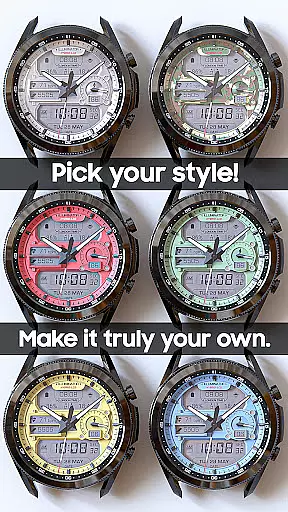
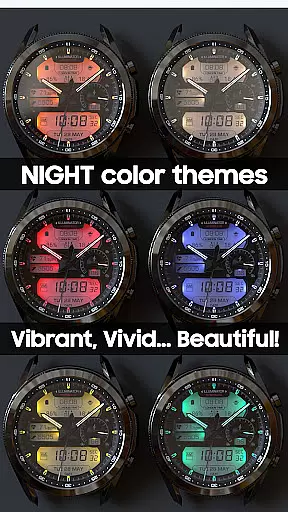
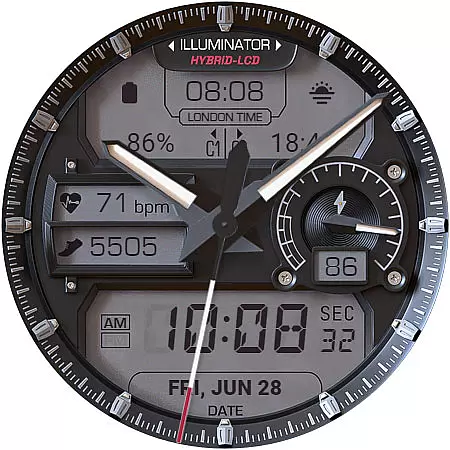
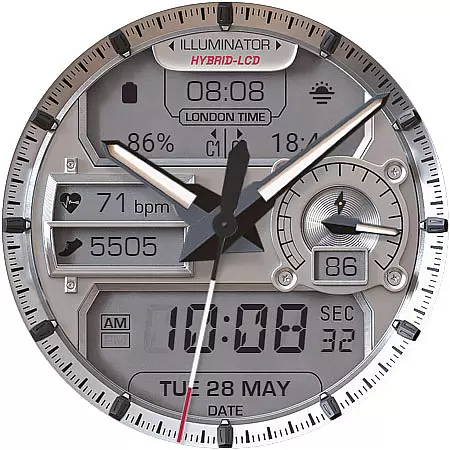
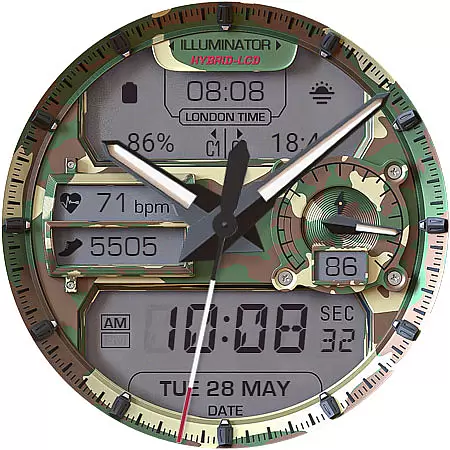
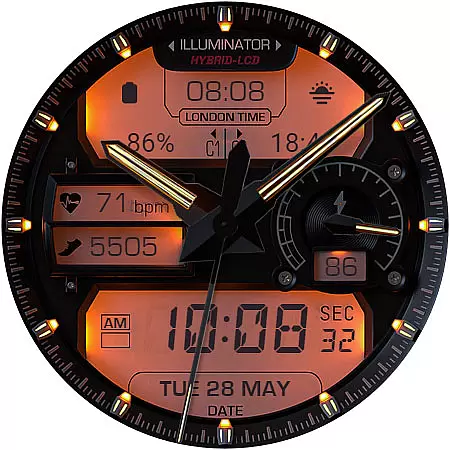
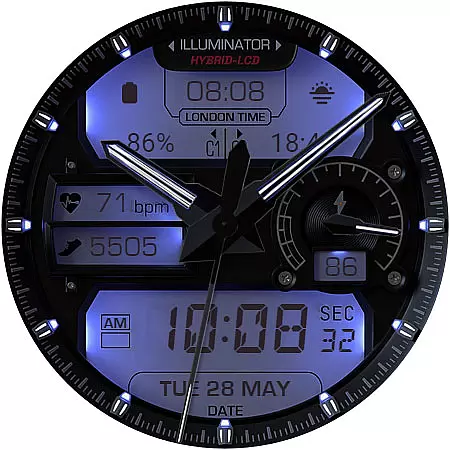
The watch face features 4 custom complications, auto 12h/24h mode switching, and multiple theme options including 9 day themes and 8 night themes. Users can enjoy advanced features like heart rate monitoring, step tracking, London time display, and battery indicators while benefiting from its Always On Display technology.
Perfect for professionals who demand both style and functionality, this watch face suits various occasions from business meetings to casual outings. The intuitive customization options make it easy to personalize while maintaining optimal readability under different lighting conditions.
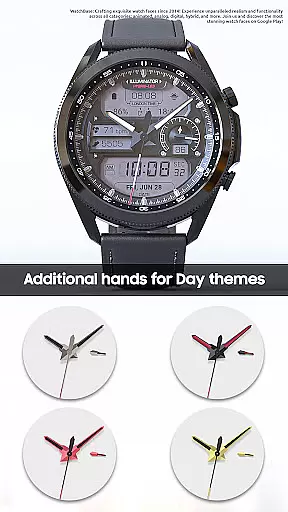
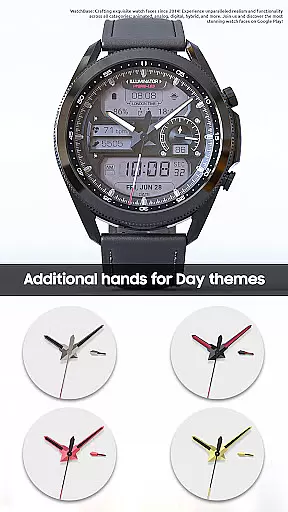
This sophisticated watch face stands out with its hybrid-LCD design and extensive customization capabilities. The realistic watch hands and digital elements create a perfect balance between traditional and modern timekeeping.
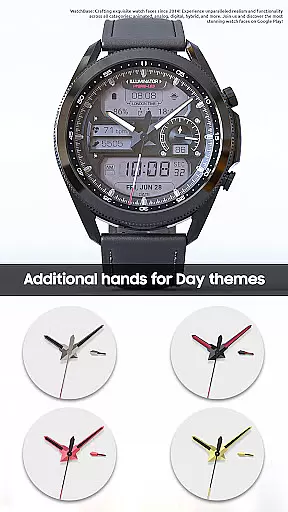
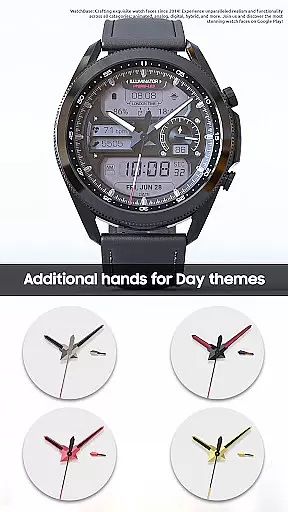
Users can choose from multiple complications including shortcuts, timers, and weather displays. The innovative night mode system allows seamless switching between day and night themes, while the Always On Display feature offers three color themes and hand styles for power efficiency.
Advanced technical implementation includes precise time synchronization, battery optimization for complications, and integration with device health sensors. The companion app simplifies installation and configuration, ensuring smooth operation across different Wear OS devices.
Companion app integration is essential for a seamless smartwatch experience. The ILLUMINATOR Hybrid-LCD watch face utilizes a companion app to simplify the installation process and enhance functionality. This ensures that users can easily apply and customize their watch faces directly from their smartphones.
When installing the watch face, users interact with the companion app on their phone. After tapping the install button in the app, a prompt appears on the watch, allowing users to confirm the installation. This dual-device interaction streamlines the setup process and reduces potential issues, making it accessible even for less tech-savvy individuals.
The companion app also helps address common synchronization challenges. If users encounter prompts to repurchase the watch face on their device, they can be assured that no double charges will occur. These occasional hiccups are typically resolved by waiting a short period or restarting the watch, demonstrating the app's role in maintaining smooth operation.
This integration extends beyond mere installation assistance. It enables advanced customization options and provides a centralized location for managing various aspects of the watch face. By bridging the gap between phone and wearable, the companion app creates a more cohesive and user-friendly ecosystem for personalizing and maintaining the ILLUMINATOR Hybrid-LCD experience.
Ensuring broad Wear OS and device compatibility is crucial for any smartwatch application. The ILLUMINATOR Hybrid-LCD watch face is designed to work seamlessly across various Wear OS devices, providing users with consistent performance regardless of their specific hardware.
This compatibility encompasses multiple screen sizes and resolutions, guaranteeing that the ultra-realistic design maintains its quality across different devices. The watch face's hybrid-LCD style, featuring 4 custom complications and auto 12h/24h mode switching, functions reliably on supported Wear OS watches, delivering a uniform user experience.
Device compatibility extends to various smartwatch functionalities as well. Features such as heart rate indicators, step counters, and battery indicators integrate smoothly with different hardware sensors. The implementation of Always On Display (AOD) with customizable themes and hand colors demonstrates how the application adapts to varying device capabilities while maintaining core functionality.
Furthermore, the companion app's role in facilitating installation and customization across devices highlights the comprehensive approach to compatibility. By addressing potential synchronization issues and offering clear installation guidance, the application ensures that users can enjoy the full range of features regardless of their specific Wear OS device model.
Highly customizable
Realistic design
Multiple complications
Day/Night themes
Always On Display
Complex setup
Premium price
Companion app needed
Battery intensive
Learning curve

Christmas watch face. For Wear OS devices.
 4.30
4.30
Embrace the holiday spirit with this magical animated watch face!
4.40
A Wintery Snow Globe on Your Wrist; now celebrating Christmas!
4.1
Current temperature, weather hourly, weather radar by the weather forecast app
4.40
Monitor health with the stress test and pulse checker in the heart rate app.
4.60
Reliable phone calls with spam protection, caller ID and more helpful features
4.40
Stay in touch with your friends and family using LINE!
3.40
Funny animated watch face for Thanksgiving
4.4
Track your active life in one place and share the journey with friends.
4.40
Digital, flexibly customizable watch face. For Wear OS 5.0, API 34+ and later.
5.00
Real-time weather radar with temperatures, warnings, hurricanes, and widgets
4.80
Be an elegant and classy secret agent, with this carefully detailed watch face
4.70
Gym & home workout plans with strength training, exercise tracking, HIIT & more.
4.60
Simple, helpful messaging by Google
4.60
A white realistic classic analog watch face with many customization options.
4.40
The ultimate destination for kids ages 3-8 to explore the Marvel Universe!
4.30
Hyper-Realistic Airplane Dashboard Watch Face With 10 Skins and Custom AOD
4.00
Animated Watch Face and Customizable with 24 Backgrounds. Perfect for Christmas!
3.90
A full-featured Amazon Alexa voice assistant that can show you things.
3.70



User Reviews