
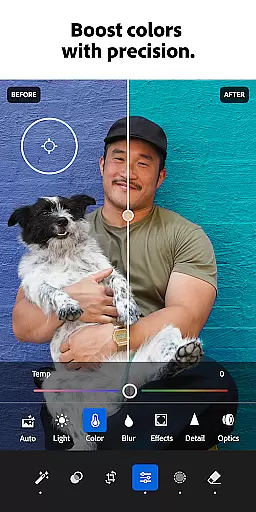
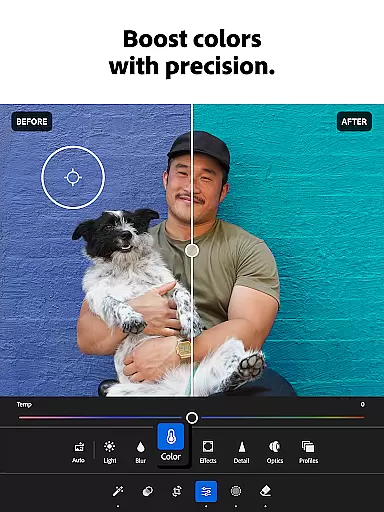
Adobe Lightroom is a comprehensive photo and video editing application designed to help users create professional-quality edits with ease. The app offers powerful retouching tools, allowing users to adjust lighting, color, and apply various filters or presets to both images and videos. Whether you're enhancing family photos or curating a social media feed, Lightroom provides the necessary tools to make every photo special.
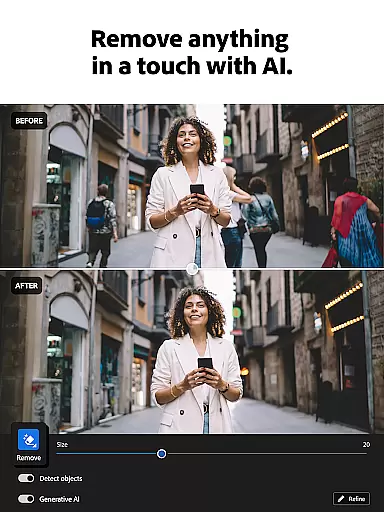
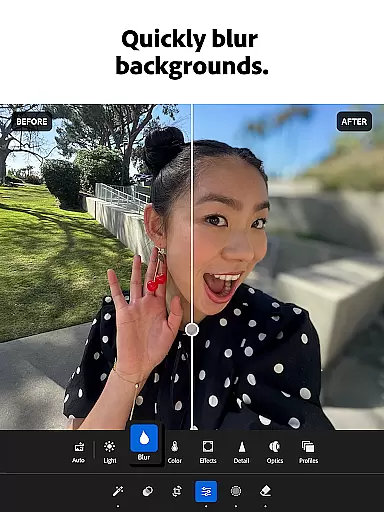
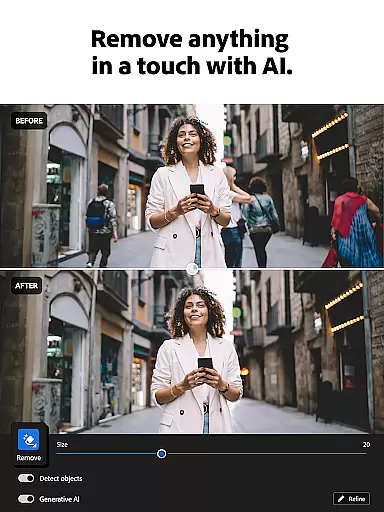
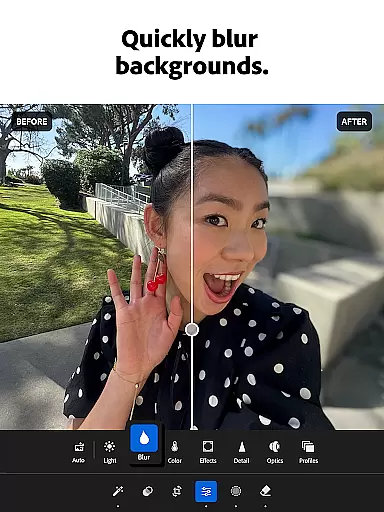
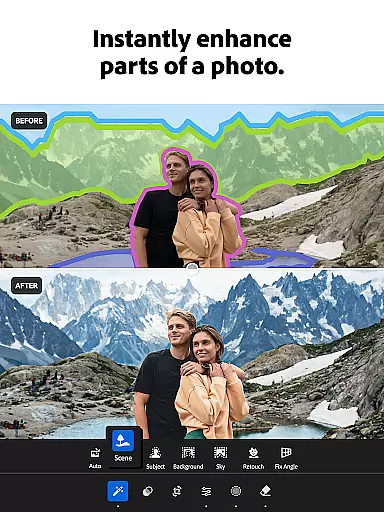
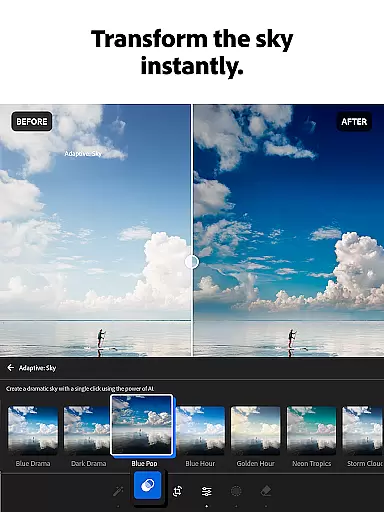
One of the standout features of Lightroom is its AI-powered editing capabilities. These smart tools suggest optimal adjustments for your photos, enabling quick enhancements without requiring extensive editing experience. Additionally, the app supports advanced functionalities like object removal and background blurring, which give users the power to produce polished, distraction-free images. With options for batch editing and custom presets, Lightroom ensures consistency across multiple photos while saving time.
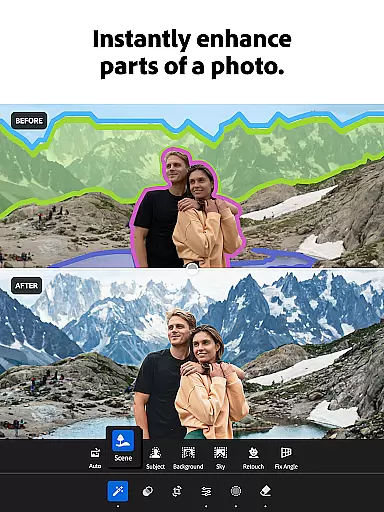
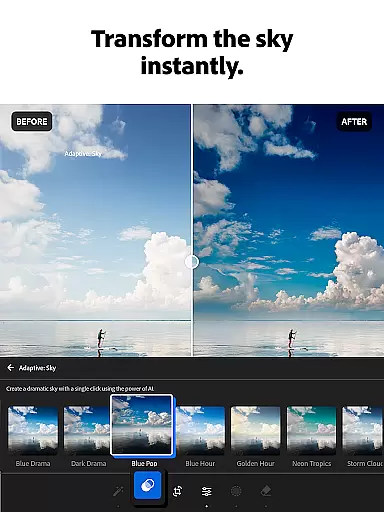
Lightroom stands out with its robust set of features tailored for both amateur and professional photographers. The app includes Quick Actions and Adaptive Presets that allow users to enhance photo quality in just a few taps. These one-touch features simplify complex editing tasks such as adjusting exposure, highlights, and shadows, making it accessible even for beginners.
Another remarkable aspect is the ability to edit videos with the same level of control as photos. Users can tweak light, color, and apply presets to videos, ensuring a cohesive look across all visual content. Furthermore, the Generative Remove tool enables users to erase unwanted objects or people from photos effortlessly. With community-shared presets and filters, users can draw inspiration and apply unique styles to their work, fostering creativity and personal expression.
Real-time capture and preview functionality is essential for photographers who need to ensure their shots are perfect before they even take them. Adobe Lightroom offers a seamless experience by providing users with instant feedback on their images as they adjust settings such as exposure, contrast, and white balance.
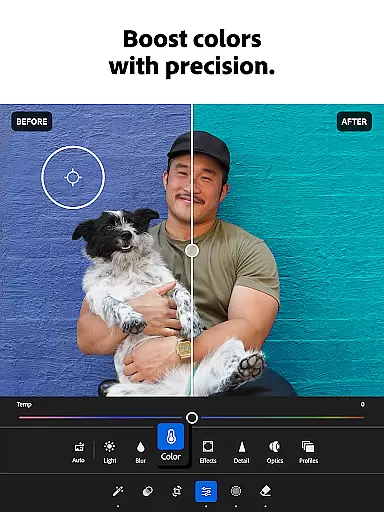
This photo editor app stands out by allowing you to see changes in lighting and color in real time, which significantly enhances the creative process. Whether you're shooting a breathtaking sunset or capturing precious family moments, the ability to preview adjustments live on your screen ensures that you can fine-tune every detail to your satisfaction.
Furthermore, this feature saves time and effort, eliminating the need for trial and error in post-processing. With Lightroom's real-time capabilities, photographers can achieve their desired look with confidence, knowing that what they see on their device is what they'll get in the final image.
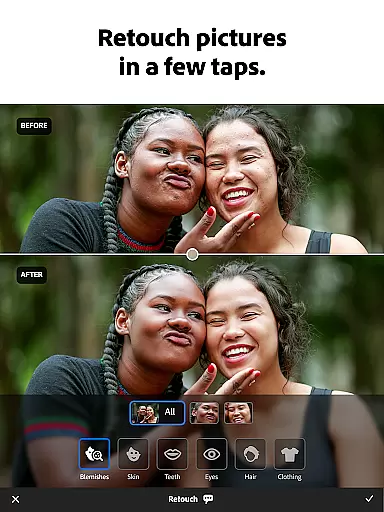
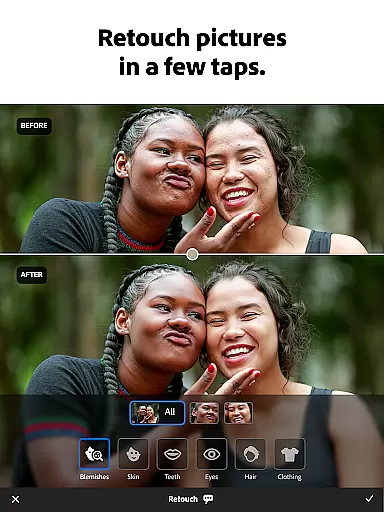
AI beauty and enhancement features have revolutionized the way we retouch photos, offering natural-looking improvements without sacrificing authenticity. Adobe Lightroom leverages advanced AI technology to provide users with tools that enhance photo quality while maintaining the original character of the image.
The AI-driven enhancements intelligently smooth skin, remove blemishes, and adjust facial features with subtlety and care. This ensures that edited portraits retain their genuine essence, avoiding the over-processed look that can occur with less sophisticated editing software.
Moreover, these smart tools are designed to be intuitive and easy to use, making professional-grade edits accessible to everyone. By prioritizing naturalness in its AI enhancements, Lightroom empowers users to create stunning, lifelike images that resonate with viewers and uphold the integrity of the photographic art form.
User-friendly interface
Powerful AI editing tools
Extensive preset library
Video editing capabilities
Batch editing functionality
Subscription required
Advanced tools may overwhelm beginners
Limited free features
High storage usage
Occasional performance lags

Remote control of the phone camera from your Wear OS smartwatch
 3.70
3.70
Safe & smart flight with Go Fly drone controller for 40+ drone camera, zone map
4.50
Viewfinder, Light meter, Reciprocity failure time, DOF & Bellows Extension
4.60
Edit like a pro with Hypic. Apply filters, AI effects, & magic touch.
4.40
Photo editor & gallery. Crop pictures & edit photos offline, no wifi!
4.50
Professional photography on your mobile phone
4.20
Enhance, upscale, and transform your images — on your device, without limits
4.70
Discover & download millions of art for The Frame TV or Hisense CanvasTV
4.60
Edit photos with the picture generator: PS2 & AI Clay filters, cartoon effects.
4.50
Pro version: AR sun/moon tracker for any date. Tool for photographers & planners
4.90
Easily create custom gifts, cards, photo books & more on the Shutterfly app!
4.60
1M influencer's special filter
4.60
Cut and paste photo editor & eraser to customize photos easy and swap faces fun
4.50
Create collages easily! Nice pic collage maker & background eraser for Instagram
4.50
AI-powered video creator by MiniMax - Where ideas meet cinema
4.20
Create & Edit with AI: AI Remove, Enhance, Retouch, Filter
4.10
Photo editor: face & body editor, beauty cam, filters and quality enhancer.
4.00
Turn photos into cartoons & avatars! - Photo Editor, Cartoon Face!
3.90
Pet Camera
3.70















User Reviews