
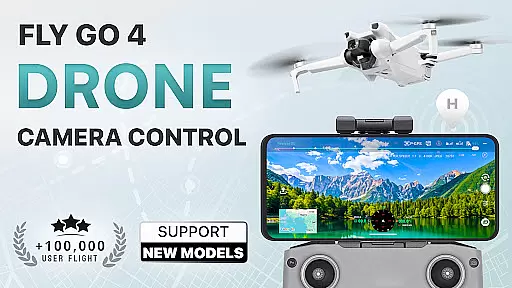
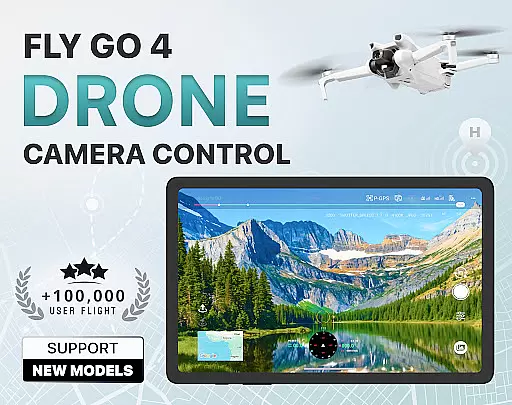
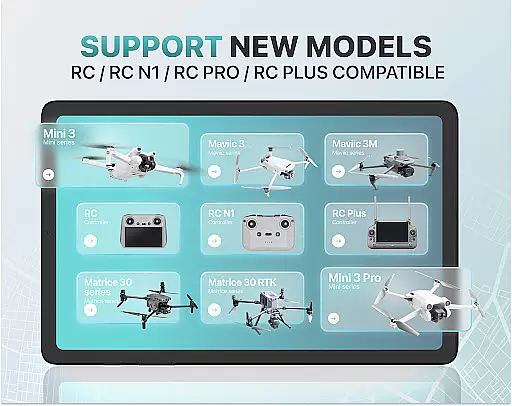
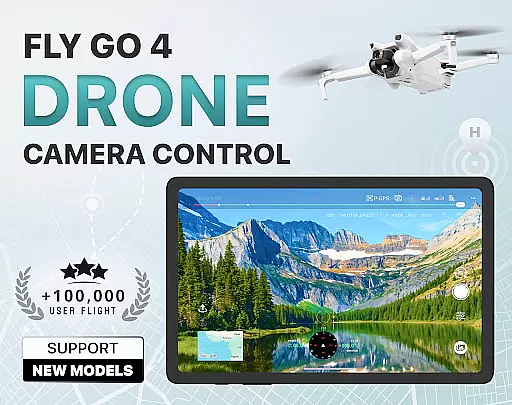
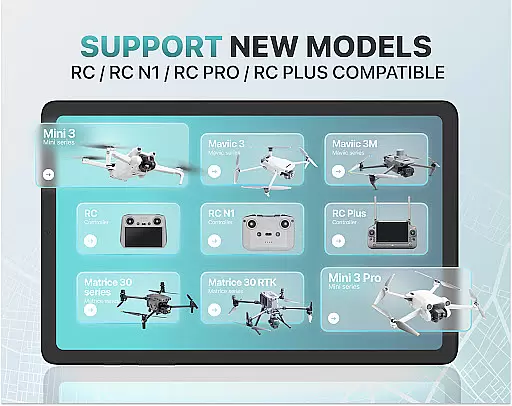
Fly Go 4 Drone Camera Control is a comprehensive drone management app designed for both amateur and professional UAV pilots. This application provides complete control over your drone's camera and flight operations, ensuring an optimal flying experience. With compatibility across various drone models, including popular ones like DJI Mini 3 and Matrice 350 RTK, users can enjoy seamless integration with their devices.
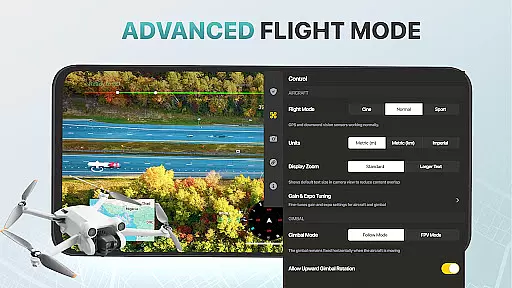
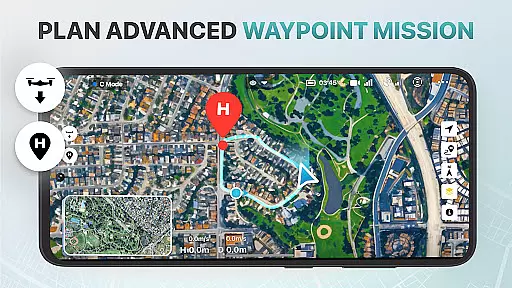
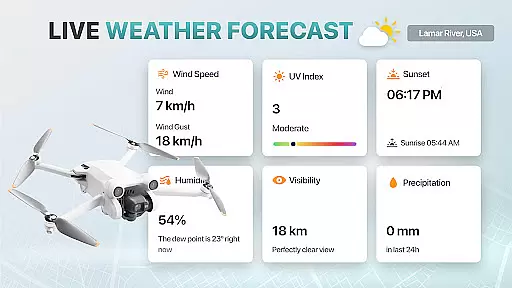
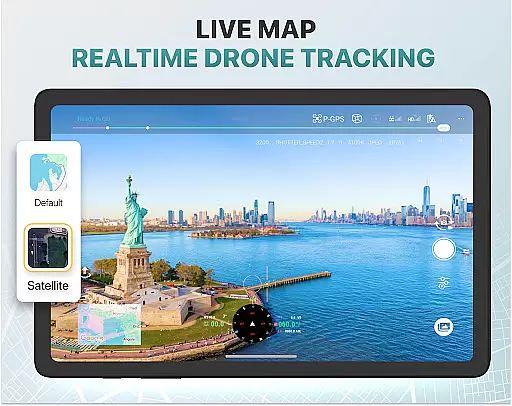
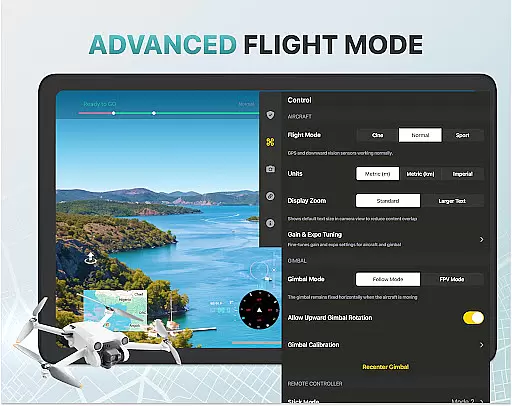
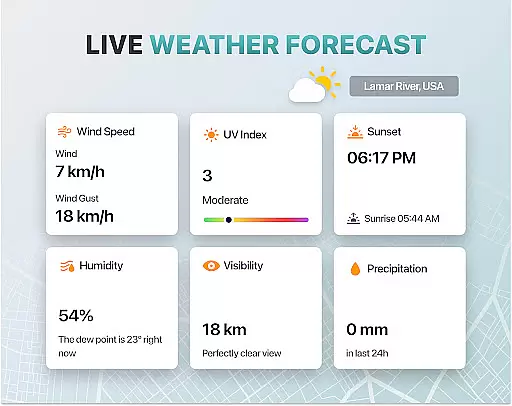
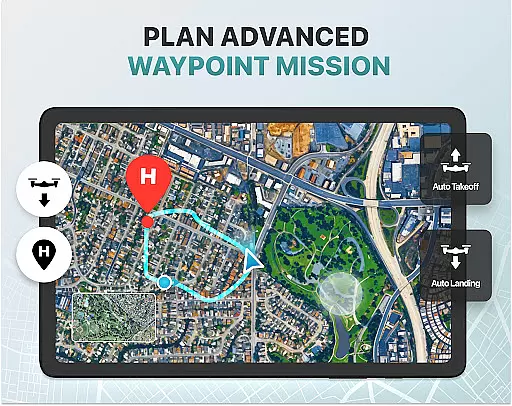
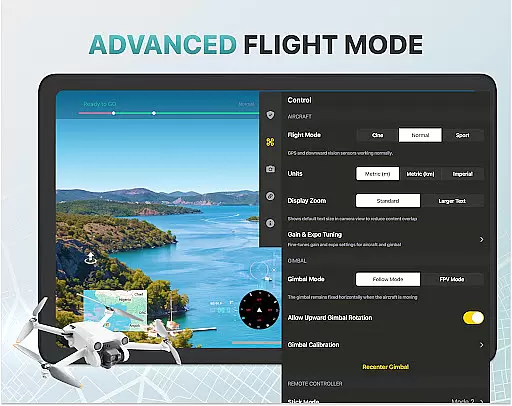
Key features include real-time weather updates, no-fly zone alerts, and intuitive flight modes that simplify complex maneuvers. The app also offers advanced tools such as gimbal direction adjustment and exposure graphs for precise camera settings. Whether capturing panoramic images or tracking your drone via GPS, Fly Go 4 ensures safety, convenience, and high-quality media capture.
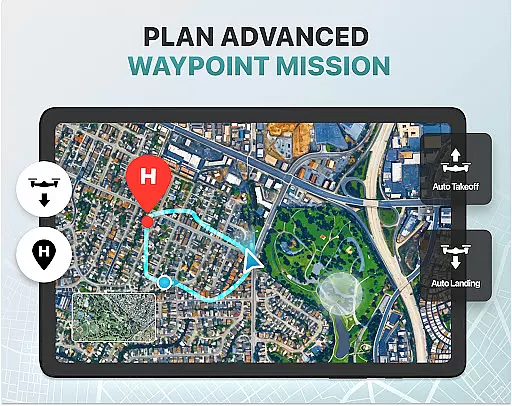
Ideal for both beginners and seasoned pilots, the app includes step-by-step tutorials and smart functionalities like Home Point return. These features collectively enhance the overall drone flying experience while maintaining ease of use and accessibility.
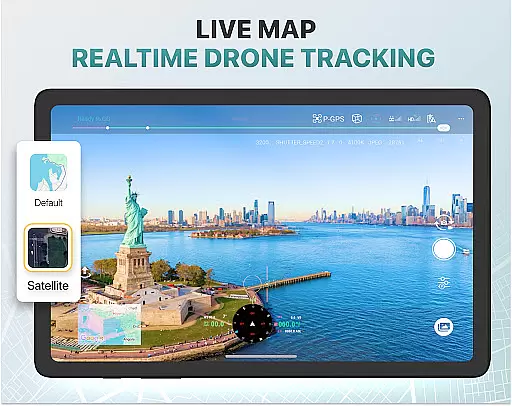
The Fly Go 4 Drone Camera Control app boasts an impressive array of features tailored to enhance the drone flying experience. One standout feature is the real-time camera feed, which allows users to view lag-free video streams directly on their phone screens. This enables precise control over aerial footage, making it easier to capture stunning visuals.
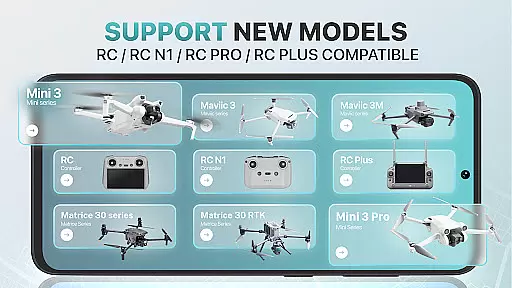
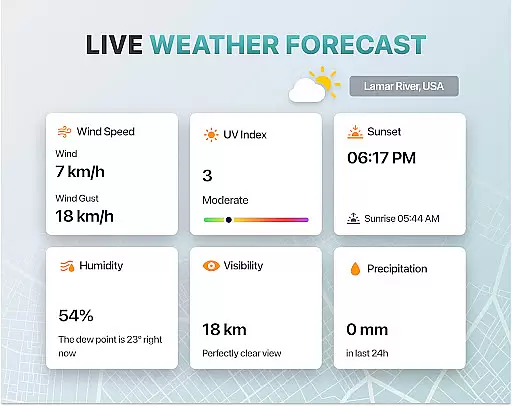
Another key aspect is the app's compatibility with a wide range of drone models, including Matrice 350 RTK and DJI Mavic 3 Enterprise Series. Users can take advantage of specialized tools such as enhanced gimbal direction adjustment and detailed exposure graphs. Additionally, the app provides crucial safety features like no-fly zone alerts and weather forecasts, ensuring safe and informed flights.
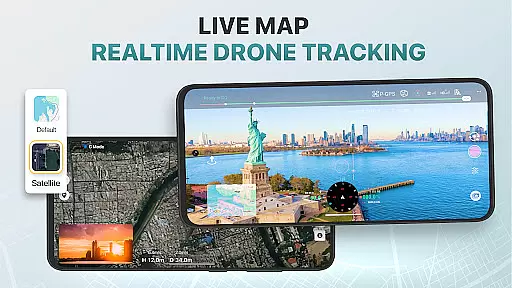
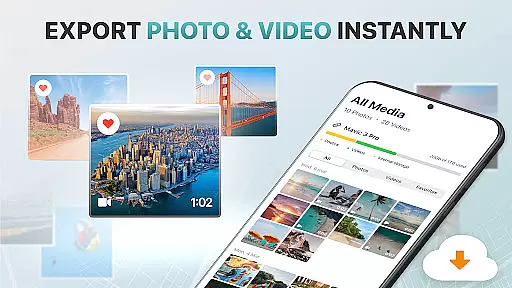
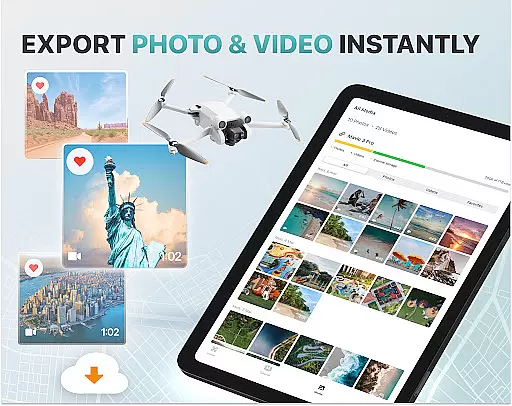
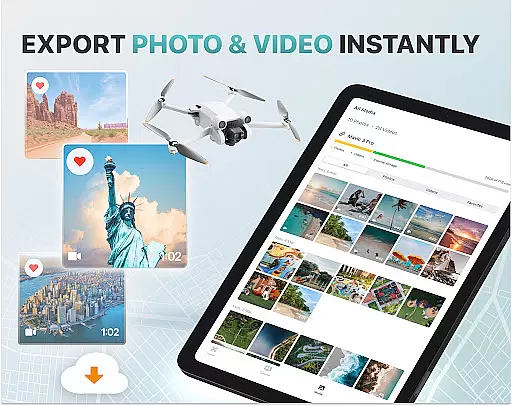
For convenience, the app includes smart media export options and a Find My Drone GPS tracker. These practical tools ensure that users can easily manage their captured media and locate their drones in case of emergencies. Overall, Fly Go 4 combines advanced functionality with user-friendly interfaces to deliver a superior drone control solution.
Real-time capture and preview functionality is essential for drone photography, allowing users to see exactly what their drone's camera is capturing as it happens. The Go Fly Drone Controller Pro app excels in this area by providing a seamless live video feed directly to your phone screen.
This feature ensures that every shot can be perfectly framed and timed, offering precision control over the final output. With lag-free transmission, pilots can make real-time adjustments to capture stunning panoramic images and videos effortlessly.
The app supports various high-quality file formats, making it easy to export media without losing resolution or quality. This means you can share your aerial footage instantly or edit it with professional tools later, knowing that the captured content will meet your expectations.
By delivering an intuitive and responsive real-time camera feed, Go Fly Drone Controller Pro enhances the overall flying experience while ensuring that users can achieve professional-grade results with minimal effort.
AI beauty and enhancement features are increasingly important in photography apps, and the Go Fly Drone Controller Pro incorporates advanced algorithms to ensure natural-looking enhancements. These tools help optimize image quality without compromising the authenticity of the captured scenes.
With AI-powered editing capabilities, users can enhance their aerial photographs by adjusting exposure, color balance, and other critical settings. The app intelligently applies these enhancements, ensuring that the final images retain their original charm while benefiting from improved clarity and vibrancy.
One standout feature is the on-screen exposure graph, which provides detailed control over camera settings. This allows users to fine-tune their shots with precision, achieving the desired aesthetic without over-processing. Additionally, smart media export options support various high-quality formats, preserving the integrity of the enhanced images.
Overall, the AI beauty and enhancement functionalities in Go Fly Drone Controller Pro offer a balanced approach to photo editing, combining cutting-edge technology with user-friendly interfaces to deliver professional-quality results.
User-friendly interface
Wide drone compatibility
Real-time camera feed
Comprehensive weather updates
Smart media export options
Premium subscription required
Limited free trial period
No iOS support
Occasional connectivity issues
Advanced features may overwhelm beginners

Add Watermark - Sign your pictures with a text or logo. Effective, quick, easy!
 4.50
4.50
Trendy TikTok time warp scan funny filter app brings you unique photos & videos.
4.40
Find time and duration of different sunlight phases at any location
4.90
HD Photo gallery and photo manager to edit, hide private photos, videos & albums
4.3
Luminar: Photo Editor - easy picture editing with AI
4.20
Hair color changer, AI haircut app, fun hair editor and buzz cut filter for all!
3.80
RAW video capture with advanced controls
4.40
Your personal guide to the sun and moon. Plan ahead, visualize and predict!
4.70
Photo & Video Gallery app to manage albums and save WA Status easily.
4.70
Create funny photos and videos with the popular Time Warp Scan filter.
4.90
Photo prints, cards, & gifts at Walgreens. Easy ordering & fast local pickup !
4.80
Take videos and pictures with the popular TikTok TIME WARP SCAN filter.
4.60
Future baby face generator: AI kids generator, kid face! What my baby look like?
4.40
[3DSteroid Pro] is a stereoscopic application for Android.
4.30
Turn your phone into a professional camera - full DSLR manual photography
4.30
Professional photography on your mobile phone
4.20
A light meter for true photographers.
4.20
USB Storage Access for Photos, Videos, Music and Documents
3.80
Superimpose one photo on top of another using the original Superimpose app!
3.20



User Reviews