
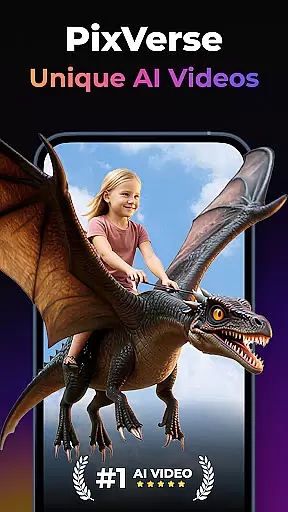
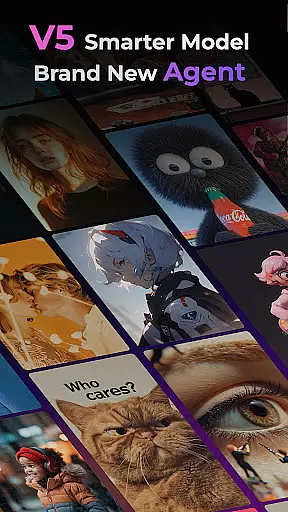
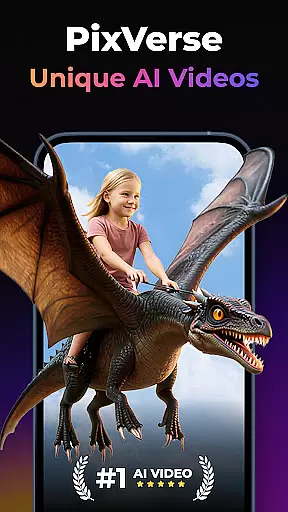
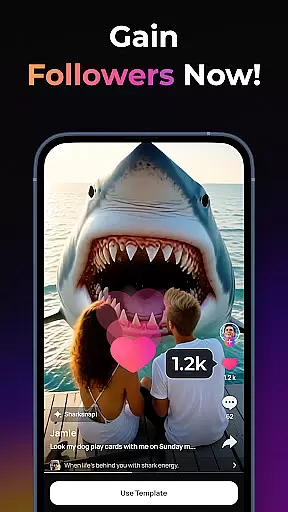
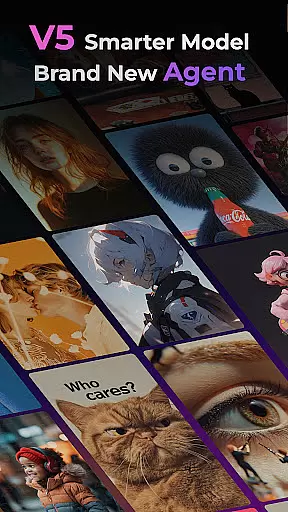
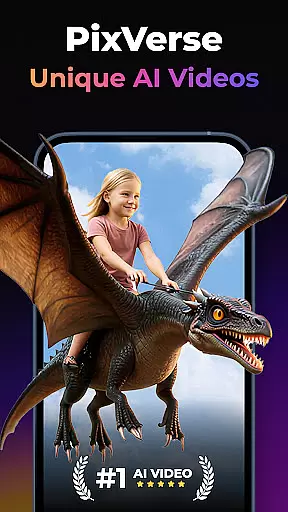
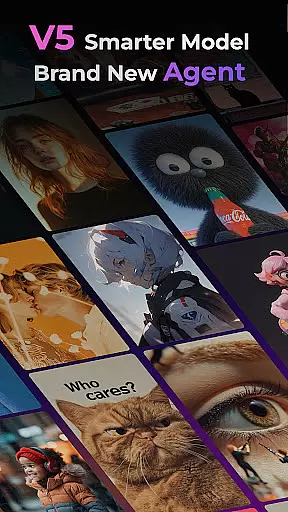
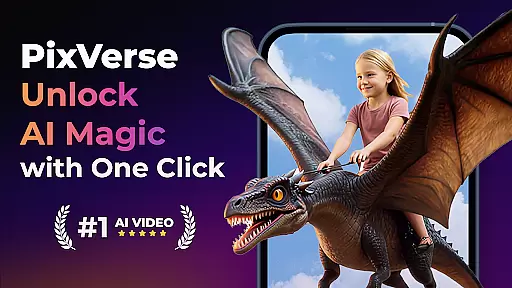
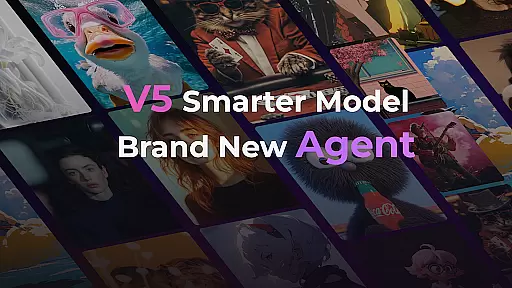
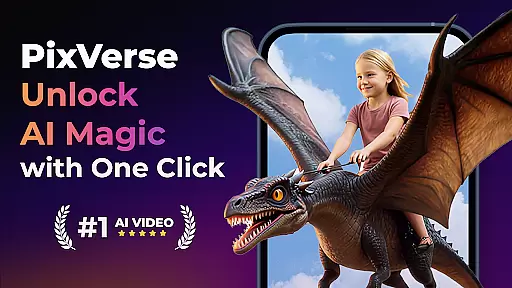
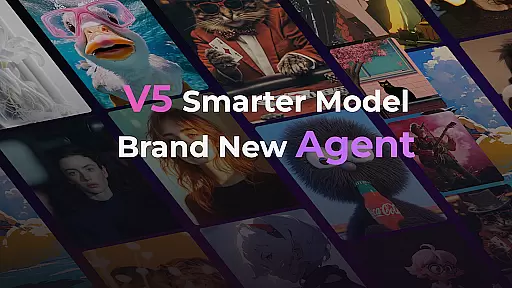
PixVerse is an innovative AI-powered video creation suite designed to transform photos, text, and videos into captivating content within seconds. This tool empowers users to unleash their creativity by offering advanced features such as the Smarter V5 Model for lifelike details and natural movements, and a Brand New Agent to help bring ideas to life with precision.
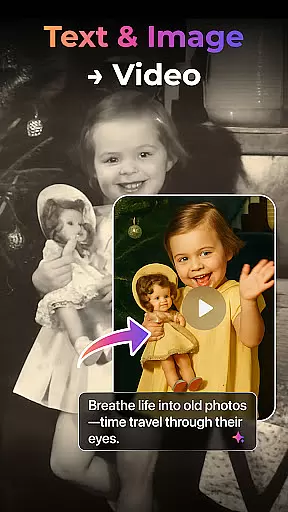
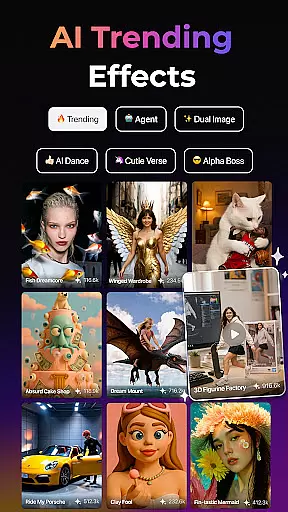
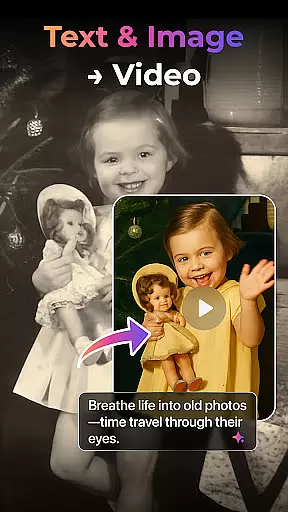
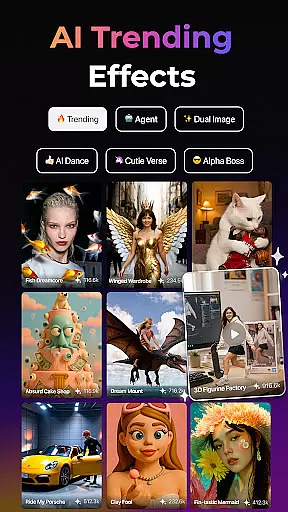
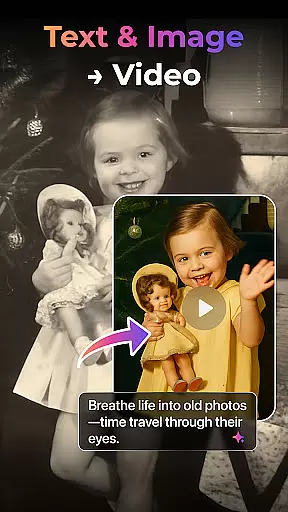
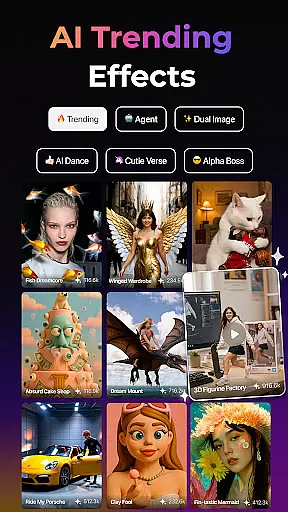
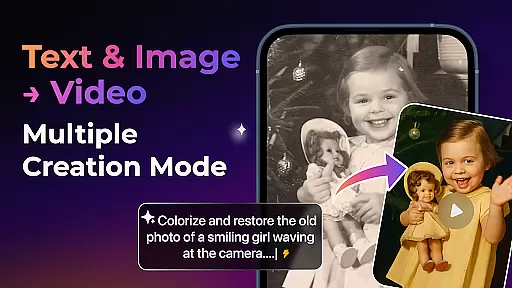
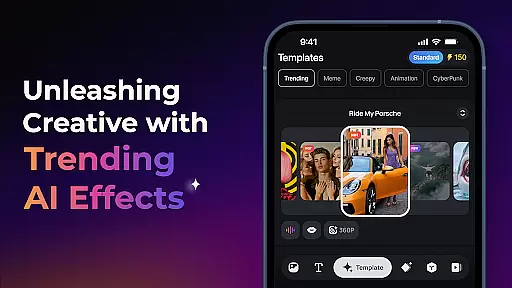
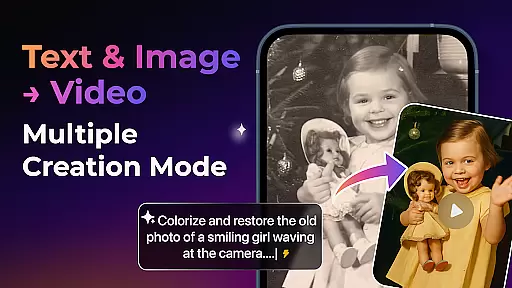
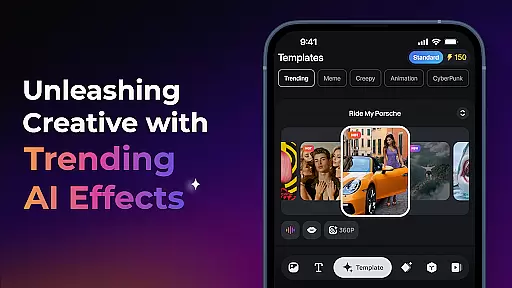
With PixVerse, users can explore multiple creation modes including Image to Video, Text to Video, and Video Extension, alongside trending AI effects like Old Photo Revival and AI Dance Revolution. The platform also provides key frame control and fusion capabilities, ensuring seamless video generation and enhanced creative stability. PixVerse is perfect for creators looking to produce high-quality, cinematic content quickly and effortlessly.
PixVerse stands out with its cutting-edge features tailored for creative professionals and hobbyists alike. The Smarter V5 Model offers perfect prompt alignment and lifelike animations, setting a new standard in AI video creation. The introduction of the Brand New Agent acts as a creative co-pilot, streamlining the process of transforming ideas into stunning visuals.
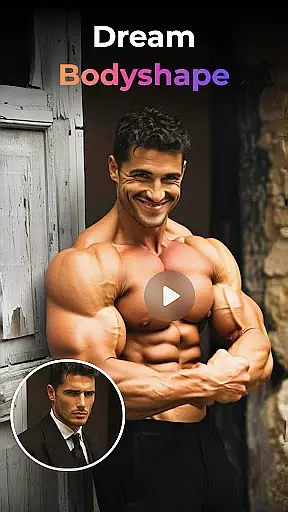
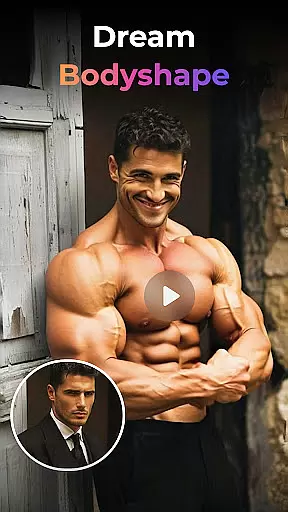
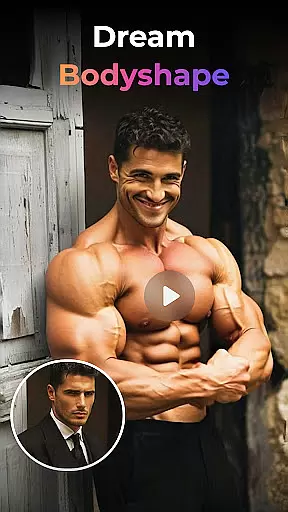
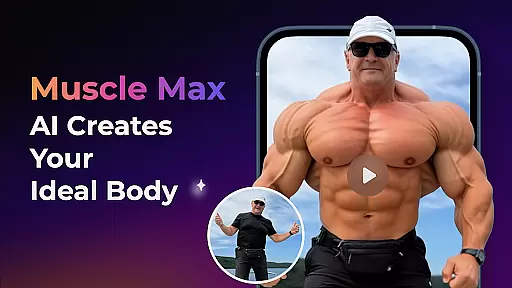
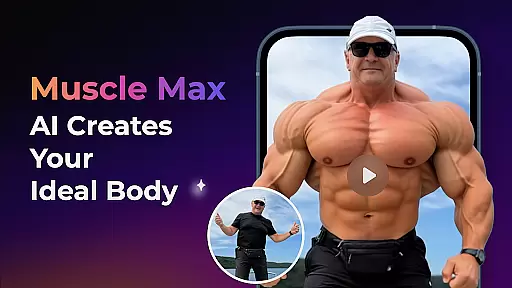
Users can leverage multi-creation modes such as Image to Video, Text to Video, and Video Extension to diversify their content. Additionally, PixVerse provides unique AI effects like Earth Zoom Challenge and Muscle Max, alongside practical tools like Key Frame Control and Fusion. These features ensure that users can create customized, high-definition videos with ease, making PixVerse an indispensable tool for modern storytelling.
Real-time capture and preview functionality is essential for ensuring that every moment is perfectly captured without delay. PixVerse offers an advanced real-time capture system that allows users to see exactly what they are recording as they record it, providing immediate feedback on framing, lighting, and composition.
The app leverages AI technology to enhance the real-time preview feature, offering suggestions for optimal shot angles and settings based on the scene being captured. This ensures that even novice photographers can achieve professional-looking results by following these intelligent recommendations.
Users benefit from this feature through improved photo quality and reduced post-processing time. With real-time previews, adjustments can be made on the fly, eliminating the need for extensive editing after the photo session. This not only saves time but also enhances the overall photography experience by allowing creators to focus more on their creative vision rather than technical corrections.
PixVerse's AI beauty and enhancement features focus on delivering natural-looking enhancements that preserve the authenticity of the original image. By utilizing sophisticated algorithms, the app intelligently applies enhancements that highlight natural beauty without over-processing or creating unrealistic effects.
This feature includes options for skin smoothing, blemish removal, and facial feature enhancement, all calibrated to maintain a balance between enhancement and realism. The AI analyzes each face individually, applying tailored adjustments that respect the unique characteristics of the subject.
The value of this feature lies in its ability to boost confidence while maintaining genuineness. Users can share their enhanced photos knowing that they still represent their true selves, fostering trust and engagement with their audience. Whether for social media or professional portfolios, PixVerse ensures that every image reflects the best version of reality.
Lightning-fast rendering
Cinematic HD quality
Advanced AI effects
User-friendly interface
Multi-platform support
Limited free features
Subscription cost
Internet required
Learning curve
Occasional bugs

Search, tag and rate your way to an organized image gallery
 4.40
4.40
Create collages easily! Nice pic collage maker & background eraser for Instagram
4.50
Photo editor: AI filters, photo enhancer, pic collage maker, AI art generator.
4.80
Turn your phone into a professional camera - full DSLR manual photography
4.30
Gallery Slideshow is slideshow maker app for slideshow from your gallery photos.
3.90
Enhance, retouch & create your story - Share the moment with Photoshop Express.
4.60
AI-powered video creator by MiniMax - Where ideas meet cinema
4.20
RAW video capture with advanced controls
4.40
Effortlessly make high-quality GIFs from images & videos without any watermarks.
4.70
Find time and duration of different sunlight phases at any location
4.90
Gallery show photo, video, slideshow, is perfect 3D effect private photo albums.
4.80
Create Business Headshots, Polaroid Filter, Retake Photos,Profile Pics,AI Photos
4.50
HD Camera Pro with HD Video shooting, Panorama, Photo editor , Beauty Camera.
4.50
Movie camera, supports pro recording settings for filming. Try it and be amazed!
4.50
Fit multiple photos on one post. Create carousels & scroll layouts for Instagram
4.50
A reflected light meter with spot metering and incident light metering.
4.40
All-in-One Editor & AI Photo Enhancer, Beautify & Retouch, Collage, Cartoonify
4.20
What celebrity do you look like? Celebs will find your celebrity match!
4.10
GCamera allows all GCam features on all phone models! Better photos with GCamera
3.30









User Reviews