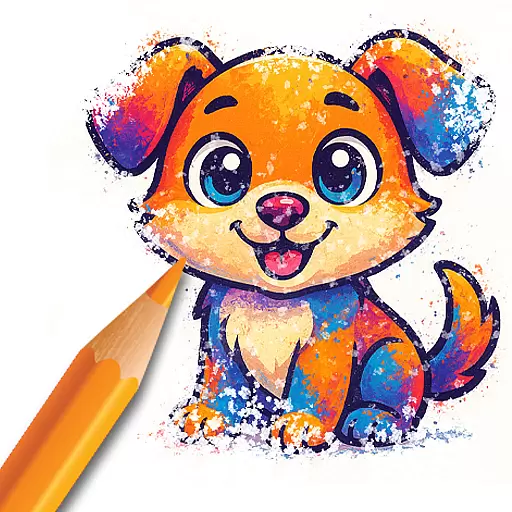
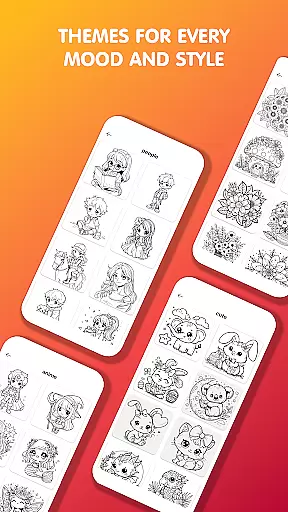
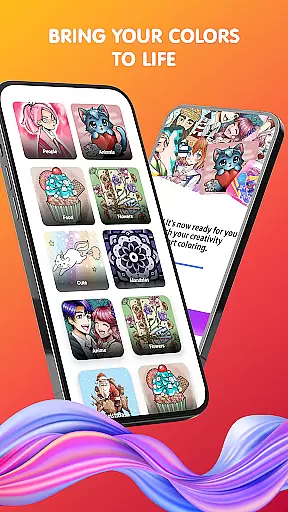
Pop Color is a personalization app designed to help users escape daily stress while expressing their creativity through coloring. With a vast library of illustrations including mandalas, animals, and seasonal designs, it offers an engaging way to relax and unwind. The app provides intuitive tools for painting, making it suitable for both beginners and experienced artists.
Available anytime and anywhere, Pop Color allows users to explore their artistic side with unlimited color options, gradients, and textures. Its user-friendly interface ensures a seamless experience, while the daily updated illustrations keep the content fresh and inspiring. Whether you're looking to relieve stress or create beautiful artwork, this app delivers both relaxation and creative satisfaction.
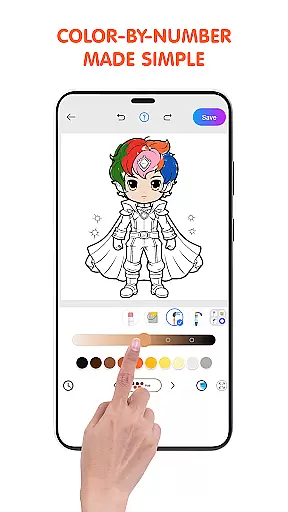
Pop Color stands out with its rich set of features tailored for creativity and mindfulness. The app includes an extensive coloring book with endless pages of diverse themes such as animals, landscapes, and intricate patterns. Each illustration can be customized using powerful yet simple tools like brushes, pencils, and spray effects, ensuring professional-level results without complexity.
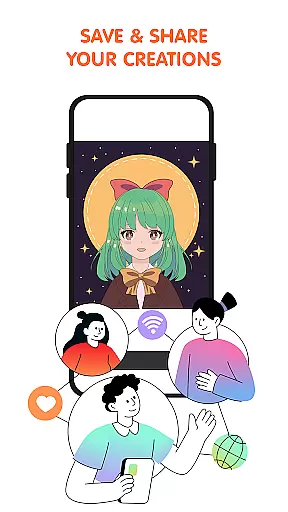
One of the key highlights is the unlimited color palette, which lets users experiment with solid colors, gradients, and textures. Additionally, the app introduces new illustrations daily, keeping users engaged with fresh content. Special and seasonal packs add variety, while the sharing feature allows users to showcase their creations on social media platforms. These thoughtful features make Pop Color a top choice for digital art enthusiasts.
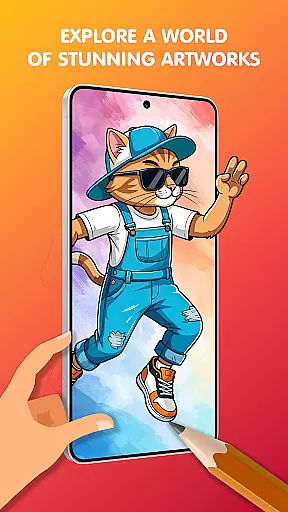
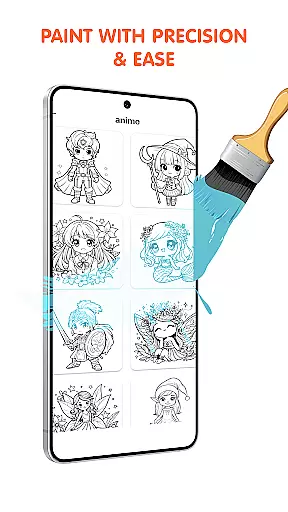
Pop Color offers an extensive range of customization options that cater to various user preferences. With a vast library of illustrations including mandalas, animals, landscapes, and patterns, users can explore different themes and styles.
The app provides unlimited color choices, from solid colors to soft gradients and textures, allowing for endless creativity. These features ensure that every user can find something that resonates with their personal taste and artistic expression.
Additionally, Pop Color includes simple yet powerful tools such as brushes, pencils, smudge, and spray effects. This variety empowers users to experiment with different techniques and achieve professional-looking results without any prior experience.
Ensuring theme compatibility is crucial for a seamless coloring experience, and Pop Color excels in this aspect. The app supports a wide array of themes suitable for all ages, making it versatile for both children and adults seeking relaxation through art.
Each illustration within Pop Color is designed to be visually appealing while maintaining consistency across various devices. Whether you're using a smartphone or tablet, the visual elements remain crisp and engaging, enhancing your overall interaction with the app.
Moreover, seasonal and special packs are regularly updated to keep content fresh and relevant. By aligning these updates with holidays and events, Pop Color ensures that its themes stay current and exciting, encouraging continuous user engagement.
Intuitive design
Vibrant illustrations
Daily updates
Unlimited colors
Relaxation benefits
Premium cost
Contains ads
Limited free content
Occasional bugs
Offline limitations

Fingerprint Lock Screen & Live Animations with 4K Wallpapers as Live Wallpaper
 4.40
4.40
Bring adorable pets to life on your screen. Playful, interactive and full of fun
4.60
Add cute Shimeji pets to screen, interact with them and relax with cute motions
4.60
Ultimate Gallery Lock App - Hide Pictures, Videos and Lock Apps Instantly!
4.60
Vibrant Adaptive Icons with Material You and Enhanced Monet Colors.
4.50
HappyLighting is a Bluetooth lamp control software.
3.40
400+ Beautifully crafted widgets inspired by NOTHING.
4.70
Create unique, fun emojis with Funny Emoji Maker! Unlimited creativity!
4.00
Amazing letter fonts in your messages and social statuses
4.70
Glass style colourful icons with a One UI look and feel
4.60
Ultra realistic high quality analog watch face for Wear OS.
4.60
Want to make your phone more special than ever?
4.60
Embrace the Night. Unleash the power of darkness with Raven Dark Icon Pack
4.60
Icons made of colorful linear lines
4.60
Turn text & photos into stunning AI videos, art, and creative visual stories.
4.50
200+ Material Inspired Widgets
4.50
Your home screen, just the way you like it.
4.30
Organize and manage your photos and videos effortlessly with Photo Gallery
4.20
Customize glowing edges, wallpapers, and caller screen with EdgeAura.
3.50



User Reviews