QR & Barcode Scanner Launcher is a powerful tool designed to simplify the scanning process of QR codes and barcodes. With its lightning-fast performance, users can effortlessly scan any code with just a swipe from their home screen. Whether it's for accessing URLs, checking product details, or retrieving essential information, this app ensures a quick, secure, and seamless experience.
In addition to its core scanning capabilities, the app offers several launcher features that enhance user convenience. These include one-swipe access, a customizable home screen widget displaying time and weather, personalized wallpapers, and multi-touchpoint search functionality powered by Yahoo. The app also maintains a scan history, supports auto-copy to clipboard, and provides vibration or beep notifications upon successful scans.
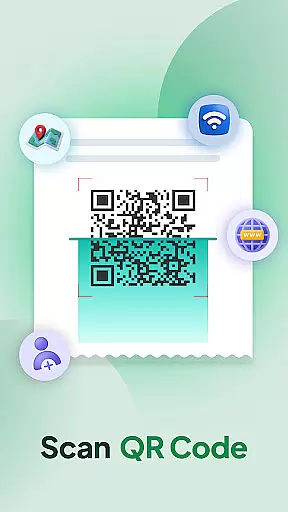
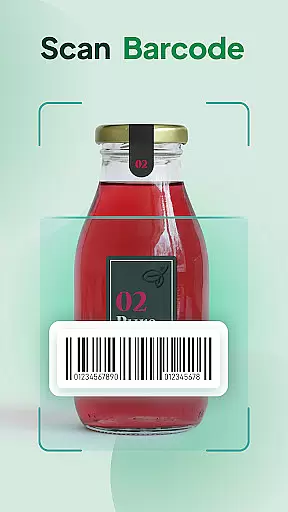
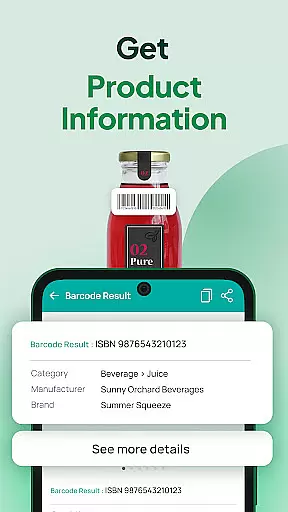
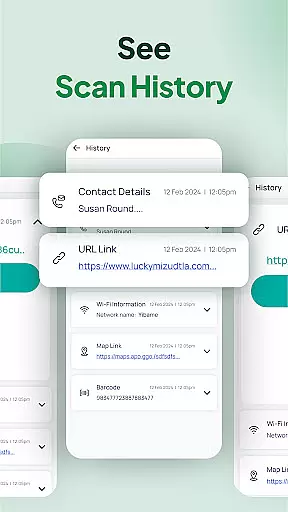
The QR & Barcode Scanner Launcher stands out with its comprehensive feature set tailored for efficiency and ease of use. Its primary function as a QR Code and Barcode Scanner allows users to decode various types of content such as Wi-Fi credentials, event invitations, contact details, coupons, and product information in real-time. The intuitive Scan History feature automatically stores all previously scanned codes, keeping users organized.
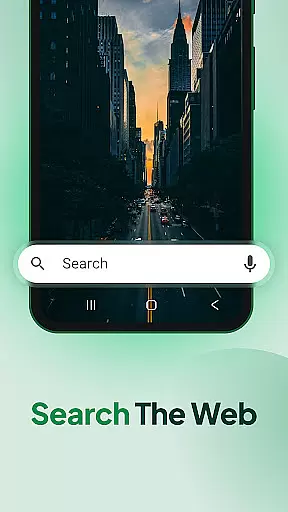
Additional functionalities include auto-copy to clipboard, ensuring that links or text from scanned codes are instantly available for pasting elsewhere. Users can choose between vibration or beep notifications to confirm successful scans according to their preference. Furthermore, the app integrates multiple access points for web searches via Yahoo, enhancing its utility beyond mere scanning tasks.
QR & Barcode Scanner Launcher stands out for its exceptional core functionality, ensuring both accuracy and effectiveness in scanning. The app leverages your smartphone's built-in camera to effortlessly decode QR codes and barcodes with precision.
This application is engineered to cater to a variety of scanning needs, from accessing Wi-Fi credentials and event invitations to obtaining detailed product information. Its advanced scanning technology guarantees that every scan delivers accurate results, making it an indispensable tool for both personal and professional use.
Users benefit significantly from the app's ability to instantly decode information, streamlining tasks such as inventory management, price comparison, and accessing digital content. This seamless operation ensures that users can rely on the app for fast and precise scanning every time.
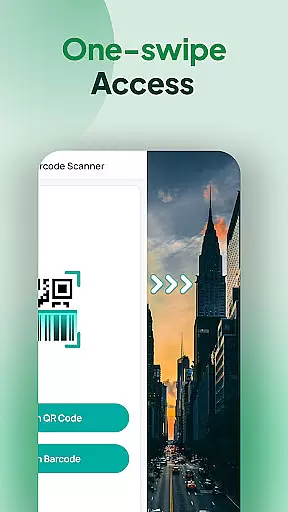
The interface design of QR & Barcode Scanner Launcher emphasizes simplicity and intuitiveness, ensuring users can navigate and utilize its features without a steep learning curve. With one-swipe access from the home screen, users can quickly activate the scanner, embodying the essence of user-friendly design.
In addition to its straightforward scanning feature, the app offers intuitive functionalities like vibration or beep notifications upon successful scans, and automatic copying of scanned content to the clipboard. These features are thoughtfully integrated into the interface, enhancing user interaction without complicating the experience.
By prioritizing an uncluttered layout and logical flow, QR & Barcode Scanner Launcher makes scanning accessible to users of all tech-savviness levels. This approach not only simplifies daily tasks but also enriches the overall user experience by maintaining focus on efficiency and ease of use.
User-friendly interface
Fast scanning capability
Comprehensive scan history
Auto-copy function
Vibration and beep notifications
Home screen layout changes
Requires permissions
Internet connection needed
Limited customization options
Potential privacy concerns

HD Video player and downloader for all formats, fast & smooth 4K video playback.
 4.60
4.60
Amateur Radio app for APRS: Track friends, exchange messages, get tactical info.
3.90
An easy-to-use calculator designed to save time calculating and bending conduit
4.30
VESC Tool can monitor and configure VESC-compatible devices over BLE and Wifi
4.20
Detect hidden spy camera with advanced scanning {{ Premium version }}
4.00
Making emulation easy for everyone!
4.30
A simple app to back up and restore SMS & MMS messages and call logs.
4.10
Automate everything from settings to photos, SMS to speech. ADC2 prize winner.
4.10
Enhance your Beats
3.70
Support Fossify apps with a warm thank you!
5.00
Connect wirelessly to your computer to watch movies, browse the web, play games
5.00
Powerful collection of electronics tools and reference.A must for any enthusiast
4.90
Remote Play with FSR upscaling, low latency & full controller support
4.80
ADB support Android 4.X-Android 13(Support wireless pair mode).No root required!
4.70
Forza Tuning Calculator App for Forza Horizon 5, Motorsport and Earlier Titles
4.40
Complete kernel toolbox with features to manage and tweak your rooted device
4.30
Fluid navigation gestures for all of us!
4.30
A convenient photo, video, and file recovery tool.
4.00
Fun lie-detection pranks for friends and parties.
3.80




User Reviews