
Google Keep is a versatile note-taking application designed specifically for Android Wear and other Android devices. This app allows users to quickly capture thoughts, manage to-do lists, and stay organized through various means such as text notes, voice memos, and photos. With seamless integration across phone, tablet, computer, and Wear OS devices, Google Keep ensures your information is always synchronized and accessible wherever you go.
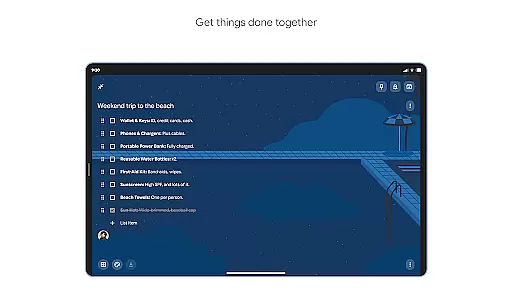
The app stands out with its advanced security measures, ensuring that all your notes and personal information remain private and protected. Whether it's jotting down a quick idea, setting reminders for important tasks, or collaborating on shared notes with family and friends, Google Keep provides the tools necessary to keep your life organized and efficient.
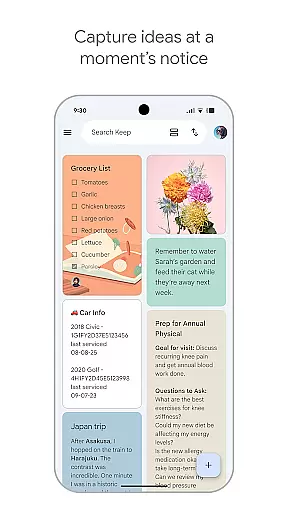
One of the key scenarios where Google Keep shines is in its ability to bring up the right note at the right time. For instance, needing to remember to pick up groceries later in the week can be easily managed by setting a timely reminder. This ensures that you never miss an important task and can seamlessly integrate your digital organization into everyday life.
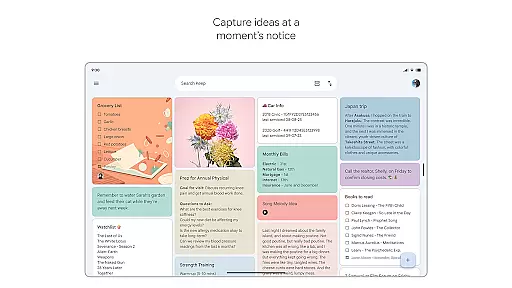
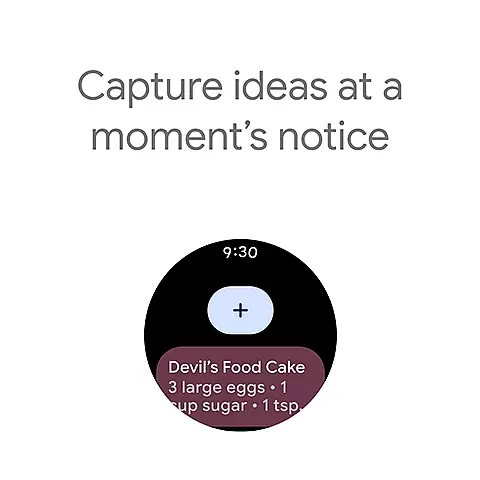
Google Keep offers a comprehensive set of features tailored to enhance productivity and organization. One of its standout functionalities is the ability to capture ideas in multiple formats - be it text, voice memos, or images. This flexibility ensures that inspiration is captured instantly, no matter where you are or what format suits the moment best.
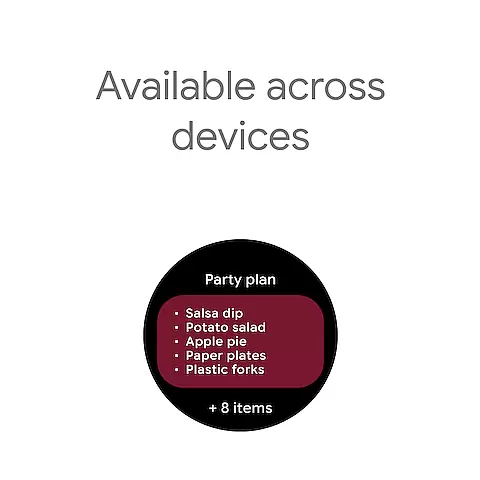
Another significant feature is the seamless synchronization across all devices. Whether you're using an Android phone, tablet, computer, or Wear OS device, Google Keep keeps everything in sync. This means you can start a note on your phone during the commute and finish it on your computer at home without missing a beat.
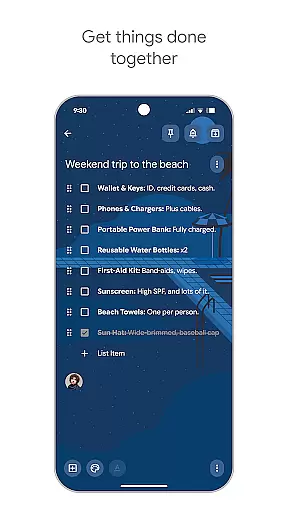
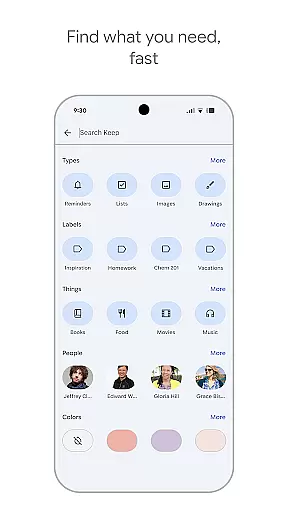
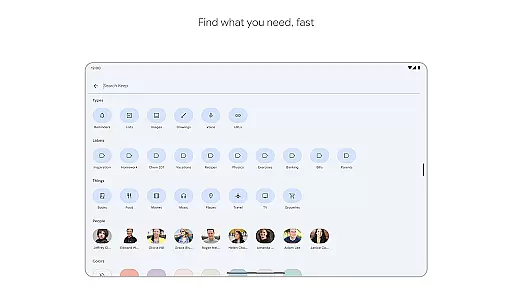
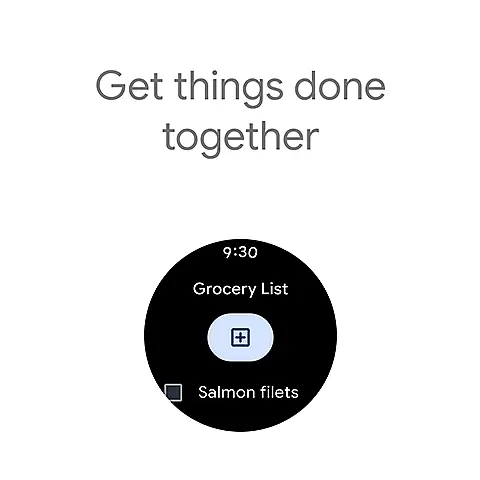
Additionally, Google Keep provides powerful organizational tools such as color-coding, labels, and the ability to pin notes to your home screen. These features allow users to categorize and retrieve information efficiently, making it easy to find exactly what you need when you need it. The collaborative aspect also enables sharing and editing notes with others, perfect for group projects or family planning.
For users of Google Keep, the seamless companion app integration is a standout feature. This functionality ensures that all your notes, lists, and reminders are synchronized across your phone, tablet, computer, and Wear OS devices. The synchronization process is not only automatic but also real-time, meaning any update you make on one device instantly appears on all others.
This integration extends to widgets and tiles on Wear OS devices, allowing quick access to your most important notes directly from your watch face. By pinning notes to your Wear OS device, you can view critical information without needing to take out your phone or open the full app. This makes Google Keep an indispensable tool for those who rely on their wearable devices for quick information retrieval.
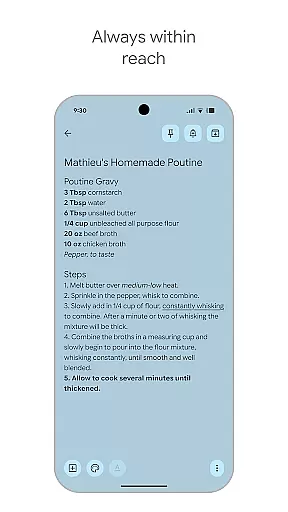
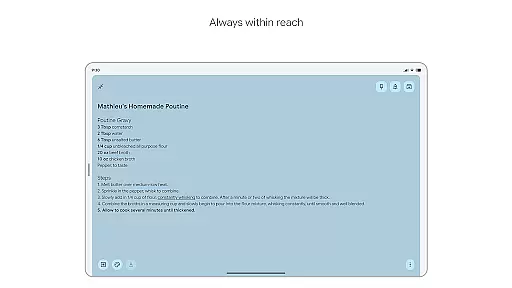
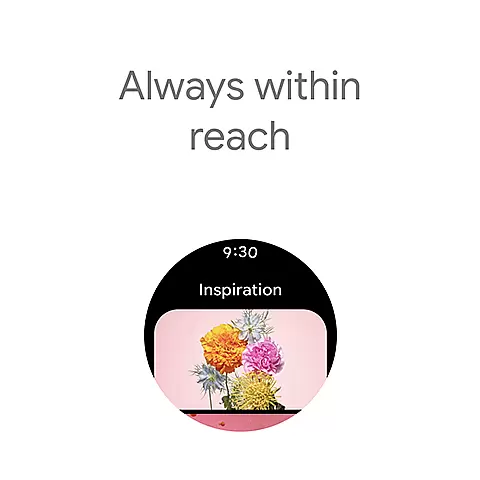
The value of this feature lies in its ability to keep you organized and prepared, no matter where you are or what device you're using. Whether you're capturing a fleeting thought on your phone during a commute or checking a shopping list on your Wear OS device at the store, Google Keep ensures your information is always within reach.
Google Keep excels in its compatibility with Wear OS devices, offering users a versatile and integrated experience. The app supports various functionalities tailored specifically for wearable technology, ensuring that users can interact with their notes and reminders effortlessly. With dedicated tiles and complications, Wear OS users can access their notes directly from their watch face, streamlining their productivity.
In addition to viewing notes, Google Keep allows users to add new entries through voice memos or quick text inputs right from their Wear OS device. This flexibility ensures that capturing thoughts or setting reminders doesn't require pulling out a phone; it can be done discreetly and efficiently on the go. Furthermore, the app's design for Wear OS considers ease of use, making navigation intuitive even on smaller screens.
This level of compatibility enhances user engagement by providing a consistent experience across devices. Users benefit from having their essential information readily available, whether they're managing tasks at work on a computer or checking off items on a grocery list using their smartwatch. Google Keep's thoughtful integration with Wear OS devices exemplifies how modern applications should bridge mobile and wearable platforms.
User-friendly interface
Seamless cross-device sync
Voice and image note options
Advanced security features
Collaborative sharing capabilities
Limited formatting options
No native Mac app
Basic drawing tools
Occasional sync delays
Restricted offline functionality

Christmas and New Year - Themed Watchface
 4.4
4.4
Elegant animated Christmas tree with multiple customization options
4.20
Be an elegant and classy secret agent, with this carefully detailed watch face
4.70
Sleek, highly customizable watch face inspired by Galaxy Watch Circle Dashboard.
4.2
Digital watch face with big numbers and many customization for Wear OS devices
4.40
Period, ovulation & pregnancy tracker. Fertility insights & menstrual calendar.
4.90
Real-time weather radar with temperatures, warnings, hurricanes, and widgets
4.80
Animated video-game inspired “secret agent” simulation, right on your wrist!
4.20
Premium hybrid watch face with many customizations for Wear OS devices.
4.40
The most customizable minimal watch face. For Wear OS 5.0, API 34+ and later
4.70
Hybrid watch face for Wear OS with customizable complications by Matteo Dini MD
4.70
To-Do List: daily schedule planner, task organizer, to do reminder app, calendar
4.60
Current temperature, weather hourly, weather radar by the weather forecast app
4.40
Locate your family members by GPS phone location tracker everywhere and anytime
4.30
Let's celebrate Thanksgiving - Wear Os watch face
4.20
A digital watch face that celebrates Christmas.
4.00
Precision analog watch face with 7 complications and style options
4.0
A watch face that fuses motorsport precision with contemporary smartwatch design
4.4
Minimalistic design modern digital watch face.
4.1




User Reviews