
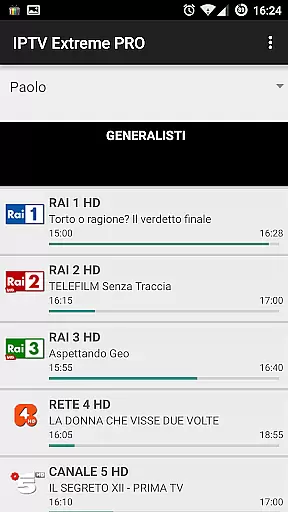
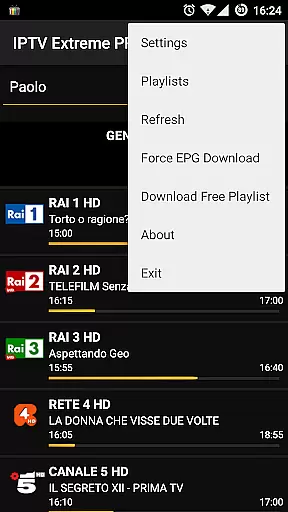
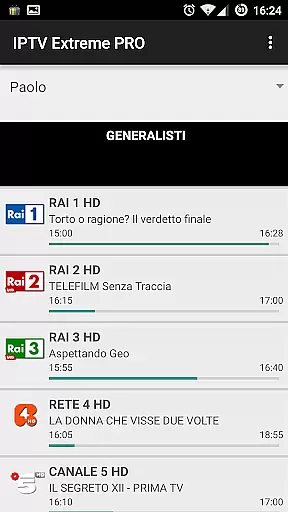
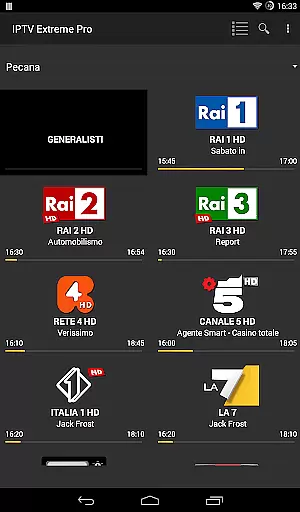
IPTV Extreme Pro is a feature-rich playlist manager designed for seamless IPTV streaming. The app offers advanced functionalities such as integrated players, Chromecast support, and parental controls, making it ideal for managing M3U playlists while ensuring a personalized and secure viewing experience.
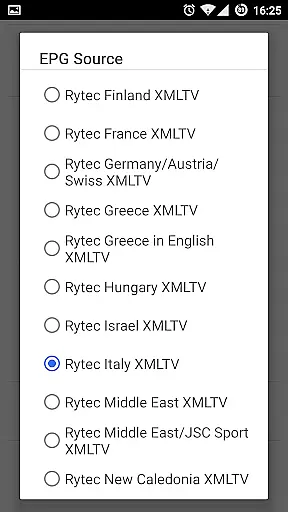
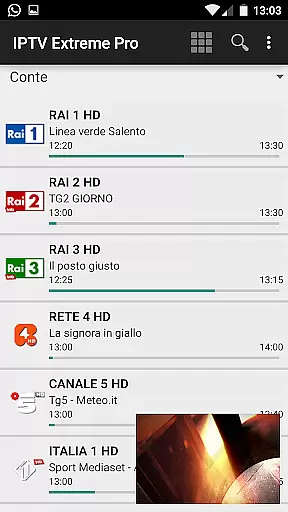
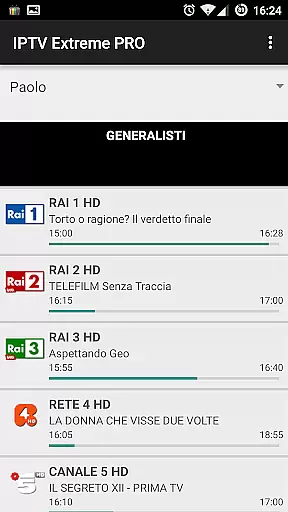
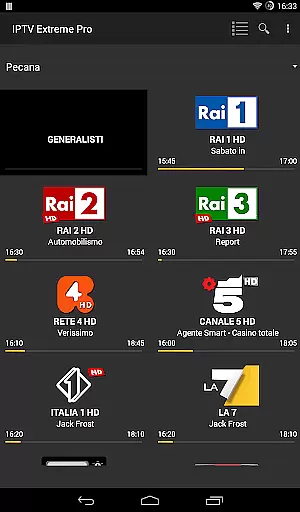
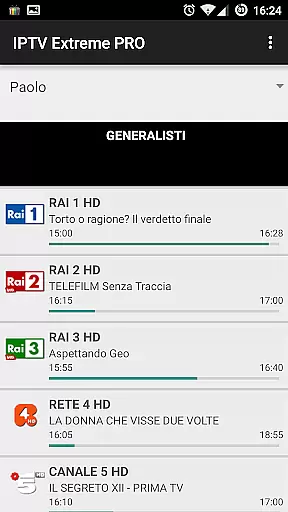
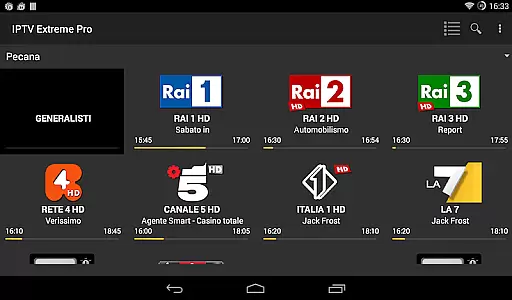
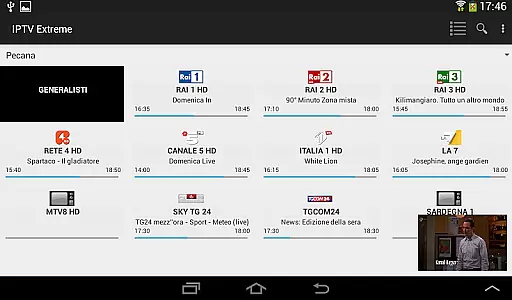
With multi-EPG support, auto EPG updates, and an array of customization options like themes and picons, users can efficiently organize their TV guides and enjoy a smooth interface. The Pro version enhances this experience by providing an ad-free environment and additional premium features.
This application is perfect for users seeking a reliable tool to manage IPTV content legally and efficiently, offering capabilities such as recording live streams and setting event reminders within the TV guide.
IPTV Extreme Pro stands out with its comprehensive feature set tailored for IPTV enthusiasts. It includes an advanced integrated player supporting both standard and light modes, along with native Chromecast functionality that allows streaming directly to your TV.
The app provides extensive parental control settings, remote controller support, and backup/restore options to safeguard user data. With multi-EPG and auto EPG update capabilities, users can access up-to-date TV guides effortlessly. Additionally, features like EPG alias management and sliding EPG time enhance navigation through schedules.
Exclusive to the Pro version are benefits such as an ad-free interface and exclusive thanks from the developer. These features collectively ensure a superior IPTV management experience while maintaining full compliance with legal standards.
Video format compatibility is a crucial feature for any video player application, ensuring that users can enjoy content in various formats without technical hindrances. IPTV Extreme Pro supports M3U playlists and provides an integrated advanced player capable of handling multiple video formats efficiently.
The app's ability to manage different types of video streams, including live streaming recording with time limits, showcases its versatility in dealing with diverse content sources. This ensures that users are not limited by specific formats and can access their desired channels seamlessly.
With the support for MAG devices and Chromecast, IPTV Extreme Pro extends its compatibility beyond just file formats to include various playback devices. This enhances user convenience as they can stream content on larger screens or compatible smart TVs effortlessly.
Ultimately, the comprehensive format support in IPTV Extreme Pro empowers users to curate and enjoy personalized entertainment experiences without worrying about format restrictions, making it a reliable choice for managing IPTV playlists.
AI-powered editing features represent the cutting-edge advancement in video player applications, enabling users to enhance their viewing experience through intelligent tools. IPTV Extreme Pro incorporates several smart functionalities like EPG alias management and picons support in different sizes, which streamline the organization and presentation of content.
The application goes beyond basic playback by offering advanced features such as auto EPG updates and sliding EPG time. These capabilities ensure that users have access to the most current programming information without manual intervention, thanks to automated processes driven by AI technologies.
Additionally, IPTV Extreme Pro includes options for setting memo functions for events on the TV guide and searching for similar events. Such features leverage AI algorithms to provide intuitive navigation and personalized recommendations based on user preferences and viewing habits.
By integrating these sophisticated AI-driven tools, IPTV Extreme Pro not only simplifies content management but also enriches the overall user experience, allowing viewers to make the most out of their IPTV service efficiently and enjoyably.
User-friendly interface
Extensive EPG support
Parental controls included
Chromecast compatibility
Ad-free experience
No built-in channels
Requires manual setup
Premium version costly
Limited customer support
Complex for beginners

Video player, file manager for all formats, 4K/HD media player supports subtitle
 4.30
4.30
Connect 2 UVC devices for recording and broadcast video/audio stream
3.90
Powerful, professional, versatile teleprompter. Developed by an active film crew
4.00
Photo and Music Video Creator into Stunning Videos—Effortlessly
4.40
A Quick and Pro Video Editor
4.70
Watch full episodes of your favorite Cartoon Network and Cartoonito shows!
3.50
Tik & Story Saver-Download ALL social media videos, photos & reels no watermark.
4.80
Play ALL formats in 4K & HD. Video downloader, MP3 player, Chromecast & more.
4.80
VLC for Android is the best open source video and music player, fast and easy!
4.10
Download Hub, easy and private way to download and enjoy your videos offline
4.80
Download videos and play them offline
4.70
HD video maker with no watermark, no ads & vlog maker with music, PIP, text
4.50
KineMaster, Your Ultimate Video Editor!
4.40
Fast video downloader & private browser. Save HD clips to watch offline.
4.40
Movie maker & video editing app with AI effects and green screen
4.30
Turn your phone into a wireless camera!
4.20
Make your own Animations, Video and Photo Edits, Visual Effects, and more!
4.00
A full editing room to accompany your Insta360 cameras and handheld gimbals.
3.30
Mix with Virtual DJ directly from your phone or tablet !
3.10



















User Reviews