
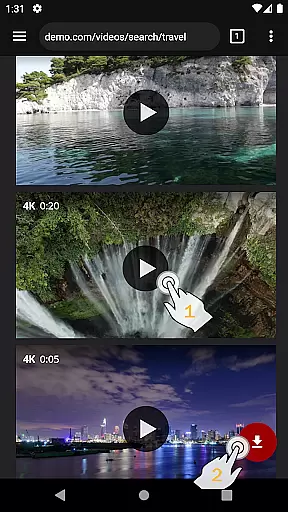
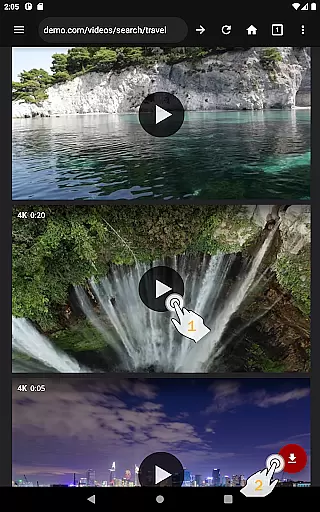
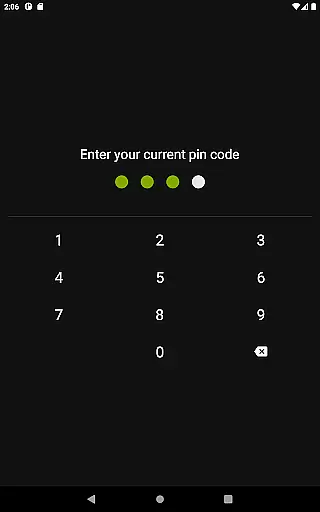
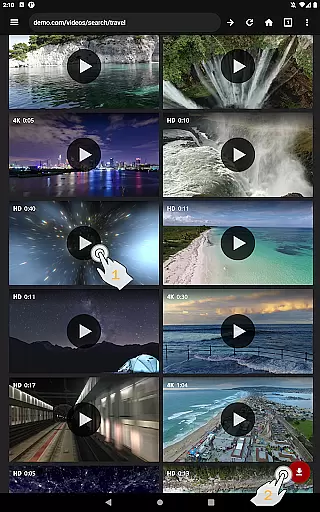
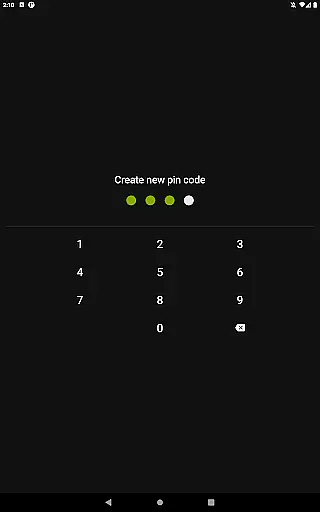
Video Downloader Pro is a premium application designed for users who need an efficient solution to download and manage video content across multiple platforms. The app offers advanced features such as the ability to download both static videos and live streams, allowing users to watch their favorite content offline at any time. With its private web browser, users can browse securely in incognito mode with PIN protection, ensuring privacy while streaming or downloading.
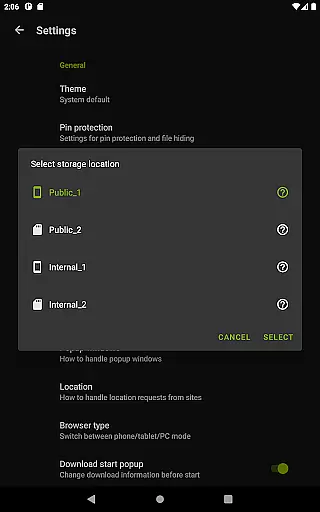
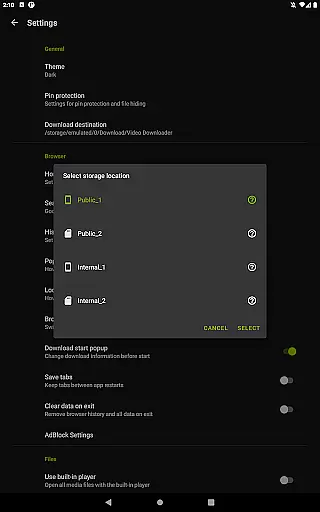
In addition to its core functionality, Video Downloader Pro includes a fully-featured AdBlocker, multi-connection download management that accelerates downloads significantly, and support for multiple SD cards. This makes it not only a powerful tool for acquiring content but also optimizing device storage. Suitable for heavy media consumers, this app provides lifetime access after a one-time purchase, making it a cost-effective choice for long-term use.
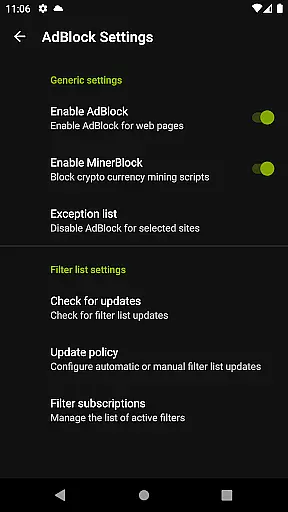
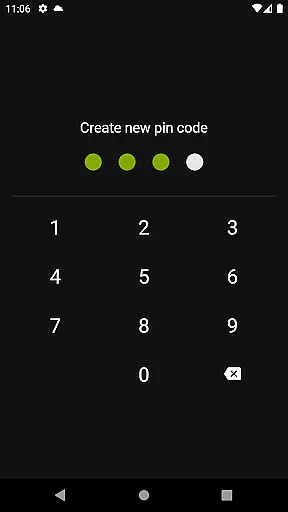
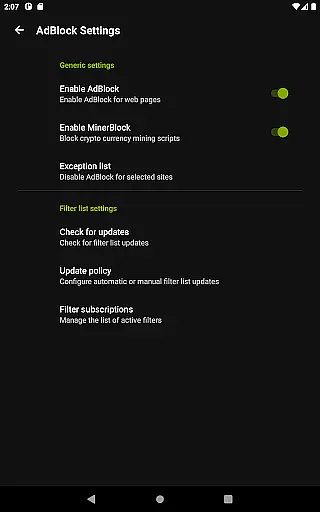
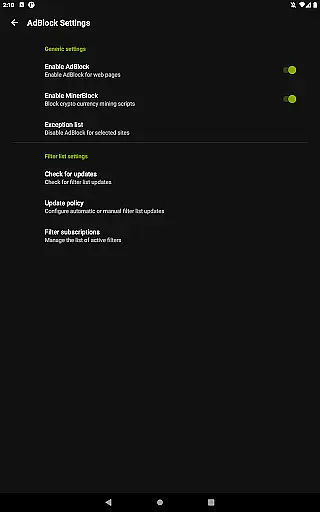
Video Downloader Pro stands out due to its comprehensive set of features tailored for seamless video downloading and enhanced browsing. One of its key highlights is the ability to download live video streams, a feature exclusive to the premium version. The integrated private browser operates in incognito mode and supports PIN protection, ensuring secure and uninterrupted browsing sessions. Furthermore, the built-in AdBlocker allows users to customize filter lists, providing an ad-free experience while navigating websites.
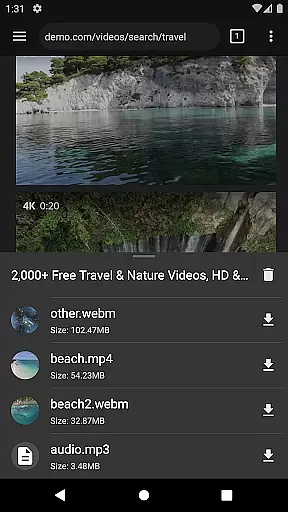
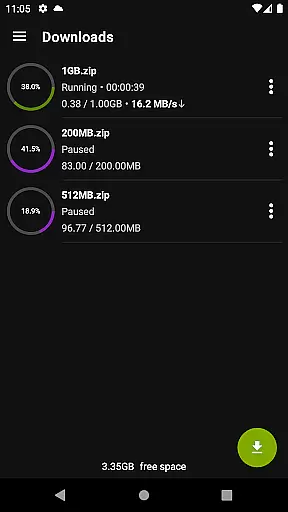
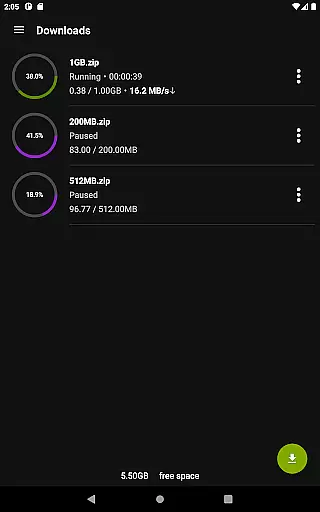
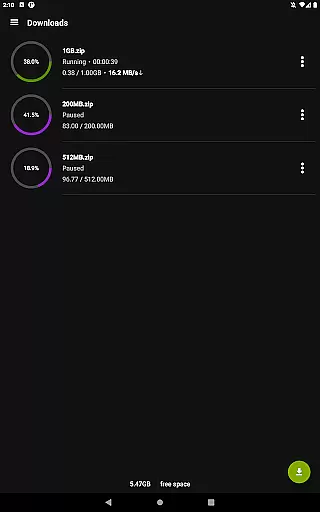
The app's multi-connection download manager significantly boosts download speeds by splitting files into smaller segments during transfer. It also supports simultaneous downloads, background downloading, and pause-resume functionality, which ensures convenience even with large files over 4GB. Additional features like bookmark importing and exporting, along with compatibility across multiple devices under the same Google account, make this app versatile and user-friendly. These innovations collectively enhance productivity and streamline media consumption.
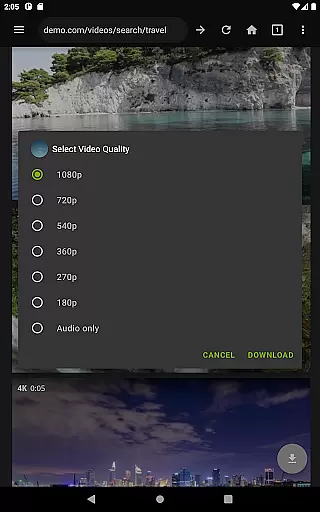
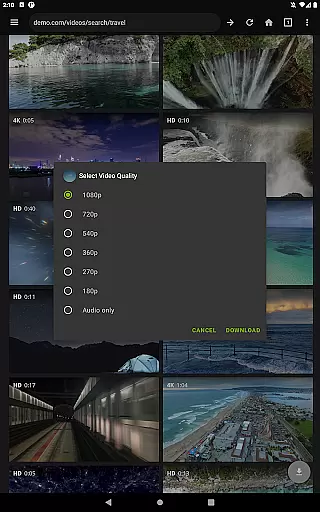
Video Downloader Pro stands out with its extensive video format compatibility, ensuring users can download and enjoy videos in their preferred formats. This feature is crucial for seamless playback across different devices and platforms.
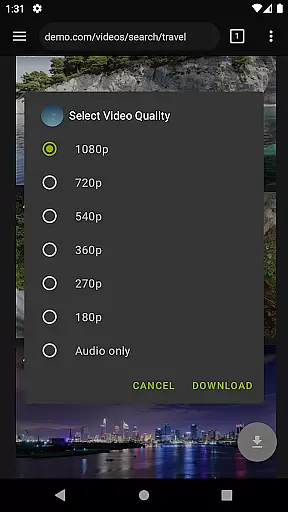
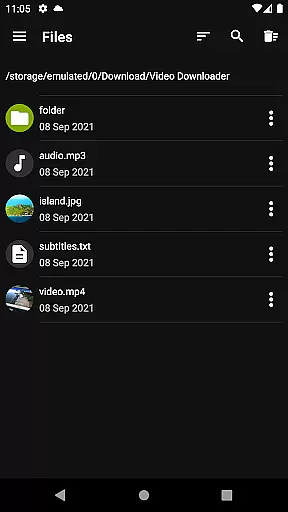
The application supports a wide range of video formats including MP4, AVI, MKV, and more. This versatility allows users to download videos from various websites without worrying about format restrictions or conversion issues.
By offering broad format support, the app provides significant value to users who frequently switch between devices or need specific formats for professional purposes. The ability to choose the optimal format enhances both viewing experience and storage efficiency.
Moreover, the multi-connection download manager works in tandem with format compatibility, accelerating download speeds while maintaining quality across all supported formats. This combination ensures users get the best possible experience when acquiring video content.
While primarily a video downloader, Video Downloader Pro incorporates AI-powered editing features that add extra value for users seeking to enhance their downloaded content. These intelligent tools help streamline basic editing tasks and improve overall workflow efficiency.
The application's AI capabilities include automatic video enhancement, smart cropping, and quality optimization features. These tools work together to improve visual quality while maintaining the original file size, making it easier to share and store edited videos.
Users benefit from these AI-powered features by saving time on manual editing processes. The intelligent system can automatically adjust brightness, contrast, and color balance, ensuring optimal video quality regardless of the source material.
Although not its primary function, these editing capabilities complement the downloader's core features perfectly. The combination of comprehensive format support and AI-enhanced editing tools makes Video Downloader Pro a versatile solution for managing digital video content.
User-friendly interface
Fast download speeds
Lifetime access
Ad-free experience
Live stream support
No free version
Requires permissions
Premium cost
Limited refunds
Device restrictions

Video player, file manager for all formats, 4K/HD media player supports subtitle
 4.30
4.30
Auto video maker with music & exclusive filters. Video editing made simple.
4.50
?100% FREE! Download & save videos? safely in this app. All formats supported.
4.60
Snaptubè Video Downloader app allows to download videos and music in Snaptube. .
4.60
KMPlayer Plus (Divx Codec) officially support Divx codec.
4.30
Cast to Smart TV, Fire TV. Cast video, photo - Fast & Stable!
3.90
LumaFusion: The Ultimate Storytelling Experience for Video Editing
4.10
Web Browser for LG TV to stream webvideos, online movies and livestreams in HD
4.20
Powerful video player with advanced hardware acceleration and subtitle supports
4.20
Find, download, and play torrents with the official BitTorrent® Pro app
4.70
Fast & easy HD video downloader for all formats, support 4K playback & download.
4.60
IPTV Loader, loads your own Playlist. DOES NOT CONTAIN ANY LIST OR CHANNELS
4.60
KineMaster, Your Ultimate Video Editor!
4.40
Movie maker & video editing app with AI effects and green screen
4.30
Video Downloader is an utility that can save videos and music from web sites
4.20
1)AirPlay/DLNA Mirroring/Streaming, up to 4 connections; 2)Samba/NAS/DMS Player.
4.00
Capture images & record videos for USB Camera, Webcam, Microscopes, Endoscopes
3.80
Connect EasyCap or UVC devices for recording and broadcast video/audio stream
3.60
Download videos easily & play them all in one smart, powerful video manager.
3.40




User Reviews