
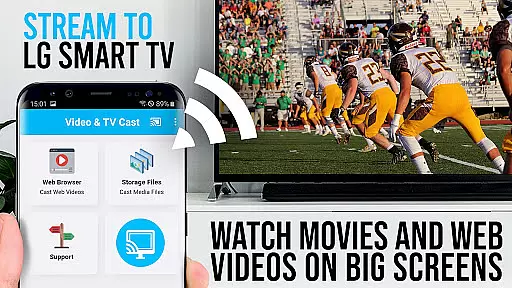
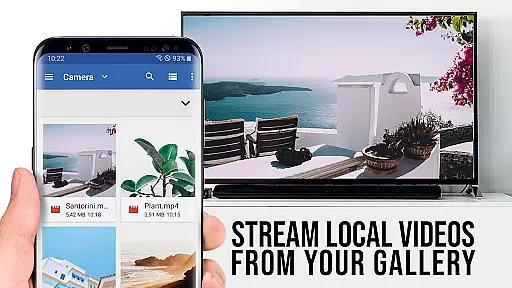
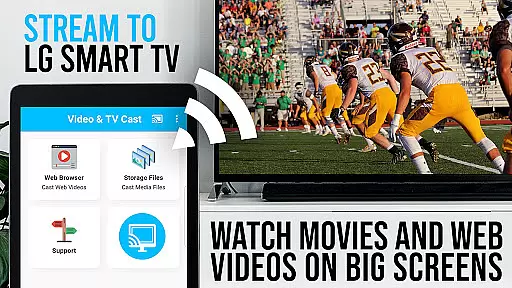
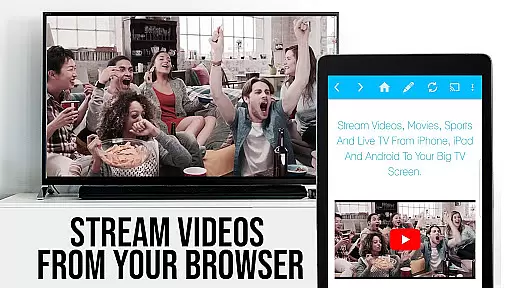
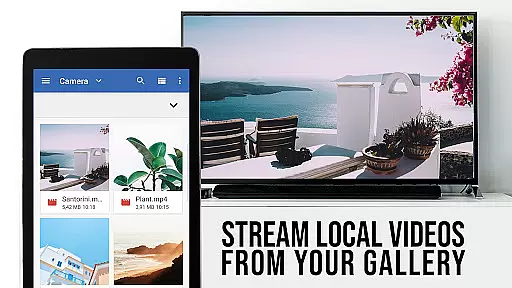
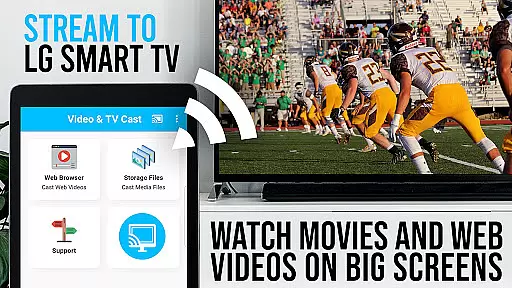
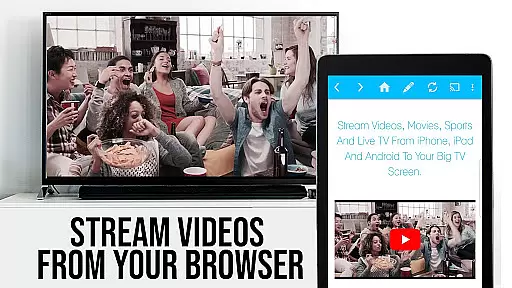
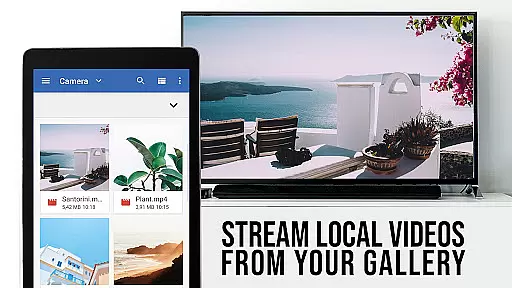
TV Cast Pro for LG webOS is a premium application designed to enhance your streaming experience on LG Smart TVs. This app allows users to cast web-videos, online-movies, livestreams, and live TV shows directly to their LG TV without the need for an additional streaming box. With support for video formats like mp4 and m3u8, it ensures high-quality Full HD streaming. The app supports multitasking, enabling users to use their phone for other activities while casting continues uninterrupted.
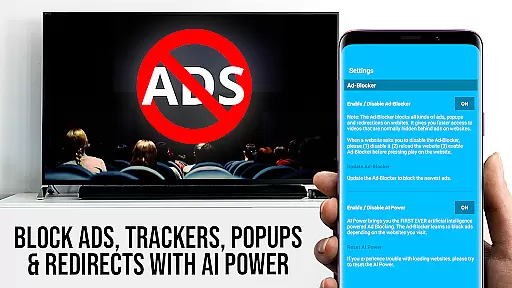
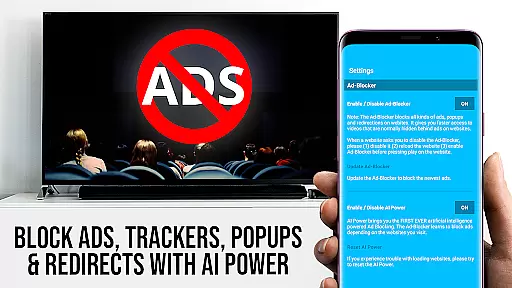
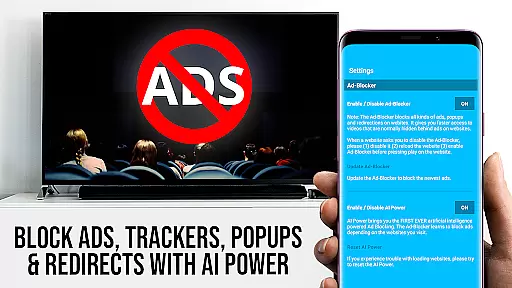
The PRO edition offers exclusive features such as Remote Playbar for advanced video control, an Ad-Blocker to eliminate ads and popups, Bookmarks for easy access to favorite sites, Desktop Mode to view desktop versions of websites, and customizable Homepage settings. These features collectively provide a seamless and enriched streaming experience, making it the go-to solution for streaming enthusiasts looking to maximize their LG TV's potential.
TV Cast Pro for LG webOS stands out with its innovative features tailored for an optimal streaming experience. One of its key functionalities is the ability to cast videos in Full HD, even from Android devices with lower screen resolutions, surpassing the limitations of Miracast. The app facilitates multitasking by allowing users to close the app or even shut down their phone while casting continues.
Additionally, the PRO version includes advanced features such as the Remote Playbar, which provides users with complete control over video playback, including options to scrub, forward, rewind, play, pause, and stop videos. The built-in Ad-Blocker enhances user experience by blocking ads and popups on most websites. Users can also manage bookmarks efficiently, switch to Desktop Mode for a fuller website viewing experience, and personalize their homepage. These comprehensive features ensure that users enjoy a versatile, high-quality streaming experience on their LG Smart TVs.
TV Cast Pro for LG webOS stands out with its versatile video format compatibility, ensuring users can stream a wide range of content without limitations. The app supports popular formats such as mp4 and m3u8, allowing seamless streaming of web-videos, online-movies, livestreams, and live TV shows directly to LG Smart TVs.
The ability to handle various formats is crucial for an optimal viewing experience. Whether you're watching high-definition movies or catching up on live broadcasts, this app ensures that all content plays smoothly in full HD quality. This eliminates the frustration of format incompatibility, making it easy for users to enjoy their favorite videos without worrying about technical glitches.
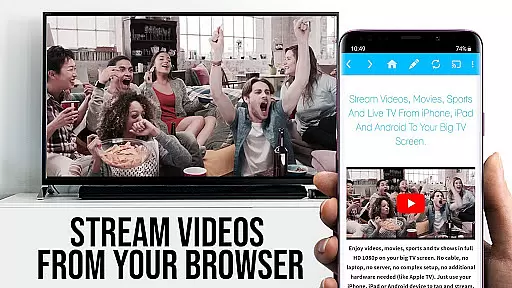
By supporting multiple video formats, TV Cast Pro enhances accessibility and convenience. Users can browse through different websites and instantly cast discovered videos to their TV with just a tap. This flexibility empowers viewers to personalize their entertainment options according to their preferences, providing a truly customized streaming experience.
While TV Cast Pro for LG webOS primarily focuses on video streaming, it incorporates AI-powered features that enhance user interaction and content management. Although not a traditional video editor, the app's intelligent algorithms assist in optimizing the streaming experience by automatically detecting and casting compatible web videos to your TV.
The app's advanced detection capabilities work behind the scenes to identify suitable content for casting. This smart feature saves users time and effort by eliminating manual searches and compatibility checks. Additionally, the integrated Ad-Blocker uses AI to filter out unwanted advertisements and popups from most websites, creating a cleaner viewing environment.
These AI-driven enhancements demonstrate how modern streaming applications are evolving beyond basic playback functions. By incorporating intelligent features that streamline content discovery and presentation, TV Cast Pro offers a more sophisticated and user-friendly approach to home entertainment, setting new standards in the Video Players & Editors category.
Full HD Streaming
Ad-Free Experience
Advanced Video Control
Efficient Multitasking
Customizable Settings
No DRM Support
Limited Device Compatibility
QR Code Dependency
Premium Cost
Complex Setup

Online Videos Player
 3.90
3.90
Kodi media center, a free and open source cross-platform entertainment hub
3.60
You can play SWF format file!
2.50
Tik & Story Saver-Download ALL social media videos, photos & reels no watermark.
4.80
HD video maker with no watermark, no ads & vlog maker with music, PIP, text
4.50
AI Video Editor:AI Music, Text to Video,Text to Speech,Auto Caption,Video Effect
4.00
This app is an emulator of some specific IPTV boxes
3.50
Fast private browser with secure, seamless access & supported video downloads!
4.00
Manage your YouTube channel on the go
4.40
High-Quality USB Camera Viewer & HDMI Display
4.70
Screen recorder with audio to take live videos & Screenshot in high quality!
4.70
Watch IPTV on your Android device
4.60
Cast to Chromecast, Xbox, Fire Stick, Roku, DLNA, Smart TV & No Feature Limited!
4.50
Photo and Music Video Creator into Stunning Videos—Effortlessly
4.40
Video player, file manager for all formats, 4K/HD media player supports subtitle
4.30
KMPlayer Plus (Divx Codec) officially support Divx codec.
4.30
Powerful video player with advanced hardware acceleration and subtitle supports
4.20
Capture images & record videos for USB Camera, Webcam, Microscopes, Endoscopes
3.80
Save photos and videos from social apps in one tap.
3.60




User Reviews