
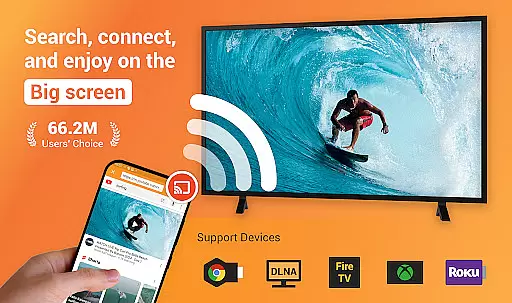
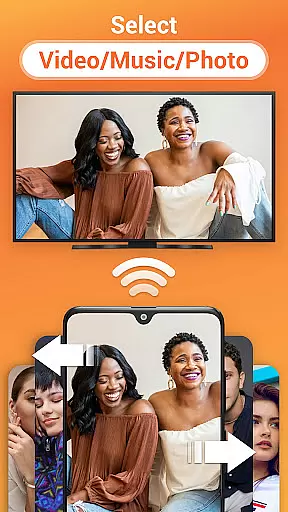
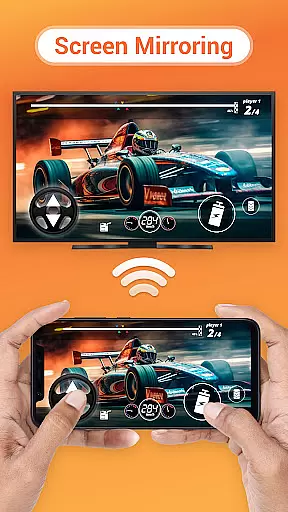
Cast to TV is a versatile media casting application that allows users to stream online videos, live streams, and local multimedia content including videos, music, and images to various devices such as TVs, Chromecast, Roku, Amazon Fire Stick, Xbox, Apple TV, and other DLNA-enabled devices. The app offers an intuitive interface for controlling playback on the TV directly from your phone, with features like pause, volume adjustment, forward/rewind, and track navigation.
Beyond basic streaming, Cast to TV includes a built-in browser for web video casting, supports creating a play queue for local media, and provides options for shuffle, loop, and repeat playback modes. It is designed to enhance the viewing experience by enabling seamless casting of video, music, and photo slideshows. Whether you're looking to enjoy personal media collections or stream online content, Cast to TV delivers a comprehensive solution for all your casting needs.
This application is particularly useful in home entertainment settings where users wish to share content from their mobile devices on larger screens. By supporting a wide range of devices and offering advanced features like automatic device discovery and file identification, Cast to TV ensures a smooth and enjoyable multimedia sharing experience.
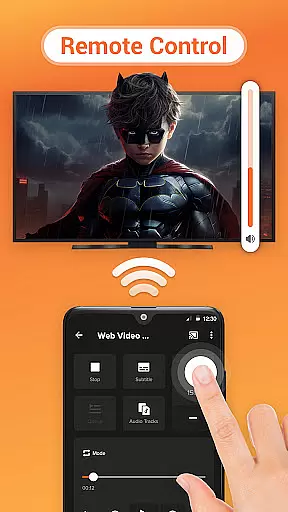
Cast to TV stands out with its extensive feature set tailored for effortless media streaming. One of its key strengths is the ability to control TV playback directly from your smartphone, providing functions such as pausing, adjusting volume, skipping tracks, and more. This level of control enhances user convenience and makes the viewing experience more interactive.
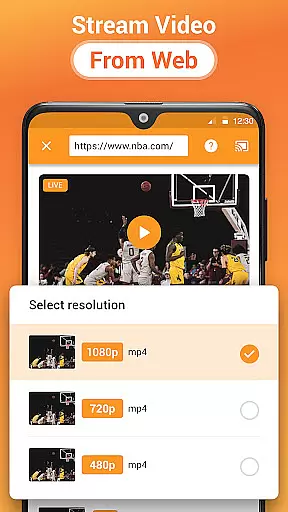
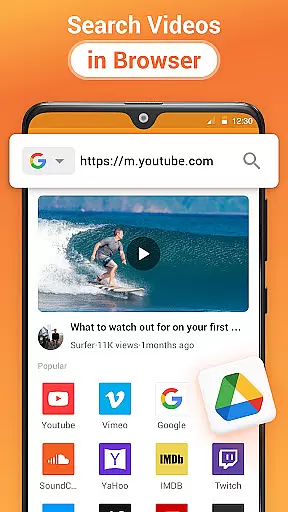
The app's built-in browser facilitates web video casting, allowing users to discover and stream online content without switching apps. Additionally, it supports casting local files, including videos, music, and images, and offers advanced playback options like shuffle, loop, and repeat modes. Users can also create a play queue for uninterrupted media enjoyment. These features collectively ensure that whether you're streaming live sports, gaming sessions, or enjoying a photo slideshow, Cast to TV provides a seamless and customizable experience.
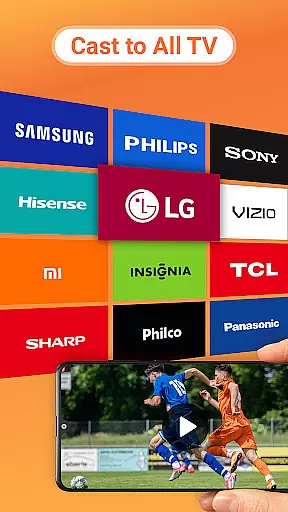
Another notable aspect is its broad compatibility with numerous devices, including Chromecast, smart TVs from brands like Samsung and LG, gaming consoles like Xbox, and streaming devices such as Roku and Amazon Fire TV. This versatility, combined with automatic device discovery and support for various media formats, positions Cast to TV as a leading choice for those seeking a reliable and feature-rich casting solution.
Cast to TV, Chromecast & Roku stands out with its extensive video format compatibility, ensuring that users can cast virtually any video file from their device to their TV without issues. This app supports a wide range of formats, including but not limited to MP4, AVI, and MKV, which covers the majority of video files users might have.
The importance of this feature cannot be overstated, as it eliminates the frustration of format incompatibility that many users face when trying to share media on larger screens. By identifying video files on your device and SD Card automatically, the app streamlines the casting process, making it accessible even for users who are not tech-savvy.
Users benefit significantly from this feature as it allows them to enjoy a seamless streaming experience. Whether it's local videos, online content, or live streams, Cast to TV ensures everything plays smoothly on your TV, enhancing both leisure and presentation activities.
While primarily a casting application, Cast to TV, Chromecast & Roku also incorporates AI-powered editing features that add an extra layer of functionality for users looking to enhance their media before casting. These features include intelligent video enhancement options that automatically adjust settings like brightness, contrast, and color balance to optimize video playback quality.
This integration of AI technology is crucial for users who wish to ensure their media looks its best on larger screens. The automatic optimization saves users time and effort, removing the need for prior editing knowledge or additional software. It democratizes high-quality video presentation, making it possible for anyone to project professional-grade visuals.
Ultimately, these AI-powered editing capabilities enrich the user experience by providing tools that not only cast but also elevate the content being shared. Users can confidently showcase their photos and videos, knowing they will look vibrant and clear on any TV or streaming device supported by the app.
User-friendly interface
Wide device compatibility
Advanced playback controls
Built-in web browser
Comprehensive media support
Dependent on Wi-Fi stability
Limited by device format support
Occasional connectivity issues
No offline functionality
Premium features require subscription

Your media, on your terms.
 4.10
4.10
Video Downloader is an utility that can save videos and music from web sites
4.20
Play ALL formats in 4K & HD. Video downloader, MP3 player, Chromecast & more.
4.80
Stream high quality video from your camera over NDI protocol
4.0
AI Video Editor:AI Music, Text to Video,Text to Speech,Auto Caption,Video Effect
4.00
Connect EasyCap or UVC devices for recording and broadcast video/audio stream
3.60
Browser for Samsung TV to stream webvideos, online movies and livestreams in HD
4.10
Browser + Remote for Roku to stream webvideos, online movies and livestreams
4.60
Livestream, news, & gaming content. Watch, chat, and upload. Join Rumble today!
3.80
All in one HD video downloader & player for multiple formats with full privacy
4.70
Video Downloader, Multiple Resolution Options, Video Player
4.50
Add date and time watermark to photos and videos
4.50
KineMaster, Your Ultimate Video Editor!
4.40
Viddo: Generate Action Figure, AI Anime, AI kiss, AI hug Video from image & text
4.40
LumaFusion: The Ultimate Storytelling Experience for Video Editing
4.10
Client application for NextPVR software
3.00
Video player with powerful streaming playback and various convenient features.
2.10
Powerful HD video player with support for all formats & subtitles.
4.4
Play and download HD videos from all sources — fast, simple, and all-in-one.
4.3




User Reviews