
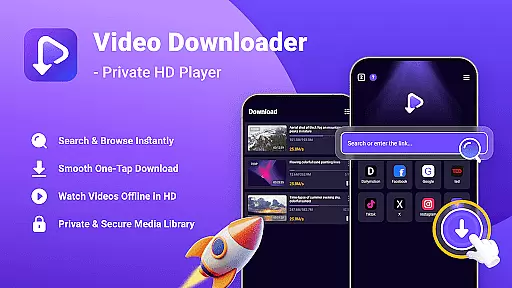
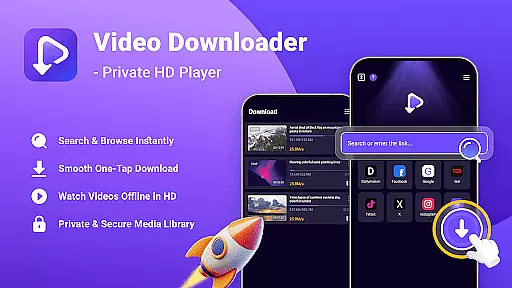
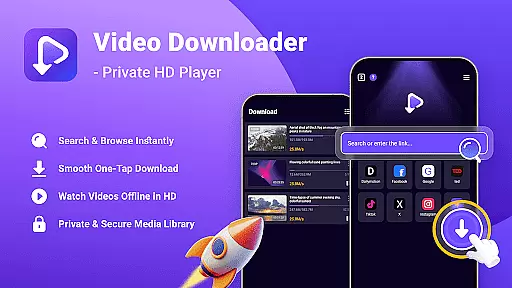
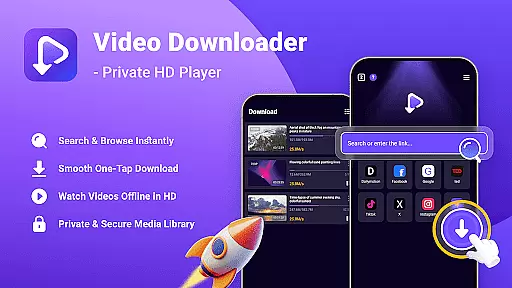
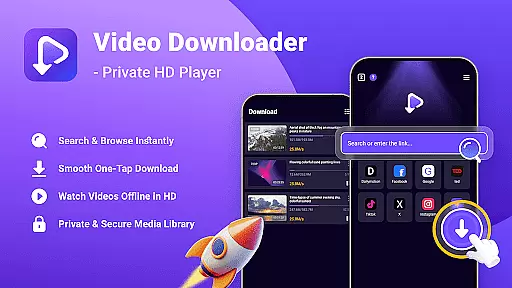
Video Downloader - Private HD Player is a versatile video player and downloader app designed for users who want to search, play, and download high-definition videos and audio files in various formats. With its built-in search feature, you can easily find content directly within the app without switching between multiple applications. The app supports offline playback, allowing you to enjoy your favorite media anytime, anywhere, even without an internet connection.
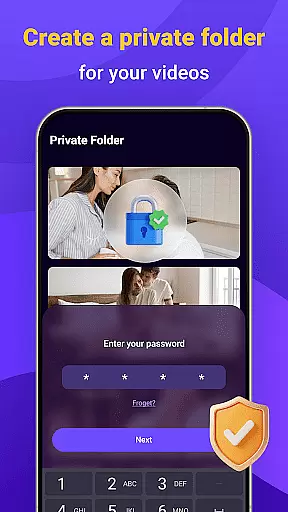
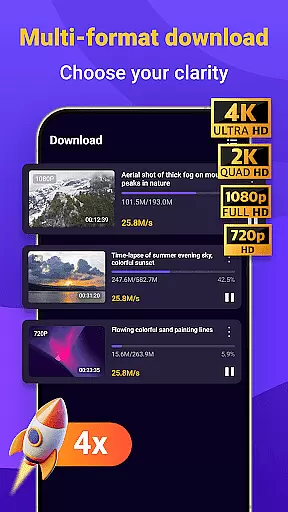
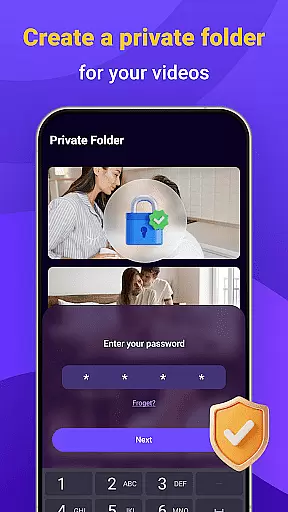
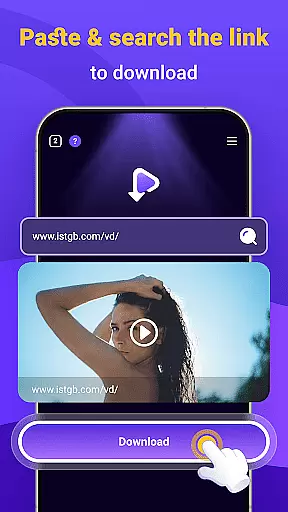
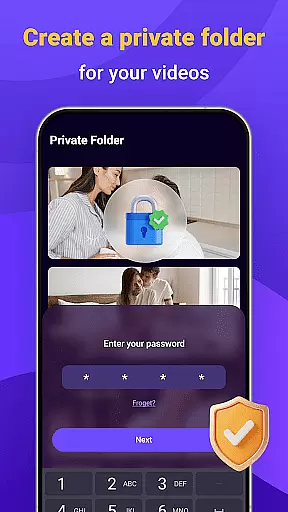
One of the standout features of Video Downloader - Private HD Player is its one-tap download functionality, which enables quick saving of HD videos, MP3s, and other file types. It also offers privacy and security controls, including password protection for your media library, ensuring that your downloaded content remains private and secure. Whether you're looking to manage your media library or enjoy uninterrupted playback, this app provides a comprehensive solution for all your video and audio needs.
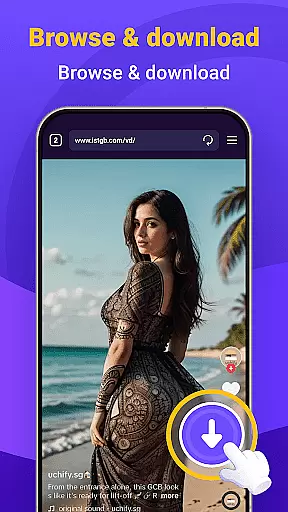
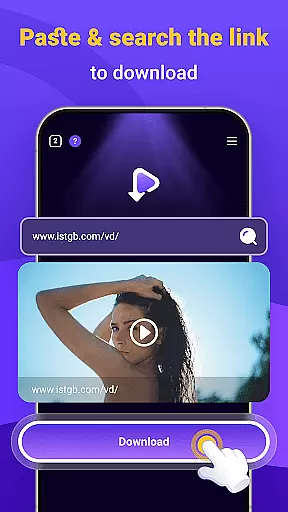
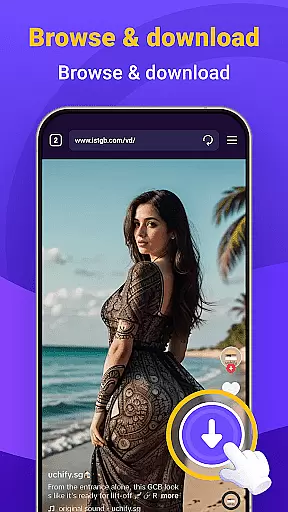
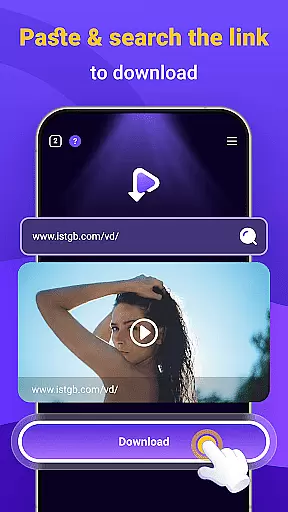
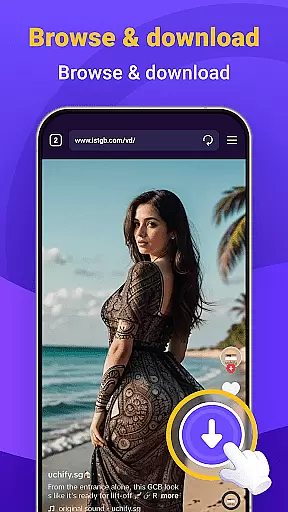
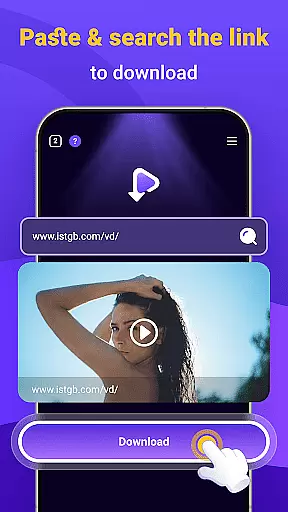
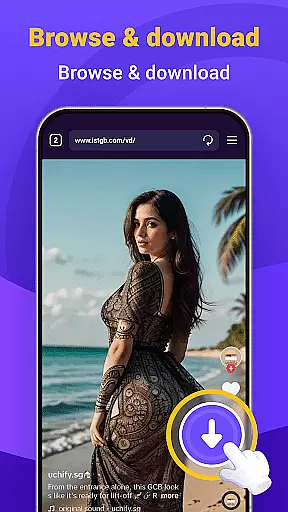
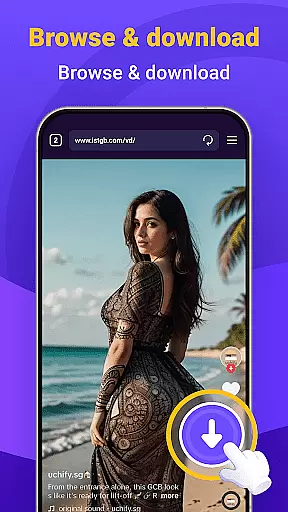
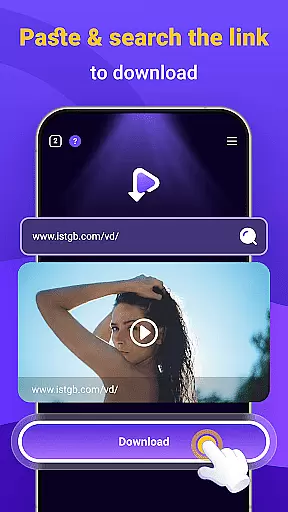
Video Downloader - Private HD Player stands out with its robust set of features tailored for seamless media management. The app's built-in search function allows users to browse and open links without leaving the app, streamlining the process of finding and downloading content. Its one-tap download feature ensures that users can quickly save videos and audio files in multiple formats, such as MP4, MP3, and AVI, directly from websites or apps they visit.
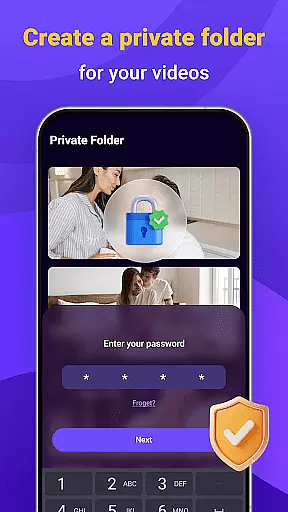
In addition to its powerful downloading capabilities, the app supports offline HD playback, enabling users to watch videos in full resolution or listen to audio files without needing an internet connection. Privacy and security are prioritized, with options to lock your media library using a secure password. This ensures that your activity remains private and your files stay under your control. With wide format support and an all-in-one solution for searching, downloading, and playing media, Video Downloader - Private HD Player is a reliable choice for managing your digital content efficiently.
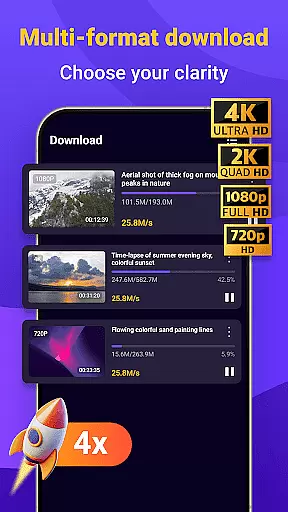
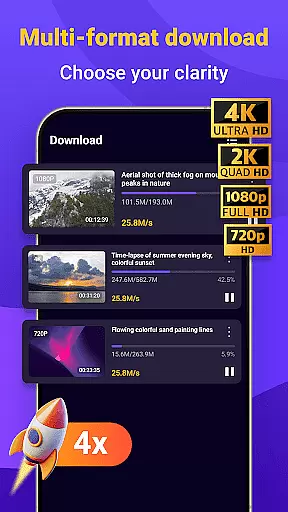
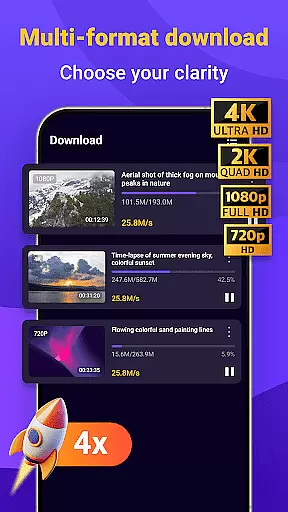
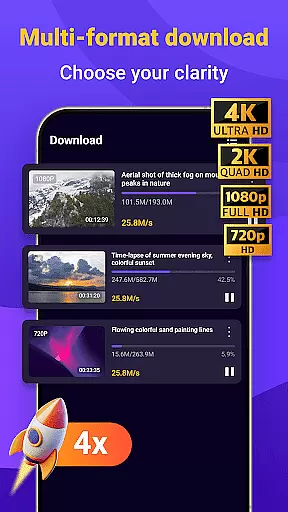
Video Downloader - Private HD Player offers extensive video format compatibility, ensuring users can enjoy a wide range of media files without any hassle. The app supports popular formats such as MP4, MP3, AVI, and more, making it a versatile tool for all your video playback needs.
The built-in search feature allows you to find and play videos or files in various formats directly within the app. This eliminates the need to switch between different applications, providing a seamless experience whether you're downloading content or simply browsing through your media library.
With offline HD playback functionality, users can watch videos in full resolution or listen to audio files without an internet connection. The app ensures smooth playback across multiple file formats, enhancing user convenience and satisfaction.
While Video Downloader - Private HD Player focuses primarily on video downloading and playback, it also integrates AI-powered editing features that enhance the overall user experience. These smart tools allow for quick modifications and optimizations of your media files, ensuring high-quality results with minimal effort.
One-tap download functionality not only saves HD videos and other file types quickly but also organizes them efficiently within your media library. This streamlined approach is complemented by intelligent categorization powered by AI algorithms, which help keep your downloaded content easily accessible and well-structured.
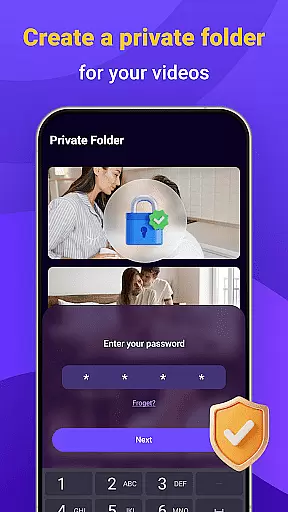
Privacy and security are prioritized, with AI enhancements ensuring that your activity remains private and untracked. Users can lock their libraries with secure passwords, maintaining full control over their files while enjoying the added benefits of advanced AI technology integrated into the platform.
User-friendly interface
Fast download speeds
Wide format compatibility
Secure privacy controls
All-in-one functionality
Limited advanced editing tools
Occasional download errors
No cloud integration
Basic playlist management
Ads in free version

Client application for NextPVR software
 3.00
3.00
Full HD Video mp3 Player, MP4 player play 1080p, File manager, Video Downloader
4.40
HD video maker with no watermark, no ads & vlog maker with music, PIP, text
4.50
Download videos and play them offline
4.70
The essential companion to your Blue Iris PC software
2.50
Browser for Samsung TV to stream webvideos, online movies and livestreams in HD
4.10
Browser + Remote for Roku to stream webvideos, online movies and livestreams
4.60
Powerful video player with advanced hardware acceleration and subtitle supports
4.20
Create, Publish & Maximize
4.70
Screen recorder with audio to take live videos & Screenshot in high quality!
4.70
Watch IPTV on your Android device
4.60
VLC Remote lets you control your VLC Media Player on Mac, PC or Linux.
4.60
Cast movies, tv shows and live streams to Chromecast, Roku, DLNA, Fire TV & more
4.60
Video Downloader, Multiple Resolution Options, Video Player
4.50
Fast video downloader & private browser. Save HD clips to watch offline.
4.40
Video player with 4K & 1080P support, popup play, background play and subtitle.
4.20
Powerful, professional, versatile teleprompter. Developed by an active film crew
4.00
Explore the largest library of free GIFs, Stickers & Memes - or create your own!
3.90
HD video & music player - All format support with floating & PIP mode!
3.80



User Reviews