
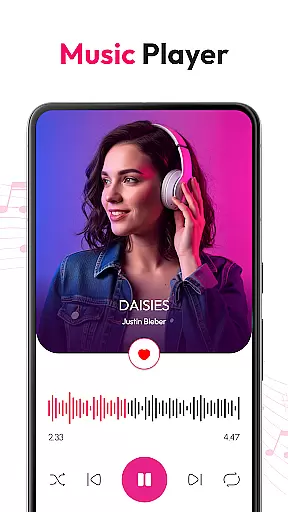
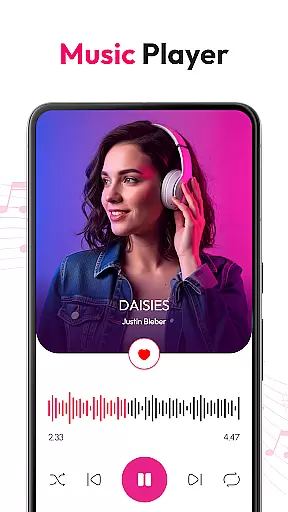
HD Video & Music Player is a versatile media player for Android that supports all video and audio formats. Whether you're watching 4K Ultra HD videos or listening to MP3 tracks, this app delivers smooth playback with advanced controls. The app combines both video and music player functionalities, offering features like floating player mode, equalizer with bass boost, and playlist management.
This media player stands out with its ability to auto-scan files from internal storage, support for Picture-in-Picture mode, and gesture controls for volume and brightness. It's an ideal choice for users who want a seamless entertainment experience on their Android devices, whether for personal enjoyment or multitasking purposes.
HD Video & Music Player offers an impressive range of features that cater to diverse media needs. The app supports all major video formats including MP4, AVI, MKV, and audio formats like MP3, WAV, FLAC. Its video player functionality includes smooth 4K playback, floating player mode, and advanced movie controls such as screen aspect ratio adjustment and lock screen support.
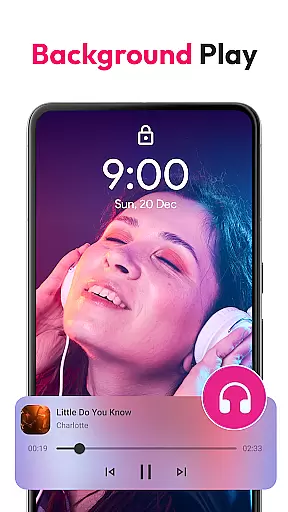
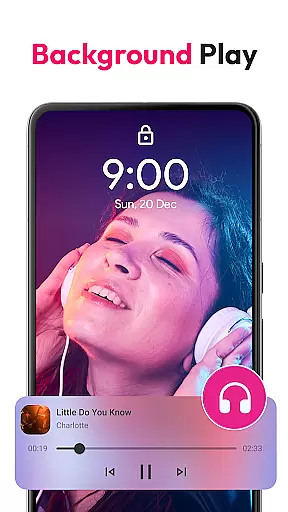
On the music side, the app provides a powerful equalizer with bass boost and 3D sound effects. Users can browse songs by album, artist, or genre, create custom playlists, and control playback from the lock screen. Additional features include a built-in file manager, smart search capabilities, and widget support for quick access. These comprehensive features make it a complete media solution for Android users.
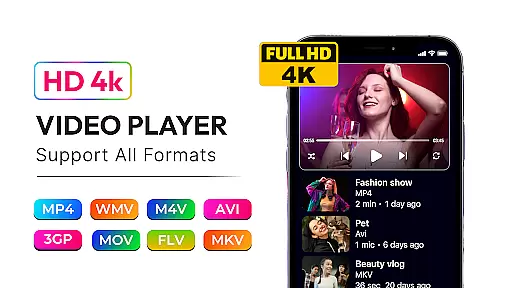
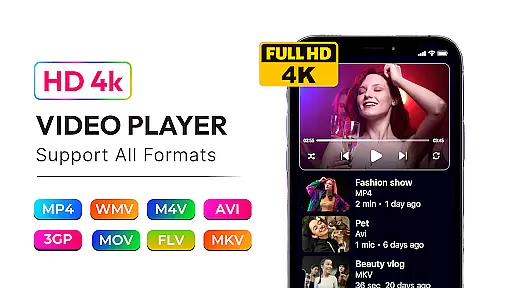
Video format compatibility is a critical feature for any media player, ensuring that users can enjoy content in various formats without technical limitations. HD Video & Music Player excels in this area by supporting an extensive range of video formats including MP4, AVI, MKV, 3GP, FLV, MOV, WMV, and TS.
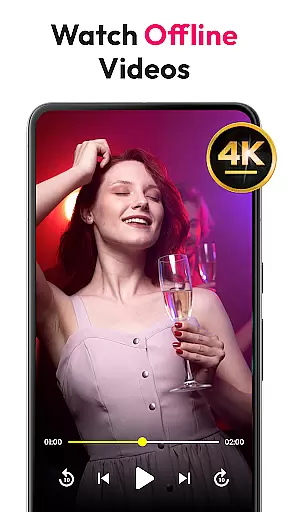
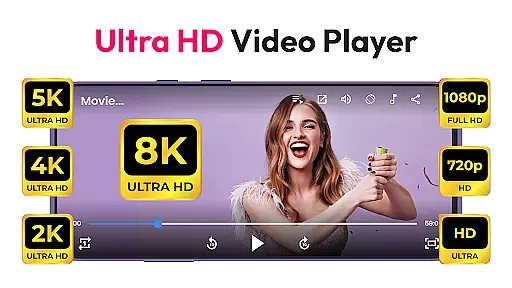
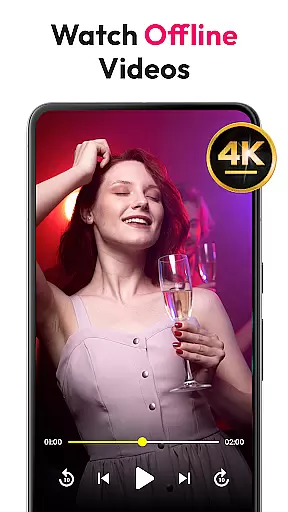
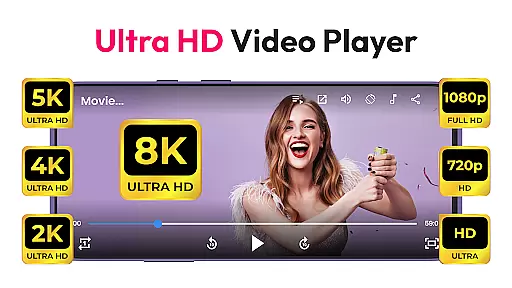
This versatile video player provides smooth, high-quality playback for all types of videos, from standard definition to 4K Ultra HD. Whether you're watching Full HD movies or lower resolution clips, the app delivers sharp visuals and crisp sound, making it an ideal choice for diverse mediau6d88u8d39u9700u6c42.
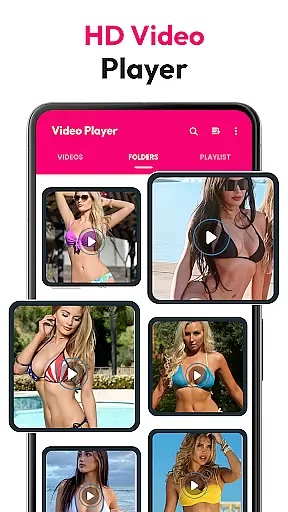
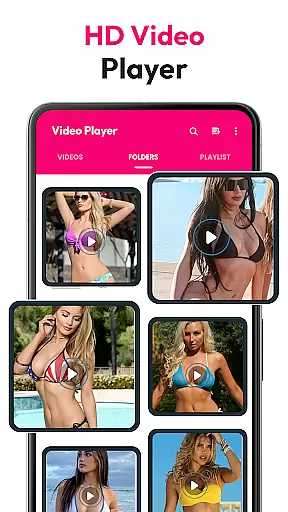
With auto-scan functionality, the app efficiently locates video files from both internal storage and SD cards, organizing them for easy access. This ensures that no matter where your files are stored or in what format, you can effortlessly find and play them with HD Video & Music Player.
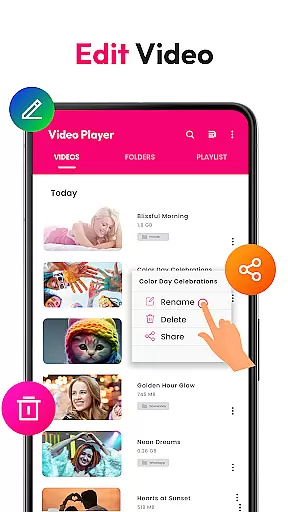
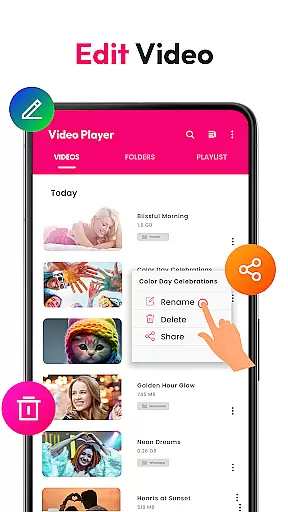
While primarily known for its playback capabilities, HD Video & Music Player also offers AI-powered editing features that enhance the overall user experience. These intelligent tools allow users to manage and optimize their media libraries with minimal effort.
The built-in file manager not only organizes video and audio files but also enables advanced playlist creation and management. Users can create custom playlists, browse content by various categories such as album, artist, or genre, and even apply powerful equalizer settings with bass boost and 3D sound enhancements.
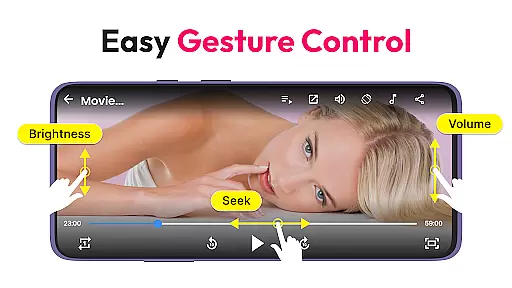
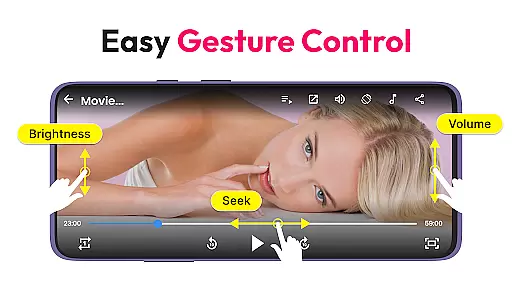
Gesture controls for volume, brightness, and seeking add another layer of convenience, while Picture-in-Picture mode allows for multitasking during playback. These AI-driven functionalities ensure that users have complete control over their media consumption, making HD Video & Music Player a comprehensive solution for both casual viewers and power users alike.
User-friendly interface
Wide format compatibility
Advanced equalizer settings
Picture-in-Picture mode
Offline playback capability
Occasional playback glitches
Ads in free version
Large app size
Limited customization
No cloud integration

Fast video downloader & private browser. Save HD clips to watch offline.
 4.40
4.40
Powerful HD video player with support for all formats & subtitles.
4.0
AirMirror is Receiver for Screen Mirroring and Casting from Apple Devices.
3.60
Video player with powerful streaming playback and various convenient features.
2.10
High-Quality USB Camera Viewer & HDMI Display
4.70
Manage your IPTV live channels and VOD playlists (no playlist included)
3.80
Connect EasyCap or UVC devices for recording and broadcast video/audio stream
3.60
Browser + Remote for Roku to stream webvideos, online movies and livestreams
4.60
Screen recorder with audio to take live videos & Screenshot in high quality!
4.70
#1 Torrent App on Android ** No Ads Ever + Battery Saver **
4.80
All in one HD video downloader & player for multiple formats with full privacy
4.70
HD Video player all format, HD Videos, Cast & Subtitle. No annoying ads.
4.60
Auto video maker with music & exclusive filters. Video editing made simple.
4.50
Download website videos fast&privacy
4.40
Video player, file manager for all formats, 4K/HD media player supports subtitle
4.30
This app was created to edit the metadata of music files.
4.20
Your media, on your terms.
4.10
Download videos easily & play them all in one smart, powerful video manager.
3.40
Mix with Virtual DJ directly from your phone or tablet !
3.10



User Reviews