
Download Hub is an all-in-one solution for video downloading, private browsing, and file management. This versatile app combines a powerful video downloader with a secure incognito browser and robust file manager. Users can efficiently detect and download videos in various resolutions and formats, from SD to 4K quality. The built-in private browser offers ad-blocking, desktop mode, and multi-tab functionality for seamless web navigation.
The app's security features include an App Lock system and hidden folder option to protect sensitive content. Its advanced file manager supports SD card storage, background downloads, and interrupted download resumption. Download Hub also functions as an audio saver and offline HD player, making it ideal for commuters, students, and privacy-conscious users who need to manage and view media without internet access.
This comprehensive tool is particularly valuable for those who frequently download educational content or need to browse social media privately. While it doesn't support YouTube downloads due to policy restrictions, it works with most other websites and ensures users can organize their legally obtained digital media efficiently while maintaining privacy and security.
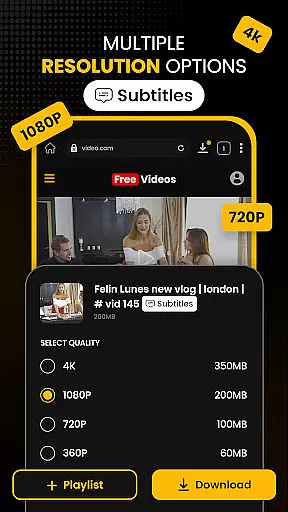
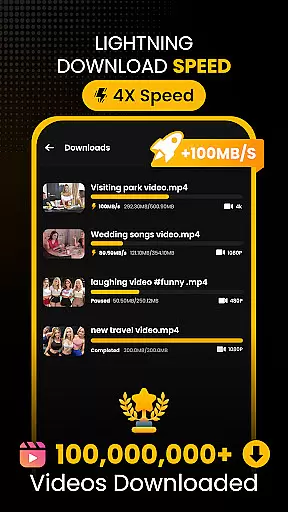
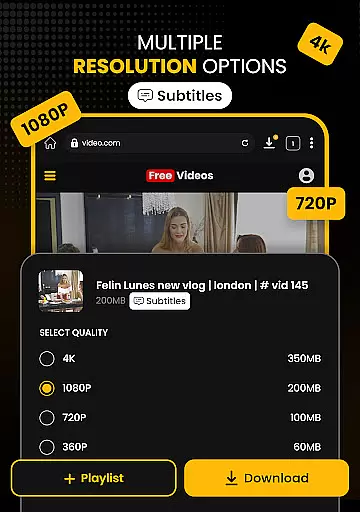
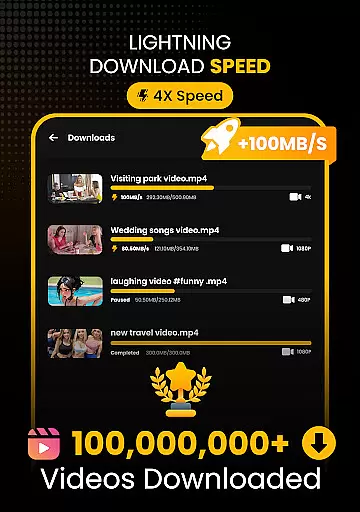
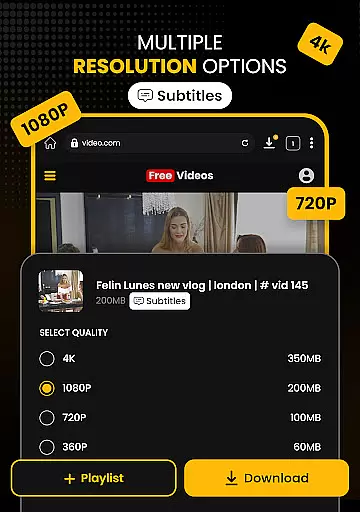
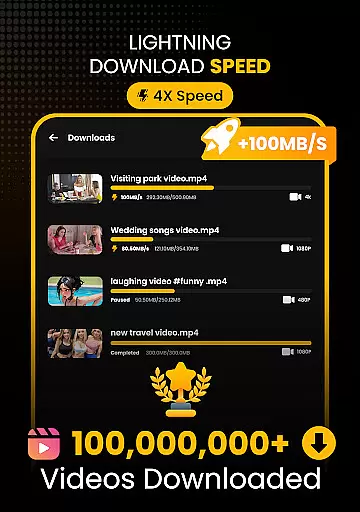
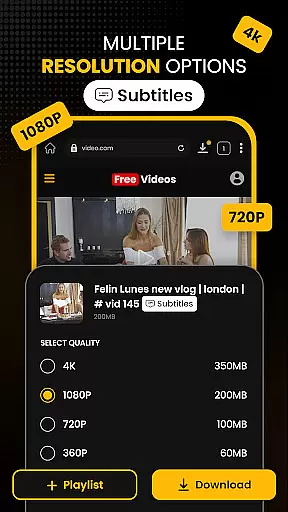
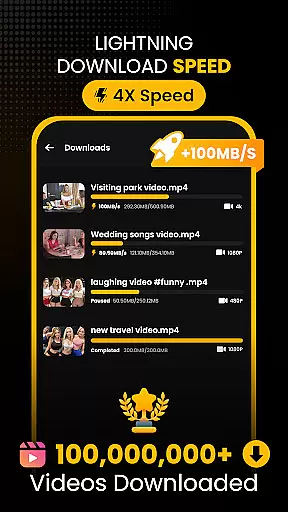
Download Hub distinguishes itself through its comprehensive feature set designed for modern digital consumers. The Universal Downloader Engine employs advanced multi-threading technology that accelerates download speeds up to 300%, while its smart detection system automatically identifies downloadable media links on web pages. Users can choose from multiple resolution options, from SD (480p) to 4K quality, and work with various formats including MP4, AVI, and MKV.
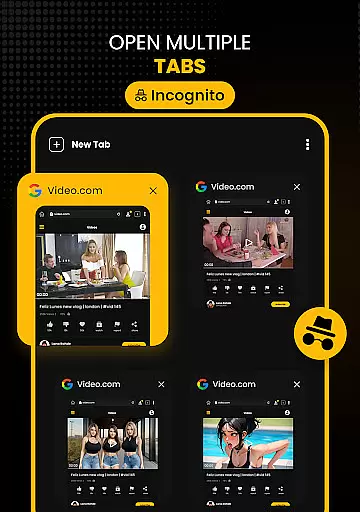
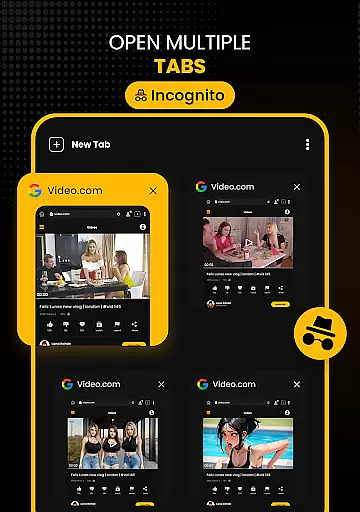
The Secure Private Browser component provides complete anonymity with its incognito mode that clears history, cookies, and cache after each session. Its integrated ad blocker removes intrusive advertisements, while the desktop mode allows users to access full versions of websites. The Multi-Tab functionality enables efficient multitasking across different web pages.
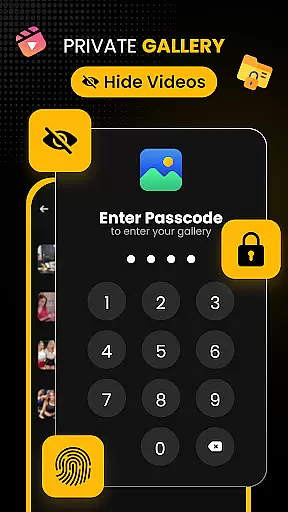
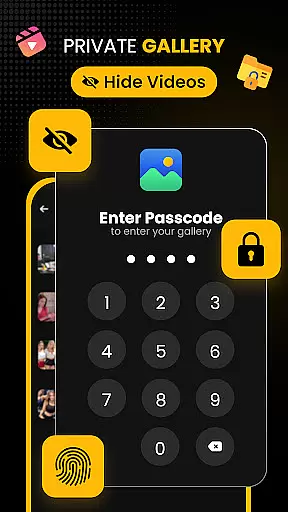
Additional notable features include the Security Center with PIN protection and hidden vault for sensitive files, plus an Advanced File Manager that supports external storage and background downloading services. The app's Audio & Music Saver extracts audio tracks from video clips, while the Offline HD Player delivers smooth playback with gesture controls and night mode for comfortable viewing in any environment.
Video format compatibility is a crucial feature for any video player and editor, ensuring that users can enjoy a wide range of media files without conversion hassles. Download Hub supports an extensive array of video formats including MP4, M4V, MOV, AVI, WMV, MKV, FLV, and MPG. This versatility allows users to download and play videos from various sources seamlessly.
The app's universal downloader engine enhances the video playback experience by enabling users to save videos in multiple resolutions. Whether it's SD (480p) for saving data or HD (720p), 1080p, 2K, and 4K for crystal-clear quality, Download Hub caters to all preferences. The smart detection system automatically identifies downloadable media links on web pages, making the process efficient and user-friendly.
With batch mode capabilities, Download Hub handles multiple file downloads simultaneously, thus optimizing time and resources. Users can also extract audio tracks from video clips and save them in suitable formats for offline listening. This comprehensive support for video and audio formats ensures that Download Hub stands out as an all-in-one solution for digital content management.
AI-powered editing features are revolutionizing how users interact with their multimedia content by providing intelligent tools that simplify complex tasks. Download Hub incorporates advanced AI technologies to enhance its functionality as a private browser, video downloader, and file manager. These AI-driven capabilities ensure a seamless and secure browsing experience while efficiently detecting and managing media files.
One of the standout AI features is the Smart Detection system, which instantly identifies downloadable media links on web pages. This intuitive technology lights up the download button as soon as a video is detected, streamlining the downloading process. Additionally, the Safe Browsing feature alerts users about potentially malicious websites, adding another layer of security.
Download Hub also leverages AI to optimize file management through its Advanced File Manager. With options like SD Card Support, Background Service, Resume Support, and Media Organizer, users gain total control over their local storage. These AI-powered functionalities not only improve efficiency but also provide peace of mind knowing that your digital content is well-organized and protected.
User-friendly interface
Multi-format support
Fast download speeds
Private browsing options
Comprehensive file management
No YouTube support
Limited free features
Storage permissions required
Occasional ads in free version
Large app size

Client application for NextPVR software
 3.00
3.00
Video Trimmer, Video to MP3 Converter. Extract music from video, Easy & Fast.
4.80
Stream high quality video from your camera over NDI protocol
4.2
1)AirPlay/DLNA Mirroring/Streaming, up to 4 connections; 2)Samba/NAS/DMS Player.
4.00
Download website videos fast&privacy
4.40
Mix with Virtual DJ directly from your phone or tablet !
3.10
This app is an emulator of some specific IPTV boxes
3.50
Screen recorder with audio to take live videos & Screenshot in high quality!
4.70
Capture the moment and Cut
3.40
Watch IPTV on your Android device
4.60
Fast, private downloading, video saving, social media
4.50
KineMaster, Your Ultimate Video Editor!
4.40
KMPlayer Plus (Divx Codec) officially support Divx codec.
4.30
LumaFusion: The Ultimate Storytelling Experience for Video Editing
4.10
All format media Player, no need video converter any more!
4.00
Capture images & record videos for USB Camera, Webcam, Microscopes, Endoscopes
3.80
Live TV, anywhere in your home
3.80
AirMirror is Receiver for Screen Mirroring and Casting from Apple Devices.
3.60
A full editing room to accompany your Insta360 cameras and handheld gimbals.
3.30



















User Reviews