
AirPin PRO is a versatile screen mirroring and media streaming receiver app designed for Android devices, including phones, tablets, TVs, set-top boxes, and projectors. As the first Android application to support both AirPlay and DLNA protocols since its initial release in July 2012, it enables seamless sharing of media and screens from Apple, Windows, and Android devices onto larger displays.
This premium version allows users to display up to four device screens simultaneously, enhancing collaborative experiences and presentations. With features like AirPlay video/music streaming, screen mirroring across all iOS/MacOS versions, and compatibility with various streaming standards, AirPin PRO offers a comprehensive solution for multimedia sharing needs.
Whether you're conducting business presentations or enjoying entertainment at home, AirPin PRO provides a reliable platform for connecting multiple devices effortlessly. Its ability to integrate with different operating systems makes it an invaluable tool for enhancing productivity and leisure activities alike.
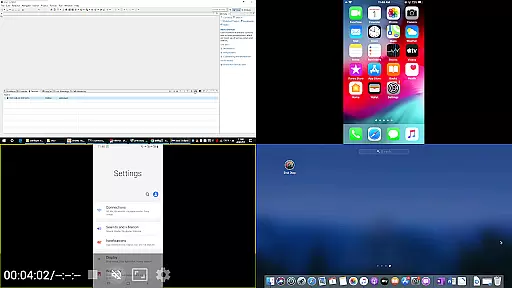
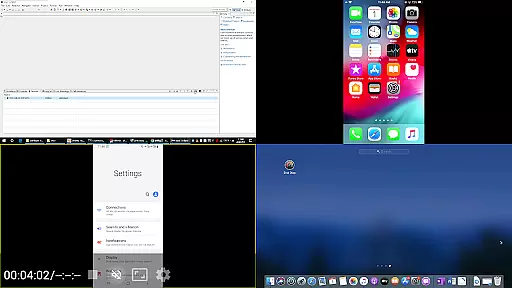
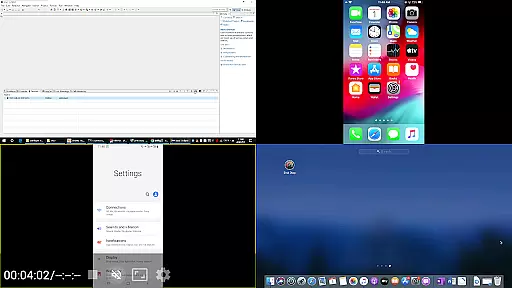
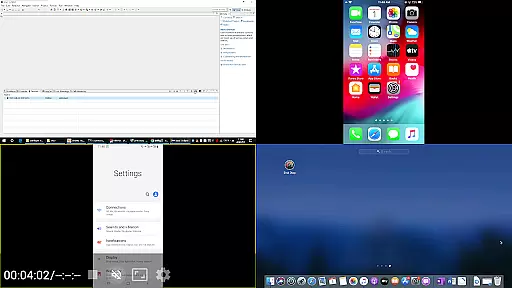
AirPin PRO stands out with its advanced capabilities tailored for diverse user requirements. One notable feature is its support for displaying multiple device screens (up to four) simultaneously, which significantly boosts collaboration efficiency during meetings or educational sessions.
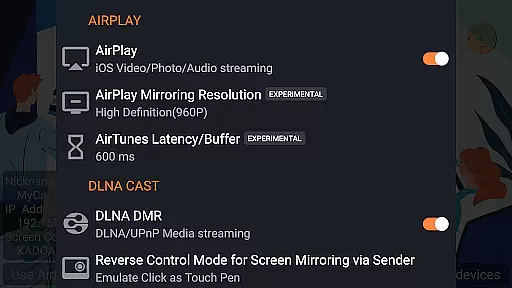
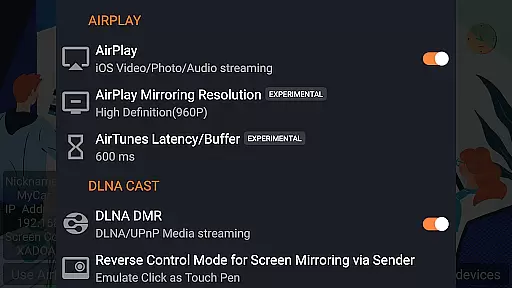
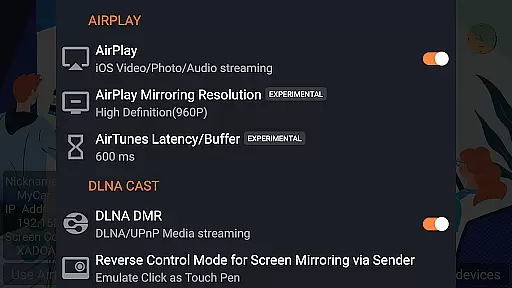
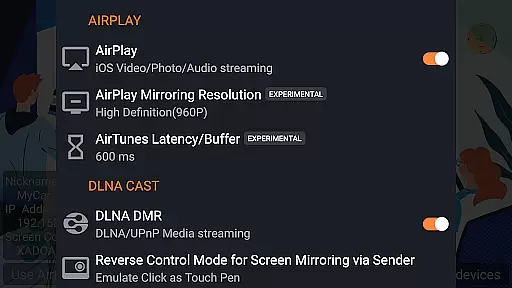
The app also boasts being the first to support the latest YouTube AirPlay streaming, slideshow functionality for AirPlay photo streaming, and AirPlay password protection. These innovations ensure secure and engaging multimedia experiences while maintaining ease of use. Additionally, as the only app supporting both Renderer and Player modes for Android-based TVs, it facilitates direct pulling of media from DLNA/NAS/Samba servers for playback.
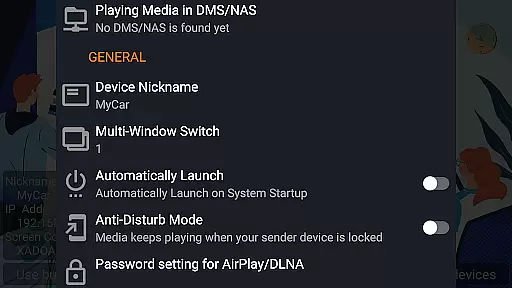
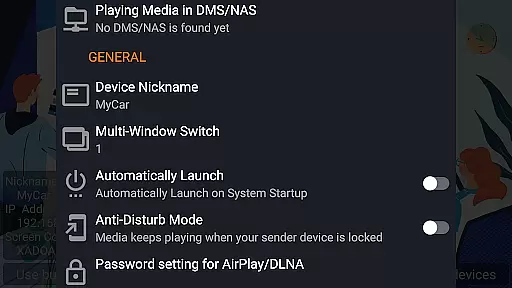
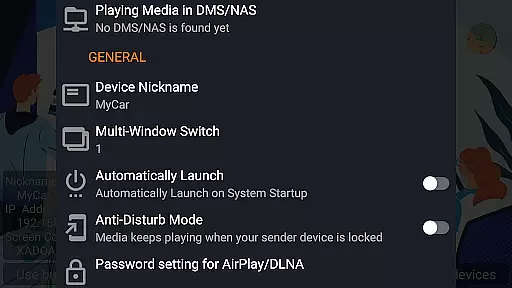
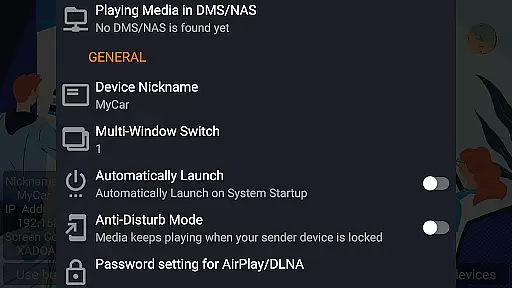
Other key features include automatic startup, configurable service shutdown, background audio streaming without delay, anti-disturb mode, resuming playback from previous pause points, external player support, and continuous bug fixes and updates within their capability. Such attributes make AirPin PRO a robust choice for anyone seeking high-quality media streaming solutions.
Video format compatibility is a crucial feature for any video player application, ensuring that users can enjoy content in various formats without technical hindrances. AirPin PRO excels in this area by supporting an extensive range of video formats, including but not limited to MP4, AVI, and MKV.
This app stands out by offering seamless playback capabilities across different devices such as Android phones, tablets, TVs, set-top boxes, and projectors. The support extends to high-definition and 4K videos, making it a versatile choice for users with diverse media libraries.
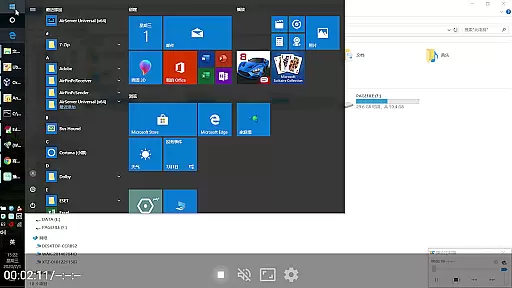
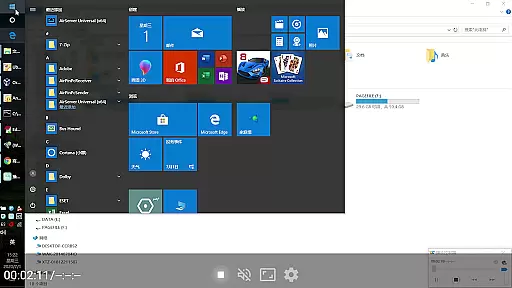
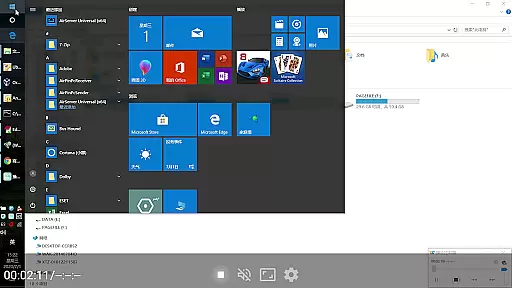
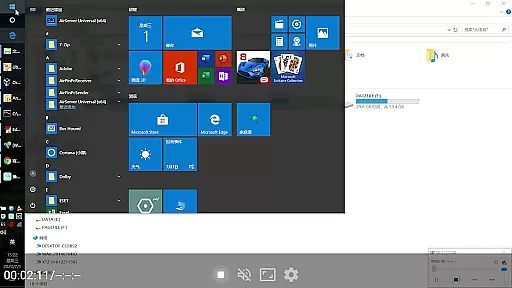
By integrating advanced decoding technologies, AirPin PRO ensures smooth streaming and screen mirroring experiences. Whether you're sharing content from an iPhone, iPad, MacBook, Windows PC, or another Android device, the app guarantees optimal performance and reliability.
Ultimately, the broad video format compatibility enhances user convenience, allowing them to focus on enjoying their favorite movies and shows rather than worrying about format issues. This makes AirPin PRO a top choice for those seeking a comprehensive media streaming solution.
AI-powered editing features represent the cutting edge of video player and editor applications, providing users with tools that enhance their media consumption and creation experience. AirPin PRO incorporates these innovative features to offer functionalities like automatic scene detection, smart trimming, and enhanced video stabilization.
The app leverages artificial intelligence to analyze video content and optimize playback settings dynamically. For instance, it can automatically adjust brightness and contrast levels based on the ambient light conditions of your viewing environment, ensuring the best possible picture quality at all times.
Moreover, AirPin PRO includes intelligent categorization and tagging of media files, simplifying navigation through large collections. Users benefit from personalized recommendations generated by AI algorithms that learn individual preferences over time, creating a more engaging and tailored viewing experience.
By embracing AI technology, AirPin PRO not only streamlines common editing tasks but also opens up new creative possibilities for users. This positions the app as a leader in the realm of smart media applications, setting a new standard for what consumers can expect from their video players and editors.
Supports multiple screens
First app with AirPlay innovations
Compatible with various OS
Advanced security options
Regular updates
Paid version required
Complex setup process
Limited free features
Occasional bugs
Device compatibility issues

Create photo video with music & template. AI video maker for stunning slideshow.
 4.60
4.60
Download videos easily & play them all in one smart, powerful video manager.
3.40
AI Video Editor:AI Music, Text to Video,Text to Speech,Auto Caption,Video Effect
4.00
Watch IPTV on your Android device
4.60
Cast movies, tv shows and live streams to Chromecast, Roku, DLNA, Fire TV & more
4.60
Livestream, news, & gaming content. Watch, chat, and upload. Join Rumble today!
3.80
Viddo: Generate Action Figure, AI Anime, AI kiss, AI hug Video from image & text
4.40
Enjoy your favorite videos and channels with the official YouTube app.
3.90
Create, Publish & Maximize
4.70
Seamlessly connect and control your smart devices, anytime, anywhere with ease.
4.60
Browser + Remote for Roku to stream webvideos, online movies and livestreams
4.60
Cast to Chromecast, Xbox, Fire Stick, Roku, DLNA, Smart TV & No Feature Limited!
4.50
Add date and time watermark to photos and videos
4.50
Photo and Music Video Creator into Stunning Videos—Effortlessly
4.40
Fast video downloader & private browser. Save HD clips to watch offline.
4.40
Download website videos fast&privacy
4.40
KMPlayer Plus (Divx Codec) officially support Divx codec.
4.30
Powerful, professional, versatile teleprompter. Developed by an active film crew
4.00
Make your own Animations, Video and Photo Edits, Visual Effects, and more!
4.00














User Reviews