
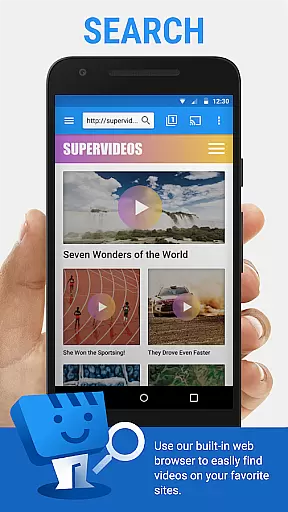
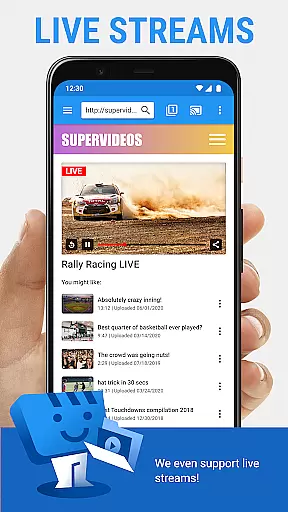
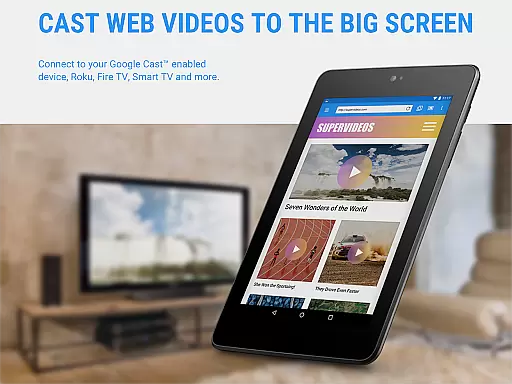
Web Video Cast is a versatile streaming application that enables users to cast videos, photos, and audio files from their mobile devices to various streaming devices. The app supports popular platforms like Chromecast, Roku, Amazon Fire TV, and Smart TVs, making it easy to enjoy web content on the big screen. With support for HLS live streams, MP4 videos, and HTML5 content, Web Video Cast offers a comprehensive solution for media casting needs.
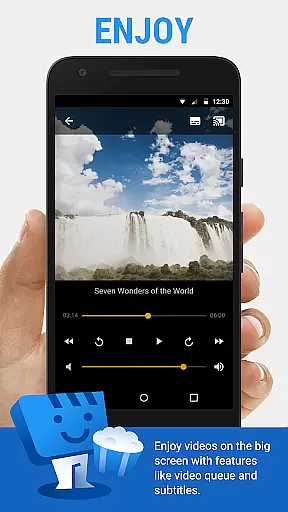
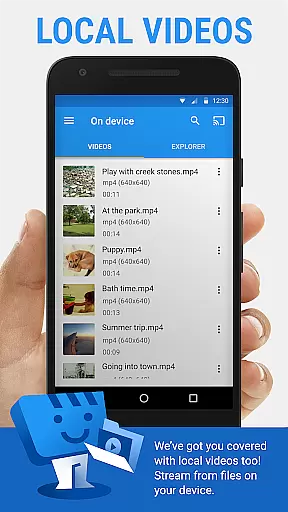
The app's standout feature is its ability to detect subtitles automatically while browsing, with the option to use custom subtitles or search for them via OpenSubtitles.org. This functionality enhances the viewing experience, especially for foreign language content. Additionally, Web Video Cast allows users to stream local files stored on their phones, providing flexibility in media consumption. Whether you're watching movies, live sports, or sharing photos, this app ensures seamless streaming across compatible devices.
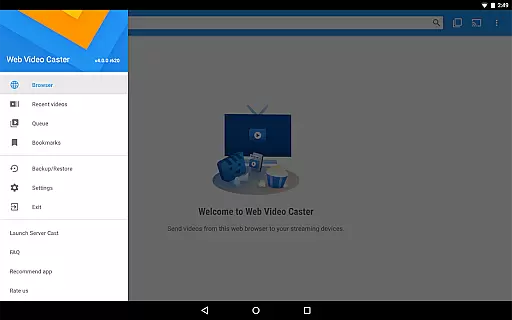
For power users, the premium version offers advanced features such as bookmarks, video history, and queue management. These tools help organize content more effectively and eliminate advertisements, creating a cleaner interface. The app's compatibility with multiple streaming protocols and devices makes it an essential tool for anyone looking to enhance their home entertainment system. By bridging mobile content with larger displays, Web Video Cast transforms how users engage with digital media.
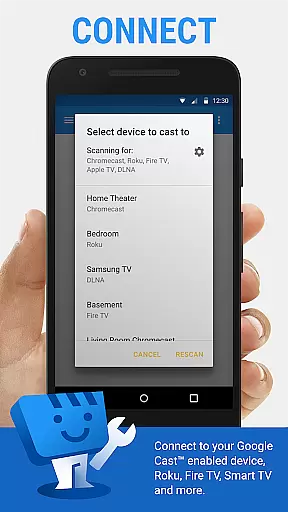
Web Video Cast distinguishes itself through robust compatibility with numerous streaming devices and formats. It works seamlessly with Chromecast, Roku, DLNA receivers, and most Smart TVs, allowing users to cast content without worrying about device limitations. The app also supports a wide range of media types, including M3U8 live streams, MP4 videos, photos, and audio files, ensuring broad usability regardless of source material.
One notable feature is the integrated subtitle support, which detects available subtitles on web pages and provides access to OpenSubtitles.org for additional options. Users can even upload their own subtitle files, enhancing accessibility for diverse audiences. Another advantage is the ability to cast both online and locally stored media, giving users complete control over their content library. Premium features like bookmarks, video history tracking, and queue management further elevate the user experience by simplifying navigation and organization.
Additionally, Web Video Cast includes practical functionalities such as automatic video pausing during incoming calls and customizable home page settings. These thoughtful touches demonstrate the app's commitment to delivering a polished and intuitive interface. While certain advanced features are limited to specific devices, the overall package remains highly competitive within the Video Players & Editors category.
Web Video Cast offers extensive video format compatibility, ensuring users can cast a wide range of media to their TV. The app supports popular formats like MP4 and M3U8 for live streams, making it versatile for different types of content.
One of the key strengths is its ability to work with HTML5 videos, allowing users to stream directly from websites without worrying about format restrictions. This feature significantly broadens the range of web-based content that can be enjoyed on larger screens.
The application also handles various streaming protocols, though it's important to note that actual playback depends on the receiving device's decoding capabilities. While Web Video Cast doesn't perform transcoding itself, it maximizes compatibility by working with devices' native decoding abilities.
This comprehensive format support makes the app suitable for streaming movies, TV shows, live sports, and even personal media collections, creating a seamless experience across different content types and sources.
While primarily a casting application, Web Video Cast incorporates helpful features that enhance the viewing experience through smart functionality. Although not traditional AI-powered editing, the app provides intelligent tools for managing and optimizing media playback.
The integrated OpenSubtitles.org search demonstrates this smart approach by automatically detecting subtitles on web pages or allowing users to find appropriate subtitle files. This feature ensures viewers can enjoy content with accurate language support, enhancing comprehension and accessibility.
Additional premium features like video history tracking and queue management show intelligent design thinking. These tools help users organize their viewing preferences and maintain continuity across streaming sessions, similar to how AI-powered systems learn and adapt to user behavior.
The app's ability to handle various media types including photos and audio files adds another layer of versatility. While not conventional editing tools, these features provide users with meaningful ways to control and enhance their multimedia streaming experience.
User-friendly interface
Wide device compatibility
Subtitle detection and customization
Supports local and online media
Premium features enhance experience
No tab casting capability
Limited server-side issue resolution
Premium features not universal
Requires stable Wi-Fi connection
Some features need specific hardware

Client application for NextPVR software
 3.00
3.00
You can play SWF format file!
2.50
IPTV-Smarters Player Pro M3U - Watch Live Stream TV Channels with Chromecast
4.00
HD video & music player - All format support with floating & PIP mode!
3.80
Turn your phone into a wireless camera!
4.20
IPTV Loader, loads your own Playlist. DOES NOT CONTAIN ANY LIST OR CHANNELS
4.60
Flud is a simple and beautiful BitTorrent client for Android.
4.80
AI Video Editor with Music, Filter, Slideshow, Effect, Merge & Trim Video.
4.80
Screen recorder with audio to take live videos & Screenshot in high quality!
4.70
#1 Torrent App on Android ** No Ads Ever + Battery Saver **
4.80
Cast Videos from Web Browser, IPTV to Roku, Chromecast, DLNA, Smart TV +more
4.60
Search & download videos from net with all video downloader, auto-detect & safe.
4.60
Cast to Chromecast, Xbox, Fire Stick, Roku, DLNA, Smart TV & No Feature Limited!
4.50
KineMaster, Your Ultimate Video Editor!
4.40
Your media, on your terms.
4.10
Online Videos Player
3.90
Explore the largest library of free GIFs, Stickers & Memes - or create your own!
3.90
AirMirror is Receiver for Screen Mirroring and Casting from Apple Devices.
3.60
Powerful HD video player with support for all formats & subtitles.
4.0




User Reviews