
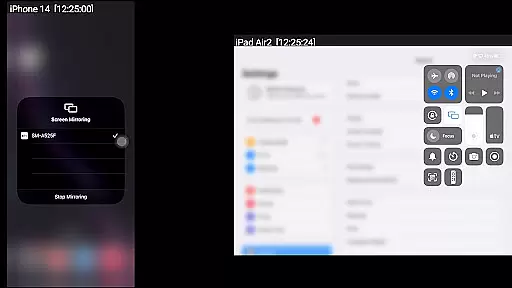
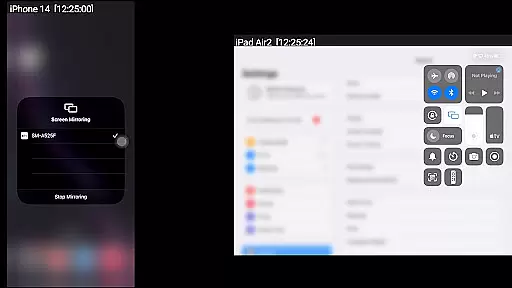
AirMirror is a specialized receiver application designed for Android devices, enabling seamless screen mirroring and casting from Apple devices such as iPhones, iPads, MacBooks, and iMacs. This app allows users to mirror screens, play back media content, and share YouTube links over the local network, making it an ideal tool for presentations, entertainment, and collaborative sharing with family, friends, or business partners.
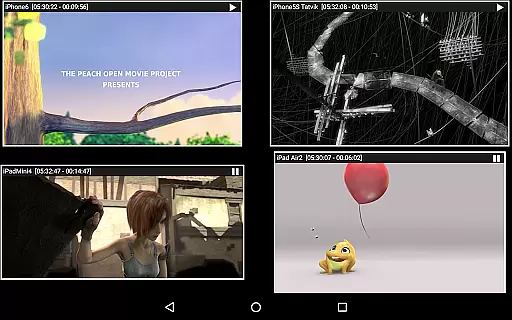
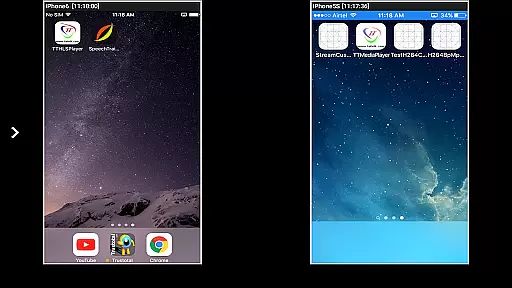
With support for iOS versions 9 to 15, AirMirror offers advanced features like simultaneous mirroring from up to four Apple devices, passcode protection to restrict unauthorized access, and adjustable mirroring windows. Its ability to handle photos, videos, and even game screens enhances its versatility. Additionally, Bluetooth Low Energy advertising ensures cross-subnet device compatibility, broadening its usability in diverse network environments.
AirMirror stands out with its comprehensive feature set tailored for both casual and professional users. The app supports high-quality screen mirroring for Apple devices, ensuring a smooth and responsive experience. Users can resize and move the mirroring window within the app interface, allowing for flexible viewing options while multitasking or presenting.
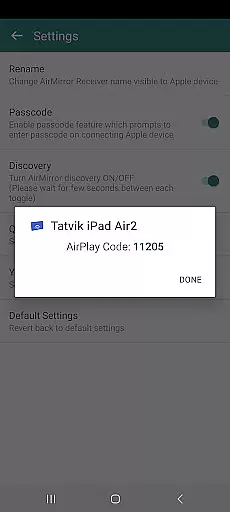
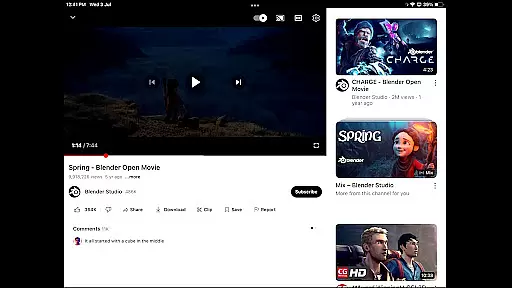
One of the key highlights is its capability to manage multiple connections, supporting up to four simultaneous Apple devices. The app also includes a passcode feature to secure the mirroring session, preventing unauthorized users from accessing the stream. Furthermore, AirMirror enables playback of YouTube content and media files stored on Apple devices, enhancing its utility for sharing multimedia across different platforms.
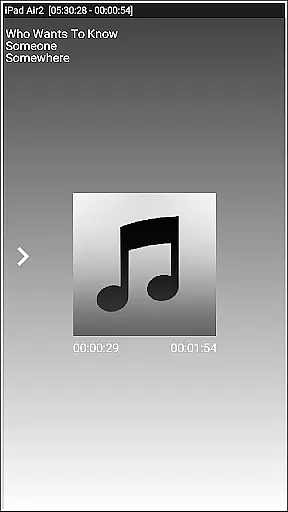
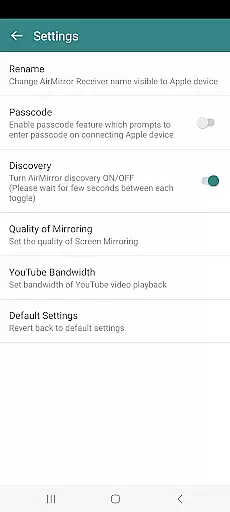
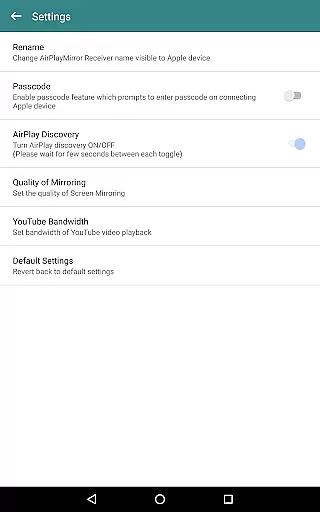
Additional functionalities include slideshow modes for photos and videos, control-screen management for connected devices, and customizable settings such as renaming the receiver, toggling discovery, and adjusting mirroring quality. These features collectively make AirMirror a robust solution for users seeking reliable screen sharing and media playback capabilities.
One of the key strengths of AirMirror is its ability to handle various video formats with ease. The application supports mirroring and casting from Apple devices, including iPhone, iPad, MacBook, and iMac, running iOS versions 9 to 15. This ensures that users can mirror their screens or play back media content without worrying about format incompatibility.
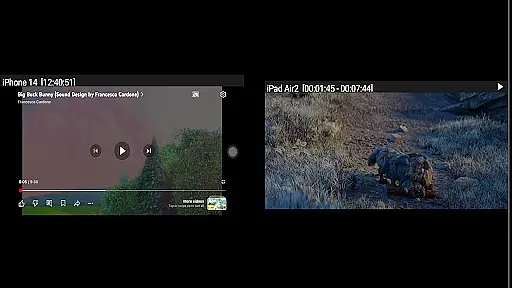
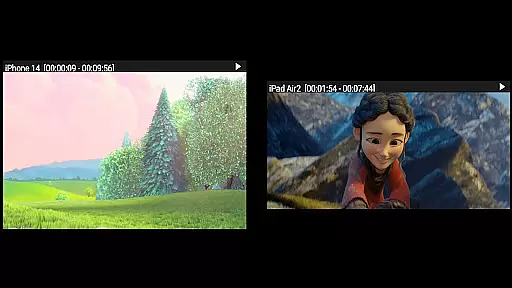
The app facilitates simultaneous screen mirroring from up to four Apple devices, allowing versatile usage scenarios such as collaborative presentations or shared entertainment experiences. Whether it's a slideshow of photos and videos or streaming free YouTube content, AirMirror provides a seamless transition from the Apple device to the Android screen.
Users will appreciate the flexibility offered by AirMirror when resizing and moving the mirroring window within the app view. This feature enhances user experience by providing control over how content is displayed, ensuring optimal visibility and convenience during screen sharing sessions.
AirMirror incorporates AI-powered functionalities that enhance the screen mirroring and casting process. While primarily a receiver app for Android, it leverages intelligent algorithms to optimize the quality of mirrored content. Users can adjust settings to change the quality of mirroring, catering to different network conditions and ensuring smooth playback.
Among its innovative features is Bluetooth Low Energy based advertising, which allows devices across different subnets to connect and mirror content. This expands the potential use cases for AirMirror, making it suitable for professional environments where subnet separation is common.
Although AirMirror does not support DRM-protected content like Netflix or paid videos, its capability to stream non-protected media remains robust. With options to set YouTube bandwidth and reset to default settings, users have granular control over their streaming experience, ensuring both quality and reliability.
User-friendly interface
Multi-device support
Passcode security
Customizable settings
Cross-subnet compatibility
No DRM content support
Limited live TV capability
Network dependency
iOS version restrictions
Occasional latency

You can play SWF format file!
 2.50
2.50
Video Player - Unlimited features, 30 days money back guarantee.
4.60
Your media, on your terms.
4.10
Video Downloader is an utility that can save videos and music from web sites
4.20
Create photo video with music & template. AI video maker for stunning slideshow.
4.60
Browser for Sony TV to stream web videos, online movies and live tv
3.20
Manage your IPTV live channels and VOD playlists (no playlist included)
3.80
AI Video Editor with Music, Filter, Slideshow, Effect, Merge & Trim Video.
4.80
Photo editor & video maker with music and slideshows.
4.10
Tik & Story Saver-Download ALL social media videos, photos & reels no watermark.
4.80
A Quick and Pro Video Editor
4.70
A Simple app to download Video & Music from the Internet.
4.70
?100% FREE! Download & save videos? safely in this app. All formats supported.
4.60
Full HD Video mp3 Player, MP4 player play 1080p, File manager, Video Downloader
4.40
Create & edit videos with AI
4.30
Powerful Video Editor & Photo Editing App —— Quick Edits & Stunning Effects!
4.30
AI Video Editor:AI Music, Text to Video,Text to Speech,Auto Caption,Video Effect
4.00
Explore the largest library of free GIFs, Stickers & Memes - or create your own!
3.90
A full editing room to accompany your Insta360 cameras and handheld gimbals.
3.30








User Reviews