
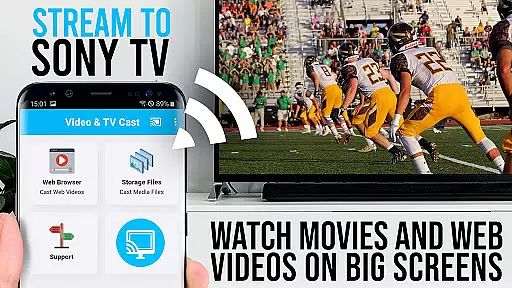
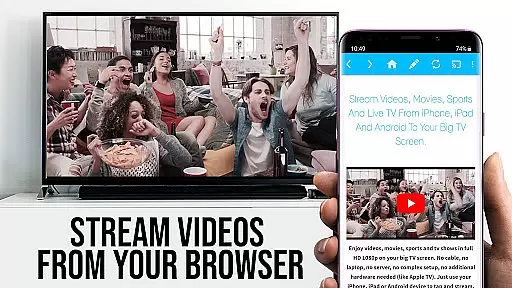
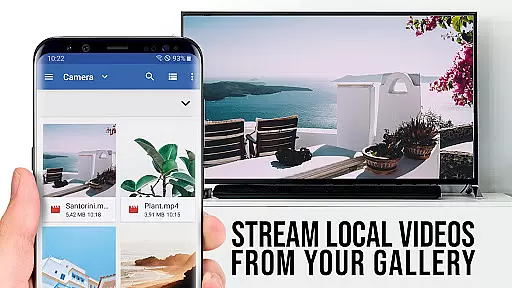
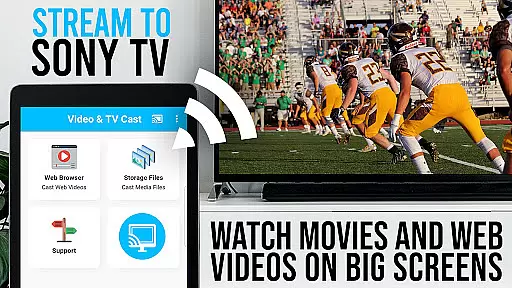
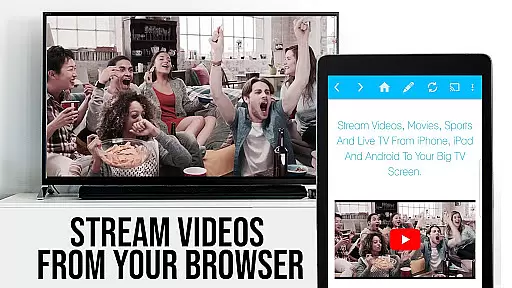
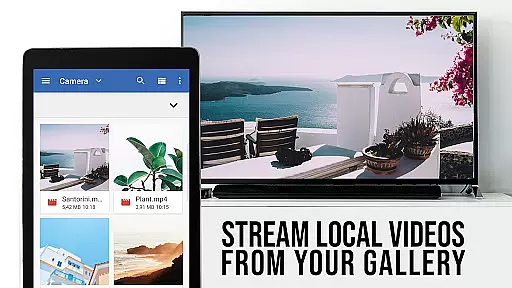
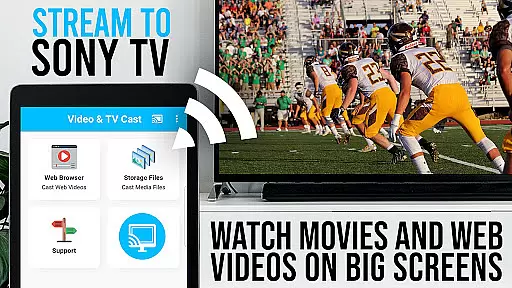
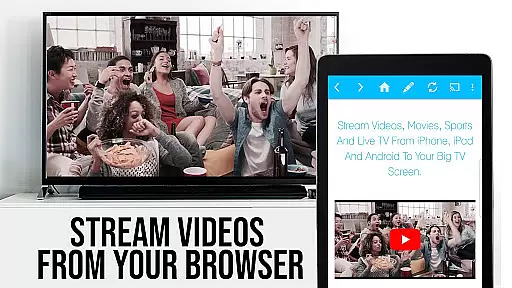
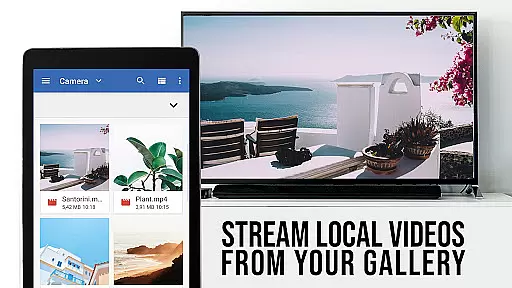
TV Cast Pro for Sony TV is a premier application designed to enhance your viewing experience by streaming web videos, online movies, livestreams, and live-TV shows directly on Sony TVs. This app eliminates the need for additional streaming devices, supporting formats like mp4, m3u8, hls livestreams, video over https, and Full HD content. It's tailored for Sony TVs equipped with the built-in Video & TV Cast app, offering users an accessible way to browse the web and cast any desired video with ease.
The PRO edition unlocks all premium features, allowing users to test basic functionalities in the FREE version. With its unique casting capabilities, users can navigate their favorite websites and send embedded videos to their Sony TV effortlessly. The app ensures DRM-protected services like Netflix are not supported, focusing instead on providing a seamless casting experience for compatible web content.
TV Cast Pro stands out with its specialized features crafted for an optimal streaming experience. The Remote Playbar offers advanced video control including scrubbing, forward, rewind, play, pause, and stop functions while browsing. This feature provides users with enhanced command over their viewing, making it more interactive and personalized.
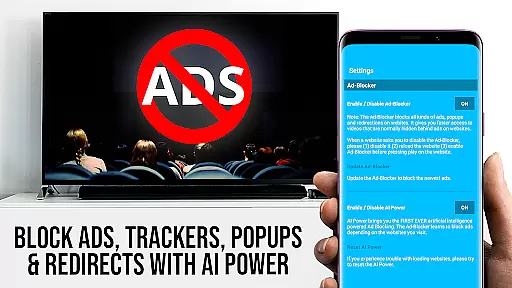
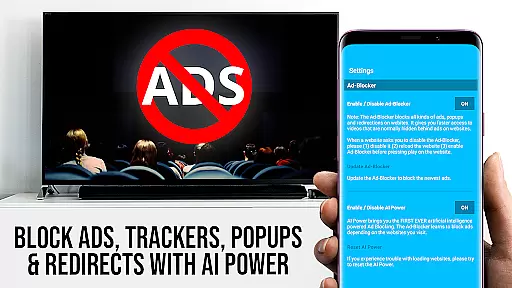
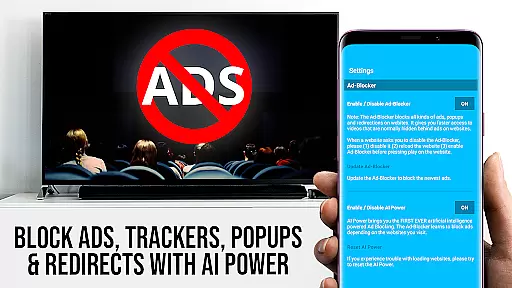
In addition to the Remote Playbar, the app includes an Ad-Blocker that removes ads and popups on most visited websites, ensuring an uninterrupted viewing session. Users also benefit from the ability to manage bookmarks directly within the browser, access content in Desktop Mode for a fuller website experience, and customize their homepage. These features collectively contribute to a refined, user-centric interface that prioritizes convenience and quality in streaming entertainment.
TV Cast Pro for Sony TV offers extensive video format compatibility, ensuring users can enjoy a wide range of content without limitations. The app supports popular formats such as Mp4, m3u8, and HLS livestreams, allowing seamless streaming of videos directly to Sony TVs.
This flexibility in format support means that whether you're watching web videos, online movies, or live TV shows, the experience remains smooth and uninterrupted. By eliminating the need for additional streaming devices, it simplifies the setup while maintaining high-quality playback.
Users benefit from the capability to stream content over HTTPS, which ensures secure transmission of data. This feature is particularly important for those who prioritize privacy and security while enjoying their favorite entertainment.
Moreover, Full HD support guarantees that videos are displayed in stunning clarity on your biggest screen. This makes TV Cast Pro an ideal solution for anyone looking to upgrade their viewing experience without investing in extra hardware.
While TV Cast Pro for Sony TV focuses primarily on streaming capabilities, its AI-powered features enhance user interaction with digital content. Although not a traditional video editor, the app incorporates intelligent functions that simplify video management and streaming.
The Remote Playbar is one such feature, offering advanced video control options like scrubbing, forward, rewind, play, pause, and stop. These controls provide users with a sophisticated way to manage their viewing experience directly from their mobile device.
Additionally, the Ad-Blocker feature uses smart algorithms to block ads and popups on most websites, creating a cleaner browsing environment. This function can be toggled on or off according to user preference, demonstrating the app's commitment to customizable experiences.
These AI-driven enhancements ensure that users can focus on enjoying their content without distractions or interruptions, making TV Cast Pro a versatile tool for modern digital entertainment needs.
User-friendly interface
Advanced video controls
Ad-free browsing experience
Customizable homepage settings
Seamless video casting
No support for DRM videos
Limited to specific Sony TVs
Requires manual IP entry
Some features need testing
Premium version is paid

Video player, file manager for all formats, 4K/HD media player supports subtitle
 4.30
4.30
HD video & music player - All format support with floating & PIP mode!
3.80
Video Trimmer, Video to MP3 Converter. Extract music from video, Easy & Fast.
4.80
AirMirror Receiver - Screen mirroring/cast web videos to Android TV by AirPlay.
4.40
Add date and time watermark to photos and videos
4.50
Watch IPTV on your Android device
4.60
Flud is a simple and beautiful BitTorrent client for Android.
4.80
LumaFusion: The Ultimate Storytelling Experience for Video Editing
4.10
Photo editor & video maker with music and slideshows.
4.10
Tik & Story Saver-Download ALL social media videos, photos & reels no watermark.
4.80
Download videos and play them offline
4.70
Video Player - Unlimited features, 30 days money back guarantee.
4.60
VLC Remote lets you control your VLC Media Player on Mac, PC or Linux.
4.60
Browser for Fire TV to stream webvideos, online movies, livestreams in HD
4.40
Make your own Animations, Video and Photo Edits, Visual Effects, and more!
4.00
Online Videos Player
3.90
Capture images & record videos for USB Camera, Webcam, Microscopes, Endoscopes
3.80
Livestream, news, & gaming content. Watch, chat, and upload. Join Rumble today!
3.80
Download videos easily & play them all in one smart, powerful video manager.
3.40




User Reviews