
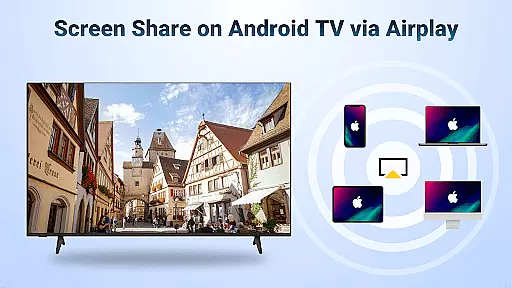
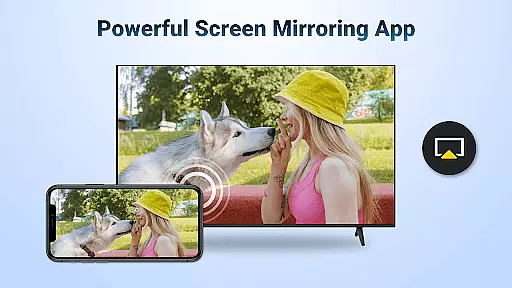
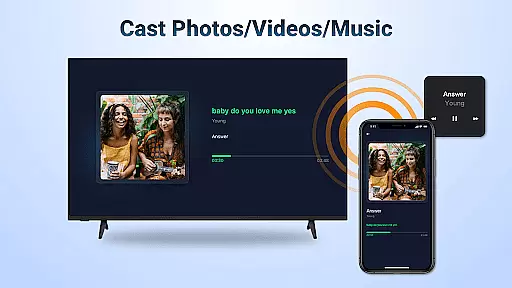
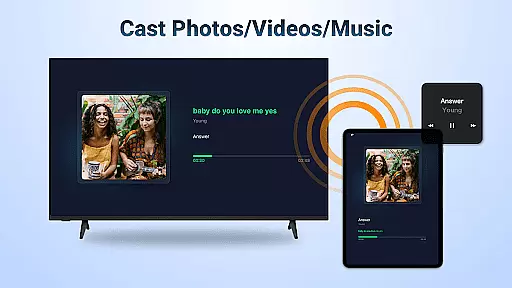
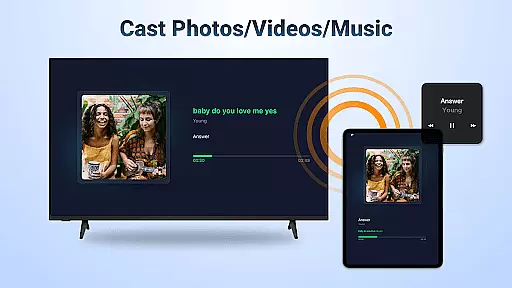
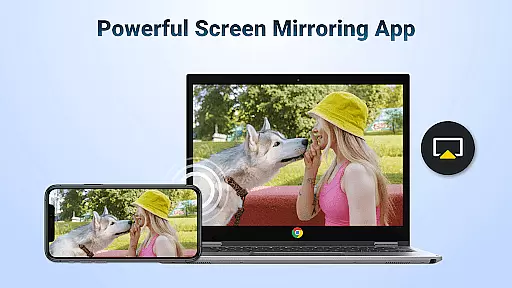
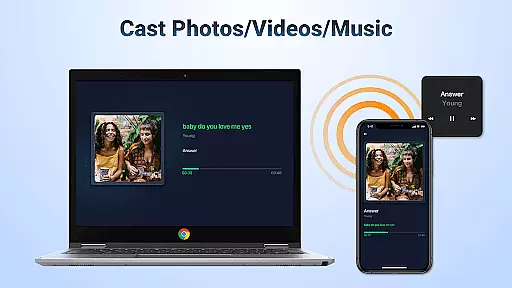
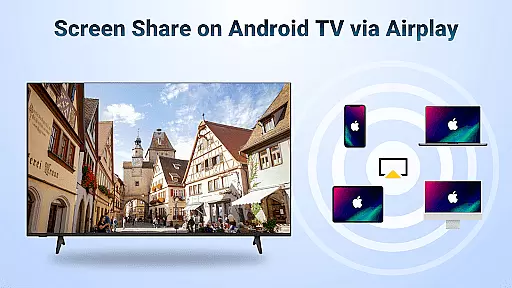
AirMirror is a wireless streaming receiver app that enables seamless screen mirroring and casting from Apple devices to Android TV over WiFi. This innovative solution allows users to share photos, web videos, and audio content directly to their TV screens without the need for additional converters or frequent device switching.
The application supports various use cases including business presentations, educational content sharing, multiplayer gaming, and family entertainment. With its user-friendly interface and stable connectivity, AirMirror provides an effortless way to enjoy high-quality media on larger displays.
Whether you're looking to enhance your meeting presentations or simply want to enjoy movies with friends, this app offers a practical and cost-effective solution for wireless content sharing across different platforms.
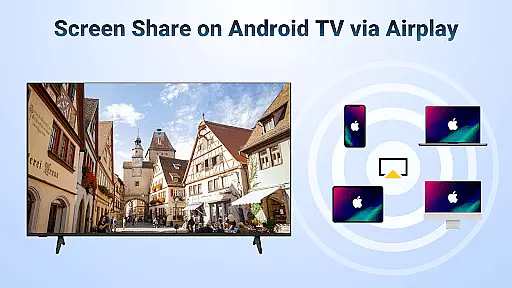
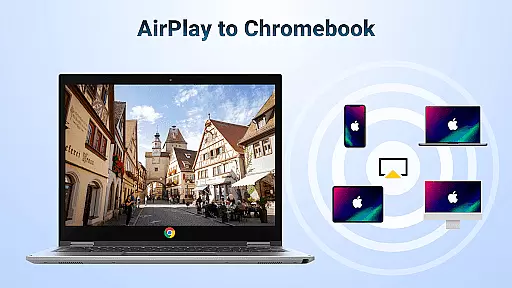
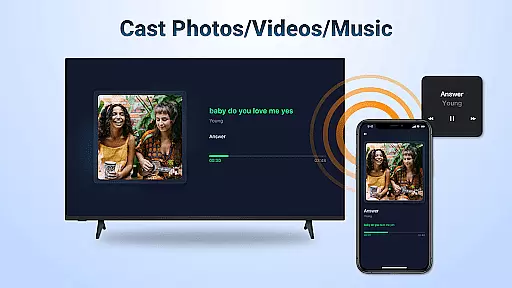
AirMirror stands out with its comprehensive feature set tailored for seamless cross-platform content sharing. The app supports AirPlay-enabled devices, allowing users to stream audio, video, and photos directly from iTunes, iOS devices, and other compatible sources.
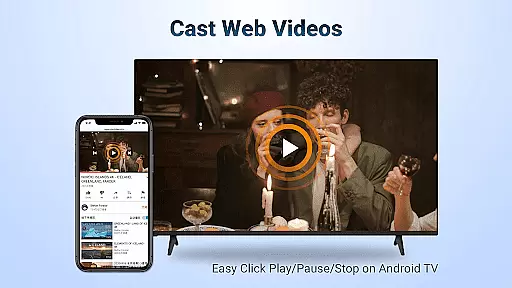
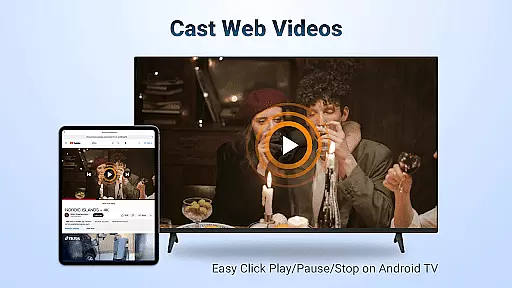
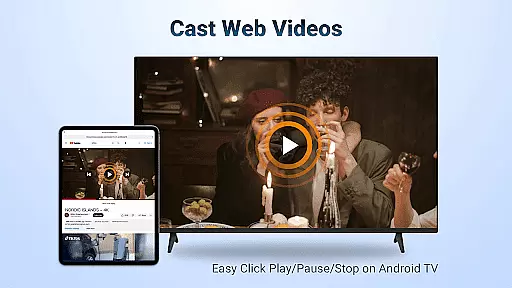
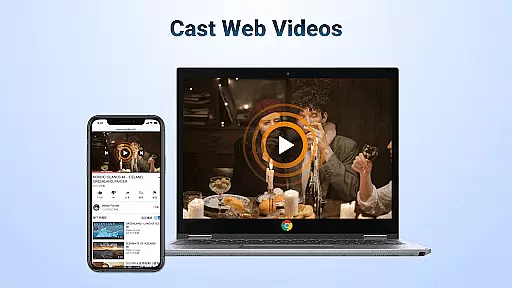
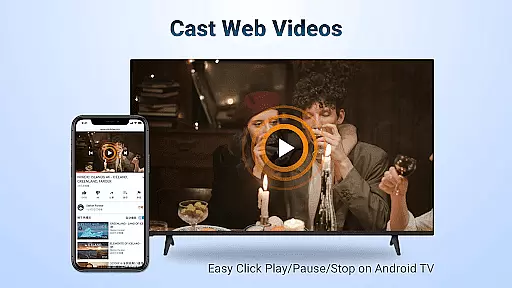
One of the key advantages is its ability to cast web videos with exceptional speed and smoothness. Users can control playback functions like Play, Pause, and Stop directly on the receiving end. The app also maintains display orientation flexibility, enabling users to switch between landscape and portrait modes as needed.
The application ensures simple connectivity and stable performance during screen mirroring sessions. Its intuitive design makes it accessible for both personal and professional use, while maintaining consistent streaming quality across various content types.
Video format compatibility is a crucial feature for any video player or editor, ensuring that users can access and play their desired content without restrictions. AirMirror: TV Cast via AirPlay supports a wide range of audio and video formats, allowing seamless streaming from AirPlay-enabled devices like iTunes, iOS, and others.
This application facilitates the casting of web videos through AirPlay with smooth and super-fast transmission speeds. Users can enjoy the convenience of playing, pausing, or stopping media directly on the receiving end, which is enabled with AirPlay functionality.
The benefit to users is the freedom to stream content from various sources without worrying about format support. Whether it's personal media collections or online streams, as long as DRM allows, AirMirror ensures stable mirroring and screen casting, providing an uninterrupted entertainment experience.
AI-powered editing features represent the cutting-edge advancement in video players and editors, offering smart tools that enhance user interaction and streamline the editing process. While AirMirror: TV Cast via AirPlay focuses primarily on screen mirroring, it incorporates intelligent connectivity for simple and stable media casting experiences.
Although this app may not provide traditional AI-driven editing tools such as automated cuts or visual effects, its sophisticated algorithms ensure optimal performance during screen sharing sessions. Users can switch between landscape and portrait modes effortlessly, adapting content presentation to suit different viewing preferences.
By integrating these smart features, AirMirror delivers a user-friendly interface that requires minimal technical knowledge, making it accessible for individuals looking to share teaching content, presentations, or precious memories on a larger display without any hassle.
User-friendly interface
Stable connectivity
Wide device compatibility
High-quality streaming
Cost-effective solution
No DRM content support
WiFi dependency
Limited to AirPlay
Occasional connectivity issues
Device restarts needed

Watch a large amount of high-definition short drama content
 4.60
4.60
AirMirror is Receiver for Screen Mirroring and Casting from Apple Devices.
3.60
High-Quality USB Camera Viewer & HDMI Display
4.70
Download videos easily & play them all in one smart, powerful video manager.
3.40
The essential companion to your Blue Iris PC software
2.50
Connect EasyCap or UVC devices for recording and broadcast video/audio stream
3.60
This app is an emulator of some specific IPTV boxes
3.50
Livestream, news, & gaming content. Watch, chat, and upload. Join Rumble today!
3.80
Capture the moment and Cut
3.40
Pro video editor app for Instagram, edit video with song, AI, effect & slowmo.
4.80
Find, download, and play torrents with the official BitTorrent® Pro app
4.70
Fast & easy HD video downloader for all formats, support 4K playback & download.
4.60
IPTV Loader, loads your own Playlist. DOES NOT CONTAIN ANY LIST OR CHANNELS
4.60
Video Downloader, Multiple Resolution Options, Video Player
4.50
Photo and Music Video Creator into Stunning Videos—Effortlessly
4.40
Full HD Video mp3 Player, MP4 player play 1080p, File manager, Video Downloader
4.40
Browser for Fire TV to stream webvideos, online movies, livestreams in HD
4.40
Create & edit videos with AI
4.30
All format media Player, no need video converter any more!
4.00






User Reviews