
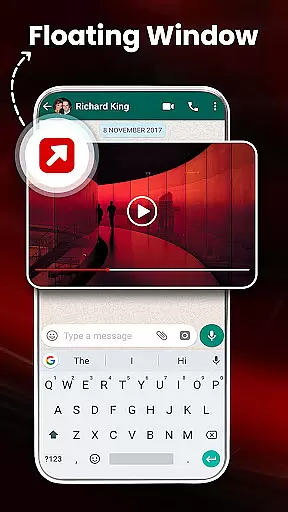
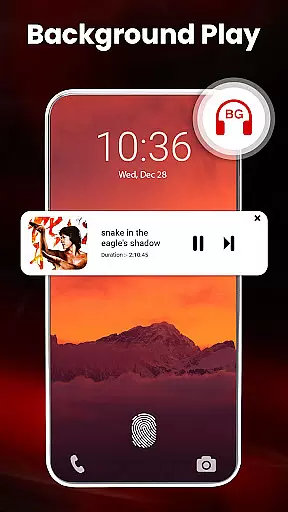
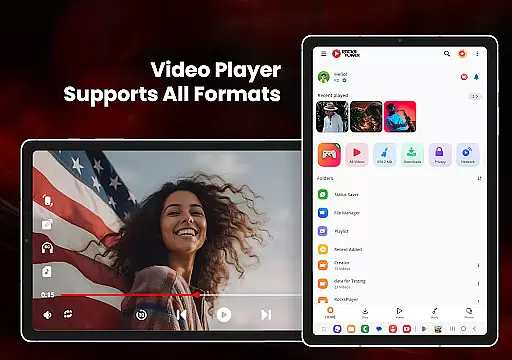
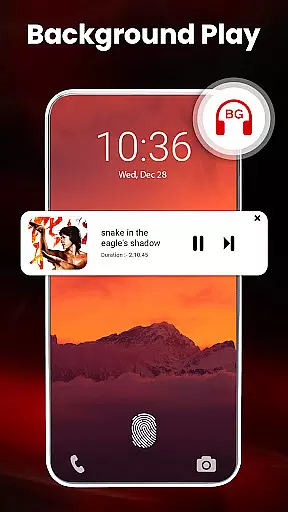
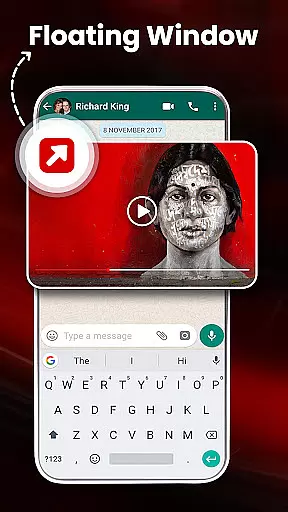
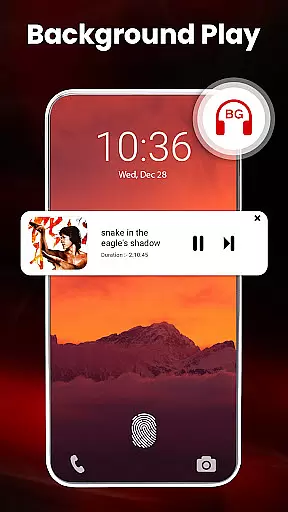
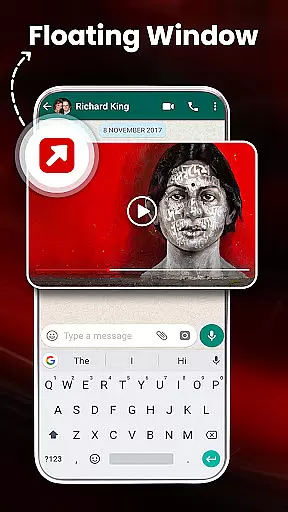
HD Video Player All Formats is a versatile media player designed for Android users who need comprehensive support for various video and audio formats. This app supports everything from MP3 to Ultra HD 4K videos, making it an ideal choice for users with diverse media libraries. The player includes advanced features such as hardware acceleration, pop-up playback, and background audio support.
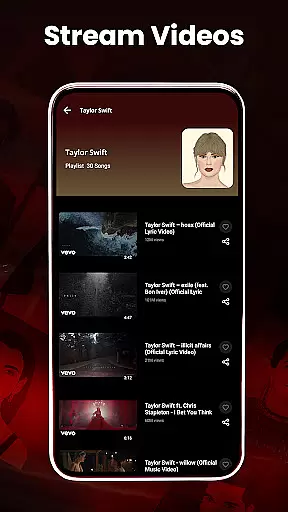
In addition to its core functionality, the app offers practical tools like a file manager, duplicate file scanner, and media hider. These features allow users to organize their files efficiently while maintaining privacy. Whether you're managing playlists or streaming content, this app provides a seamless experience across all media types.
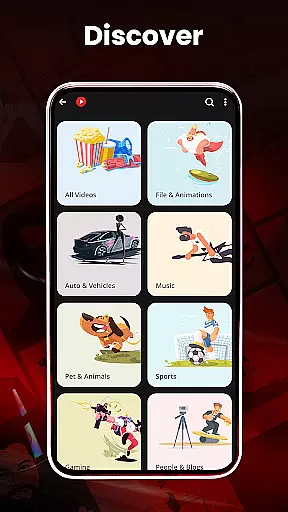
The app's user-friendly interface and powerful capabilities make it suitable for both casual viewers and tech-savvy users. With options like casting to TV, downloading social media videos, and customizable themes, it caters to a wide range of preferences. Its ability to handle high-resolution files ensures smooth playback, even for demanding content.
HD Video Player All Formats stands out with its extensive format compatibility, supporting popular extensions like MKV, MP4, MOV, and more. It incorporates a built-in video downloader and MP3 player, enabling users to access content from platforms like Facebook and Instagram. The inclusion of hardware acceleration through the HW+ decoder ensures optimal performance for HD and 4K videos.
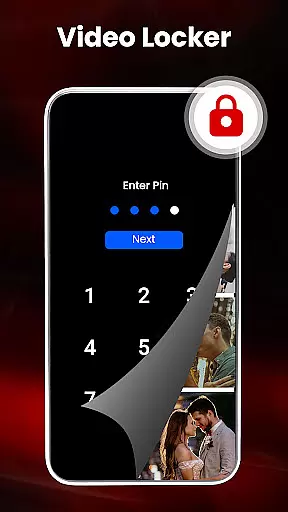
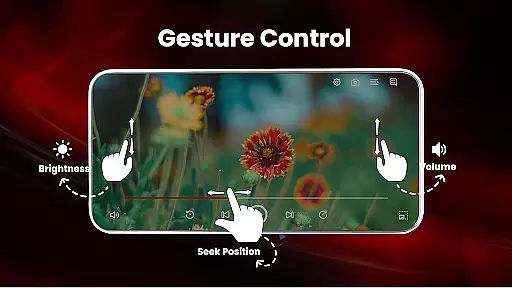
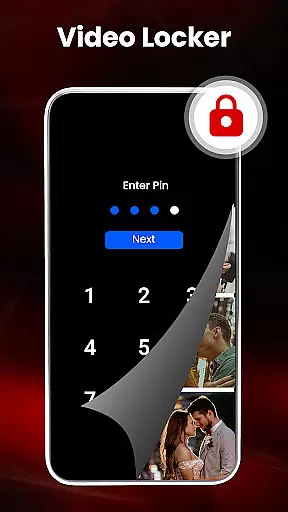
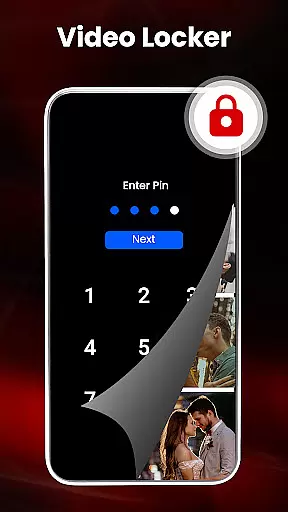
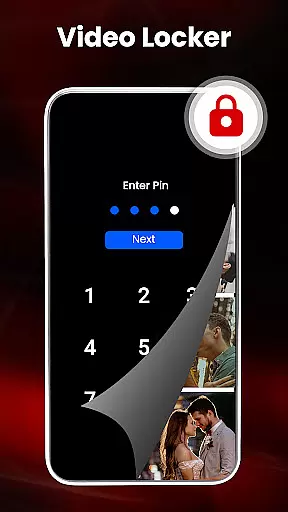
One of the app's notable innovations is its multi-functional design. Users can lock private videos, manage playlists, and control playback speed. Smart gestures allow intuitive adjustments to volume, brightness, and progress. Additionally, features like night mode and quick mute enhance usability during extended viewing sessions.
The app also integrates practical utilities beyond basic playback. A file manager helps organize media, while the duplicate file scanner optimizes storage. With secure encryption and a gallery vault, users can protect sensitive content. These comprehensive tools create a robust ecosystem for managing and enjoying multimedia files.
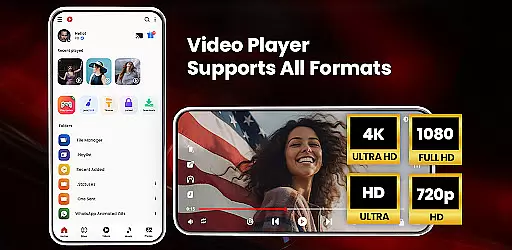
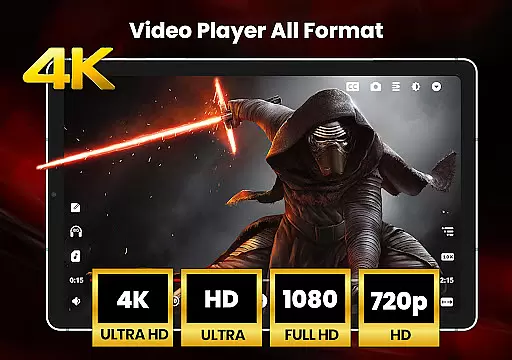
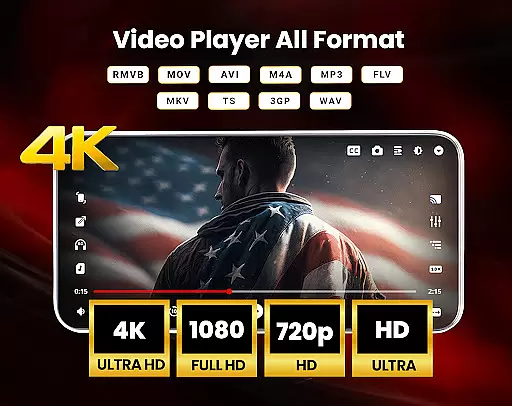
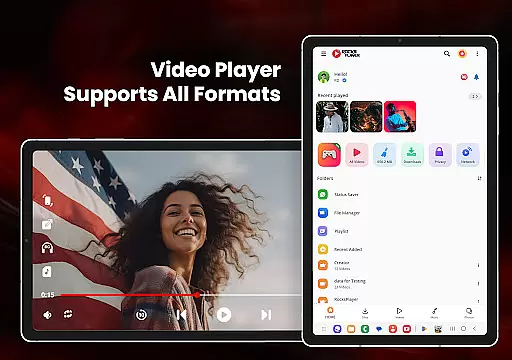
Video format compatibility is a crucial feature for any video player, ensuring that users can enjoy their media files regardless of the format. HD Video Player All Formats supports an extensive range of video formats including MKV, MP4, M4V, MOV, 3GP, FLV, WMV, TS, MP3, and MPG. This versatility allows users to play videos and songs without worrying about format restrictions.
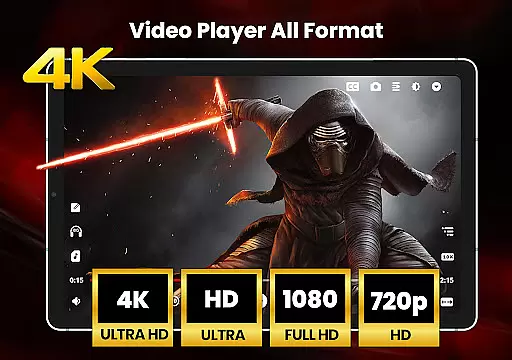
The application's support extends to high-definition content such as HD, Full HD, 4K, and Ultra HD video files, making it one of the best options for Android users seeking a powerful media experience. With this comprehensive format support, users can easily switch between different types of media without the need for conversion or additional software.
Moreover, the inclusion of features like hardware acceleration with the new HW+ decoder enhances playback performance, especially for high-resolution videos. Users benefit from smooth playback even when watching resource-intensive content, providing a seamless viewing experience across all supported formats.
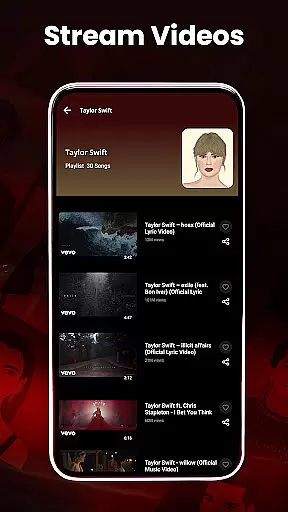
While HD Video Player All Formats focuses primarily on playback capabilities, it also offers AI-powered editing features that enhance user interaction with media files. The built-in video downloader functionality not only allows users to obtain content from various sources but also provides tools for managing and optimizing these files. For instance, users can scan for duplicate files, hide private videos, and clean up unnecessary media.
The app includes smart gestures that enable intuitive control over volume, playing progress, and brightness, which simplifies the editing process. Additionally, advanced playback options such as pinch to zoom, auto-rotation, aspect ratio adjustments, and screen lock contribute to a more personalized viewing experience. These features collectively empower users to tailor their media consumption according to their preferences.
Furthermore, the integration of a powerful equalizer with bass boost and virtualizer in the MP3 player enhances audio quality during playback. Users can create playlists and manage them efficiently after downloading content via the video downloader. Such functionalities ensure that the overall media management within the app remains robust and user-centric.
User-friendly interface
Wide format support
Advanced playback options
Integrated file management
Privacy protection features
May consume significant storage
Some features require permissions
Interface may feel cluttered
Limited iOS compatibility
Ads in free version

HD video maker with no watermark, no ads & vlog maker with music, PIP, text
 4.50
4.50
This app was created to edit the metadata of music files.
4.20
Video player with powerful streaming playback and various convenient features.
2.10
Turn your phone into a wireless camera!
4.20
AirMirror Receiver - Screen mirroring/cast web videos to Android TV by AirPlay.
4.40
GENRAL PRO - General Pro is the best video player that fully supports all formats.
4.70
Play and download HD videos from all sources — fast, simple, and all-in-one.
4.3
Fast private browser with secure, seamless access & supported video downloads!
4.00
Create, Publish & Maximize
4.70
#1 Torrent App on Android ** No Ads Ever + Battery Saver **
4.80
Viddo: Generate Action Figure, AI Anime, AI kiss, AI hug Video from image & text
4.40
Browser for Samsung TV to stream webvideos, online movies and livestreams in HD
4.10
Powerful, professional, versatile teleprompter. Developed by an active film crew
4.00
IPTV-Smarters Player Pro M3U - Watch Live Stream TV Channels with Chromecast
4.00
All format media Player, no need video converter any more!
4.00
Make your own Animations, Video and Photo Edits, Visual Effects, and more!
4.00
Save photos and videos from social apps in one tap.
3.60
The smartest M3U IPTV Player your playlists have ever seen.
4.5
Powerful HD video player with support for all formats & subtitles.
4.1






User Reviews