
M3U IPTV Premium is a top-tier IPTV player designed for users seeking an ad-free, customizable streaming experience. It builds on the features of its free version by offering advanced functionalities and enhanced performance.
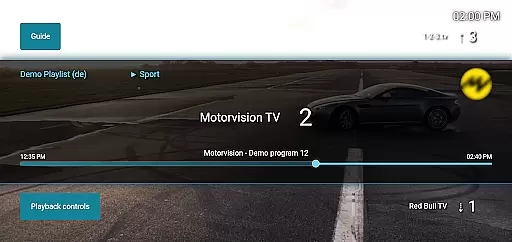
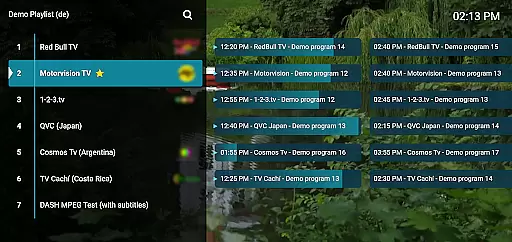
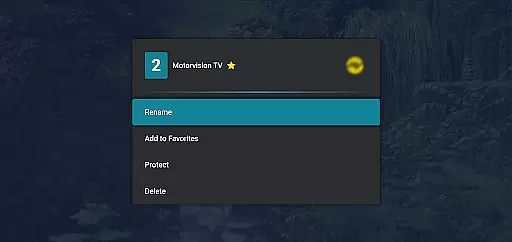
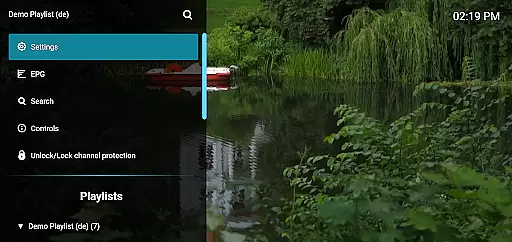
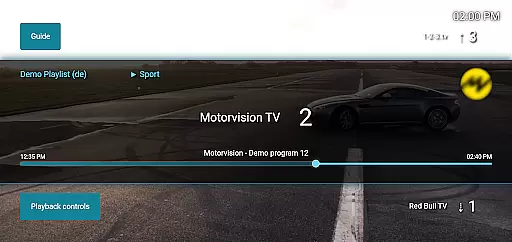
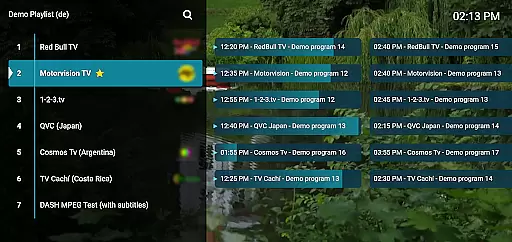
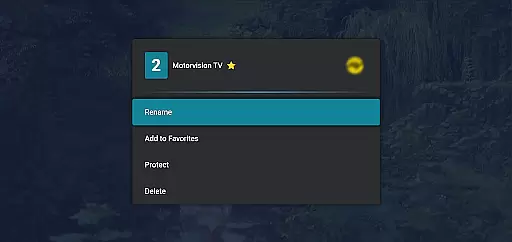
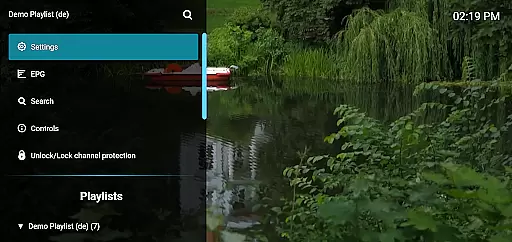
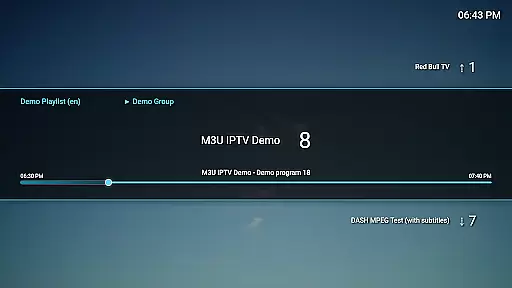
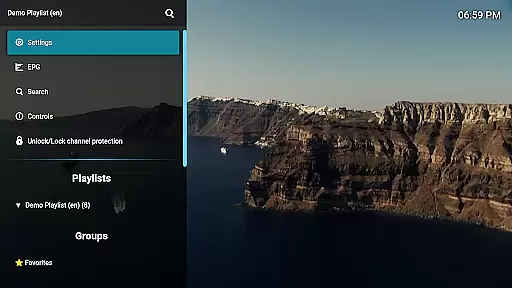
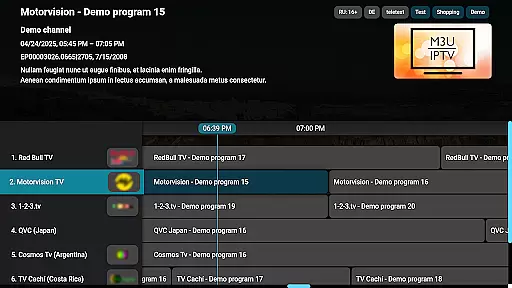
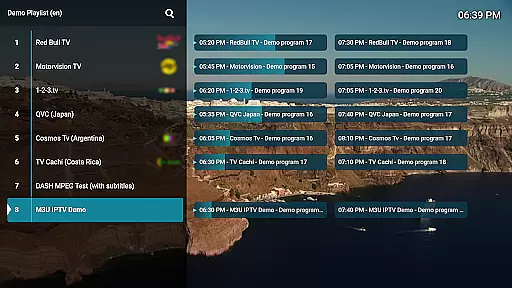
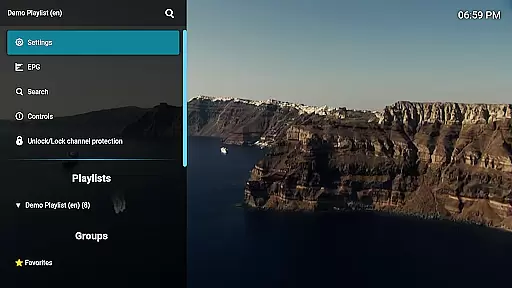
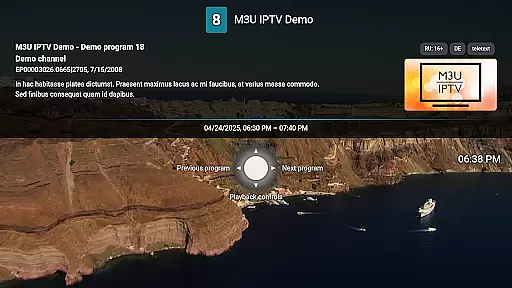
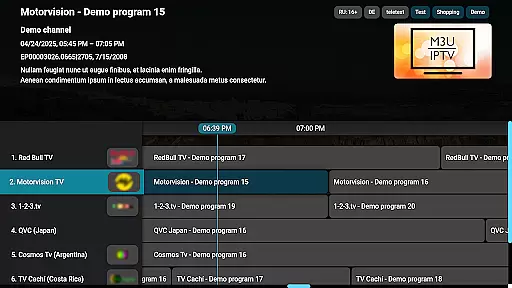
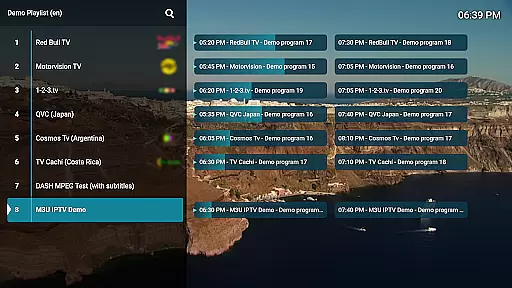
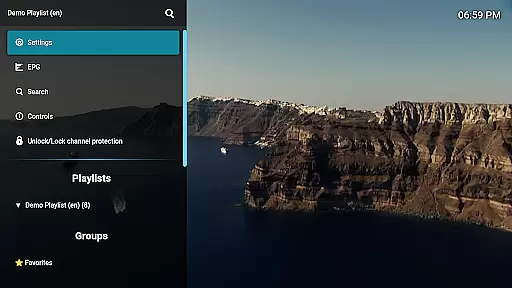
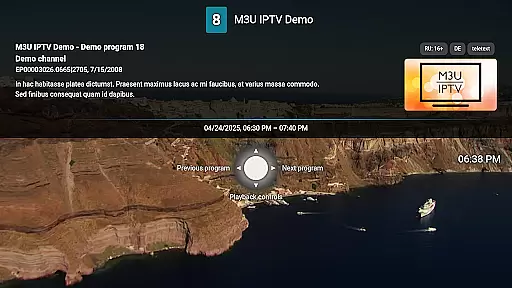
With support for M3U playlists, EPG integration, and advanced playback controls, this app caters to IPTV enthusiasts who require full control over their viewing experience. The channel editor and protection features ensure personalized and secure access to content, making it ideal for power users looking to manage their IPTV streams efficiently.
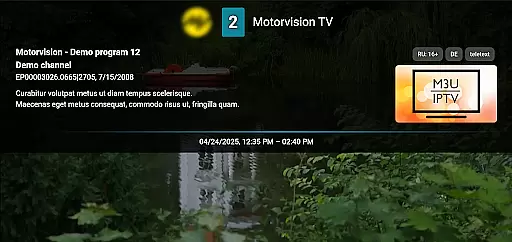
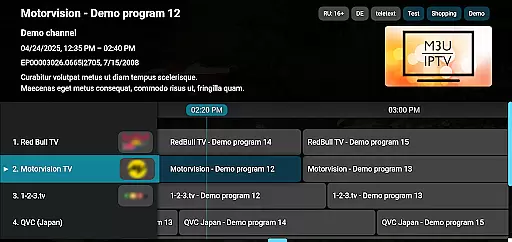
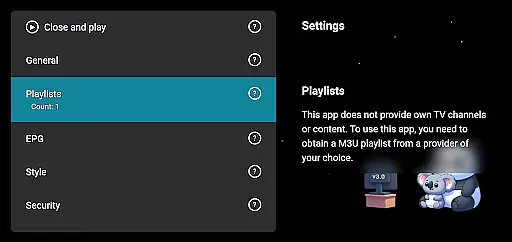
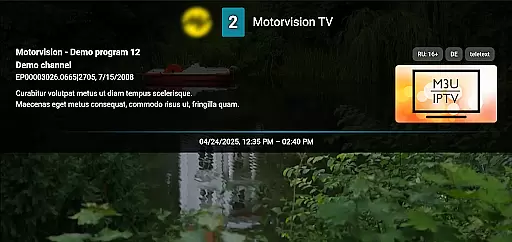
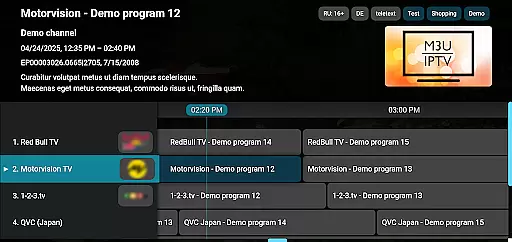
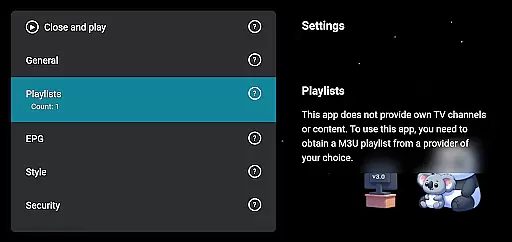
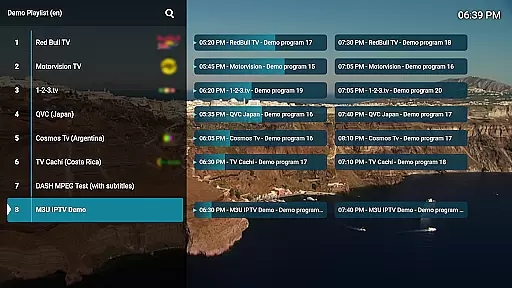
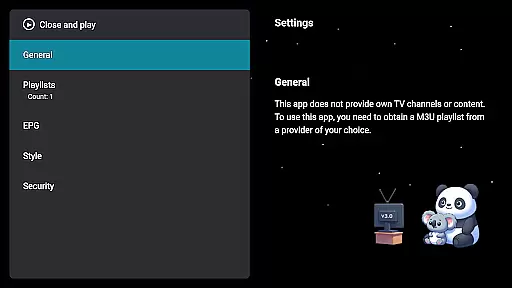
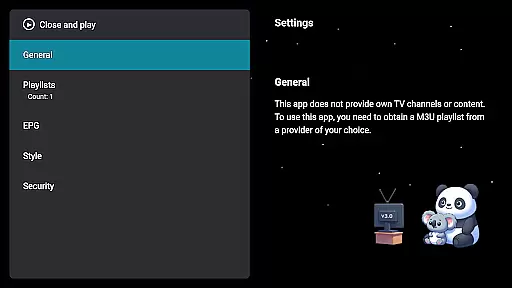
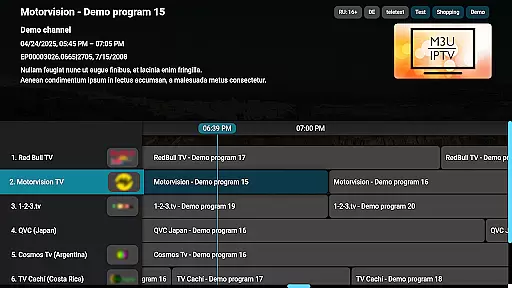
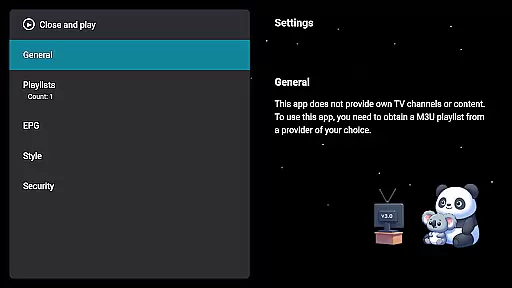
M3U IPTV Premium stands out with its comprehensive feature set tailored for an optimal IPTV experience. The app supports unlimited M3U playlists and EPG sources, providing users with flexibility in managing their channels and schedules.
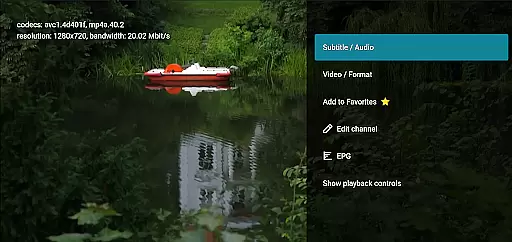
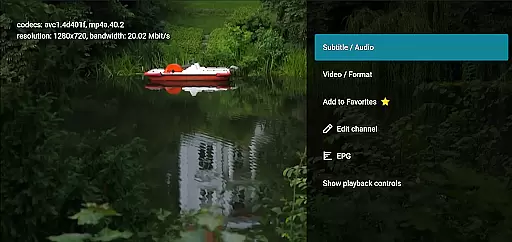
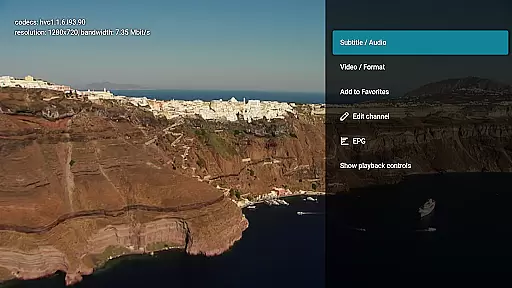
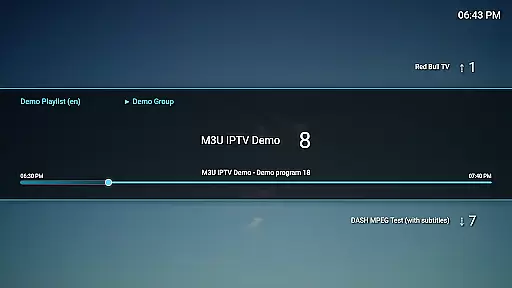
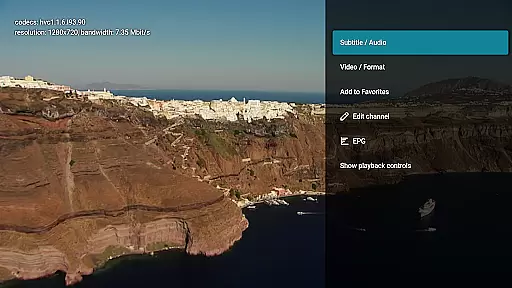
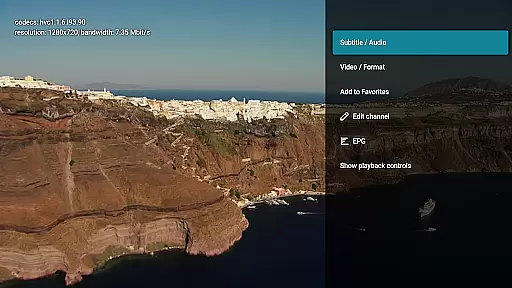
Advanced playback options such as catch-up and archive playback enhance user engagement by allowing them to rewatch missed content. The customizable UI and channel protection features offer a personalized and secure environment, ensuring that users can tailor the app to their preferences while maintaining privacy and parental controls.
Video format compatibility is a crucial feature for any video player, ensuring that users can enjoy content in various formats without technical hindrances. M3U IPTV Premium excels in this area by supporting an extensive range of video formats commonly used in IPTV streaming.
The application's robust decoding capabilities allow it to handle both standard and high-definition streams effortlessly. This means you can stream content from different sources without worrying about format support, making your viewing experience seamless and versatile.
For users, this translates into the freedom to explore diverse content libraries and playlists without limitations. Whether you're streaming live TV or on-demand videos, M3U IPTV Premium ensures that all your media plays smoothly, providing a truly uninterrupted entertainment experience.
While primarily an IPTV player, M3U IPTV Premium incorporates AI-powered editing features that enhance the user's ability to manage and customize their streaming content. These intelligent tools provide advanced functionalities that go beyond basic playback controls.
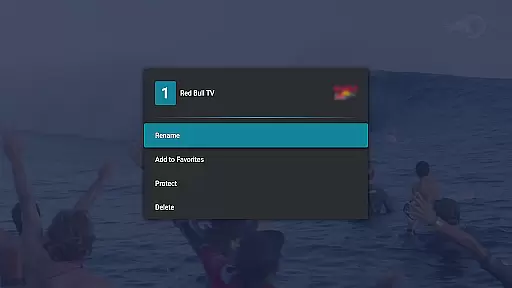
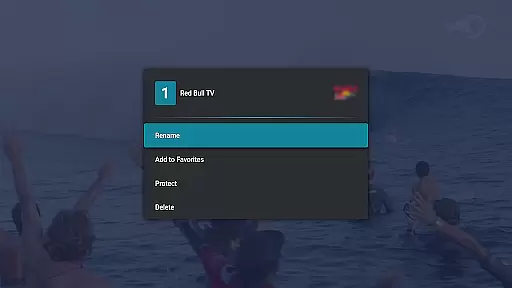
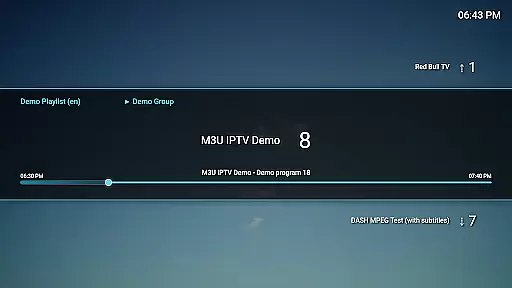
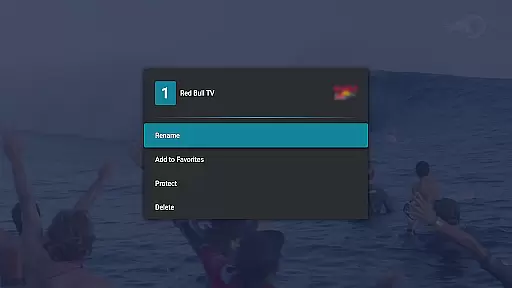
The Channel Editor feature utilizes smart algorithms to help users organize their channels efficiently. You can rename, reorder, or remove channels with precision, creating a personalized viewing lineup that suits your preferences. The system learns from your interactions, making future suggestions more aligned with your viewing habits.
This innovative approach to content management saves time and improves the overall usability of the application. By leveraging AI technology, M3U IPTV Premium offers power users unprecedented control over their IPTV experience while maintaining an intuitive interface that's accessible to all users.
Ad-free experience
Unlimited playlists
EPG integration
Customizable UI
Advanced playback controls
No included content
Requires technical knowledge
Premium cost
Limited beginner support
Dependent on external playlists

Video player, file manager for all formats, 4K/HD media player supports subtitle
 4.30
4.30
?100% FREE! Download & save videos? safely in this app. All formats supported.
4.60
Create photo video with music & template. AI video maker for stunning slideshow.
4.60
Live TV, anywhere in your home
3.80
Support 1000+ Video Format, Subtitle Download, mp3 & Background Play, Cast On TV
4.60
1)AirPlay/DLNA Mirroring/Streaming, up to 4 connections; 2)Samba/NAS/DMS Player.
4.00
Powerful Video Editor & Photo Editing App —— Quick Edits & Stunning Effects!
4.30
This app is an emulator of some specific IPTV boxes
3.50
Video player with 4K & 1080P support, popup play, background play and subtitle.
4.20
An easy-to-use and all-round screen recorder with audio
4.80
HD Video player all format, HD Videos, Cast & Subtitle. No annoying ads.
4.60
Cast Videos from Web Browser, IPTV to Roku, Chromecast, DLNA, Smart TV +more
4.60
Watch a large amount of high-definition short drama content
4.60
Fast video downloader & private browser. Save HD clips to watch offline.
4.40
Create & edit videos with AI
4.30
Powerful video player with advanced hardware acceleration and subtitle supports
4.20
LumaFusion: The Ultimate Storytelling Experience for Video Editing
4.10
VLC for Android is the best open source video and music player, fast and easy!
4.10
All format media Player, no need video converter any more!
4.00



User Reviews