
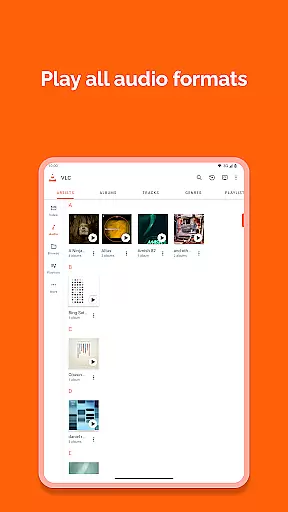
VLC for Android is a versatile, free, and open-source media player that brings the powerful features of the desktop VLC to mobile devices. It supports an extensive range of video and audio formats, network streams, DVDs, and more without the need for additional codecs or plugins.
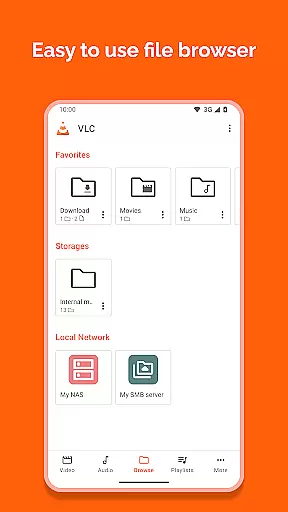
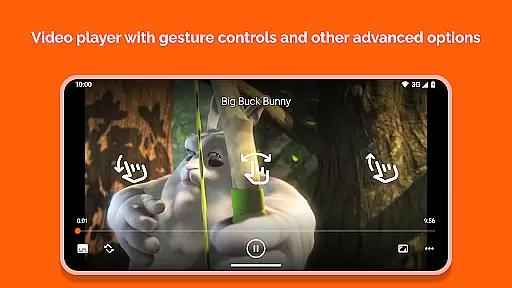
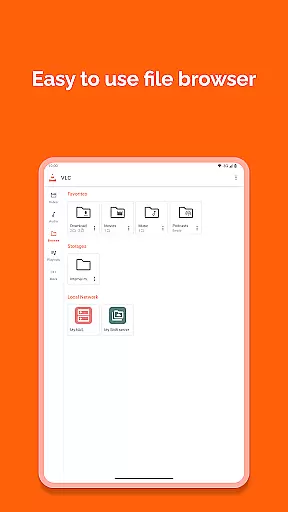
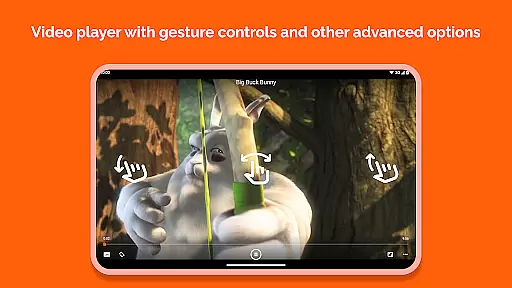
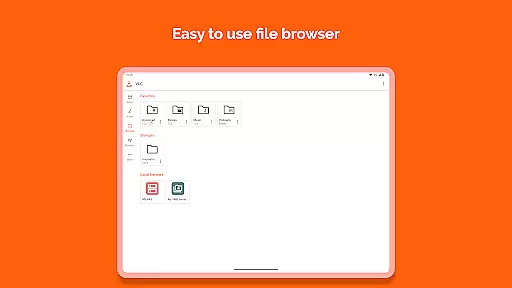
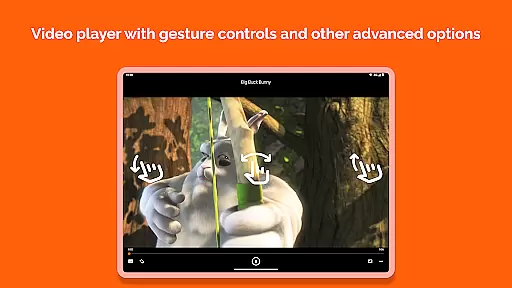
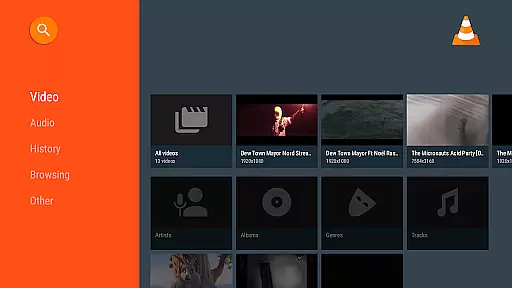
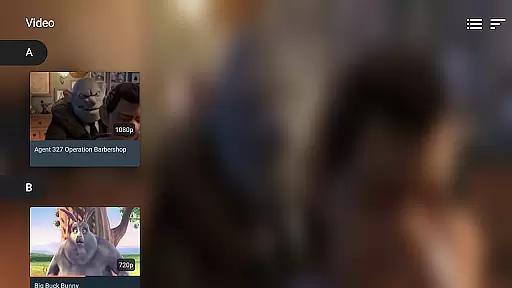
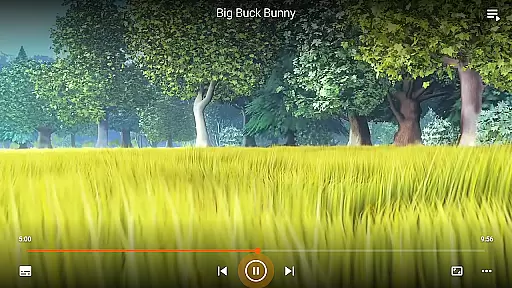
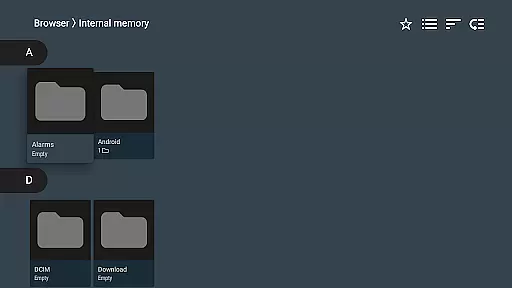
Designed with user convenience in mind, this app offers advanced playback options such as auto-rotation, aspect-ratio adjustments, and gesture controls for volume and brightness. Its comprehensive media library and folder browsing capabilities make managing your multimedia content effortless.
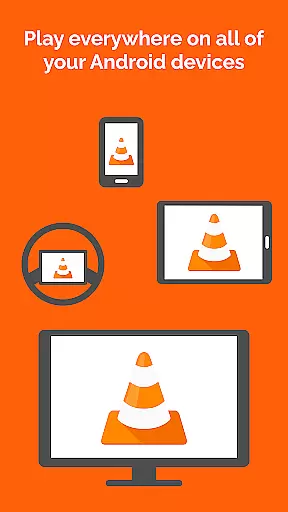
Whether you're commuting or relaxing at home, VLC for Android ensures uninterrupted entertainment by playing local files, network shares, and streaming protocols seamlessly across various devices.
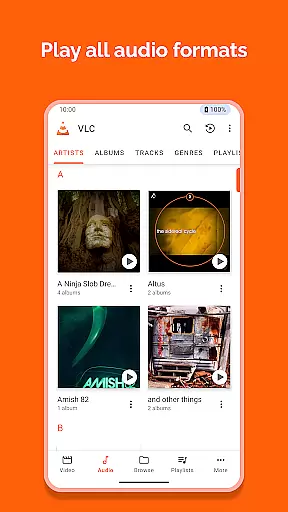
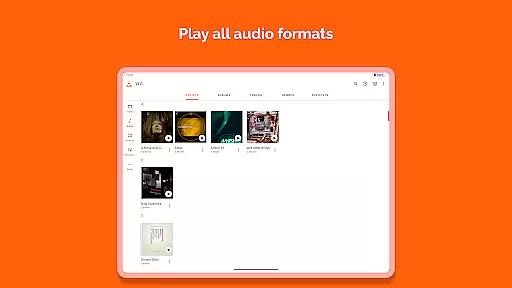
VLC for Android stands out with its ability to handle most multimedia files, including uncommon formats like Ogg, FLAC, and M2TS. The inclusion of all necessary codecs within the app eliminates the hassle of downloading them separately, making it a comprehensive solution for media playback.
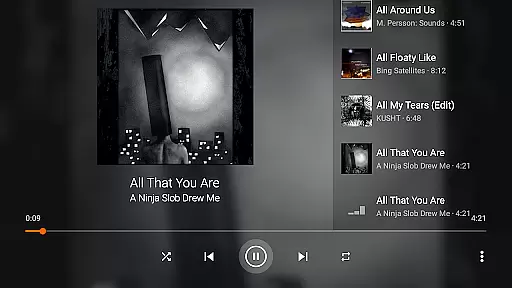
Beyond basic playback, VLC provides sophisticated features such as multi-track audio support, customizable subtitles, and teletext display. Users can enjoy enhanced control through gestures that adjust volume, brightness, and seeking, alongside a widget for convenient audio management.
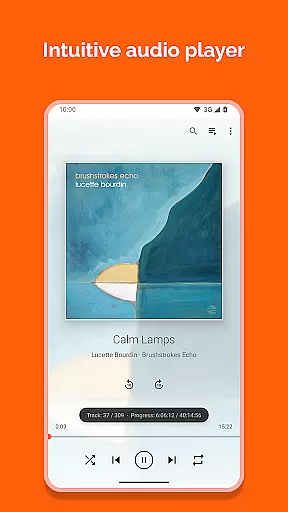
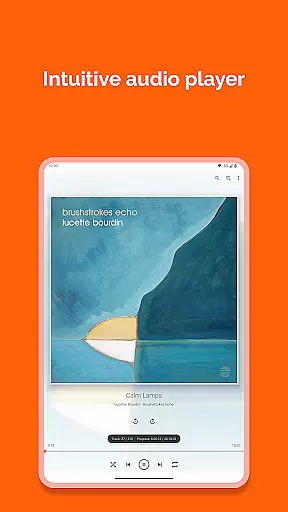
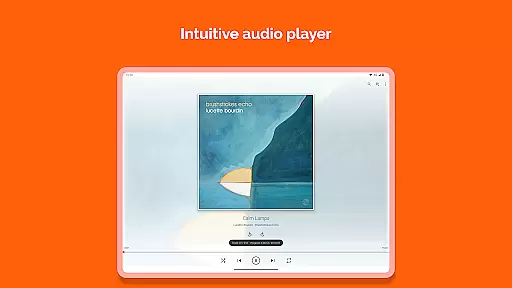
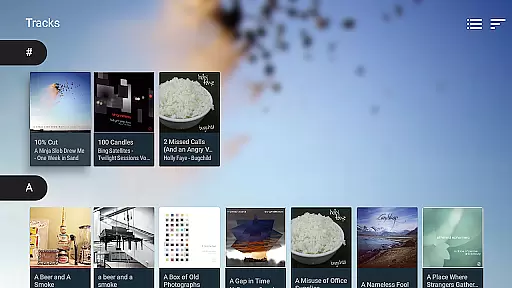
The app's dedication to accessibility is evident in its support for network streams, disk shares, and adaptive streaming. With integrated cover art display, a complete audio library, and compatibility with external devices, VLC for Android delivers a rich and immersive media experience tailored to diverse user needs.
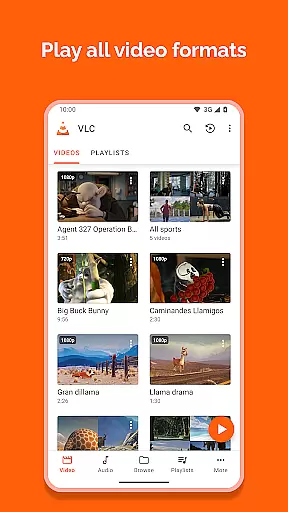
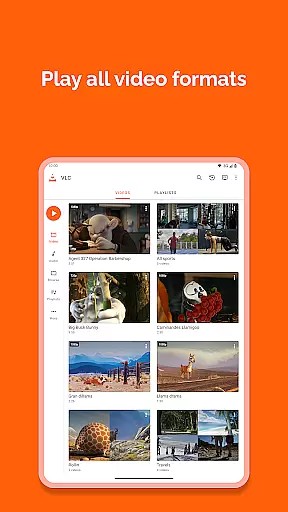
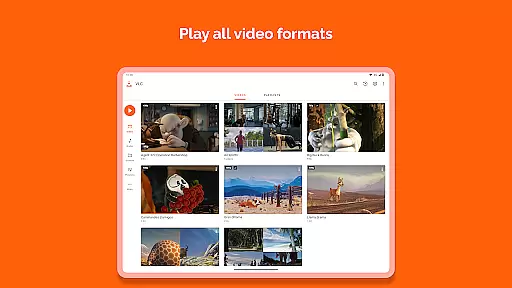
VLC for Android stands out in its ability to support a wide range of video formats without the need for additional codecs or plugins. This universal compatibility ensures that users can play virtually any video file they encounter.
The application supports popular formats such as MKV, MP4, AVI, and MOV, alongside less common ones like Ogg, FLAC, TS, M2TS, and Wv. This extensive format coverage eliminates the frustration of encountering unsupported files, making VLC an essential tool for media consumption.
Additionally, VLC handles network streams and adaptive streaming with ease, allowing users to enjoy content from various online sources. The inclusion of DVD ISO support further enhances its versatility, catering to users who maintain physical media libraries.
By providing comprehensive video format support, VLC for Android empowers users to focus on their viewing experience rather than technical limitations. This feature particularly benefits those who work with diverse multimedia content or simply want a hassle-free media player.
While primarily known for its playback capabilities, VLC for Android incorporates several intelligent features that enhance the media management experience. These AI-powered functionalities streamline content organization and accessibility.
The application's media library automatically categorizes audio and video files, creating a structured database that simplifies content discovery. Its advanced scanning algorithms efficiently process large collections, even when stored across multiple directories or external storage devices.
VLC's smart filtering system enables quick searching and sorting of media files based on various parameters. The application also supports network streams and disk shares, utilizing intelligent connection protocols to ensure stable media access from different sources.
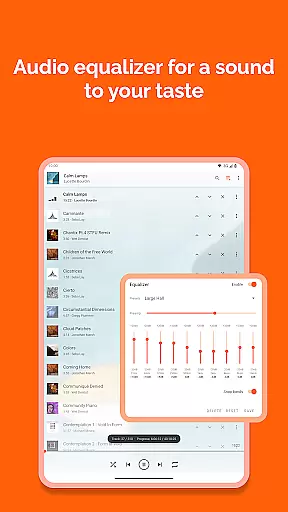
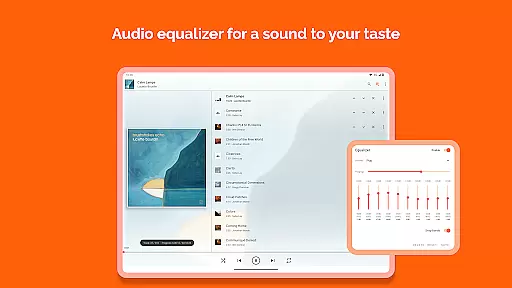
These AI-driven enhancements, combined with traditional editing features like subtitle synchronization and audio track management, create a comprehensive media management solution. Users benefit from both automated organization and manual control options, making VLC for Android suitable for both casual viewers and power users.
User-friendly interface
Comprehensive format support
No ads or in-app purchases
Regular updates from developers
Active community support
Occasional bugs reported
Advanced settings may overwhelm new users
Limited official customer support
Interface not highly customizable
Heavy on older devices

Stream high quality video from your camera over NDI protocol
 4.5
4.5
Capture images & record videos for USB Camera, Webcam, Microscopes, Endoscopes
3.80
Video Downloader, Multiple Resolution Options, Video Player
4.50
Manage your IPTV live channels and VOD playlists (no playlist included)
3.80
This app is an emulator of some specific IPTV boxes
3.50
Web Browser for LG TV to stream webvideos, online movies and livestreams in HD
4.20
Cast movies, tv shows and live streams to Chromecast, Roku, DLNA, Fire TV & more
4.60
Screen recorder with audio to take live videos & Screenshot in high quality!
4.70
Create, Publish & Maximize
4.70
Download videos and play them offline
4.70
Support 1000+ Video Format, Subtitle Download, mp3 & Background Play, Cast On TV
4.60
KineMaster, Your Ultimate Video Editor!
4.40
Browser for Fire TV to stream webvideos, online movies, livestreams in HD
4.40
Viddo: Generate Action Figure, AI Anime, AI kiss, AI hug Video from image & text
4.40
Movie maker & video editing app with AI effects and green screen
4.30
Turn your phone into a wireless camera!
4.20
Connect 2 UVC devices for recording and broadcast video/audio stream
3.90
Save photos and videos from social apps in one tap.
3.60
Connect EasyCap or UVC devices for recording and broadcast video/audio stream
3.60




User Reviews