
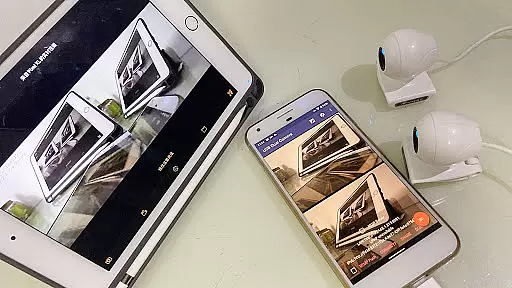
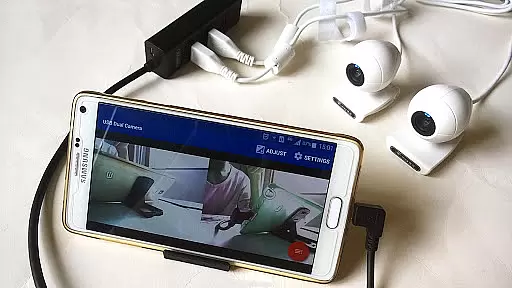
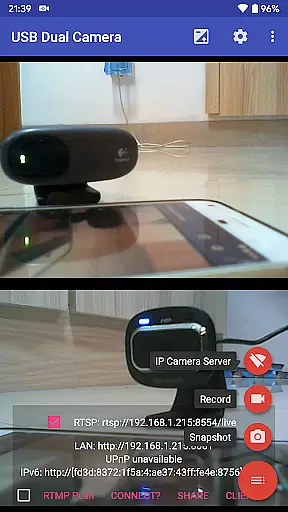
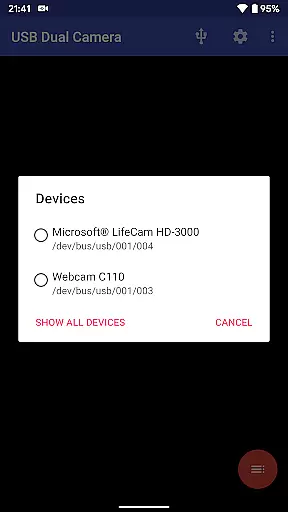
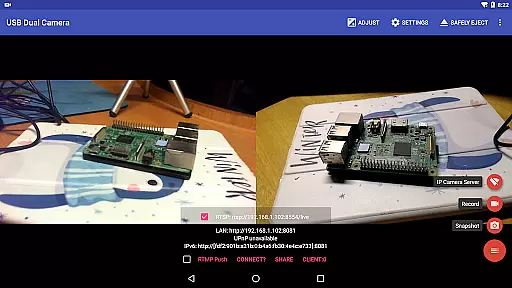
USB Dual Camera Pro is a versatile video application that allows Android devices to connect to two USB WebCams or video capture cards simultaneously via USB-OTG. The app supports UVC WebCams with microphones and video grabbers with audio input, enabling users to record high-quality videos or capture snapshots. With its unique features, the app can also transform your phone into a wireless IP camera through an integrated RTSP and HTTP server for security monitoring.
The app's standout functionality includes support for bi-directional audio, making it suitable for various professional use cases like live streaming and network broadcasting. It supports advanced codecs such as HEVC, H.265, and AV1, ensuring compatibility with modern devices and platforms like YouTube Live. Additionally, the app offers practical tools like timestamp overlays, GPS data integration, and loop recording, which are particularly useful for dashcam functionality.
Whether you're looking to conduct professional-grade video recordings, live broadcasts, or enhance your device's security capabilities, USB Dual Camera Pro provides a comprehensive solution. Its ability to mix audio and video streams from multiple sources adds significant value for content creators and security professionals alike.
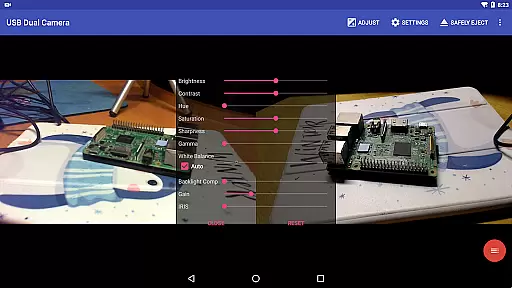
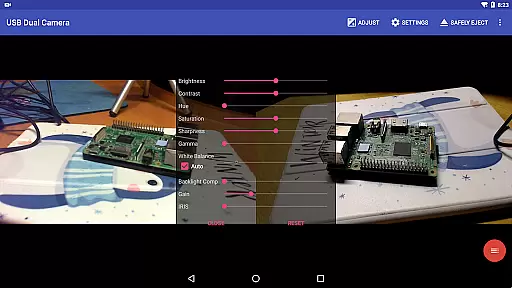
USB Dual Camera Pro boasts an impressive array of features tailored for both casual users and professionals. One of its core functionalities is the ability to connect and utilize two USB cameras simultaneously, allowing users to record dual video streams in MJPEG, H.264, H.265, or HEVC formats. This feature is especially beneficial for those needing multi-angle shots or detailed video analysis.
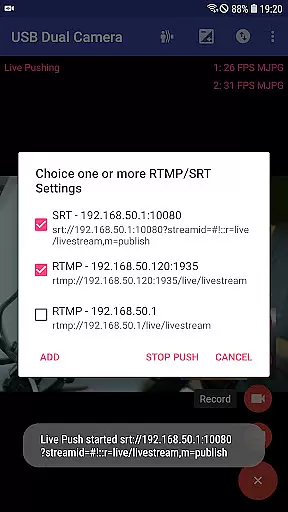
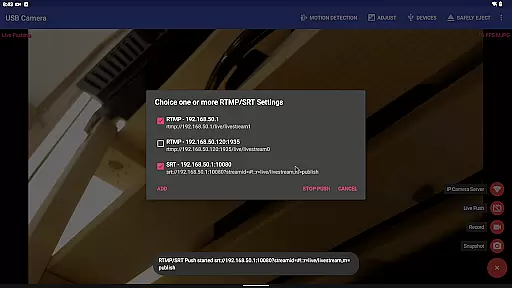
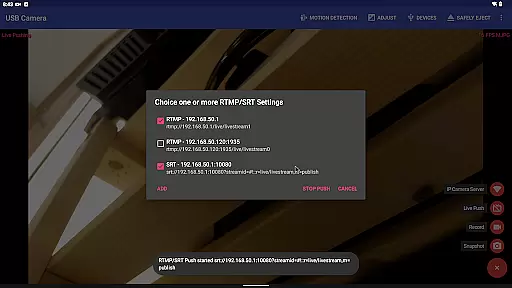
In addition to supporting standard UVC devices, the app also works with non-UVC devices like USB endoscopes, broadening its usability. The built-in RTSP and HTTP server transforms your phone into a wireless IP camera, ideal for remote security monitoring. Advanced users will appreciate the app's ability to push video and audio streams to RTMP/SRT media servers, facilitating professional-grade live broadcasts with support for rtmps and SRT protocols.
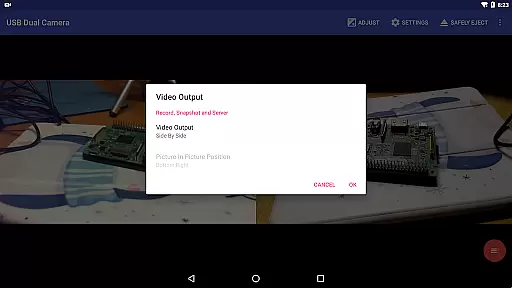
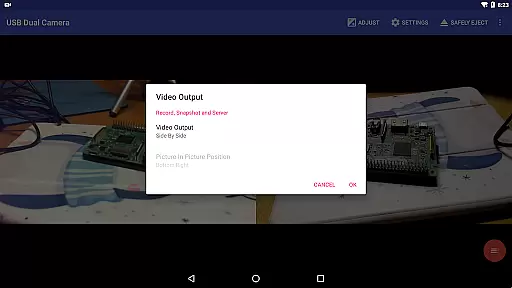
Other notable features include audio mixing capabilities, overlay functions for combining built-in camera feeds with external sources, and side-by-side 3D video recording. These features, combined with motion detection-based auto-recording and FTP upload capabilities, make USB Dual Camera Pro a powerful tool for diverse video applications.
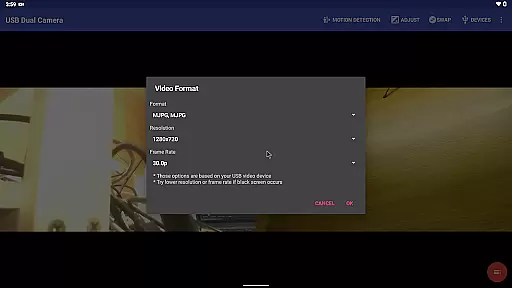
USB Dual Camera Pro demonstrates exceptional versatility in video format compatibility, ensuring smooth performance across various codecs. The application supports industry-standard formats such as MJPEG, H.264, H.265, HEVC, and even the emerging AV1 codec.
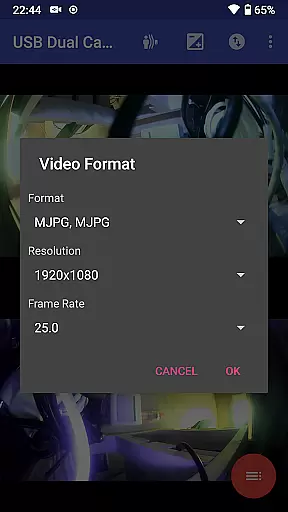
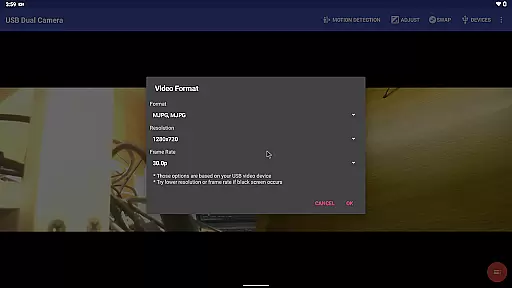
This compatibility ensures that users can connect up to two USB webcams or video capture devices simultaneously without format-related constraints. For high-resolution streaming or recording at up to 4K via HDMI, MJPEG is required when using dual cameras. This flexibility allows content creators to choose the best format for their specific needs.
The app's support extends to modern Android versions, requiring Android 5.0 or above for HEVC and Android 10 or above for AV1. Such comprehensive format coverage empowers professionals in fields like security monitoring and live broadcasting to maintain optimal video quality while leveraging advanced compression technologies.
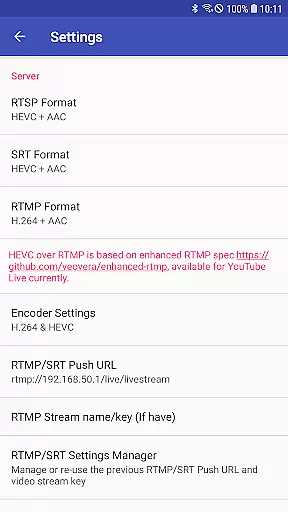
By supporting multiple formats including YouTube Live-compatible HEVC/AV1 over RTMP, the application enables seamless integration with various media servers and platforms, making it an essential tool for professional-grade video production and streaming.
While primarily focused on camera functionality, USB Dual Camera Pro incorporates several intelligent features that enhance its value as a video processing tool. The application's AI-powered capabilities manifest through its automatic video processing functions and smart overlay systems.
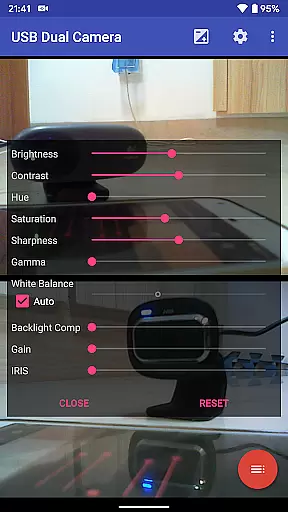
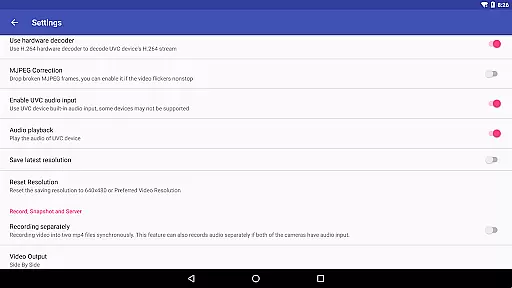
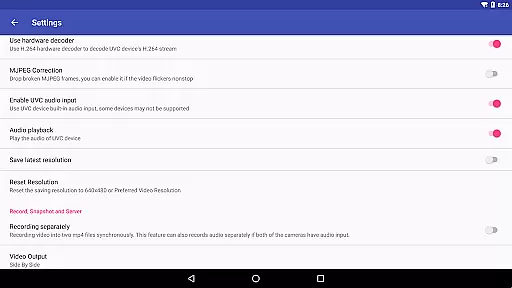
The software can automatically add timestamp, GPS data, speed information, and other metadata directly onto video frames during recording. This feature proves particularly valuable for security monitoring and dashcam applications where contextual information is crucial. The system also supports motion detection-based recording, which intelligently triggers video capture when movement is detected.
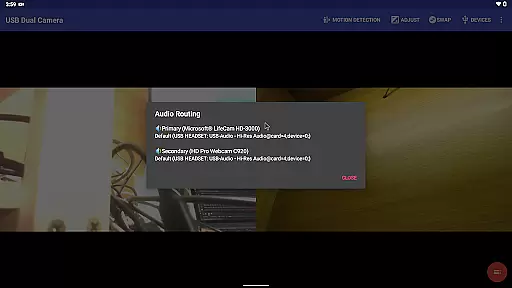
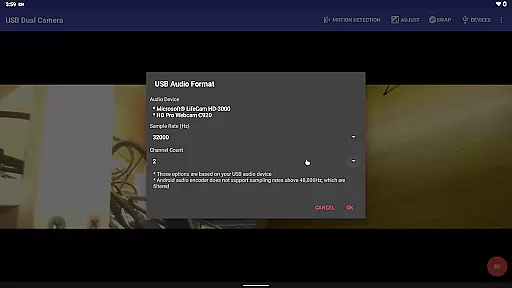
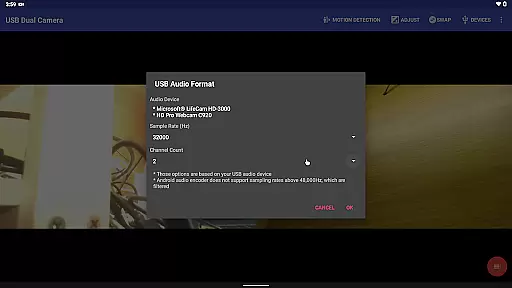
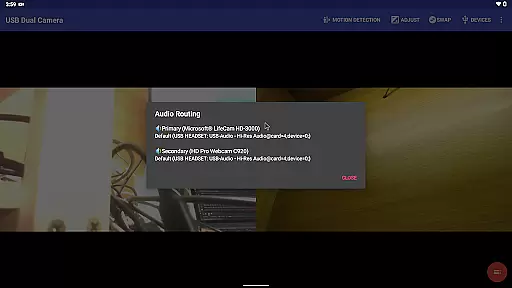
Advanced audio processing capabilities include automatic audio mixing from multiple sources, including USB audio, built-in microphones, and system audio. This intelligent mixing function ensures optimal audio quality without manual intervention. Additionally, the application can overlay internal camera footage onto external camera video streams, creating composite images with minimal user input.
These AI-driven features are complemented by automated workflow enhancements such as FTP upload capability with email notifications and loop-recording functionality with automatic file segmentation and deletion management.
Supports dual cameras
Advanced codec support
Bi-directional audio
Motion detection
FTP upload feature
Requires good OTG cable
High power consumption
Complex setup process
Limited third-party app support
Android 9+ permission needed

Video player, file manager for all formats, 4K/HD media player supports subtitle
 4.30
4.30
Online Videos Player
3.90
Auto video maker with music & exclusive filters. Video editing made simple.
4.50
Powerful, professional, versatile teleprompter. Developed by an active film crew
4.00
High-Quality USB Camera Viewer & HDMI Display
4.70
An easy-to-use and all-round screen recorder with audio
4.80
Download website videos fast&privacy
4.40
AI Video Editor:AI Music, Text to Video,Text to Speech,Auto Caption,Video Effect
4.00
Browser for Fire TV to stream webvideos, online movies, livestreams in HD
4.40
Play ALL formats in 4K & HD. Video downloader, MP3 player, Chromecast & more.
4.80
A Simple app to download Video & Music from the Internet.
4.70
Screen recorder with audio to take live videos & Screenshot in high quality!
4.70
AirMirror Receiver - Screen mirroring/cast web videos to Android TV by AirPlay.
4.40
1)AirPlay/DLNA Mirroring/Streaming, up to 4 connections; 2)Samba/NAS/DMS Player.
4.00
Capture images & record videos for USB Camera, Webcam, Microscopes, Endoscopes
3.80
Live TV, anywhere in your home
3.80
AirMirror is Receiver for Screen Mirroring and Casting from Apple Devices.
3.60
Watch full episodes of your favorite Cartoon Network and Cartoonito shows!
3.50
The essential companion to your Blue Iris PC software
2.50




User Reviews