
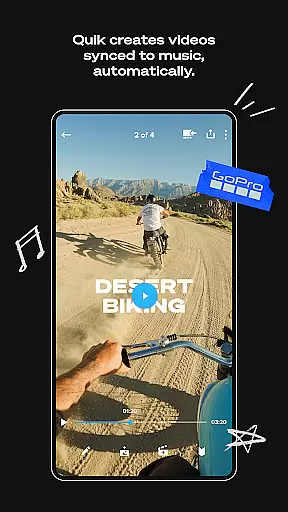
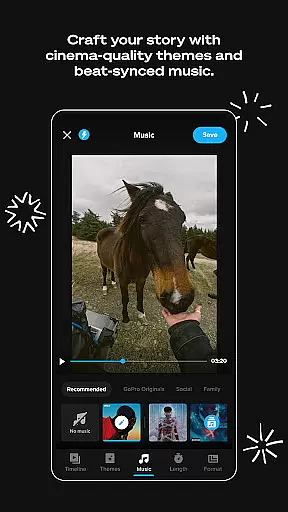
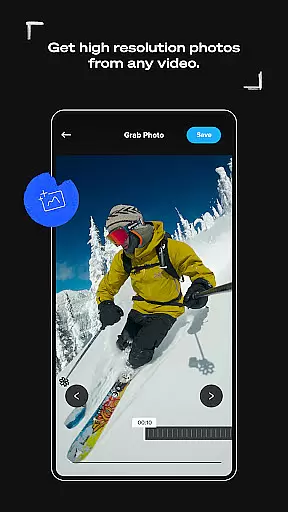
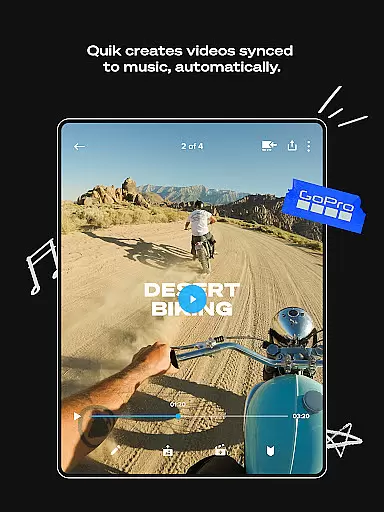
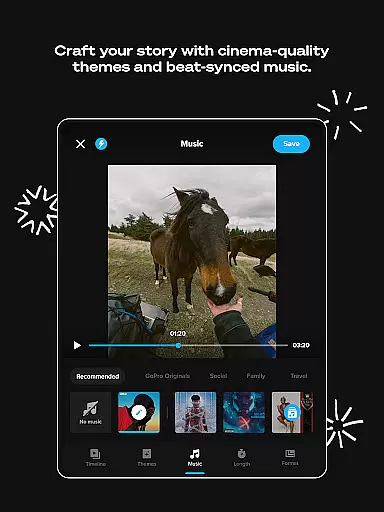
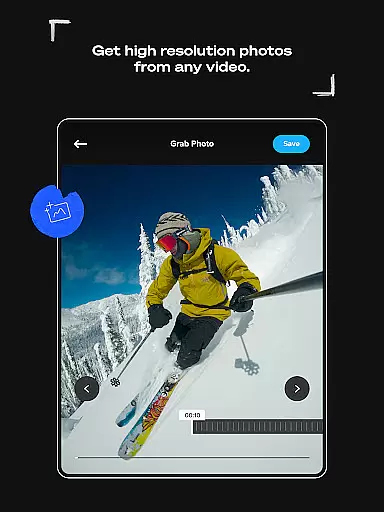
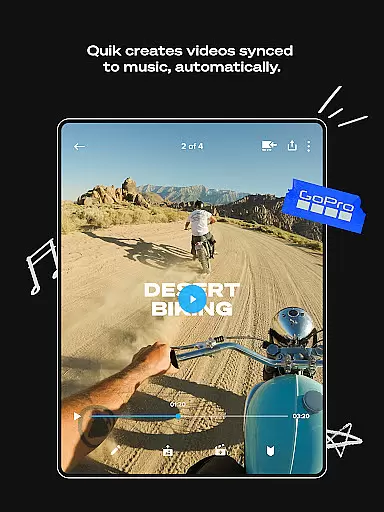
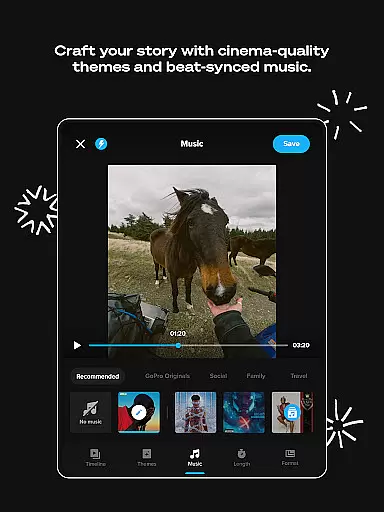
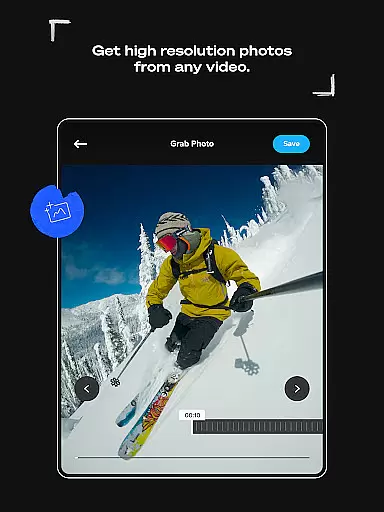
GoPro Quik is a powerful video editing application designed to simplify the process of creating professional-quality videos. The app's standout feature is its automatic editing capability, which intelligently selects your best shots, syncs them to music, and adds polished transitions to generate captivating videos with minimal effort. Beyond editing, the app offers unlimited cloud storage for GoPro footage at 100% quality, ensuring that users can access their media from anywhere while maintaining pristine resolution. With additional tools like Beat Sync, Frame Grab, and customizable themes, GoPro Quik empowers creators to produce visually stunning content tailored to their unique style.
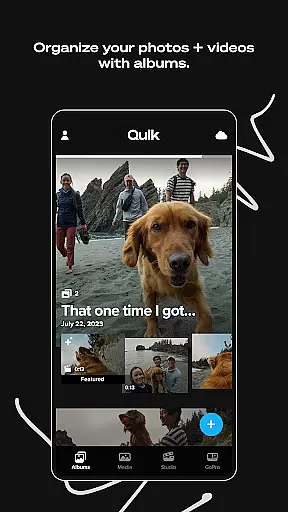
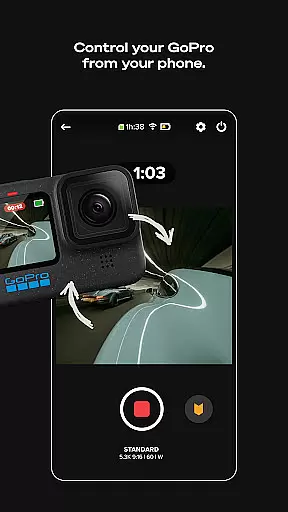
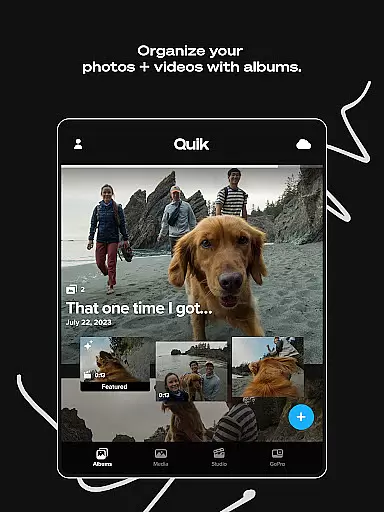
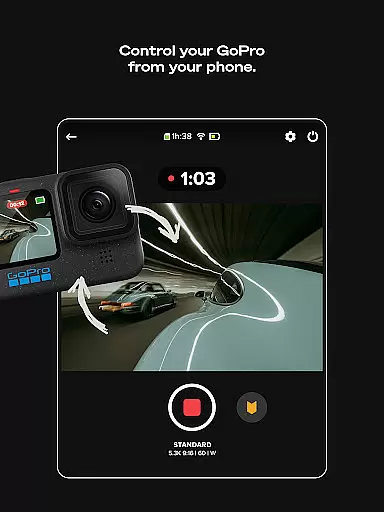
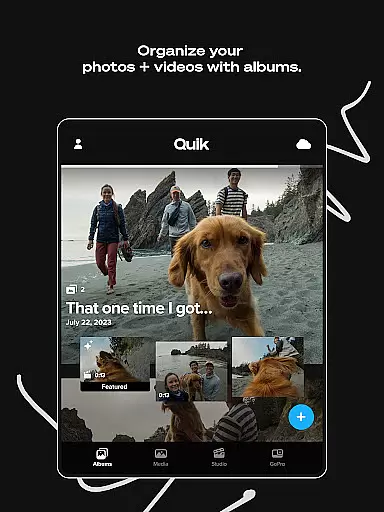
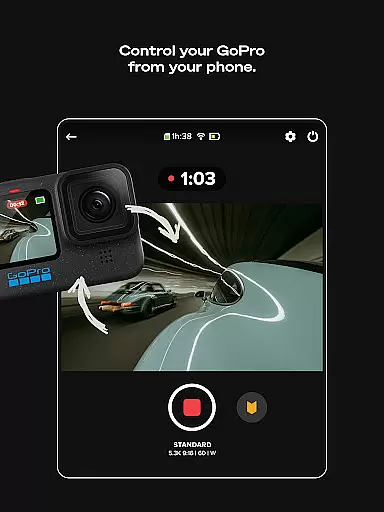
The app also provides advanced cross-device functionality, allowing users to seamlessly sync and manage their media across multiple devices. Whether you're capturing action-packed moments or serene landscapes, GoPro Quik ensures that every detail is preserved and easily editable. For GoPro camera owners, features such as Auto Detection, Preview Shots, and integrated content management further enhance the user experience by streamlining media transfers and organization. These capabilities make GoPro Quik an indispensable tool for anyone looking to elevate their video storytelling.
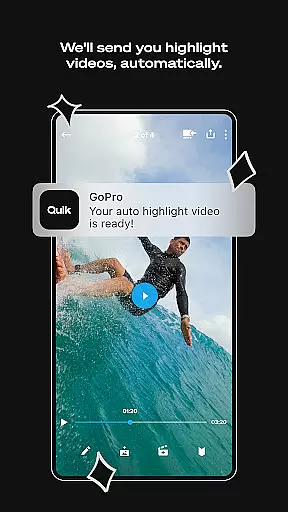
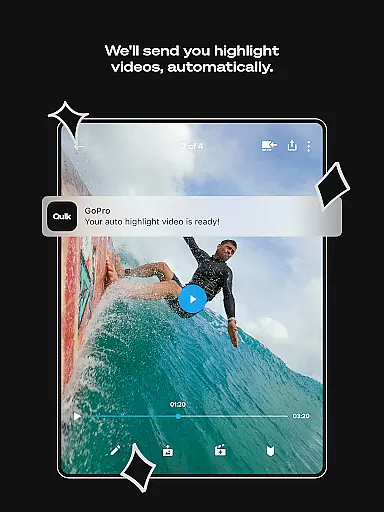
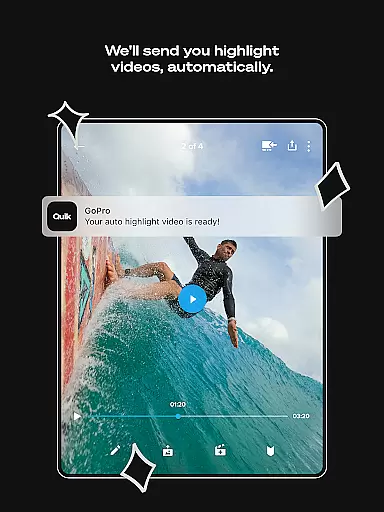
GoPro Quik stands out with its comprehensive suite of premium editing tools designed to cater to both novice editors and seasoned creators. One of its key innovations is Automatic Highlight videos, where the app intelligently curates your best moments, syncing them with music beats and applying cinematic transitions. This feature drastically reduces the time required to produce high-quality videos. Additionally, the app offers unlimited cloud storage at full resolution, ensuring that all your GoPro footage is securely backed up and accessible on-the-go. This seamless integration between hardware and software allows users to focus more on capturing moments rather than managing files.
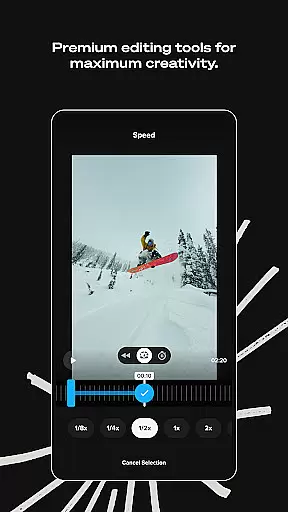
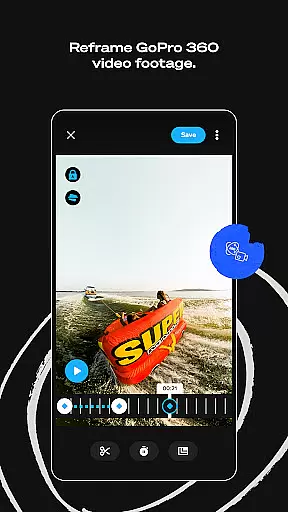
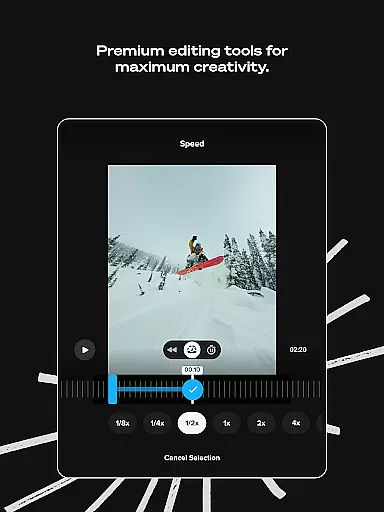
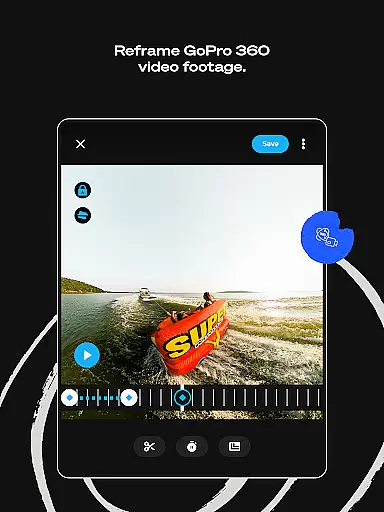
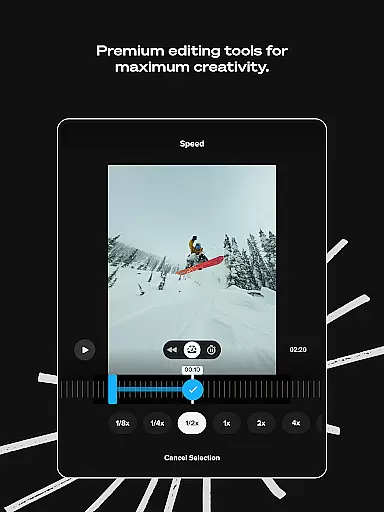
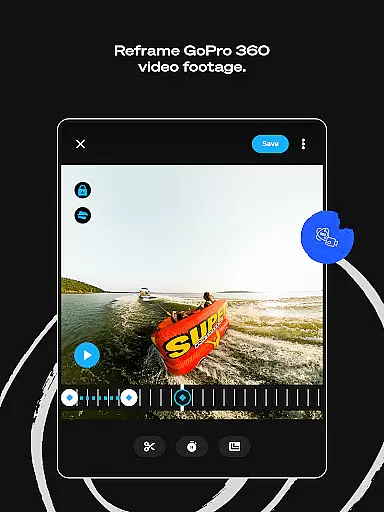
Beyond automation, GoPro Quik provides extensive customization options. Users can experiment with color grading, trim clips, add text overlays, and apply exclusive filters optimized for specific environments like snow and water. The Reframe tool transforms 360-degree footage into traditional videos, enabling dynamic perspectives and smooth transitions. Furthermore, GoPro camera owners benefit from specialized features such as Auto Detection, which facilitates fast media transfers, and robust content management systems that organize local and cloud media in intuitive views. These functionalities collectively ensure that GoPro Quik remains a versatile and indispensable tool for video enthusiasts.
GoPro Quik supports a wide range of video formats, ensuring that users can import and edit footage from various sources without compatibility issues. The app's ability to handle different file types makes it versatile for both casual creators and professional videographers.
The application automatically detects and processes files from GoPro cameras, while also supporting common formats from other devices. This flexibility allows users to seamlessly integrate content from multiple cameras or smartphones into a single project.
With its Premium subscription, users gain access to unlimited cloud storage for GoPro footage and up to 500GB for other camera footage. This feature ensures that all your video files, regardless of their original format, are safely stored and readily available for editing.
The app maintains 100% quality during cloud storage, preserving the integrity of the original files. This commitment to quality ensures that editors can work with the highest resolution source material, regardless of the device used for capture.
GoPro Quik incorporates advanced AI-powered editing tools that revolutionize the video editing process. The app automatically identifies the most compelling moments from your footage, creating dynamic highlight reels synced to music beats.
The AI engine analyzes video content to suggest optimal cuts, transitions, and effects. These smart editing capabilities save time while delivering professional-quality results, even for novice editors. Users can further refine these automatic edits using premium tools.
Beat Sync technology demonstrates the app's AI capabilities by perfectly timing video transitions to musical rhythms. This feature, combined with automatic color correction and filter application, elevates basic footage into cinematic masterpieces.
While these powerful AI features require a Premium or Premium+ subscription, they provide sophisticated editing options that were previously only available through complex desktop software, making professional-grade editing accessible on mobile devices.
User-friendly interface
Automatic video editing
Unlimited cloud backup
Premium customization tools
Cross-device synchronization
Premium subscription required
Limited to supported file types
Advanced features for GoPro only
Occasional sync issues
High storage demands

Fast, private downloading, video saving, social media
 4.50
4.50
Tik & Story Saver-Download ALL social media videos, photos & reels no watermark.
4.80
Fast video downloader & private browser. Save HD clips to watch offline.
4.40
GENRAL PRO - General Pro is the best video player that fully supports all formats.
4.70
Browser for Sony TV to stream web videos, online movies and live tv
3.20
Browser + Remote for Roku to stream webvideos, online movies and livestreams
4.60
Powerful video player with advanced hardware acceleration and subtitle supports
4.20
AI Video Editor with Music, Filter, Slideshow, Effect, Merge & Trim Video.
4.80
Download Hub, easy and private way to download and enjoy your videos offline
4.80
Pro video editor app for Instagram, edit video with song, AI, effect & slowmo.
4.80
#1 Torrent App on Android ** No Ads Ever + Battery Saver **
4.80
Screen recorder with audio to take live videos & Screenshot in high quality!
4.70
Support 1000+ Video Format, Subtitle Download, mp3 & Background Play, Cast On TV
4.60
Full HD Video mp3 Player, MP4 player play 1080p, File manager, Video Downloader
4.40
This app was created to edit the metadata of music files.
4.20
Web Browser for LG TV to stream webvideos, online movies and livestreams in HD
4.20
All format media Player, no need video converter any more!
4.00
Cast to Smart TV, Fire TV. Cast video, photo - Fast & Stable!
3.90
Play and download HD videos from all sources — fast, simple, and all-in-one.
4.1




User Reviews