
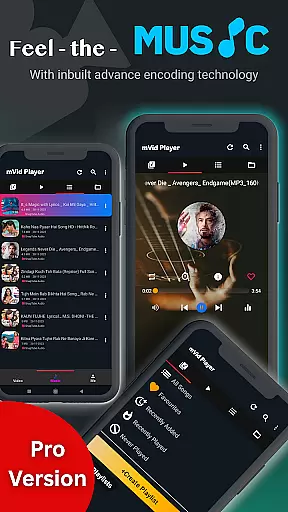
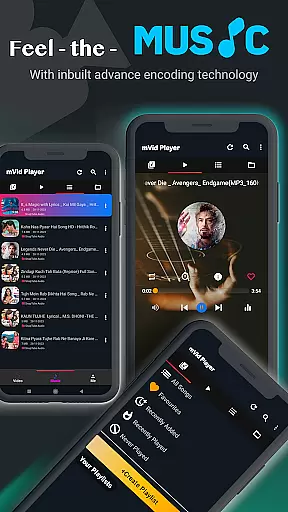
Zea Player Pro is a premium-grade video player designed for Android devices, offering support for all major video and audio formats including 4K and 8K resolution. This professional HD video playback tool ensures smooth, high-quality media experiences without interruptions from ads.
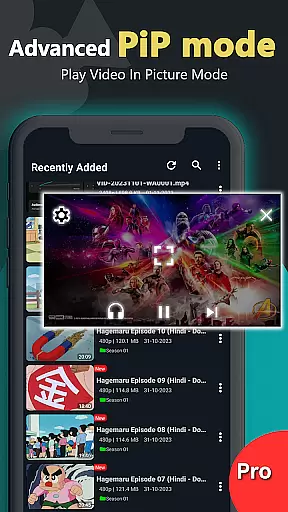
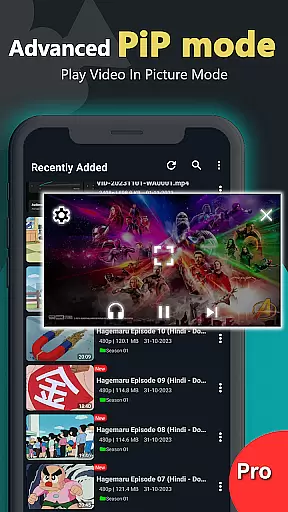
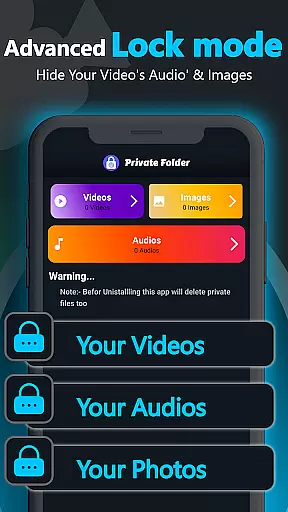
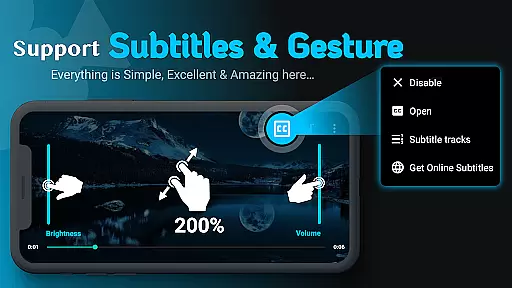
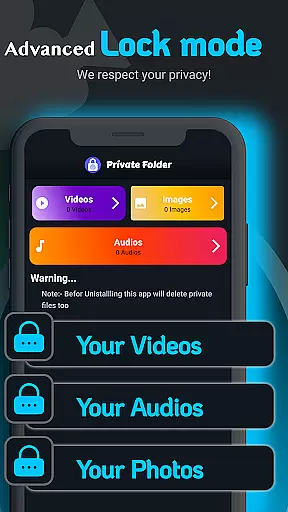
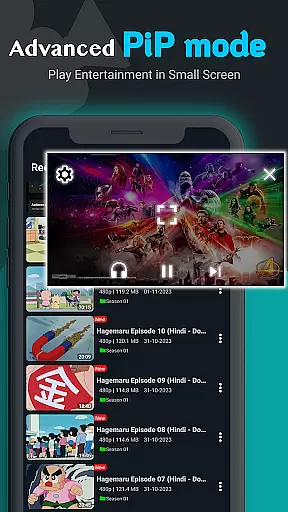
With features like private folder support to hide personal media files, dual audio tracks, online subtitle downloads, and background play options, Zea Player Pro caters to movie lovers, streamers, and audiophiles alike. It also allows users to control volume, brightness, zoom, and playing progress with ease.
Ideal for those who seek an uninterrupted viewing experience on their Android phones or tablets, Zea Player Pro provides the ultimate solution for enjoying both local and streamed content in superior quality.
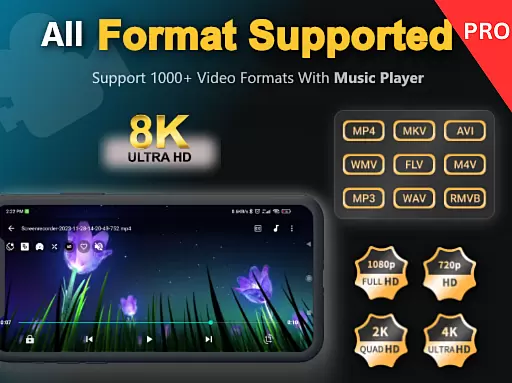
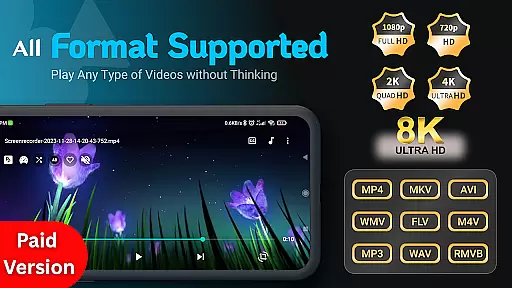
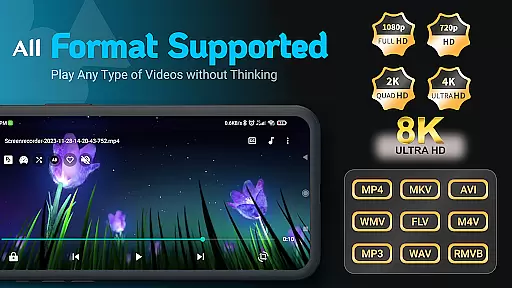
Zea Player Pro stands out with its comprehensive feature set tailored for an optimal media playback experience. The app supports all popular video formats such as MKV, MP4, AVI, MOV, FLV, WMV, RMVB, TS, and more. Its ultra HD capabilities extend up to 8K resolution, ensuring crystal-clear visuals.
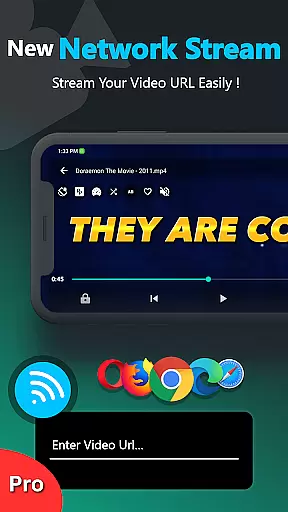
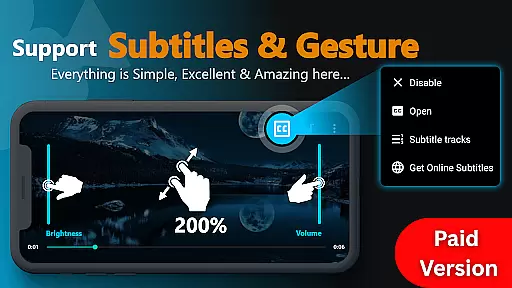
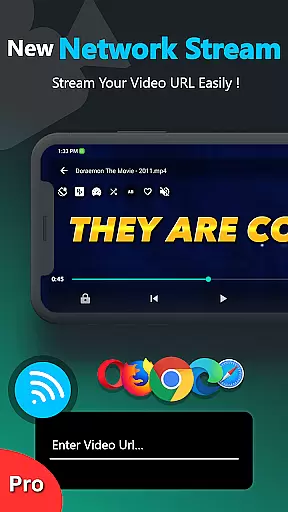
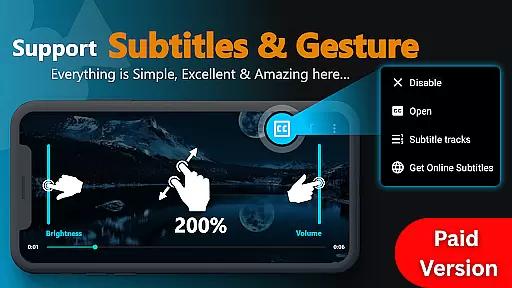
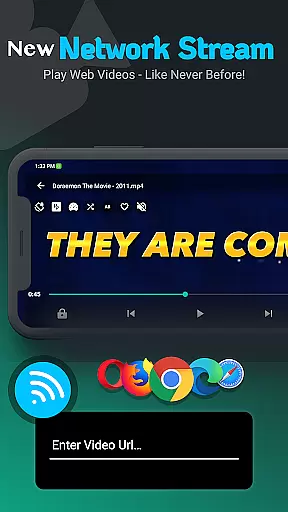
Users can enjoy advanced functionalities like URL streaming, which enables playing videos directly from web links. With dual audio track support and customizable subtitles—including the ability to download them—viewers have full control over their playback preferences. Additionally, Zea's intuitive interface lets you adjust settings effortlessly using simple gestures.
The inclusion of privacy features such as password protection for private files adds another layer of security. Whether it’s watching Bollywood movies or personal collections, Zea Player Pro delivers seamless performance that enhances every viewing session.
Video Player Pro Version stands out with its exceptional video format compatibility, ensuring users can enjoy a seamless playback experience across all major file types. The app supports an extensive range of formats including MKV, MP4, AVI, MOV, and even ultra-high-definition 4K and 8K videos.
This comprehensive compatibility eliminates the need for format conversion, saving users valuable time and preserving video quality. Whether you're watching standard-definition movies or high-resolution professional content, this player guarantees smooth playback without interruptions.
The application's robust decoding capabilities ensure that even less common formats like FLV, WMV, and RMVB play without issues. This makes it an ideal choice for both casual viewers and professionals working with diverse video files.
By supporting direct playback from both local storage and video URLs, the app offers unparalleled flexibility in media consumption. Users can stream online content or access their personal collection with equal ease, making it a versatile solution for all video playback needs.
While primarily a video player, Video Player Pro Version incorporates AI-powered features that enhance the viewing experience through intelligent optimization. The app automatically adjusts playback settings based on content type, optimizing video quality and audio levels for different genres.
The integrated AI technology enables smart subtitle synchronization, automatically adjusting timing discrepancies and enhancing readability. This feature proves particularly valuable when watching foreign language content or educational materials where precise timing is crucial.
Advanced AI algorithms also power the player's scene detection capabilities, allowing for automatic chapter creation and intelligent fast-forwarding. These features help users navigate long videos more efficiently while maintaining context awareness.
Furthermore, the app's AI-driven enhancement tools can upscale lower resolution videos to near-HD quality, making older content look better than ever before. This combination of traditional playback functionality with modern AI enhancements creates a truly premium viewing experience.
Ad-free playback
Supports 8K video
Private folder option
Subtitle customization
Dual audio tracks
Paid application
No free version
Limited platform support
Requires storage space
Subscription cost

Online Videos Player
 3.90
3.90
Video Trimmer, Video to MP3 Converter. Extract music from video, Easy & Fast.
4.80
Snaptubè Video Downloader app allows to download videos and music in Snaptube. .
4.60
VLC Remote lets you control your VLC Media Player on Mac, PC or Linux.
4.60
AirMirror is Receiver for Screen Mirroring and Casting from Apple Devices.
3.60
An easy-to-use and all-round screen recorder with audio
4.80
Browser for Sony TV to stream web videos, online movies and live tv
3.20
Manage your YouTube channel on the go
4.40
convenient, safe and fast at Video Downloader & Player
4.60
AI Video Editor with Music, Filter, Slideshow, Effect, Merge & Trim Video.
4.80
Screen recorder with audio to take live videos & Screenshot in high quality!
4.70
Video Player - Unlimited features, 30 days money back guarantee.
4.60
Watch a large amount of high-definition short drama content
4.60
Fast, private downloading, video saving, social media
4.50
Add date and time watermark to photos and videos
4.50
Cast to Smart TV, Fire TV. Cast video, photo - Fast & Stable!
3.90
Kodi media center, a free and open source cross-platform entertainment hub
3.60
All in one multi protocols stream receiver for AirPlay, Cast and DLNA.
3.60
Stream high quality video from your camera over NDI protocol
4.3



User Reviews