
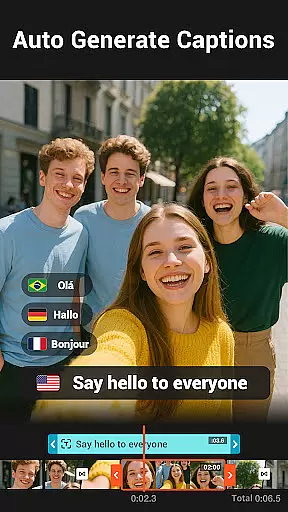
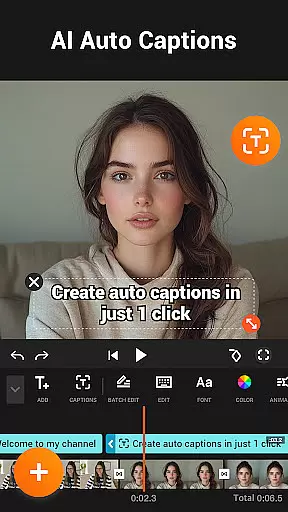
YouCut is a versatile video editing application designed for both casual users and professional content creators. This app offers a comprehensive suite of tools that allow users to create high-quality videos with ease. With features like AI Video Boost, users can automatically generate captions, remove backgrounds, enhance video quality, and apply smooth slow-motion effects. YouCut stands out as a free video editor without watermarks, making it ideal for social media content creation.
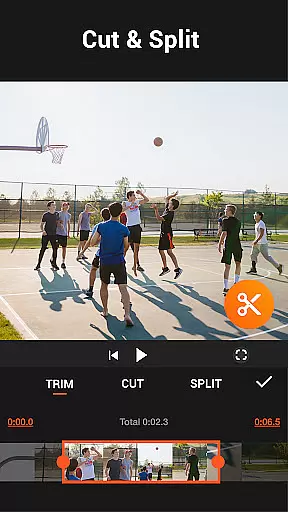
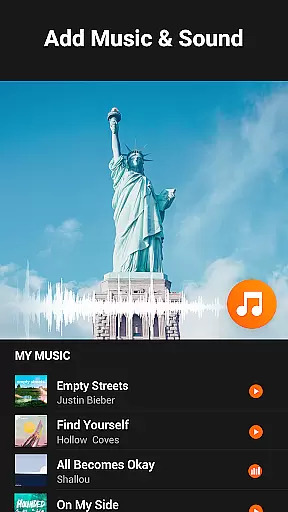
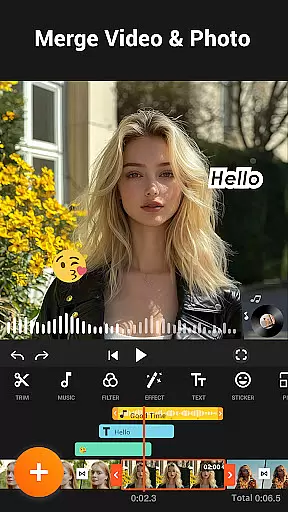
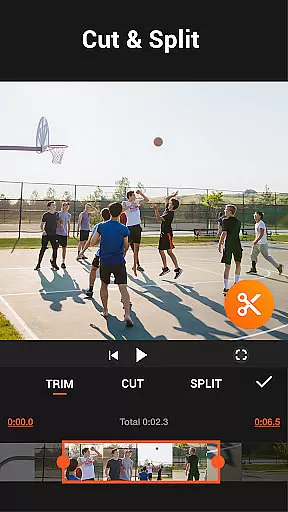
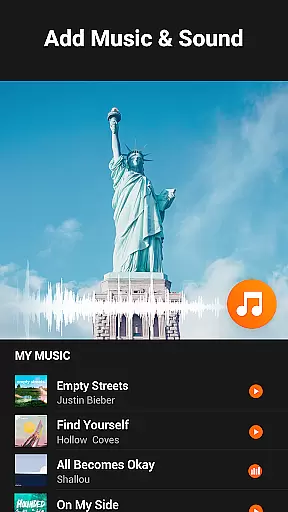
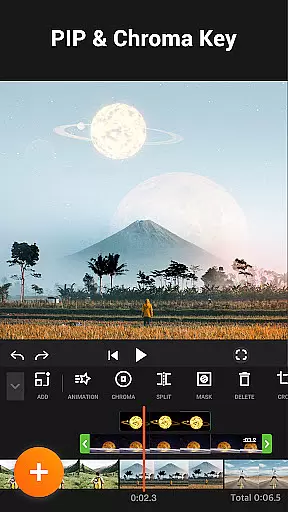
The app provides advanced functionalities such as multi-layer timeline editing, chroma key effects, and precise video speed control ranging from 0.2x to 100x. Users can merge, cut, trim, and slice videos effortlessly while maintaining HD quality. Additionally, the Photo Slideshow Maker feature enables users to combine photos and videos into engaging slideshows with custom music. Whether you're creating YouTube videos or Instagram stories, YouCut delivers professional-grade results on mobile devices.
YouCut distinguishes itself through its robust feature set tailored for modern video editing needs. The AI-powered tools are particularly noteworthy, offering automatic caption generation and instant background removal. These features save significant time during the editing process while maintaining professional standards. The app's ability to handle 4K resolution videos ensures that users can produce content suitable for all major platforms.
Another standout aspect is the app's user-friendly interface that simplifies complex editing tasks. The multi-layer timeline allows for sophisticated compositions, while the chroma key feature enables creative green screen effects. YouCut also provides comprehensive color adjustment options, letting users fine-tune brightness, contrast, and saturation. With its intuitive design and powerful capabilities, YouCut empowers users to create polished videos without requiring extensive technical expertise.
Video format compatibility is a crucial feature for any video editing application, ensuring that users can work with a wide range of video file types. YouCut stands out by supporting various formats, allowing creators to import and export videos without worrying about compatibility issues.
The app supports high-resolution video editing up to 4K, making it an ideal choice for users who demand the best quality output. Whether you're working on professional projects or personal memories, YouCut ensures your videos maintain their original clarity and detail throughout the editing process.
YouCut also provides tools for converting videos into different formats, which is essential for sharing across multiple platforms. This flexibility enables users to optimize their content for specific social media channels, ensuring the best possible viewing experience for their audience.
AI-powered editing features are revolutionizing the way users interact with video editing software, offering advanced capabilities that simplify complex tasks. YouCut incorporates AI technology to provide users with powerful tools like Auto Captions, which uses speech-to-text functionality to generate accurate subtitles for talking videos.
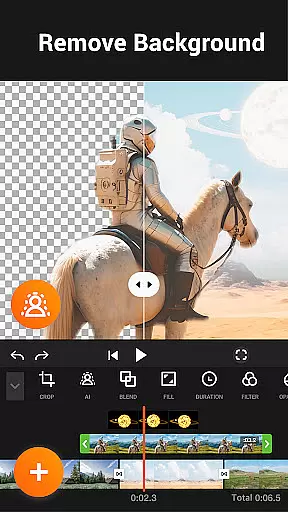
Another standout AI feature is the ability to remove video backgrounds instantly, providing a seamless chroma key effect without the need for a green screen setup. This tool empowers creators to produce professional-looking videos with custom backgrounds, enhancing the visual storytelling aspect of their content.
In addition to background removal, YouCut's AI enhancements extend to improving video and photo quality with just a tap. The Smooth Slow-Mo feature allows users to create buttery-smooth slow-motion effects, adding a cinematic touch to their projects. These intelligent features make sophisticated editing techniques accessible to both beginners and experienced editors alike.
User-friendly interface
Advanced AI features
No watermark on exports
Supports 4K video editing
Comprehensive editing tools
Limited advanced color grading
Occasional performance issues
Basic audio editing features
Some features require learning
Interface can feel cluttered

A full editing room to accompany your Insta360 cameras and handheld gimbals.
 3.30
3.30
Client application for NextPVR software
3.00
Your media, on your terms.
4.10
HD video maker with no watermark, no ads & vlog maker with music, PIP, text
4.50
AirMirror is Receiver for Screen Mirroring and Casting from Apple Devices.
3.60
KMPlayer Plus (Divx Codec) officially support Divx codec.
4.30
Video Downloader, Multiple Resolution Options, Video Player
4.50
All in one multi protocols stream receiver for AirPlay, Cast and DLNA.
3.60
Download Hub, easy and private way to download and enjoy your videos offline
4.80
Pro video editor app for Instagram, edit video with song, AI, effect & slowmo.
4.80
Video Trimmer, Video to MP3 Converter. Extract music from video, Easy & Fast.
4.80
Flud is a simple and beautiful BitTorrent client for Android.
4.80
A Quick and Pro Video Editor
4.70
HD Video player all format, HD Videos, Cast & Subtitle. No annoying ads.
4.60
Video Player - Unlimited features, 30 days money back guarantee.
4.60
VLC Remote lets you control your VLC Media Player on Mac, PC or Linux.
4.60
Fast & Private HD Video Downloader with Built-in Proxy Browser and Video Player.
4.50
Web Browser for LG TV to stream webvideos, online movies and livestreams in HD
4.20
Capture images & record videos for USB Camera, Webcam, Microscopes, Endoscopes
3.80









User Reviews