
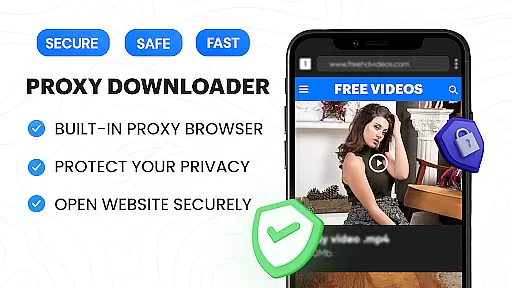
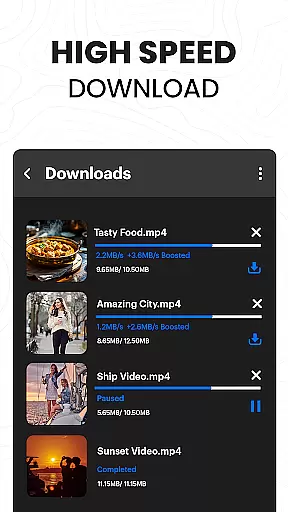
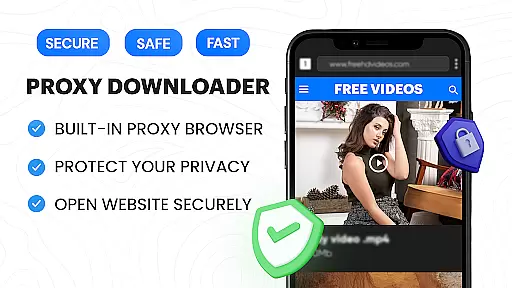
Video Downloader Proxy Browser is a versatile application designed for Android users who need a secure and efficient way to browse, download, and manage videos. The app features a built-in proxy browser that ensures privacy and security, even on public WiFi networks. It allows users to download videos in high definition from various websites and social media platforms while offering an advanced download manager that supports multiple simultaneous downloads, background mode, and resume options.
In addition to its downloading capabilities, the app includes an ultra HD video player that supports 4K resolution and multiple video formats. This makes it easy for users to watch their downloaded content with smooth playback. With features like ad and tracker blocking, password-protected folders for saved files, and one-click HD video downloads, Video Downloader Proxy Browser provides a comprehensive solution for managing online video content securely and efficiently.
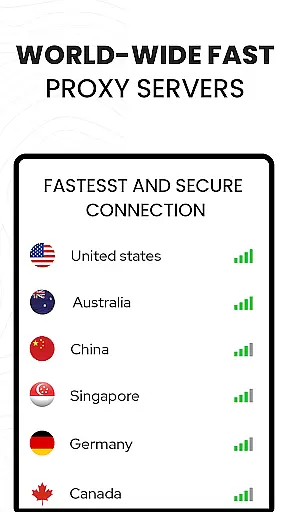
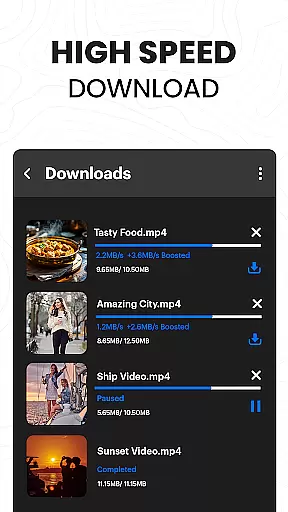
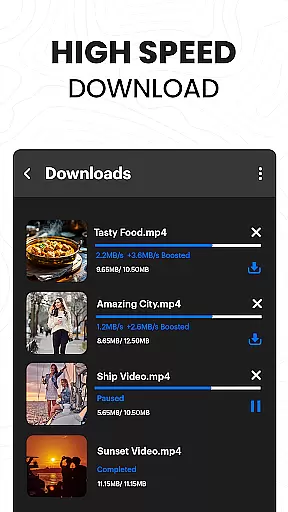
The Video Downloader Proxy Browser stands out due to its robust feature set tailored for both casual and power users. One of the key highlights is the built-in proxy browser, which not only enhances user protection but also blocks ads and trackers, ensuring faster and safer browsing. The integrated video downloader supports smart auto-detect functionality, enabling users to save videos from popular websites and apps with just one tap. Additionally, the app offers a powerful download manager that facilitates multiple simultaneous downloads, background downloading, and the ability to resume interrupted tasks.
Another significant feature is the ultra HD video player, capable of handling 4K resolution and various video formats. This ensures that users can enjoy high-quality playback of their downloaded videos. The app also provides a secure environment by allowing users to save downloaded files in password-protected folders. With unlimited data access through the free proxy and support for downloading videos, reels, stories, and social media clips, Video Downloader Proxy Browser delivers a seamless experience for anyone looking to manage their video content effectively.
Video Downloader Proxy Browser stands out for its extensive video format compatibility, ensuring users can download and play videos in various resolutions and formats without hassle. The app supports popular formats such as MP4, AVI, and MKV, including high-definition options like 4K, making it versatile for different user needs.
The built-in ultra HD video player enhances this compatibility by allowing seamless playback of downloaded videos, regardless of their original format. This means users can enjoy their favorite content in the best possible quality, whether they are downloading from websites or social media platforms.
With one-click HD video download functionality, users can easily save online videos in their preferred format and resolution. This feature simplifies the process of obtaining high-quality video content, catering to both casual viewers and those with more specific format requirements.
By offering broad video format support alongside a powerful download manager, Video Downloader Proxy Browser ensures that users have a smooth experience from download to playback, reinforcing its position as a comprehensive tool for managing video content on Android devices.
While Video Downloader Proxy Browser primarily focuses on downloading and playback, it also integrates AI-powered editing features that enhance user interaction with video content. These features include smart auto-detect capabilities that identify downloadable videos on web pages, streamlining the acquisition process for users.
The app's advanced download manager leverages AI to optimize download speeds and manage multiple simultaneous downloads efficiently. This ensures that users can acquire their desired content quickly and reliably, even when handling large files or multiple tasks at once.
Additionally, the secure proxy browser incorporates AI-driven ad and tracker blocking, which not only protects user privacy but also creates a cleaner environment for video discovery and downloading. This dual focus on security and efficiency demonstrates the app's commitment to providing a comprehensive video management solution.
Although direct editing tools may be limited, the app's intelligent features ensure that users can locate, download, and manage video content effectively, setting a solid foundation for further personalization or sharing across platforms.
User-friendly interface
Fast download speeds
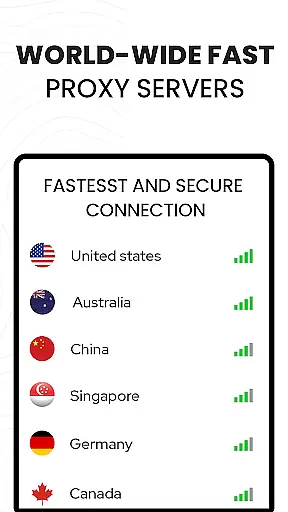
Secure proxy browsing
High-definition video support
Comprehensive ad blocking
Limited to supported sites
No YouTube support
Requires stable internet
Privacy concerns on shared devices
Potential legal issues

Connect 2 UVC devices for recording and broadcast video/audio stream
 3.90
3.90
Photo and Music Video Creator into Stunning Videos—Effortlessly
4.40
A Quick and Pro Video Editor
4.70
Video Trimmer, Video to MP3 Converter. Extract music from video, Easy & Fast.
4.80
Create photo video with music & template. AI video maker for stunning slideshow.
4.60
1)AirPlay/DLNA Mirroring/Streaming, up to 4 connections; 2)Samba/NAS/DMS Player.
4.00
Flud is a simple and beautiful BitTorrent client for Android.
4.80
Web Browser for LG TV to stream webvideos, online movies and livestreams in HD
4.20
A Simple app to download Video & Music from the Internet.
4.70
#1 Torrent App on Android ** No Ads Ever + Battery Saver **
4.80
An easy-to-use and all-round screen recorder with audio
4.80
Find, download, and play torrents with the official BitTorrent® Pro app
4.70
Cast Videos from Web Browser, IPTV to Roku, Chromecast, DLNA, Smart TV +more
4.60
Watch a large amount of high-definition short drama content
4.60
HD video maker with no watermark, no ads & vlog maker with music, PIP, text
4.50
Powerful Video Editor & Photo Editing App —— Quick Edits & Stunning Effects!
4.30
Livestream, news, & gaming content. Watch, chat, and upload. Join Rumble today!
3.80
Mix with Virtual DJ directly from your phone or tablet !
3.10
The essential companion to your Blue Iris PC software
2.50















User Reviews