
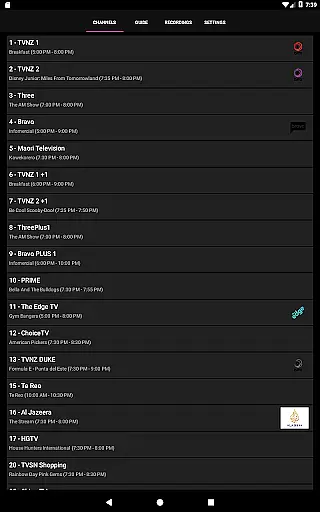
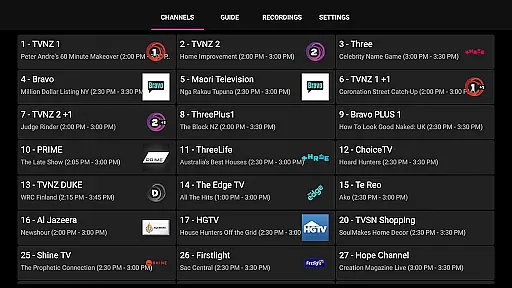
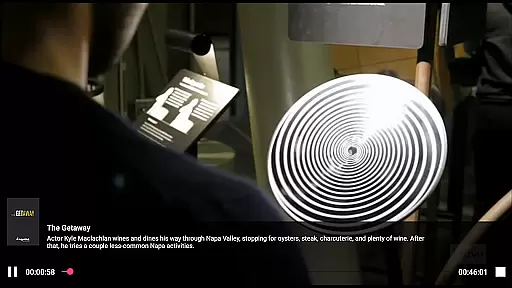
NextPVR is a versatile client application designed for users who want to manage their TV viewing experience through their mobile devices. It connects seamlessly with the NextPVR software installed on your Windows PC, enabling you to watch live TV, explore the TV guide, and schedule recordings from anywhere in your home.
This app supports ATSC, DVB, and Analog TV tuners, allowing you to enjoy content from various video capture sources. With its intuitive interface, you can easily browse through channels, view detailed program information, and control your media center remotely. Whether you're at home or on the go, NextPVR ensures that you never miss your favorite shows.
The true value of NextPVR lies in its ability to integrate multiple functionalities into one platform. From managing your recording schedules to streaming recorded content directly to your device, it offers a comprehensive solution for all your TV needs. This makes it an ideal choice for tech-savvy individuals looking to enhance their home entertainment systems.
NextPVR boasts a range of features that cater to both casual viewers and advanced users. One of its standout capabilities is the seamless integration with NextPVR software, which allows for real-time updates and synchronization across devices. This ensures that any changes made via the app are instantly reflected on your PC.
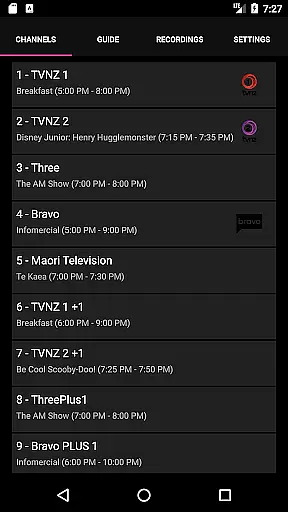
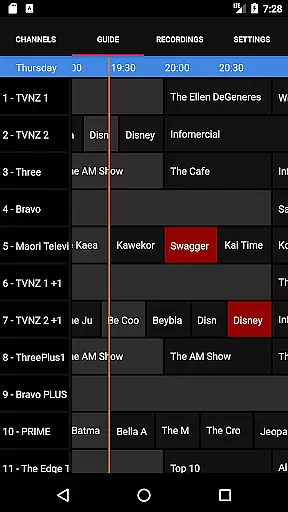
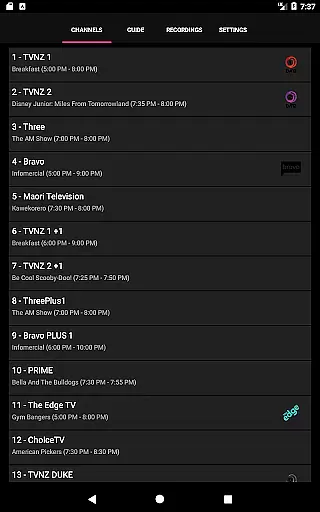
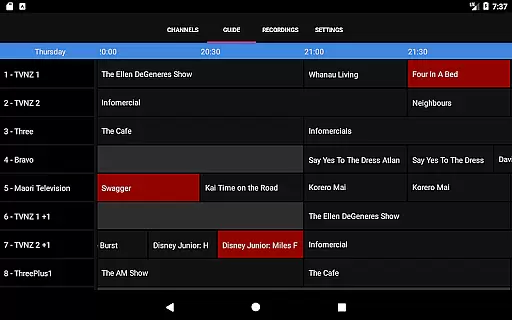
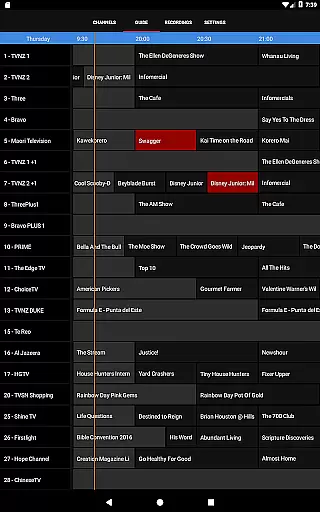
In addition to live TV streaming, the app provides a detailed TV guide that displays upcoming programs and their descriptions. Users can also set up recording schedules directly from their mobile devices, ensuring they never miss important broadcasts. The app's user-friendly interface makes navigation straightforward, even for those new to digital TV management.
Another notable feature is the remote control functionality, which lets you manage your media center without being physically present near your PC. This includes starting and stopping recordings, changing channels, and adjusting settings. These robust features make NextPVR a powerful tool for enhancing your TV viewing experience.
NextPVR stands out with its robust video format compatibility, ensuring users can enjoy a wide range of media without the frustration of format incompatibility.
This app supports various formats used by ATSC, DVB, and Analog TV tuners, making it versatile for different types of video capture sources. Whether you're streaming live TV or watching recordings, the app ensures smooth playback across devices.
The beauty of this feature lies in its seamless integration with the NextPVR software installed on your PC, allowing effortless streaming and recording management. This compatibility empowers users to explore diverse content options without limitations.
While primarily a client for the NextPVR software, this app incorporates AI-powered editing features that enhance the user's ability to manage and edit their recorded content efficiently.
Although the core focus is on live TV and recording management, the intelligent algorithms assist in optimizing video quality and streamlining editing tasks. Users can expect smart tagging, scene detection, and automated highlight reels, which are essential for creating engaging content.
These AI capabilities ensure that even those with minimal editing experience can produce professional-quality edits, thus broadening the app's appeal beyond just TV enthusiasts to content creators as well.
User-friendly interface
Comprehensive TV guide
Remote recording scheduling
Seamless device integration
Supports multiple tuner types
Requires separate software installation
Limited to Windows PCs
No standalone functionality
Dependent on network stability
Advanced features may overwhelm beginners

Powerful, professional, versatile teleprompter. Developed by an active film crew
 4.00
4.00
Full HD Video mp3 Player, MP4 player play 1080p, File manager, Video Downloader
4.40
Capture images & record videos for USB Camera, Webcam, Microscopes, Endoscopes
3.80
Live TV, anywhere in your home
3.80
Video player with powerful streaming playback and various convenient features.
2.10
Video Downloader, Multiple Resolution Options, Video Player
4.50
Download videos and play them offline
4.70
Add date and time watermark to photos and videos
4.50
Browser + Remote for Roku to stream webvideos, online movies and livestreams
4.60
Screen recorder with audio to take live videos & Screenshot in high quality!
4.70
IPTV Loader, loads your own Playlist. DOES NOT CONTAIN ANY LIST OR CHANNELS
4.60
Create & edit videos with AI
4.30
Video Downloader is an utility that can save videos and music from web sites
4.20
Web Browser for LG TV to stream webvideos, online movies and livestreams in HD
4.20
LumaFusion: The Ultimate Storytelling Experience for Video Editing
4.10
VLC for Android is the best open source video and music player, fast and easy!
4.10
AirMirror is Receiver for Screen Mirroring and Casting from Apple Devices.
3.60
Download videos easily & play them all in one smart, powerful video manager.
3.40
Browser for Sony TV to stream web videos, online movies and live tv
3.20




User Reviews