
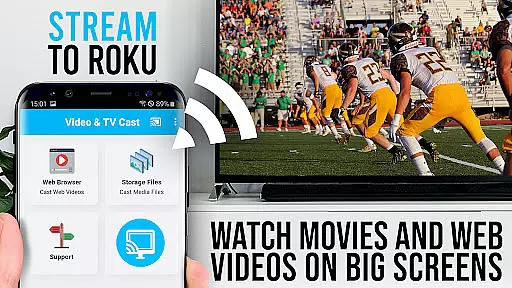
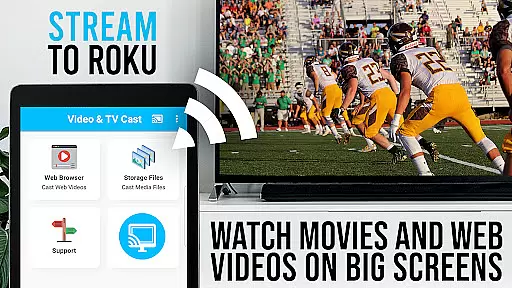
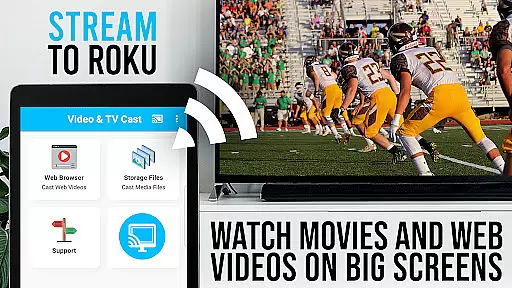
TV Cast Pro for Roku is the ultimate solution for streaming web videos, online movies, livestreams, and live TV shows directly to your Roku device. This application supports a wide range of video formats including MP4, M3U8, HLS livestreams, and Full HD content over HTTPS.
In addition to its primary casting functionality, the app features an integrated Roku Remote, allowing users to control their Roku devices seamlessly. It also offers premium features such as an Ad-Blocker, Bookmarks, Desktop Mode, and the ability to change the homepage, enhancing user experience significantly.
Ideal for those looking to enjoy high-quality content on the big screen without compatibility issues, TV Cast Pro for Roku transforms your living room into a versatile entertainment hub.
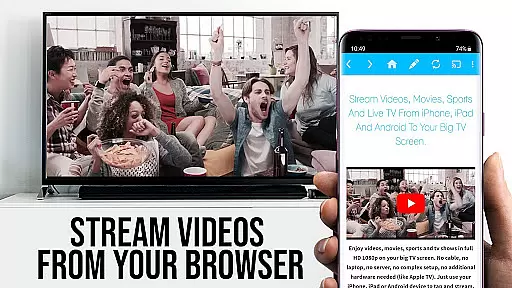
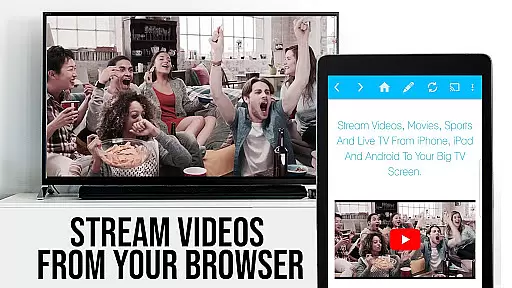
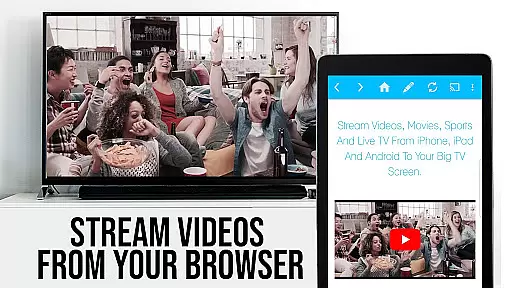
TV Cast Pro for Roku stands out with its comprehensive feature set tailored for seamless media streaming. The app allows users to browse the web and cast any video with a single tap, displaying discovered videos below the browser for easy access.
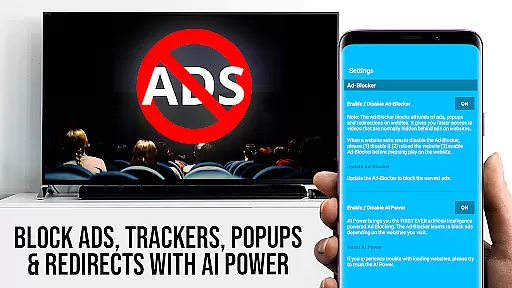
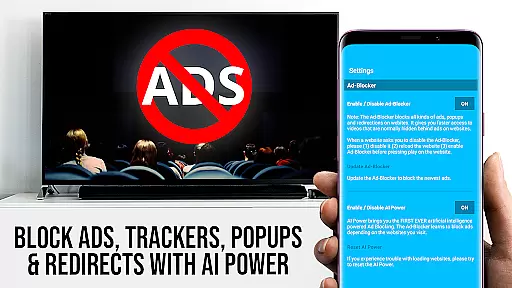
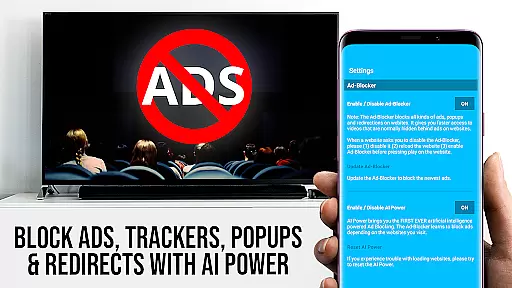
Premium features include an integrated Roku Remote for controlling video playback, an Ad-Blocker that removes ads and popups on most websites, and a Bookmarks function for saving favorite sites. Additionally, the Desktop Mode enables loading desktop versions of websites, while the Change Homepage feature lets users customize their browsing experience.
These features collectively ensure a smooth, ad-free, and highly customizable streaming experience, making it simple to enjoy a vast array of content on your Roku device.
TV Cast Pro for Roku stands out with its robust video format compatibility, ensuring users can stream a wide variety of content without hassle. The app supports popular formats such as Mp4, m3u8, and HLS livestreams, making it versatile for different types of media.
This compatibility is crucial for users who want to enjoy web videos, online movies, livestreams, and live TV shows directly on their biggest screen. By supporting video over https and Full HD, the app guarantees high-quality playback that enhances the viewing experience.
With this feature, users can easily enter or paste the full video URL in the browser address bar to play mp4, m3u8, or other video files directly on Roku. This seamless integration simplifies the process of accessing and enjoying digital content.
The ability to handle various video formats ensures that users are not limited by compatibility issues, thus providing a reliable solution for streaming multimedia content on Roku devices.
While TV Cast Pro for Roku does not focus on traditional AI-powered editing features like video trimming or effects, it incorporates intelligent functionalities that enhance user interaction and content management. One standout feature is the integrated Roku Remote, which allows users to control video playback effortlessly.
The app's Ad-Blocker is another smart feature, designed to block ads and popups on most websites, ensuring an uninterrupted viewing experience. Users can toggle this feature at any time in the settings, showcasing the app's commitment to user-centric design.
Additionally, the Desktop Mode changes the browser user-agent, cloaking the Android device as a desktop PC. This enables the loading of desktop websites instead of mobile versions, broadening the range of content accessible for casting.
These innovative features collectively contribute to a more intuitive and enriched user experience, setting TV Cast Pro for Roku apart in the realm of video players and editors.
User-friendly interface
Wide format support
Integrated Roku Remote
Ad-Blocker included
Customizable homepage
No Flash video support
Limited Roku compatibility
DRM protected video restrictions
Device mirroring unavailable
Connection issues possible

Auto video maker with music & exclusive filters. Video editing made simple.
 4.50
4.50
A full editing room to accompany your Insta360 cameras and handheld gimbals.
3.30
Search & download videos from net with all video downloader, auto-detect & safe.
4.60
Fast video downloader & private browser. Save HD clips to watch offline.
4.40
Video player with powerful streaming playback and various convenient features.
2.10
Turn your phone into a wireless camera!
4.20
Video Downloader, Multiple Resolution Options, Video Player
4.50
Web Browser for LG TV to stream webvideos, online movies and livestreams in HD
4.20
Video player with 4K & 1080P support, popup play, background play and subtitle.
4.20
Find, download, and play torrents with the official BitTorrent® Pro app
4.70
A Simple app to download Video & Music from the Internet.
4.70
HD video maker with no watermark, no ads & vlog maker with music, PIP, text
4.50
KMPlayer Plus (Divx Codec) officially support Divx codec.
4.30
IPTV-Smarters Player Pro M3U - Watch Live Stream TV Channels with Chromecast
4.00
Fast private browser with secure, seamless access & supported video downloads!
4.00
Cast to Smart TV, Fire TV. Cast video, photo - Fast & Stable!
3.90
Livestream, news, & gaming content. Watch, chat, and upload. Join Rumble today!
3.80
Save photos and videos from social apps in one tap.
3.60
Browser for Sony TV to stream web videos, online movies and live tv
3.20




User Reviews