
Insta360 is a powerful video editing and camera companion app designed for creators, athletes, and adventurers. It offers advanced AI-powered tools to streamline the editing process while providing creative freedom. With features like auto-reframing, hyperlapses, and manual controls, users can produce professional-quality videos directly from their mobile devices.
The app supports seamless integration with Insta360 cameras and handheld gimbals, enhancing the shooting experience. Its intuitive interface allows users to manage files efficiently, edit on-the-go without downloading footage to their phones, and share content effortlessly to social media platforms.
Whether you're an experienced filmmaker or a beginner, Insta360 empowers you to create stunning visuals with minimal effort. From adventure sports to creative storytelling, this app is your ultimate sidekick for capturing and sharing life's most exciting moments.
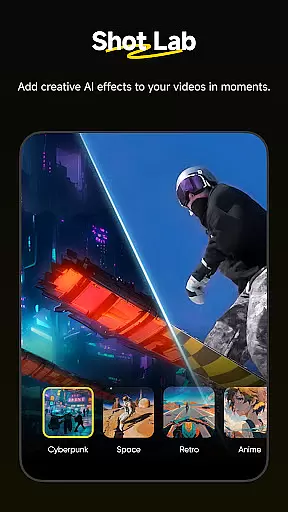
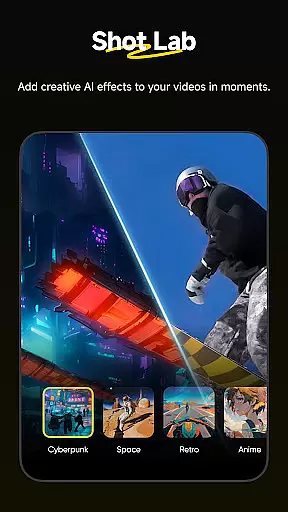
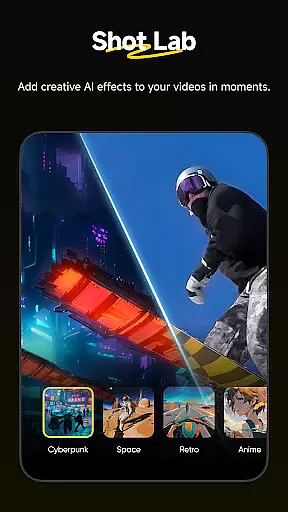
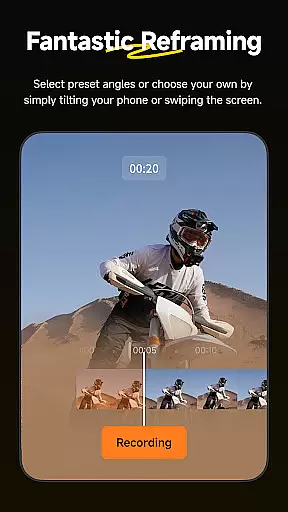
Insta360 stands out with its innovative AI-driven features that simplify complex editing tasks. The Shot Lab provides over 25 templates, such as Nose Mode, Sky Swap, and Clone Trail, enabling users to craft viral clips in minutes. These templates leverage artificial intelligence to automate reframing and subject detection, saving time while ensuring high-quality results.
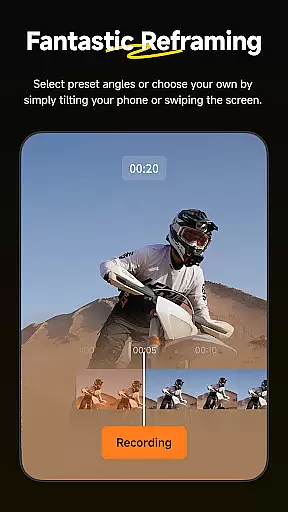
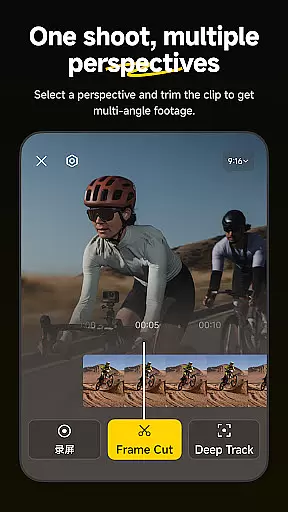
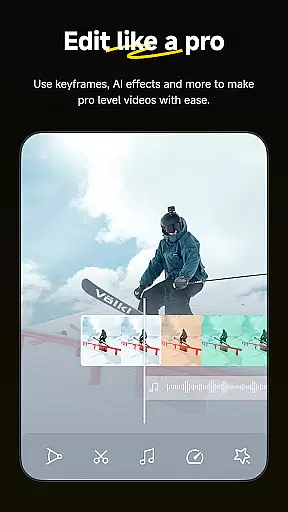
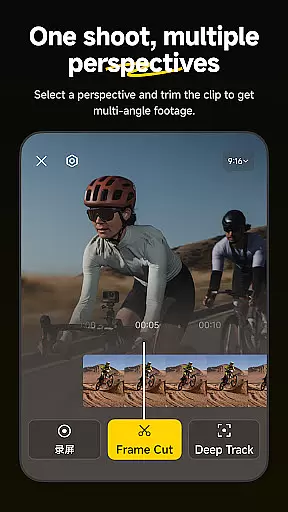
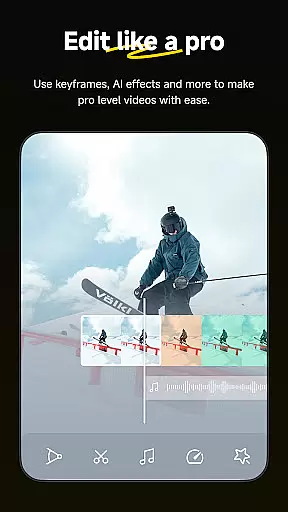
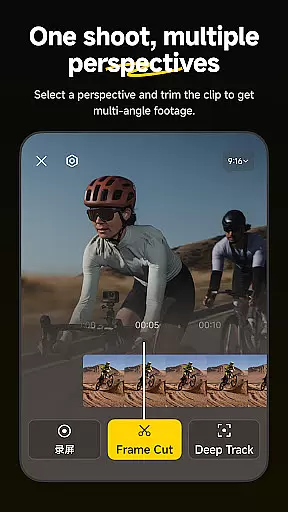
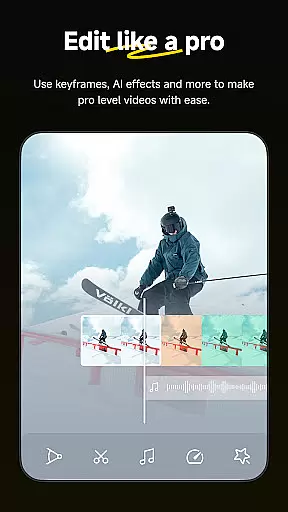
For those who prefer more control, the app includes robust manual editing tools. Features like Deep Track keep subjects centered automatically, while customizable keyframes allow precise adjustments to perspective and framing. Additionally, the Hyperlapse function lets users speed up videos into stabilized time-lapses with adjustable speeds.
Another standout feature is Download-Free Editing, which allows users to edit and share videos without consuming phone storage. Combined with an improved album layout and easy file management, Insta360 ensures a smooth, efficient workflow for all types of creators.
Insta360 app stands out with its extensive video format compatibility, ensuring that creators can work with a wide range of file types without any hitches. The app supports formats from standard MP4 to more specialized 360-degree video formats, making it versatile for various content creation needs.
The application's ability to handle these formats is crucial for seamless editing and sharing experiences. Whether you're shooting with an Insta360 camera or other devices, the app ensures that your footage is ready for editing without the need for prior conversion, thus saving time and preserving video quality.
For creators, this means more freedom and flexibility in their projects. They can easily import, edit, and export videos without worrying about format restrictions, allowing them to focus on unleashing their creativity.
Moreover, the compatibility extends to social media platforms, enabling direct uploads without the extra step of downloading files onto a phone. This feature not only streamlines the workflow but also optimizes storage space on mobile devices, enhancing the overall user experience.
At the heart of Insta360's appeal are its AI-powered editing features, which revolutionize how users interact with their video content. Tools like AI Edit and Shot Lab harness artificial intelligence to automate complex editing tasks, offering templates that simplify the creation of engaging clips with minimal effort.
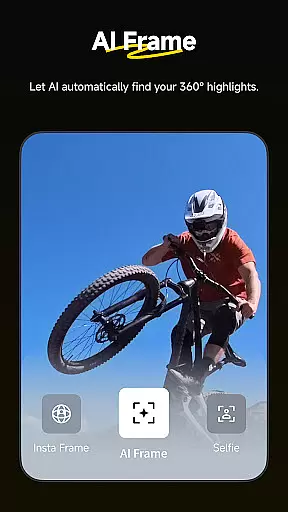
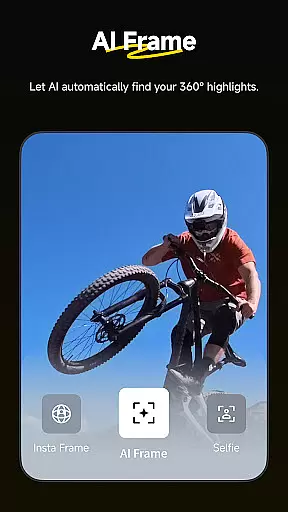
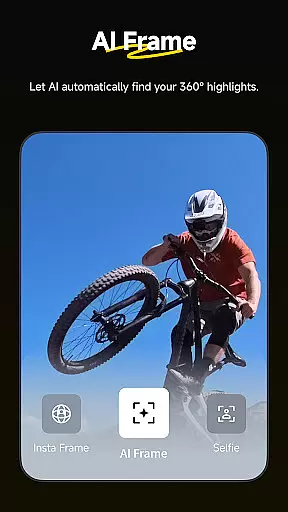
These features significantly lower the barrier to professional-quality video production. With functionalities such as auto reframing and improved subject detection, users can produce standout content swiftly. The Deep Track feature exemplifies this by keeping subjects perfectly framed throughout dynamic shots, showcasing the power of intelligent tracking systems.
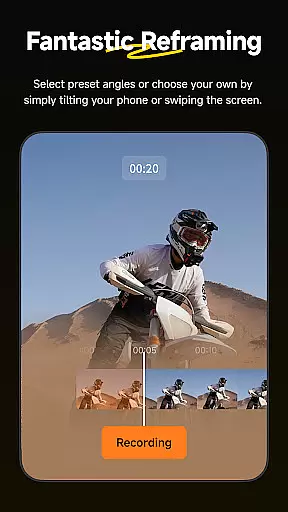
Creators benefit from these advancements by being able to experiment with different styles and effects without needing deep technical knowledge. Hyperlapses and creative reframing options provide endless possibilities for storytelling, while download-free editing ensures projects remain agile and efficient.
Ultimately, Insta360 empowers users to push creative boundaries further than ever before. By integrating sophisticated AI tools into an accessible mobile platform, it democratizes high-quality video production, making it possible for anyone to craft compelling narratives effortlessly.
User-friendly interface
Advanced AI editing tools
Wide range of creative templates
Efficient download-free editing
Seamless camera integration
Limited offline functionality
Requires compatible hardware
Occasional performance lags
Premium features need subscription
Steep learning curve for beginners

HD video & music player - All format support with floating & PIP mode!
 3.80
3.80
Watch full episodes of your favorite Cartoon Network and Cartoonito shows!
3.50
Create & edit videos with AI
4.30
Video player with powerful streaming playback and various convenient features.
2.10
High-Quality USB Camera Viewer & HDMI Display
4.70
Fast & easy HD video downloader for all formats, support 4K playback & download.
4.60
Browser for Fire TV to stream webvideos, online movies, livestreams in HD
4.40
AI Video Editor with Music, Filter, Slideshow, Effect, Merge & Trim Video.
4.80
Screen recorder with audio to take live videos & Screenshot in high quality!
4.70
#1 Torrent App on Android ** No Ads Ever + Battery Saver **
4.80
Cast Videos from Web Browser, IPTV to Roku, Chromecast, DLNA, Smart TV +more
4.60
Seamlessly connect and control your smart devices, anytime, anywhere with ease.
4.60
Viddo: Generate Action Figure, AI Anime, AI kiss, AI hug Video from image & text
4.40
This app was created to edit the metadata of music files.
4.20
Turn your phone into a wireless camera!
4.20
IPTV-Smarters Player Pro M3U - Watch Live Stream TV Channels with Chromecast
4.00
All format media Player, no need video converter any more!
4.00
AirMirror is Receiver for Screen Mirroring and Casting from Apple Devices.
3.60
Powerful HD video player with support for all formats & subtitles.
4.5







User Reviews