
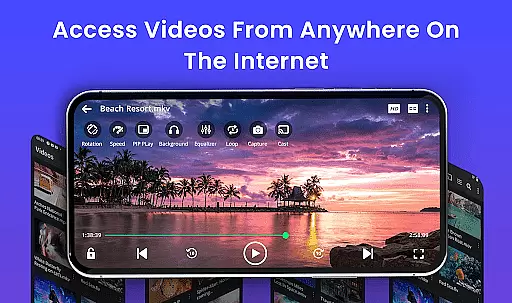
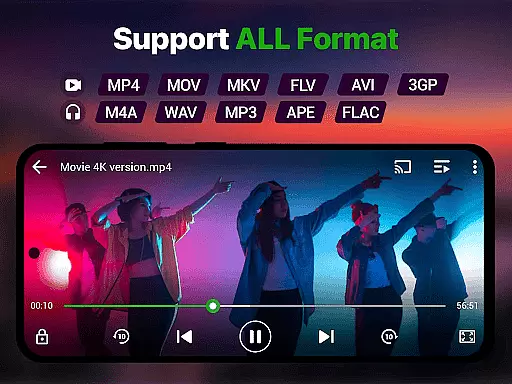
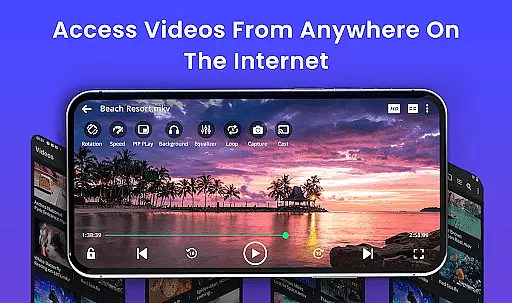
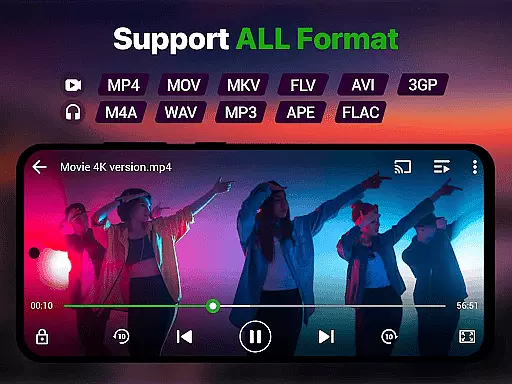
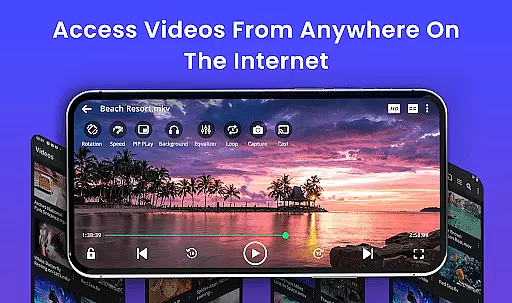
Video Player is a feature-rich video playback app designed for Android users who demand high-quality, smooth video experiences. Supporting Ultra HD and 4K playback across all major formats like MP4, MKV, AVI, and more, it ensures no video goes unplayed. The app also includes advanced features such as smart gesture controls, subtitle support, background play, and Chromecast streaming.
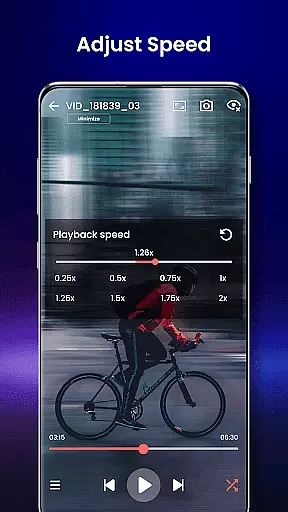
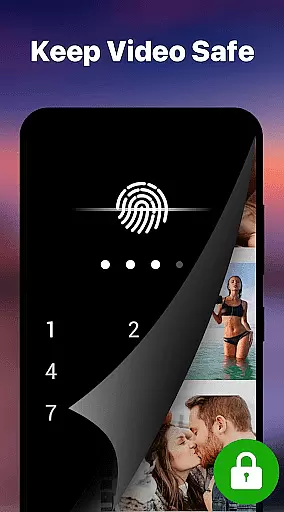
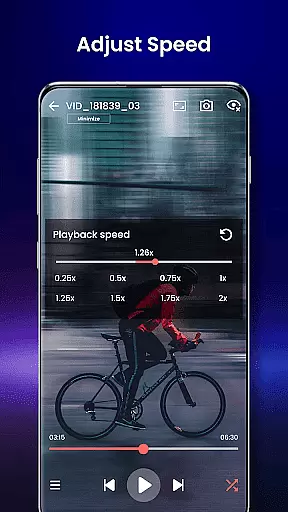
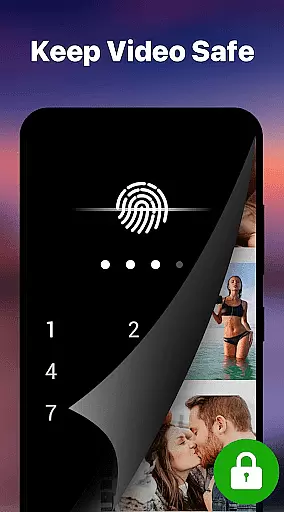
Beyond its core functionality, Video Player offers unique tools like speed control (0.25x to 4x), night mode for eye protection, and a private folder with PIN lock for secure viewing. Whether you're watching downloaded movies, managing media collections, or streaming content, this app transforms your Android device into a cinema-grade experience.
Perfect for movie enthusiasts, students watching tutorials, or professionals organizing media files, Video Player combines powerful performance with user-friendly customization, making it an essential tool for all video needs.
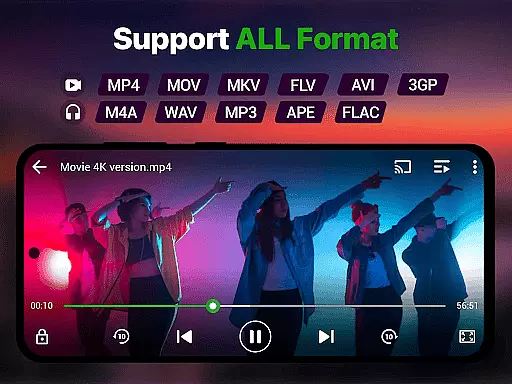
Video Player stands out with its extensive format compatibility, supporting everything from MP4 and MKV to less common types like FLV and 3GP. Its Ultra HD and 4K playback capabilities ensure stunning visuals, while AI-enhanced rendering optimizes clarity and frame rates for seamless viewing.
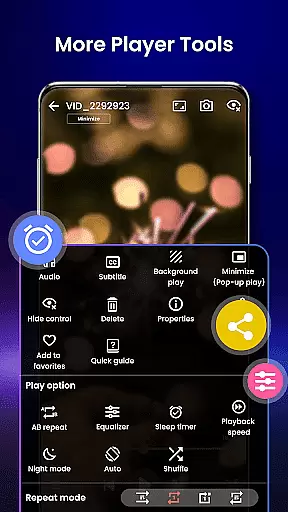
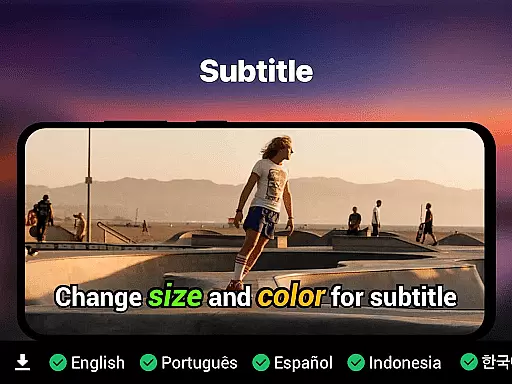
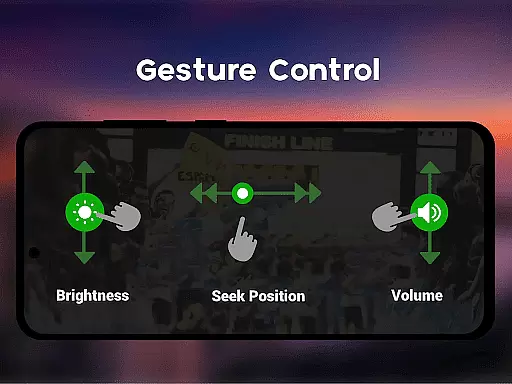
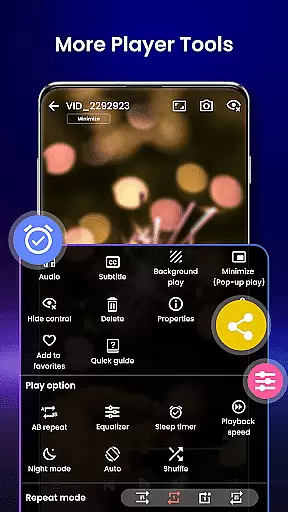
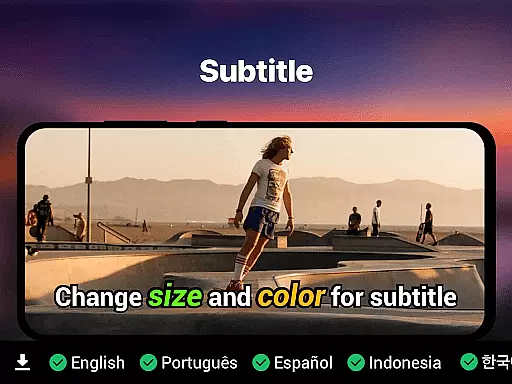
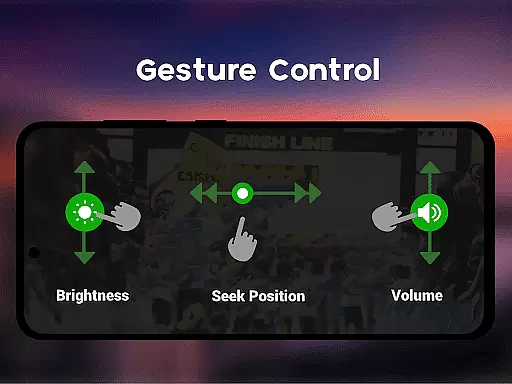
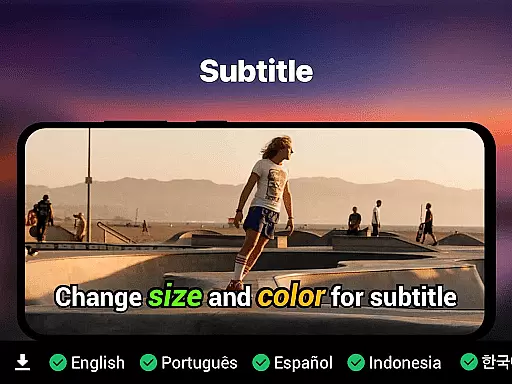
The app's smart gesture controls allow users to adjust volume, brightness, and seeking effortlessly. Subtitle support includes SRT, SSA, ASS, and VTT formats, with automatic track detection. Additional features like background play, pop-up mode, and Chromecast integration enhance convenience, while the resume playback function ensures you never lose your place.
With added benefits like night mode, speed control (0.25x to 4x), and a secure private folder, Video Player delivers both innovation and practicality. Its lightweight design and multi-language support further solidify its position as a top-tier video player for Android devices.
Video format compatibility is a crucial feature for any video player, ensuring that users can enjoy their media files regardless of the file type. This Video Player app supports an extensive range of formats including MP4, MKV, AVI, MOV, FLV, 3GP, and WMV, making it one of the most versatile players available on Android devices.
The application's advanced decoding technology guarantees smooth playback of high-resolution videos, from standard HD to stunning 4K quality. With AI-enhanced rendering, it optimizes each frame for clarity and seamless viewing, eliminating lag even with the most demanding video files.
Users benefit from this comprehensive format support as they no longer need to convert or worry about whether their video files will play. The app auto-detects and organizes these files through its integrated file manager, providing effortless access and management.
AI-powered editing features represent the cutting-edge evolution in video players, enhancing user experience by offering smart tools that simplify video management and playback. This Video Player app incorporates artificial intelligence to provide functionalities such as subtitle track detection, speed control, and optimized frame rendering.
One standout feature is the automatic synchronization of subtitles, supporting formats like SRT, SSA, ASS, and VTT. This ensures viewers can follow along with content in their preferred language without manual adjustments. Additionally, speed control options ranging from 0.25x to 4x allow users to customize playback rates according to their preferences or needs.
These intelligent capabilities make video consumption not only more accessible but also more personalized. Users can take advantage of night mode settings for comfortable late-night viewing or use gesture controls for volume, brightness, and seeking functions, creating an intuitive and engaging interaction with their media content.
Supports all video formats
Ultra HD & 4K playback
Smart gesture controls
Private folder security
No ads
Limited iOS availability
Advanced features may overwhelm beginners
Occasional bugs in older devices
Requires storage space
Complex settings navigation

Online Videos Player
 3.90
3.90
You can play SWF format file!
2.50
?100% FREE! Download & save videos? safely in this app. All formats supported.
4.60
Video Downloader is an utility that can save videos and music from web sites
4.20
Tik & Story Saver-Download ALL social media videos, photos & reels no watermark.
4.80
Create photo video with music & template. AI video maker for stunning slideshow.
4.60
All format media Player, no need video converter any more!
4.00
AirMirror Receiver - Screen mirroring/cast web videos to Android TV by AirPlay.
4.40
Browser for Sony TV to stream web videos, online movies and live tv
3.20
Seamlessly connect and control your smart devices, anytime, anywhere with ease.
4.60
Browser + Remote for Roku to stream webvideos, online movies and livestreams
4.60
Auto video maker with music & exclusive filters. Video editing made simple.
4.50
Add date and time watermark to photos and videos
4.50
Photo and Music Video Creator into Stunning Videos—Effortlessly
4.40
Powerful, professional, versatile teleprompter. Developed by an active film crew
4.00
Live TV, anywhere in your home
3.80
Mix with Virtual DJ directly from your phone or tablet !
3.10
The essential companion to your Blue Iris PC software
2.50
Stream high quality video from your camera over NDI protocol
4.0



User Reviews