
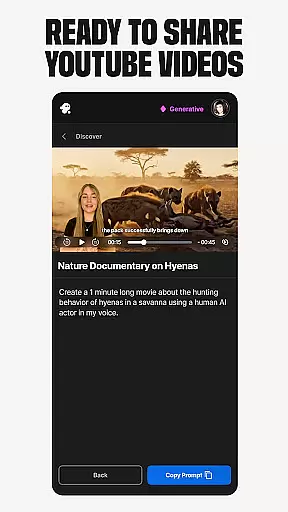
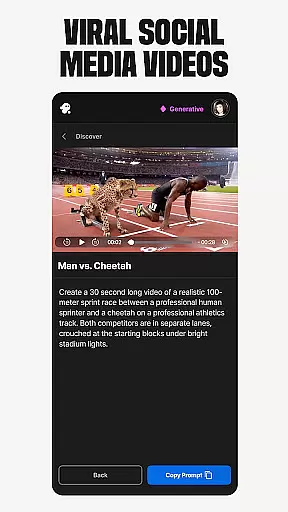
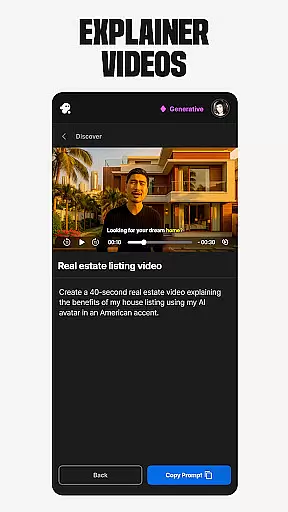
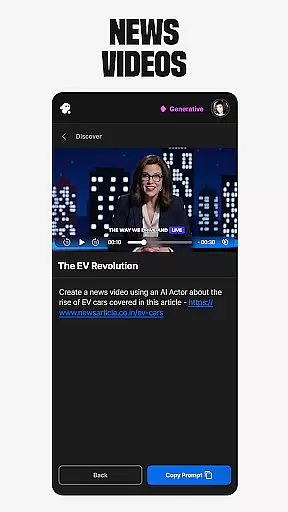
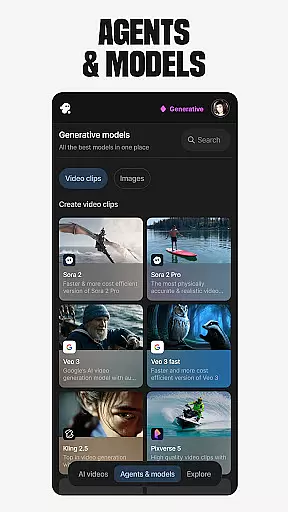
Invideo AI is a revolutionary video creation platform that empowers users to produce professional-quality videos using advanced artificial intelligence. The app offers an extensive suite of tools for creating various types of video content, including explainers, promotional videos, advertisements, and full-length films.
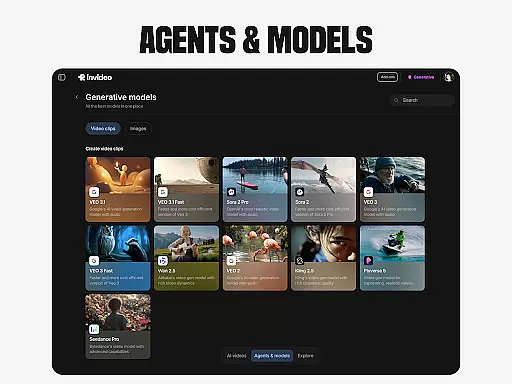
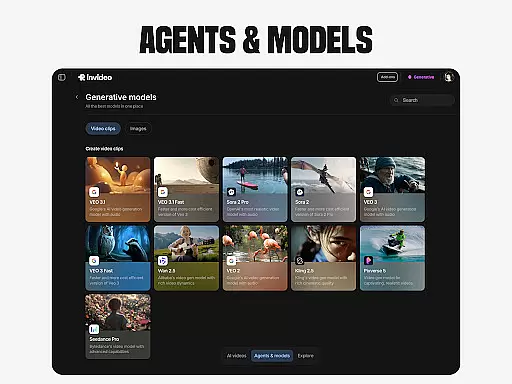
What sets Invideo AI apart is its comprehensive AI capabilities that cover every aspect of video production. Users can generate scripts, create media content, add captions, voiceovers, music, and visual effects in over 50 languages. The platform's standout features include AI avatar creation, voice cloning technology, and image-to-video conversion, making it an ideal solution for both novice creators and seasoned professionals.
The application finds particular value in marketing and e-commerce sectors, where businesses can create ultra-realistic testimonial videos, product demonstrations, and virtual try-on experiences without the need for expensive studio setups or complex coordination processes.
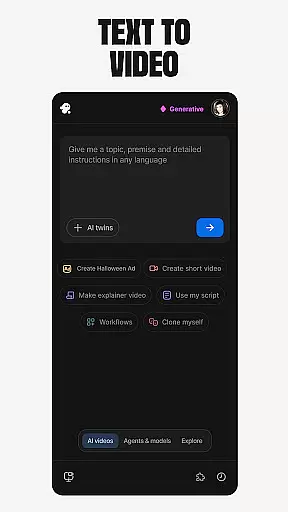
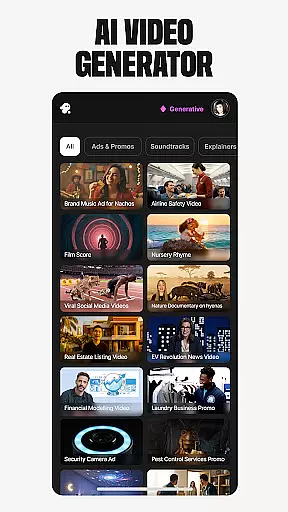
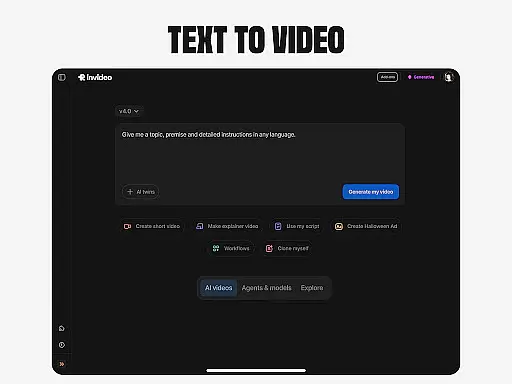
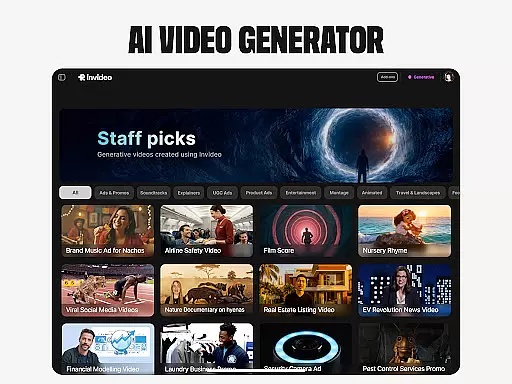
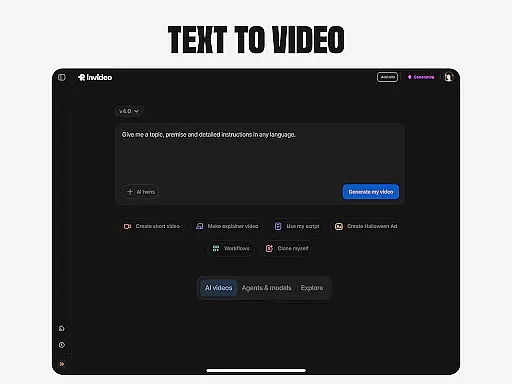
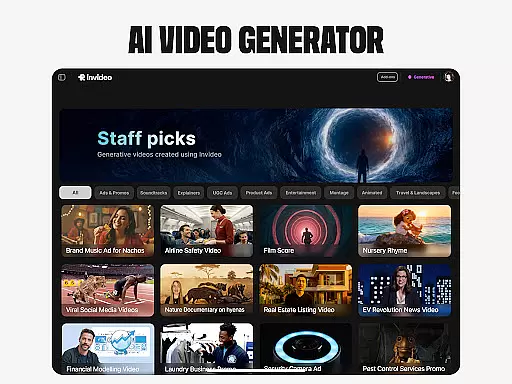
Invideo AI distinguishes itself through its diverse range of innovative features designed to streamline video creation. The platform's AI video generator enables users to create complete video projects from simple text prompts, while the AI movie maker allows for the production of full-length films in various artistic styles.
One of the most remarkable aspects is its AI avatar technology, which lets users create digital twins for consistent content production. This feature, combined with AI voice cloning capabilities, allows for the generation of training materials and promotional content that maintains brand consistency across multiple languages.
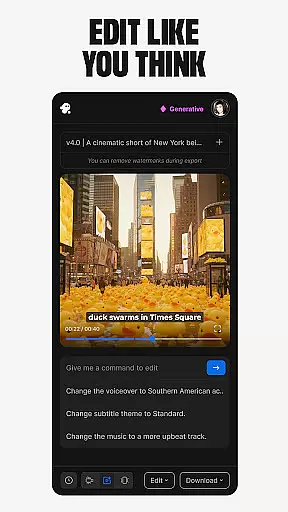
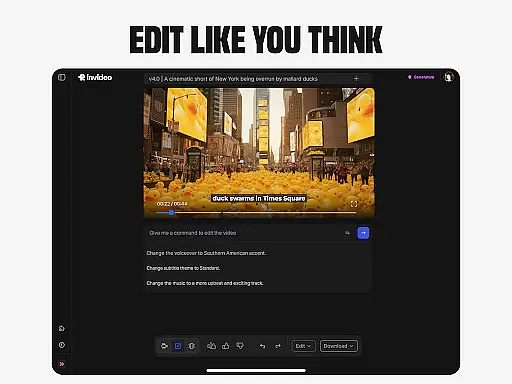
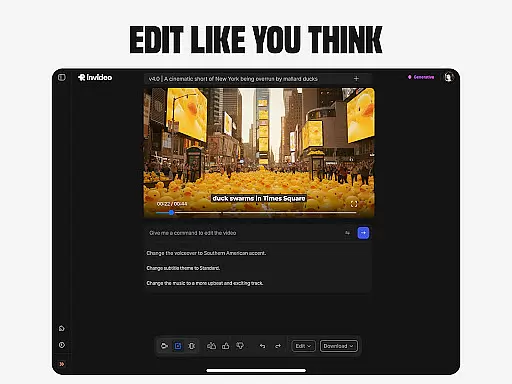
The platform also includes powerful editing tools that enable users to modify existing projects through simple text commands. This AI-driven approach to video editing eliminates the steep learning curve associated with traditional timeline-based editing software, making professional-grade video production accessible to everyone.
Video format compatibility is a crucial feature for any video editing tool, ensuring that users can work with a wide range of file types without conversion hassles. Invideo AI supports over 50 languages and various media formats, making it versatile for international and multimedia projects.
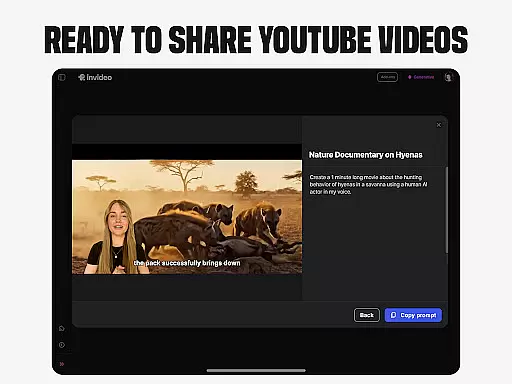
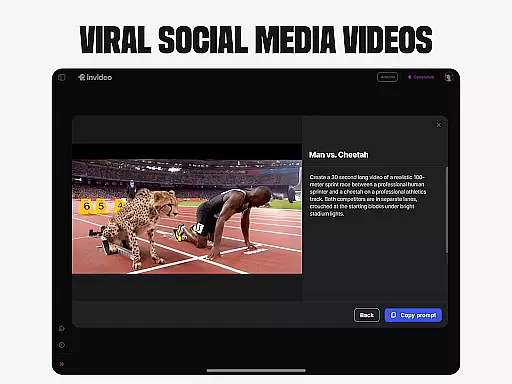
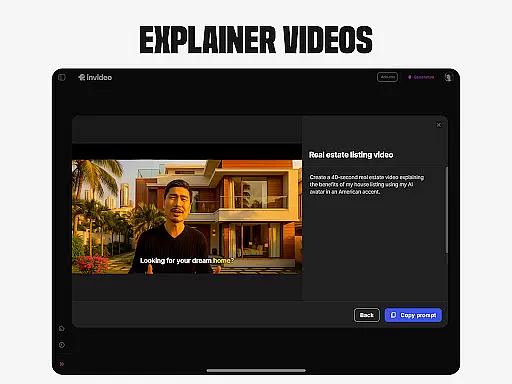
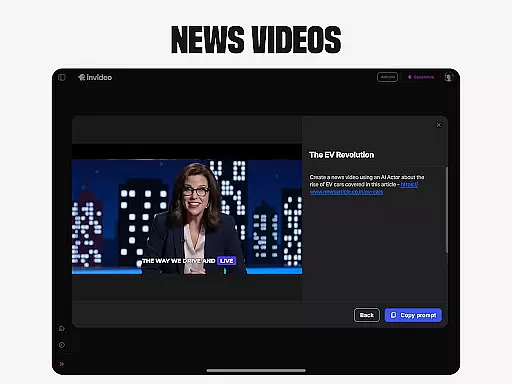
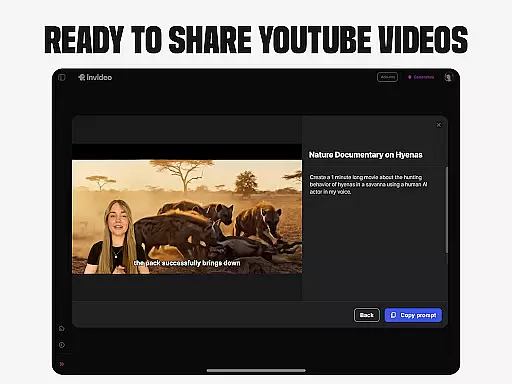
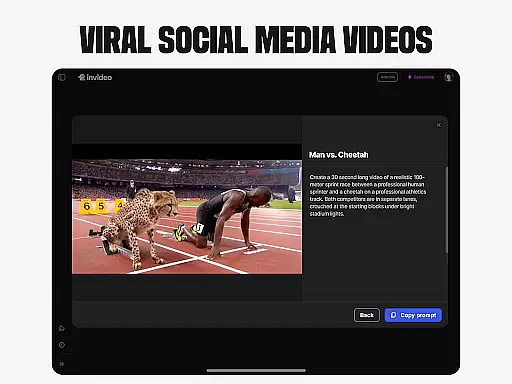
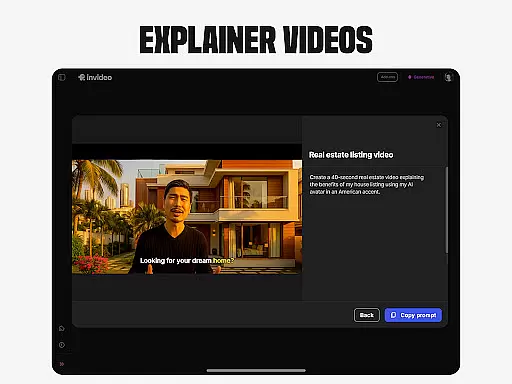
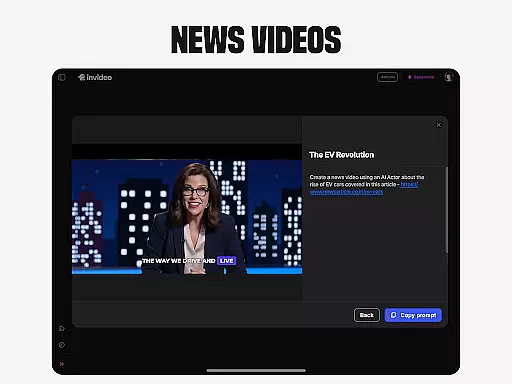
The application's AI video generator allows creators to produce explainers, promos, ads, and stories seamlessly. With support for generative media, captions, voiceovers, music, and effects in multiple languages, the platform ensures that users can create rich, engaging content regardless of the original file format.
For professionals and beginners alike, this compatibility means less time worrying about technical limitations and more time focusing on creativity. Whether you're developing AI movies, cloning voices, or converting images to videos, Invideo AI's broad format support empowers you to realize your vision without constraints.
AI-powered editing features revolutionize the way users interact with video editing software by simplifying complex processes into intuitive commands. Invideo AI incorporates advanced AI tools that allow users to change scenes, edit music, refine tone, and swap voiceovers effortlessly.
This innovative approach eliminates the steep learning curve associated with traditional timeline-based editing applications. Users can now perform sophisticated edits using simple text commands, streamlining workflows and enhancing productivity.
Whether you're adjusting the mood of a scene or fine-tuning audio elements, Invideo AI's intelligent editing capabilities ensure precision and efficiency. This empowers creators to focus on storytelling and artistic expression, confident that the technology will handle the intricate details of video production.
User-friendly interface
Comprehensive AI tools
Multilingual support
Time-saving automation
Professional output quality
Subscription costs may be high
Learning curve for advanced features
Limited free tier options
Internet connection required
Occasional rendering delays

Kodi media center, a free and open source cross-platform entertainment hub
 3.60
3.60
Full HD Video mp3 Player, MP4 player play 1080p, File manager, Video Downloader
4.40
High-Quality USB Camera Viewer & HDMI Display
4.70
Stream Web Videos to Chromecast, Samsung, LG, Sony, Roku, Fire TV, DLNA + more
4.00
An easy-to-use and all-round screen recorder with audio
4.80
GENRAL PRO - General Pro is the best video player that fully supports all formats.
4.70
Watch IPTV on your Android device
4.60
Browser for Fire TV to stream webvideos, online movies, livestreams in HD
4.40
convenient, safe and fast at Video Downloader & Player
4.60
#1 Torrent App on Android ** No Ads Ever + Battery Saver **
4.80
Fast & easy HD video downloader for all formats, support 4K playback & download.
4.60
Search & download videos from net with all video downloader, auto-detect & safe.
4.60
Auto video maker with music & exclusive filters. Video editing made simple.
4.50
KineMaster, Your Ultimate Video Editor!
4.40
Fast private browser with secure, seamless access & supported video downloads!
4.00
Online Videos Player
3.90
Live TV, anywhere in your home
3.80
A full editing room to accompany your Insta360 cameras and handheld gimbals.
3.30
IPTV Player - Watch live TV from m3m & m3u8 playlist, stream IPTV on mobile
3.30




User Reviews