
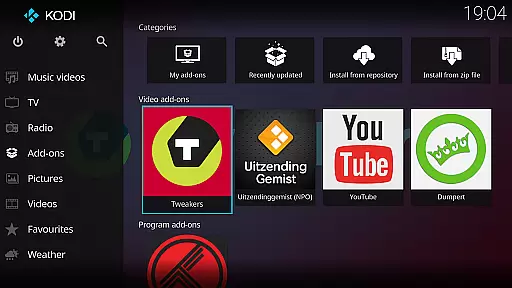
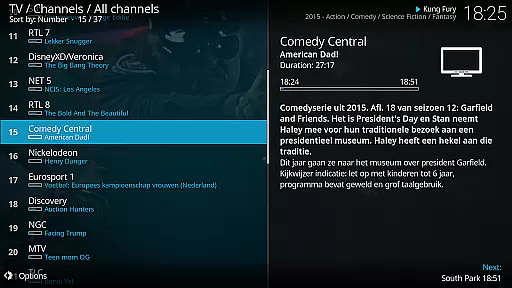
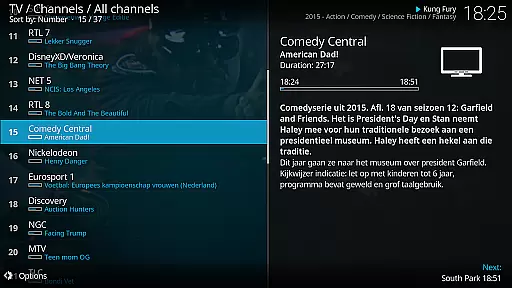
Kodi is an award-winning media player and entertainment hub designed for home theater setups. It offers a 10-foot user interface, making it perfect for living-room entertainment with support for remote controls. The software allows users to easily browse and play videos, music, podcasts, and view photos from various sources including hard drives, optical discs, local networks, and the internet.
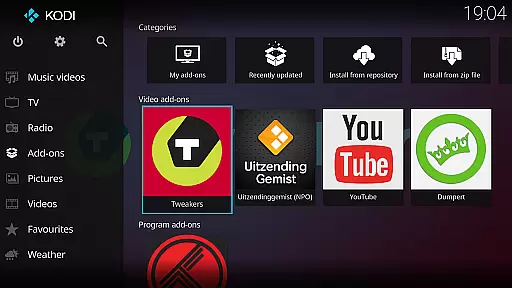
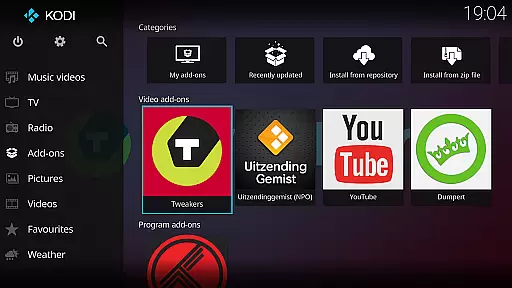
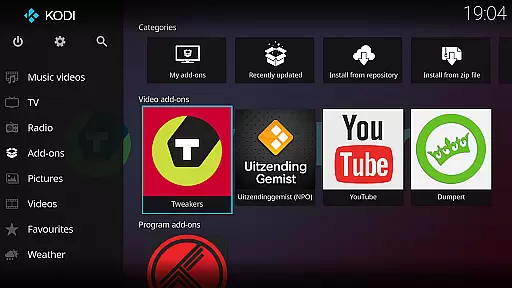
With its open-source nature, Kodi supports third-party plugins that provide access to freely available content online. It comes with two main skins: Estuary, optimized for speed and ease of use, and Estouchy, designed for larger mobile devices. While Kodi itself does not supply any media content, it serves as a powerful platform for organizing and enjoying your personal digital media collection.
Kodi boasts a range of features that make it a versatile media center solution. Its primary feature is the ability to aggregate and play multimedia content from diverse sources, including local storage, network locations, and physical media like DVDs and Blu-Rays. The inclusion of third-party plugins expands its capabilities by allowing access to online streaming services.
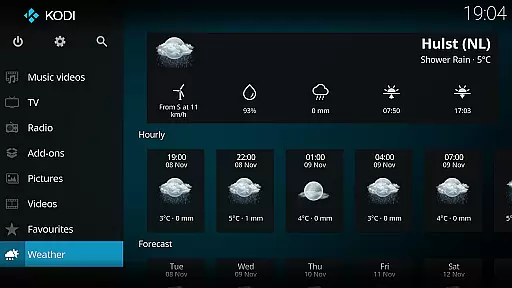
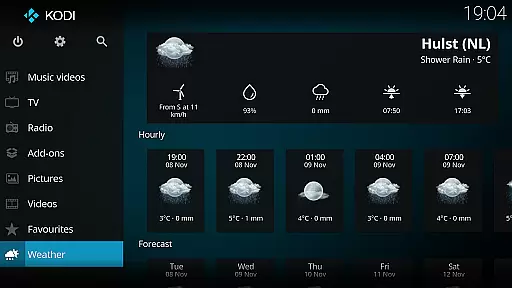
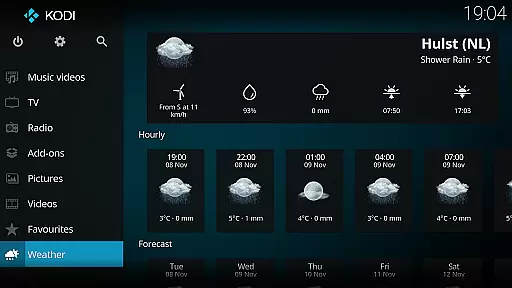
The application's graphical user interface (GUI) is intuitive and designed for easy navigation using minimal input methods such as remote controls. Kodi also offers customizable skins, notably Estuary for standard displays and Estouchy for touch-enabled devices. These interfaces enhance usability across different platforms while maintaining a consistent experience. Additionally, being open-source under GPLv2.0+ license encourages community contributions and continuous improvement.
One of the core strengths of Kodi lies in its exceptional video format compatibility. This media player supports an extensive range of video formats, from common ones like MP4 and AVI to more specialized codecs such as MKV and FLAC. The broad compatibility ensures that users can play virtually any video file without worrying about format issues.
Kodi achieves this through a combination of built-in codecs and customizable settings. Users have the option to further enhance playback by adjusting video settings or installing additional plugins. This flexibility makes it suitable for both casual viewers and advanced users with specific technical requirements.
The benefit to users is significant - they can consolidate all their video content within a single platform without needing to convert files or use multiple players. Whether streaming from local storage or network sources, Kodi provides seamless playback across devices.
While primarily known as a media player, Kodi also offers innovative AI-powered editing features that enhance the user experience. These features utilize machine learning algorithms to optimize video playback settings based on content type and viewing conditions. For instance, the system can automatically adjust brightness levels for better visibility in different lighting environments.
The AI capabilities extend to smart playlist creation and content organization. Kodi's engine analyzes viewing habits and suggests optimal ways to categorize media files. It can also generate customized playlists that adapt to user preferences over time, creating a more personalized entertainment experience.
These intelligent features help users maximize their media library's potential while reducing manual configuration efforts. The result is a more intuitive and responsive media management system that evolves with the user's needs.
User-friendly interface
Highly customizable
Wide format support
Active community support
Cross-platform compatibility
No built-in content
Requires technical knowledge
Third-party plugins vary in quality
Legal concerns with some plugins
Not ideal for small screens

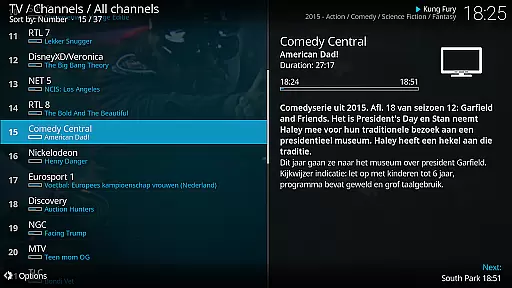
Client application for NextPVR software
 3.00
3.00
Powerful, professional, versatile teleprompter. Developed by an active film crew
4.00
IPTV-Smarters Player Pro M3U - Watch Live Stream TV Channels with Chromecast
4.00
Cast Videos from Web Browser, IPTV to Roku, Chromecast, DLNA, Smart TV +more
4.60
Capture images & record videos for USB Camera, Webcam, Microscopes, Endoscopes
3.80
High-Quality USB Camera Viewer & HDMI Display
4.70
Stream Web Videos to Chromecast, Samsung, LG, Sony, Roku, Fire TV, DLNA + more
4.00
Cast to Smart TV, Fire TV. Cast video, photo - Fast & Stable!
3.90
A Simple app to download Video & Music from the Internet.
4.70
Pro video editor app for Instagram, edit video with song, AI, effect & slowmo.
4.80
An easy-to-use and all-round screen recorder with audio
4.80
Video Player - Unlimited features, 30 days money back guarantee.
4.60
Video Downloader, Multiple Resolution Options, Video Player
4.50
KMPlayer Plus (Divx Codec) officially support Divx codec.
4.30
Web Browser for LG TV to stream webvideos, online movies and livestreams in HD
4.20
Powerful video player with advanced hardware acceleration and subtitle supports
4.20
AirMirror is Receiver for Screen Mirroring and Casting from Apple Devices.
3.60
Connect EasyCap or UVC devices for recording and broadcast video/audio stream
3.60
A full editing room to accompany your Insta360 cameras and handheld gimbals.
3.30




User Reviews