
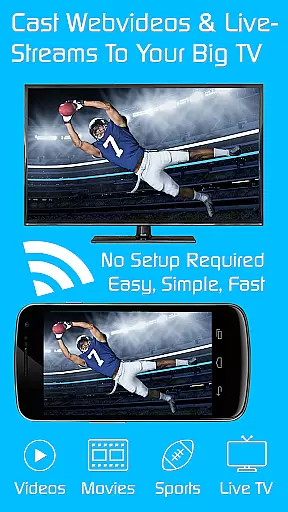
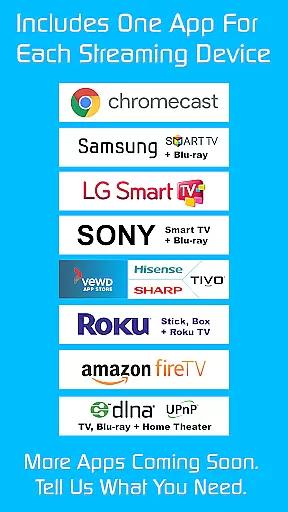
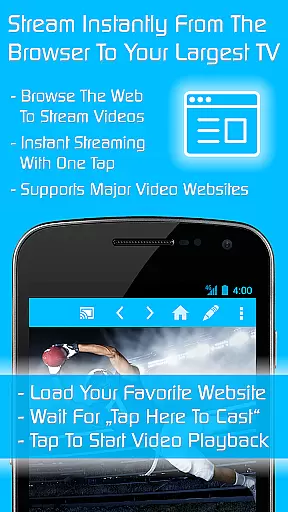
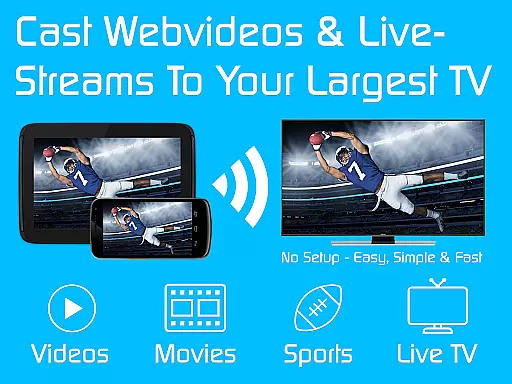
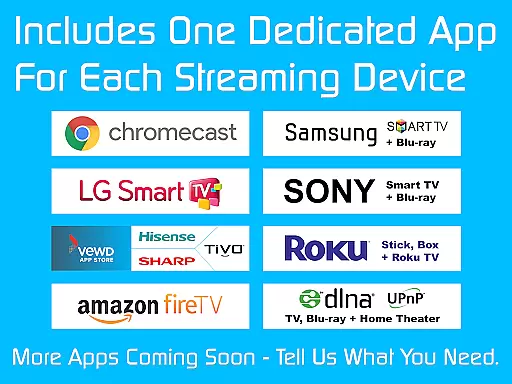
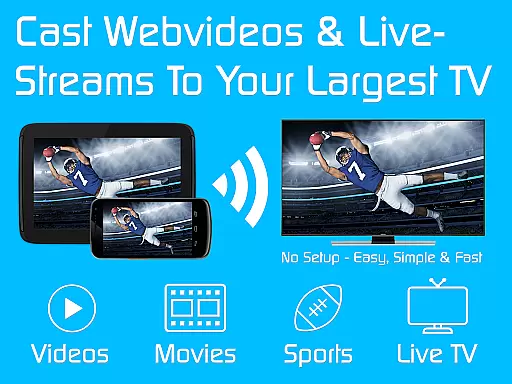
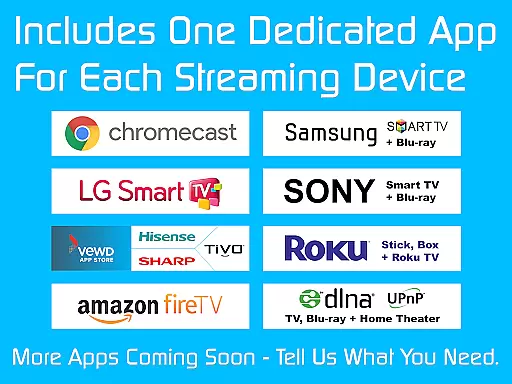
TV Cast is a versatile streaming browser app that allows users to stream and watch web videos, online movies, livestreams, and live TV shows on a variety of devices. Compatible with Chromecast, Samsung TV, LG TV, Sony TV, Hisense TV, Sharp TV, TiVo, Roku, Fire TV, DLNA, and Google Cast/Android TV-powered devices, this app offers an all-in-one solution for media streaming needs. With over 10 million users, it stands as one of the most popular choices in the market.
The Ultimate app serves as a license key that unlocks premium features across all free Video & TV Cast editions on your Android device. Once installed, users can download additional app editions tailored to specific devices, with premium features automatically unlocked. This includes ad-blocking, advanced playback controls, personalized homepages, desktop mode, unlimited bookmarks, and more, enhancing the overall streaming experience significantly.
Whether you're looking to enjoy uninterrupted entertainment at home or share content on a larger screen, TV Cast provides a seamless solution. Its compatibility with multiple devices and extensive feature set make it an invaluable tool for modern digital entertainment, offering convenience, customization, and control over your viewing experience.
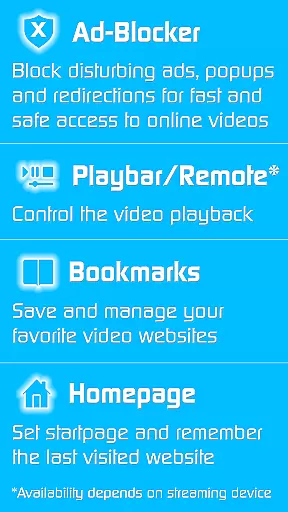
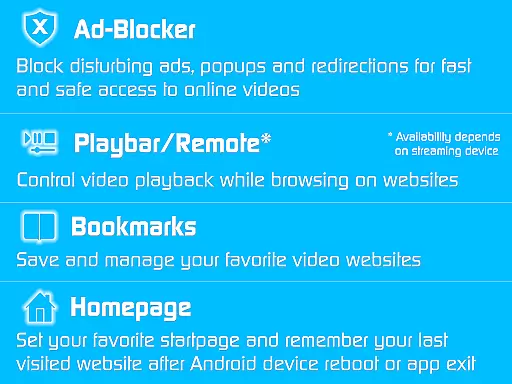
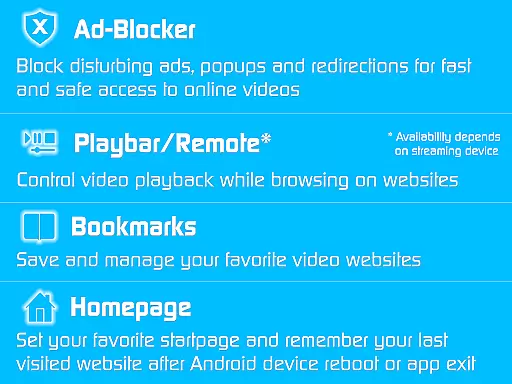
TV Cast boasts an array of innovative features designed to elevate the streaming experience. One standout feature is the built-in Ad-Blocker, which eliminates advertisements, popups, and redirections from websites, ensuring a smooth and uninterrupted browsing session. Additionally, the Playbar/Remote functionality enables users to fast forward, rewind, and scrub through videos directly from their device, depending on the capabilities of the streaming device being used.
Customization is another hallmark of TV Cast, allowing users to change the homepage to their preferred website and remember the last visited site. The Desktop Mode feature masks your device as a desktop PC, aiding in the detection of video links on certain websites. Furthermore, the app supports unlimited bookmarks, enabling users to save and manage their favorite websites and videos effortlessly.
These features collectively enhance user engagement by providing greater control, personalization, and convenience. By removing common frustrations such as ads and limited navigation options, TV Cast ensures a superior streaming experience that caters to diverse user preferences and technical requirements.
Video format compatibility is a crucial feature for any video player or editor, ensuring that users can access and play their desired content without technical limitations. TV Cast excels in this area by supporting a wide range of streaming devices including Chromecast, Samsung TV, LG TV, Sony TV, Hisense TV, Sharp TV, TiVo, Roku, Fire TV, DLNA, and Google Cast-powered devices.
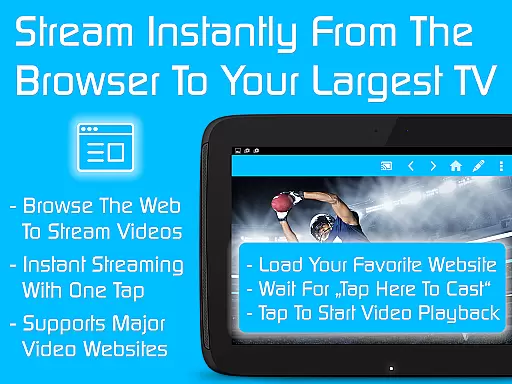
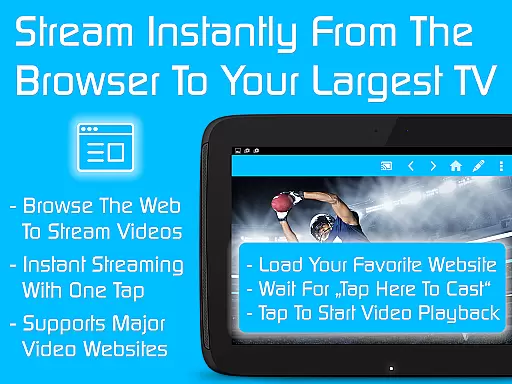
The app's extensive device support allows users to stream web videos, online movies, livestreams, and live TV shows seamlessly across different platforms. This versatility ensures that no matter what type of device you own, you will be able to enjoy your favorite content without worrying about format restrictions.
By unlocking premium features through the Ultimate app, users gain access to an ad-blocker, remote control functionalities, personalized homepage settings, desktop mode, unlimited bookmarks, and more. These enhancements not only improve user experience but also expand the app's capability to handle various video formats efficiently.
AI-powered editing features represent the cutting-edge advancement in video players and editors, providing users with intelligent tools to enhance their viewing experience. Although TV Cast primarily focuses on streaming capabilities, it incorporates several smart functionalities that elevate its performance beyond traditional players.
One notable AI-driven feature is the ad-blocker for websites, which intelligently blocks all advertisements, popups, and redirections caused by visited sites. This ensures uninterrupted streaming sessions and enhances overall satisfaction. Additionally, the playbar/remote function enables fast forward, rewind, and video scrubbing while browsing, depending on the streaming deviceu2019s capabilities.
Other advanced features include setting a personal homepage, enabling desktop mode for better video link detection, managing unlimited bookmarks, and removing sponsoring advertisements. Together, these AI-enhanced tools provide a comprehensive suite of options designed to optimize both convenience and quality, making TV Cast a top choice for discerning viewers seeking a modern, hassle-free entertainment solution.
User-friendly interface
Wide device compatibility
Comprehensive ad-blocking
Advanced playback controls
Unlimited bookmarking
Premium requires separate app
Limited free version
Device-specific editions
Occasional connectivity issues
Subscription cost

Create photo video with music & template. AI video maker for stunning slideshow.
 4.60
4.60
HD video maker with no watermark, no ads & vlog maker with music, PIP, text
4.50
VLC Remote lets you control your VLC Media Player on Mac, PC or Linux.
4.60
1)AirPlay/DLNA Mirroring/Streaming, up to 4 connections; 2)Samba/NAS/DMS Player.
4.00
AirMirror Receiver - Screen mirroring/cast web videos to Android TV by AirPlay.
4.40
Seamlessly connect and control your smart devices, anytime, anywhere with ease.
4.60
#1 Torrent App on Android ** No Ads Ever + Battery Saver **
4.80
A Simple app to download Video & Music from the Internet.
4.70
Fast & Private HD Video Downloader with Built-in Proxy Browser and Video Player.
4.50
An easy-to-use and all-round screen recorder with audio
4.80
Screen recorder with audio to take live videos & Screenshot in high quality!
4.70
Snaptubè Video Downloader app allows to download videos and music in Snaptube. .
4.60
Auto video maker with music & exclusive filters. Video editing made simple.
4.50
Fast video downloader & private browser. Save HD clips to watch offline.
4.40
Powerful Video Editor & Photo Editing App —— Quick Edits & Stunning Effects!
4.30
Video player with 4K & 1080P support, popup play, background play and subtitle.
4.20
Connect EasyCap or UVC devices for recording and broadcast video/audio stream
3.60
Watch full episodes of your favorite Cartoon Network and Cartoonito shows!
3.50
Client application for NextPVR software
3.00



User Reviews