
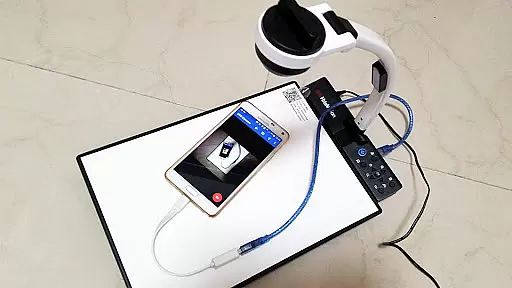
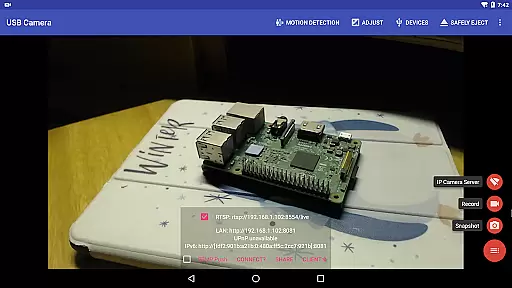
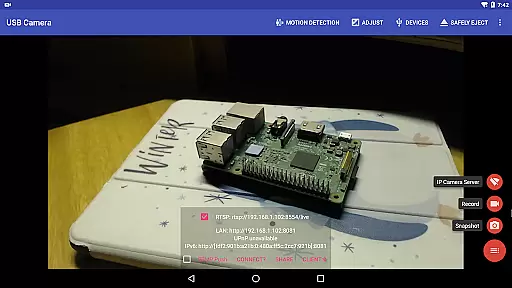
USB Camera Pro is a versatile application designed for Android users who need to connect their devices with USB webcams or video capture cards. This app allows you to record videos, take snapshots, and even transform your phone into a wireless IP camera through an integrated RTSP and HTTP server for security monitoring. It supports bi-directional audio, making it suitable for various surveillance needs.
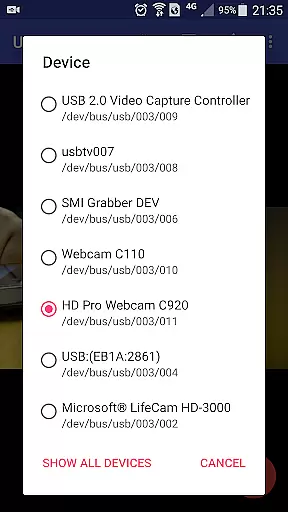
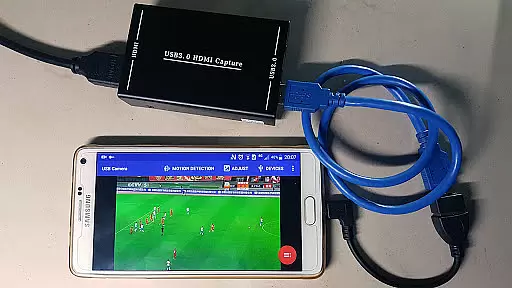
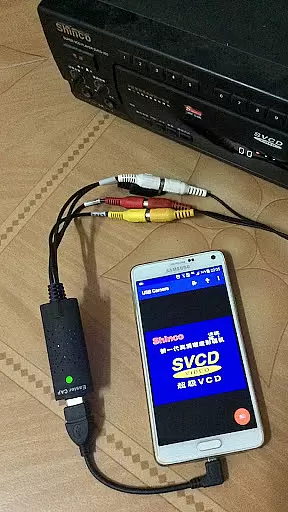
The app stands out by supporting a wide range of devices including UVC WebCams, video grabbers, Windows Hello Cameras, and non-UVC devices like USB Endoscopes. With features such as HEVC video recording, AV1 streaming, and compatibility with different chipsets, USB Camera Pro ensures high-quality video processing. Whether you're using it for personal security or professional broadcasting, this app provides the tools necessary to capture and stream content effectively.
A key use case for USB Camera Pro is in creating a robust security system. By turning your Android device into a wireless IP camera, you can monitor your surroundings remotely. The app's support for motion detection-triggered recordings and automatic FTP uploads adds another layer of convenience, ensuring that you never miss an important event and are promptly notified via email.
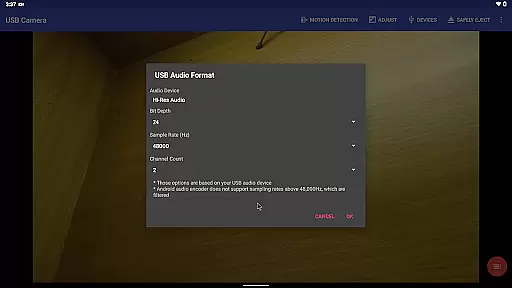
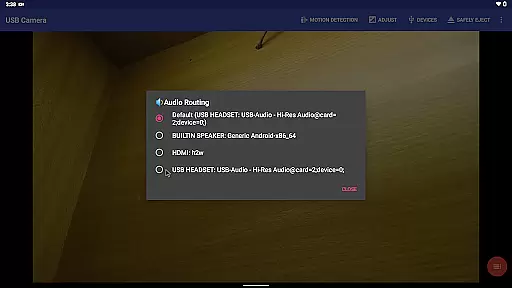
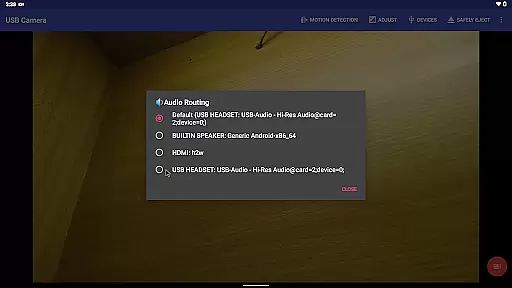
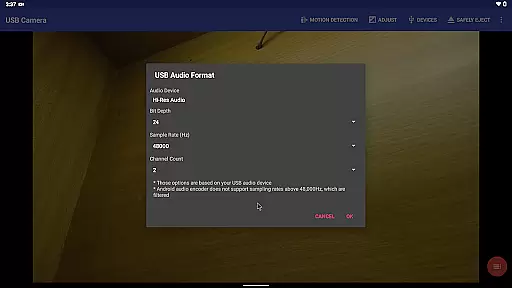
USB Camera Pro offers a comprehensive set of features tailored for both casual and professional use. One of its standout capabilities is the ability to mix USB audio with built-in microphones or system audio, providing flexible audio solutions. Additionally, the app can overlay internal camera footage onto external video feeds, enhancing the creative possibilities for content creators.
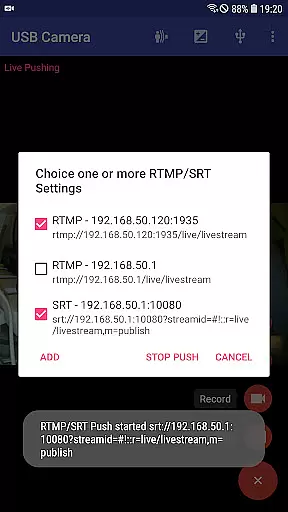
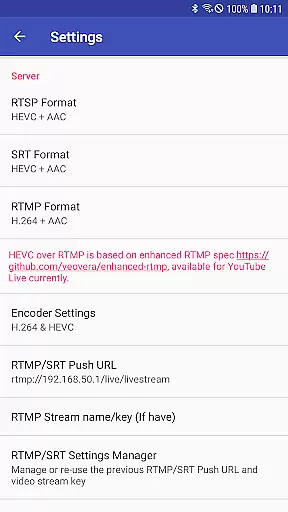
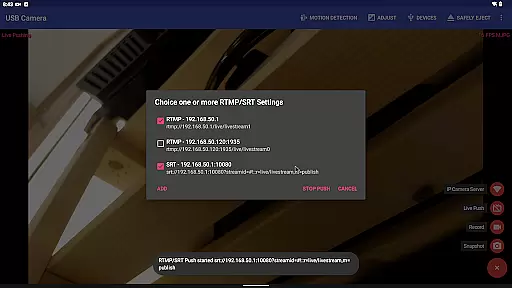
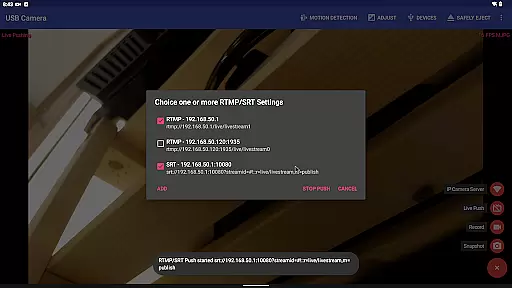
The app excels in live media streaming by pushing video and audio to RTMP/SRT servers, supporting protocols like rtmps and SRT. This makes it ideal for network broadcasts on platforms like YouTube Live. Moreover, the Side by Side (SBS) view feature works seamlessly with FPV goggles, catering to drone enthusiasts and virtual reality applications.
Other notable features include timestamping, GPS data embedding, speed information overlays, and loop recording functionalities. These make USB Camera Pro not only a powerful tool for videography but also a reliable dashcam solution. Its ability to switch between foreground and background without interrupting recordings ensures uninterrupted operation, which is crucial for continuous monitoring scenarios.
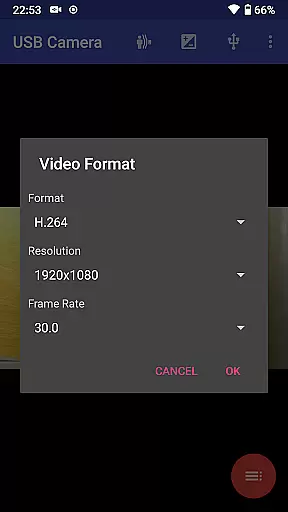
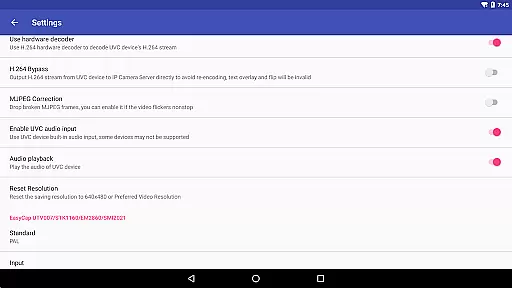
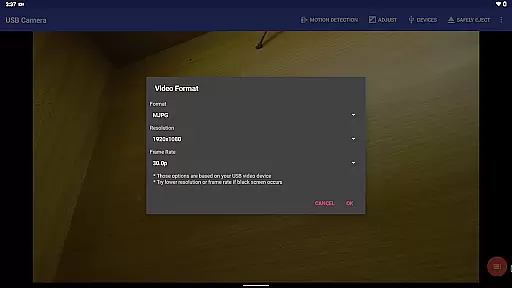
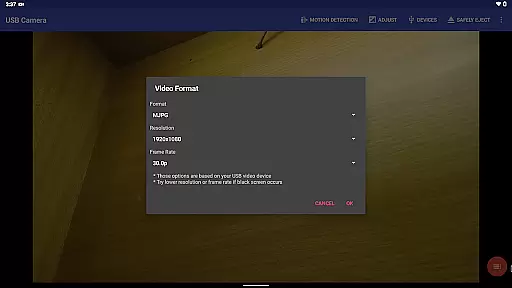
USB Camera Pro demonstrates exceptional versatility in video format compatibility, making it a powerful tool for various professional and casual use cases. The application supports an extensive range of video formats including H.264, H.265, HEVC, MJPG, YUY2, P010, and NV12 among others. This broad support ensures that users can connect and work with numerous types of USB webcams and video capture devices without worrying about format restrictions.
The app's ability to handle both progressive and interlaced video further enhances its utility, particularly for users who require high-quality video capture up to 4K resolution via HDMI. Whether you're involved in content creation, live streaming, or security monitoring, the capacity to seamlessly interact with different video standards is crucial. USB Camera Pro meets these needs by providing comprehensive format coverage.
Additionally, the inclusion of advanced codecs like HEVC and AV1 caters to users seeking efficient compression and high-quality video streaming. While HEVC support requires Android 5.0 or above, and AV1 functionality needs Android 10 or newer, these features ensure that the app remains at the forefront of video technology. This forward-thinking approach guarantees optimal performance across various devices and network conditions.
While USB Camera Pro primarily focuses on video capture and streaming capabilities, it incorporates several features that resemble AI-powered editing functionalities. One notable aspect is its automated motion detection system, which intelligently triggers video recording based on detected movement. This feature effectively serves as an intelligent content selection tool, ensuring that important events are automatically captured without manual intervention.
The application's sophisticated audio mixing capabilities demonstrate another dimension of smart processing. Users can combine external USB audio with built-in microphone input or system audio, creating professional-grade audio tracks. This intelligent audio management system automatically optimizes sound quality and synchronization, similar to how AI-powered editing tools handle complex audio processing tasks.
Furthermore, the app's advanced video overlay functions, including timestamp insertion, GPS data embedding, and speed information display, operate with remarkable precision. These automated enhancement features work in real-time, providing valuable metadata without requiring manual editing. The seamless integration of these smart processing elements makes USB Camera Pro not just a capture tool but also a powerful platform for creating professionally enhanced video content.
User-friendly interface
Wide device compatibility
Advanced video encoding options
Robust live streaming capabilities
Comprehensive monitoring features
Requires specific permissions
Some features need additional apps
High power consumption
Limited third-party app integration
Complex setup for beginners

Kodi media center, a free and open source cross-platform entertainment hub
 3.60
3.60
Connect 2 UVC devices for recording and broadcast video/audio stream
3.90
Cast Videos from Web Browser, IPTV to Roku, Chromecast, DLNA, Smart TV +more
4.60
Video Downloader is an utility that can save videos and music from web sites
4.20
Create & edit videos with AI
4.30
Play ALL formats in 4K & HD. Video downloader, MP3 player, Chromecast & more.
4.80
Pro video editor app for Instagram, edit video with song, AI, effect & slowmo.
4.80
Fast & Private Video Downloader App. Save all videos easily from the Internet.
4.40
Make your own Animations, Video and Photo Edits, Visual Effects, and more!
4.00
Video Trimmer, Video to MP3 Converter. Extract music from video, Easy & Fast.
4.80
High-Quality USB Camera Viewer & HDMI Display
4.70
GENRAL PRO - General Pro is the best video player that fully supports all formats.
4.70
Download videos and play them offline
4.70
Video Player - Unlimited features, 30 days money back guarantee.
4.60
Search & download videos from net with all video downloader, auto-detect & safe.
4.60
Auto video maker with music & exclusive filters. Video editing made simple.
4.50
Video player with 4K & 1080P support, popup play, background play and subtitle.
4.20
All format media Player, no need video converter any more!
4.00
Live TV, anywhere in your home
3.80




User Reviews