
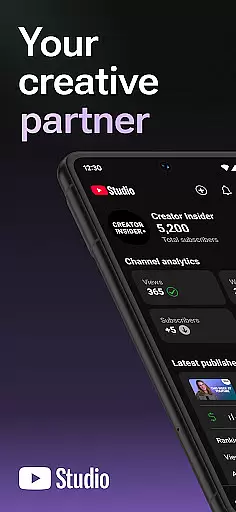
YouTube Studio is the official mobile app designed for content creators to manage their YouTube channels effectively. The app provides a comprehensive suite of tools that allow users to monitor channel performance, engage with their audience, and customize content directly from their mobile devices.
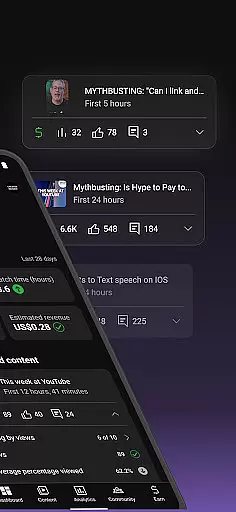
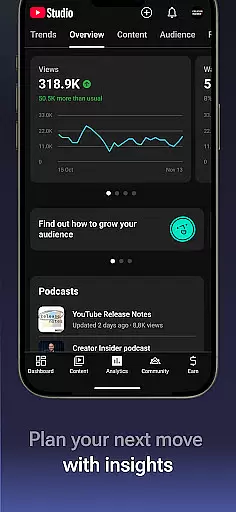
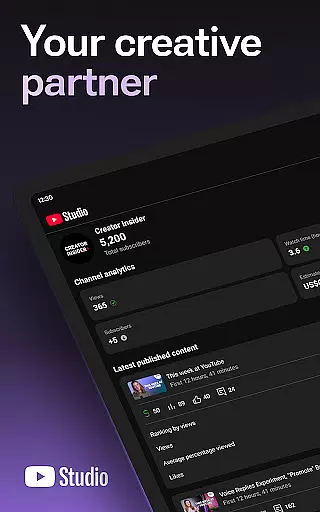
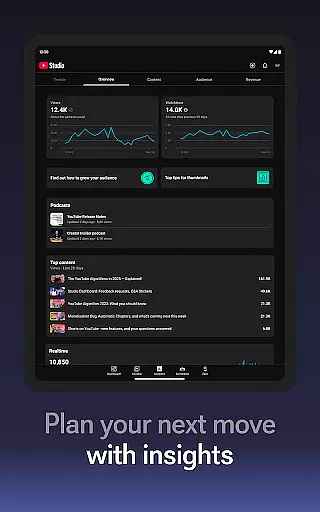
One of the standout features is the Channel Dashboard, which offers a quick snapshot of how your content and channel are performing. Additionally, detailed Analytics provide insights into different types of content, helping creators make informed decisions. With functionalities like comment management and the ability to update video information, YouTube Studio ensures you stay connected and in control.
This app is particularly useful for creators who are frequently on the go and need to manage their channels remotely. By offering real-time data and customizable options, YouTube Studio empowers creators to optimize their content strategy and foster deeper connections with their audience.
YouTube Studio stands out with its robust set of features tailored for content creators. The Channel Dashboard provides an at-a-glance view of key metrics, enabling creators to quickly assess their channel's performance. This feature is complemented by detailed Analytics, which break down performance data across various content types, allowing for more granular insights.
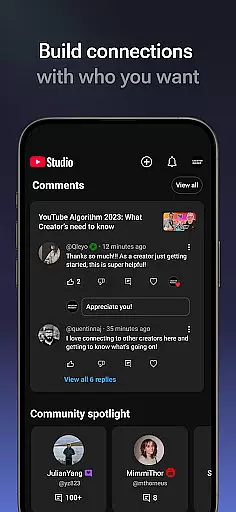
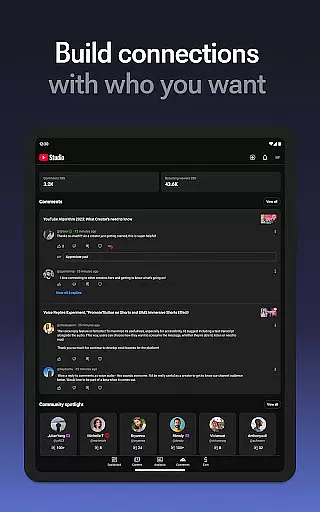
Another significant feature is the ability to manage comments efficiently. Creators can sort and filter comments to prioritize important conversations, fostering better community engagement. Moreover, the app allows for on-the-fly updates to video details, including titles, descriptions, and tags, ensuring content remains relevant and optimized.
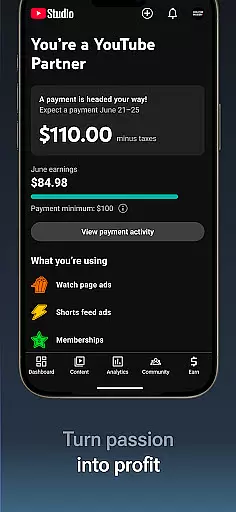
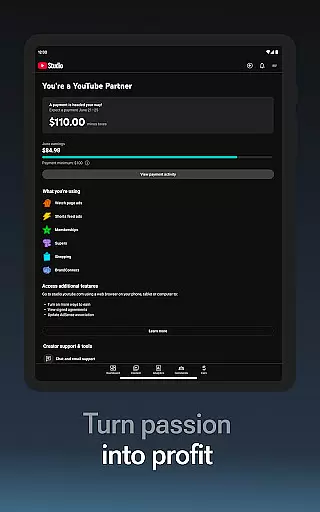
For creators looking to monetize their channels, YouTube Studio facilitates the application process for the YouTube Partner Program. This opens up avenues for revenue generation through ads, channel memberships, and Super Chats, making it an essential tool for professional YouTubers.
Video format compatibility is a crucial feature for any video player and editor, including YouTube Studio. This app supports a wide range of video formats, ensuring that creators can upload and manage content without worrying about format restrictions.
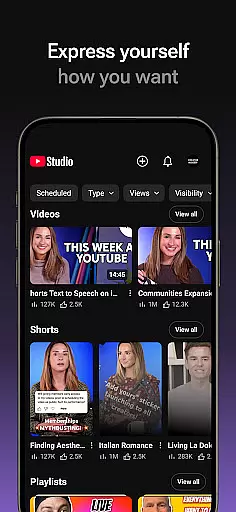
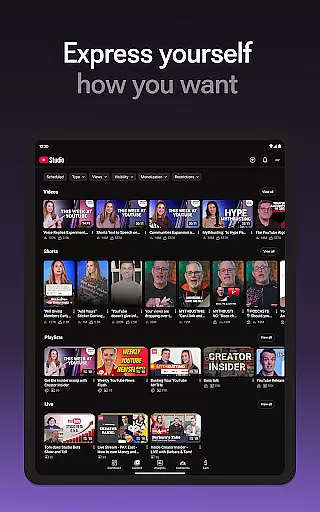
YouTube Studio allows users to update video information, manage shorts, and handle livestreams seamlessly. The flexibility in format compatibility means you can focus on creating and engaging with your audience rather than technical limitations.
By supporting various formats, the app ensures smooth video playback and editing capabilities. This makes it easier for creators to produce high-quality content that meets professional standards while reaching a broad audience.
AI-powered editing features are revolutionizing how creators manage their content on platforms like YouTube. With YouTube Studio, users benefit from advanced tools that simplify video editing processes through automation and intelligent suggestions.
The app provides detailed analytics and performance data, which are enhanced by AI capabilities. These features help creators understand what works best for their audience, allowing them to optimize videos more effectively.
In addition to performance insights, AI-driven tools assist in sorting comments and managing community interactions. This enables creators to maintain meaningful connections with viewers while efficiently handling large volumes of feedback and engagement.
User-friendly interface
Comprehensive analytics
Real-time performance tracking
Efficient comment management
Monetization opportunities
Limited advanced editing
Occasional bugs
Basic video editing tools
Requires constant updates
Ads in free version

You can play SWF format file!
 2.50
2.50
IPTV-Smarters Player Pro M3U - Watch Live Stream TV Channels with Chromecast
4.00
Your media, on your terms.
4.10
KineMaster, Your Ultimate Video Editor!
4.40
Cast to Smart TV, Fire TV. Cast video, photo - Fast & Stable!
3.90
Make your own Animations, Video and Photo Edits, Visual Effects, and more!
4.00
Browser + Remote for Roku to stream webvideos, online movies and livestreams
4.60
Powerful video player with advanced hardware acceleration and subtitle supports
4.20
Create, Publish & Maximize
4.70
Video Player - Unlimited features, 30 days money back guarantee.
4.60
Fast & Private HD Video Downloader with Built-in Proxy Browser and Video Player.
4.50
Movie maker & video editing app with AI effects and green screen
4.30
Browser for Samsung TV to stream webvideos, online movies and livestreams in HD
4.10
1)AirPlay/DLNA Mirroring/Streaming, up to 4 connections; 2)Samba/NAS/DMS Player.
4.00
Connect 2 UVC devices for recording and broadcast video/audio stream
3.90
Manage your IPTV live channels and VOD playlists (no playlist included)
3.80
AirMirror is Receiver for Screen Mirroring and Casting from Apple Devices.
3.60
This app is an emulator of some specific IPTV boxes
3.50
Download videos easily & play them all in one smart, powerful video manager.
3.40





User Reviews