
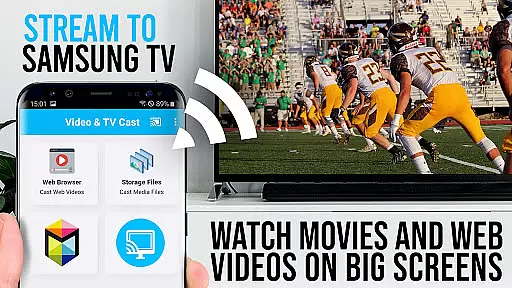
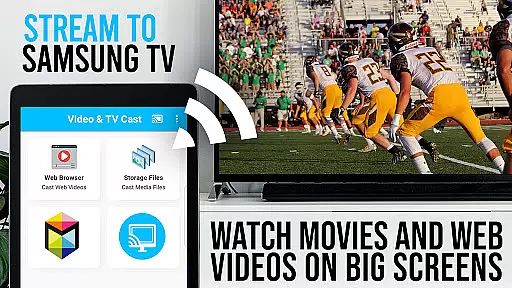
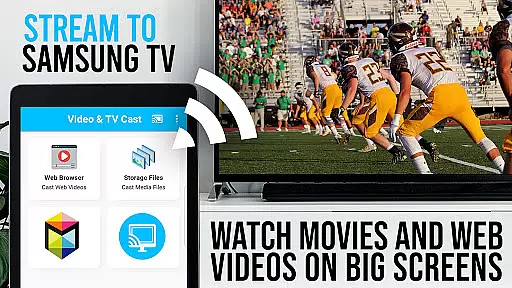
TV Cast Pro for Samsung TV is a premier application designed to enhance your home entertainment experience by streaming web videos, online movies, livestreams, and live TV shows directly to your Samsung Smart TV or Blu-ray Player. This app eliminates the need for additional streaming devices, supporting formats like Mp4, m3u8, HLS livestreams, and Full HD content over https.
With compatibility spanning Samsung Smart TV models from 2010 (C series) to 2017 (new M/MU/Q series), as well as Blu-ray Players equipped with Smart Hub or VEWD, this app offers unprecedented flexibility. The PRO edition unlocks all premium features, allowing users to browse the web and cast any video effortlessly onto their largest screen.
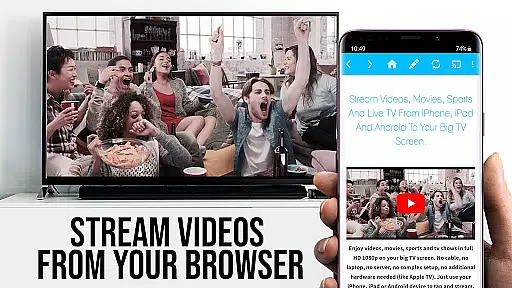
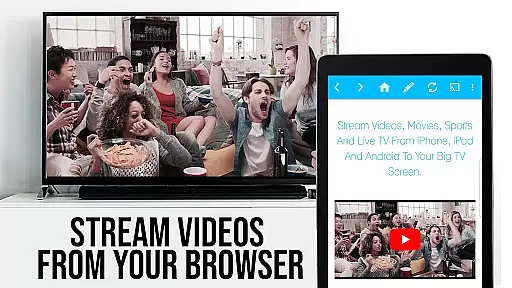
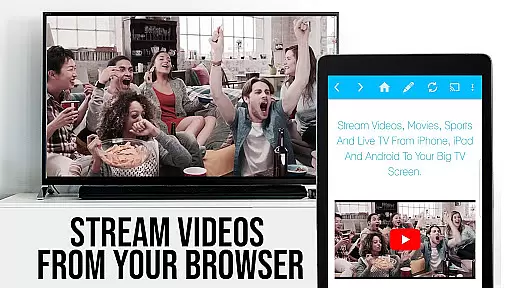
The true value of TV Cast Pro lies in its ability to transform your TV into a versatile media hub. By simply navigating to your preferred website and tapping on the embedded video, you can stream content directly to your TV. This seamless integration not only enhances user convenience but also significantly broadens the range of accessible content, making it an indispensable tool for modern entertainment needs.
TV Cast Pro for Samsung TV boasts an array of sophisticated features tailored to enrich your streaming experience. One standout feature is the Remote Playbar, which provides advanced video control functionalities such as scrubbing, forward, rewind, play, pause, and stop, all while browsing. This ensures that users have complete command over their viewing experience without needing to switch between devices.
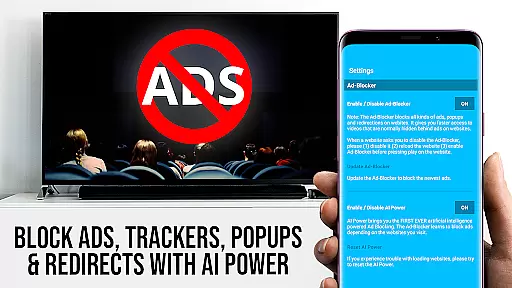
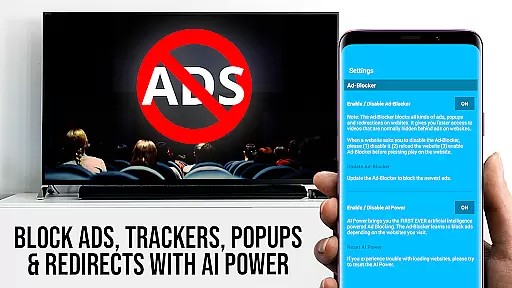
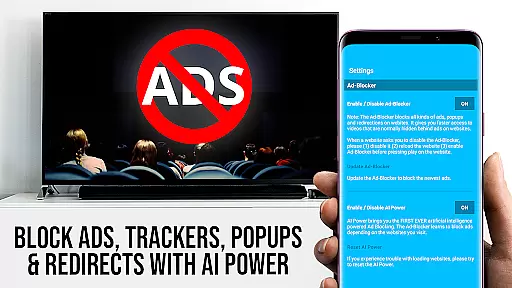
In addition to the Remote Playbar, the app includes an Ad-Blocker that effectively blocks ads and popups on most websites, ensuring uninterrupted viewing. Users can toggle this feature at will through the settings menu. Furthermore, the Bookmarks feature allows for effortless management of favorite sites, enhancing navigation efficiency. The Desktop Mode option enables users to access desktop versions of websites, broadening the scope of compatible content.
These features collectively offer substantial benefits to users. The combination of ad-free browsing, customizable bookmarks, and enhanced video controls creates a streamlined and personalized viewing environment. Moreover, the ability to change the homepage adds another layer of customization, empowering users to tailor their experience precisely to their preferences, thereby maximizing both convenience and enjoyment.
TV Cast Pro for Samsung TV stands out with its extensive video format compatibility, ensuring that users can enjoy a wide range of content without technical hindrances. The app supports popular formats such as Mp4, m3u8, and HLS livestreams, making it versatile for various streaming needs.
This compatibility is crucial for users who want to cast web videos, online movies, livestreams, and live-TV shows directly onto their Samsung Smart TVs and Blu-ray Players. By eliminating the need for an additional streaming box, it simplifies the viewing experience while maintaining high-quality playback.
The ability to handle video over https and support Full HD further enhances the user experience. This ensures that whether you're watching standard web content or high-definition streams, the transition from your Android device to your TV screen is seamless and visually impressive.
While TV Cast Pro for Samsung TV focuses primarily on casting and streaming capabilities, it incorporates features akin to AI-powered editing through its advanced functionalities like the Remote Playbar. This feature offers users enhanced control over their viewing experience, similar to how AI-driven tools assist in video editing.
The Remote Playbar allows for advanced video control including scrubbing, forward, rewind, play, pause, and stop functions. Such controls are essential for a dynamic and interactive streaming session, giving users the power to manage content playback with precision.
Although not a traditional video editor, the app's ability to manage and manipulate video playback in real-timeu2014coupled with its Ad-Blocker feature that clears up the viewing spaceu2014provides an experience that echoes the efficiency and intuitiveness of AI-powered editing platforms.
User-friendly interface
Wide device compatibility
Advanced video controls
Effective ad-blocking
Customizable bookmarks
No DRM support
Limited Flash video
Device restarts needed
Occasional connectivity issues
Premium cost

The smartest M3U IPTV Player your playlists have ever seen.
 4.0
4.0
Auto video maker with music & exclusive filters. Video editing made simple.
4.50
Video Player - Unlimited features, 30 days money back guarantee.
4.60
Video Trimmer, Video to MP3 Converter. Extract music from video, Easy & Fast.
4.80
This app was created to edit the metadata of music files.
4.20
IPTV Player - Watch live TV from m3m & m3u8 playlist, stream IPTV on mobile
3.30
This app is an emulator of some specific IPTV boxes
3.50
Screen recorder with audio to take live videos & Screenshot in high quality!
4.70
Capture the moment and Cut
3.40
Tik & Story Saver-Download ALL social media videos, photos & reels no watermark.
4.80
Download videos and play them offline
4.70
Find, download, and play torrents with the official BitTorrent® Pro app
4.70
Cast Videos from Web Browser, IPTV to Roku, Chromecast, DLNA, Smart TV +more
4.60
Search & download videos from net with all video downloader, auto-detect & safe.
4.60
Seamlessly connect and control your smart devices, anytime, anywhere with ease.
4.60
Watch IPTV on your Android device
4.60
Browser + Remote for Roku to stream webvideos, online movies and livestreams
4.60
Video player, file manager for all formats, 4K/HD media player supports subtitle
4.30
Browser for Sony TV to stream web videos, online movies and live tv
3.20




User Reviews