
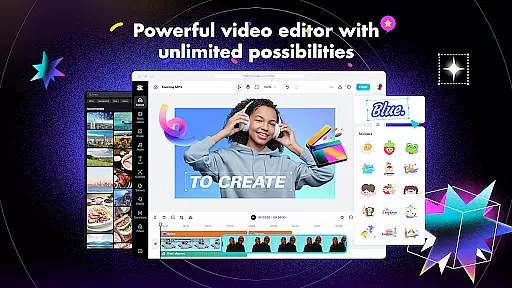
CapCut is a comprehensive video editing application that offers both basic and advanced tools for creating professional-quality videos. The app provides essential features such as trimming, splitting, and merging clips, along with more sophisticated options like keyframe animation, chroma key, and stabilization. With CapCut, users can adjust video speed, apply zoom effects, and use transitions to enhance their projects. It also includes intelligent features like auto captions, text-to-speech, and background removal, making it suitable for both beginners and experienced editors.
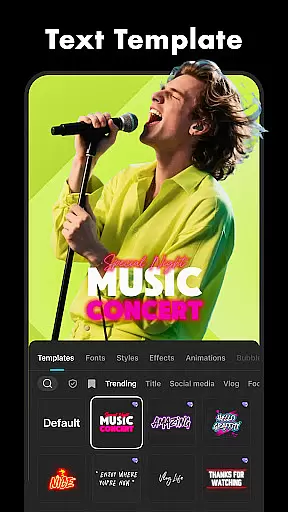
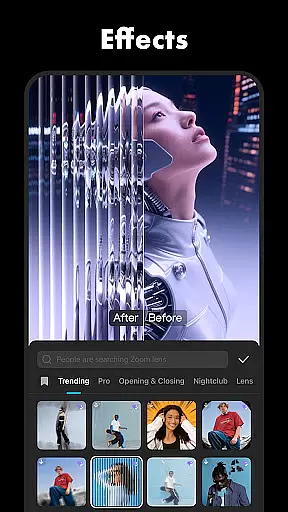
The app stands out with its diverse range of creative tools including trending filters, effects, and music libraries. Users can add unique fonts, stickers, and subtitles while enjoying the flexibility of multi-track timelines. CapCut supports high-quality exports in 4K resolution at 60fps, ensuring that creators can share their work on platforms like TikTok, YouTube, and Instagram without compromising on quality. Whether you're looking to create engaging social media content or polished video projects, CapCut delivers the necessary tools to bring your vision to life.
CapCut distinguishes itself through a robust set of features designed to cater to various video editing needs. The app covers fundamental editing capabilities such as trimming, cutting, and merging clips, alongside providing advanced functionalities like keyframe animations and smooth slow-motion effects. One notable feature is the optical flow technology, which allows users to create seamless slow-motion sequences by generating intermediate frames. Additionally, the chroma key tool enables creators to replace specific colors in their footage, offering versatility in video production.
Beyond traditional editing, CapCut incorporates intelligent features such as automatic speech recognition for generating captions and text-to-speech functionality in multiple languages. The motion tracking and background removal tools further expand creative possibilities, allowing users to produce visually striking content. With an extensive library of effects, filters, and soundtracks, CapCut empowers users to customize their videos extensively. The app's user-friendly interface ensures that even those new to video editing can navigate and utilize these powerful features effectively, while still offering depth for more experienced creators.
CapCut stands out with its exceptional video format compatibility, ensuring that users can work with a wide range of video files without the hassle of conversion. This feature is crucial for a seamless editing experience as it saves time and preserves video quality.
The application supports various popular formats, allowing creators to import footage from different devices effortlessly. Whether your clips come from a professional camera, smartphone, or drone, CapCut's versatile format support ensures smooth integration into your projects.
Moreover, this flexibility extends to exporting videos as well. Users can customize export settings according to their needs, choosing from resolutions up to 4K at 60fps, which makes sharing on social media platforms or other digital spaces straightforward and efficient.
This comprehensive compatibility not only enhances user convenience but also broadens creative possibilities by removing technical barriers, making CapCut an ideal choice for both beginners and advanced editors looking to produce high-quality content without worrying about format limitations.
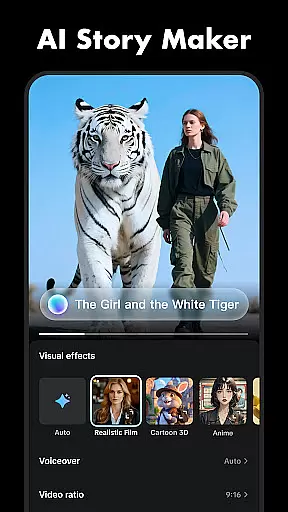
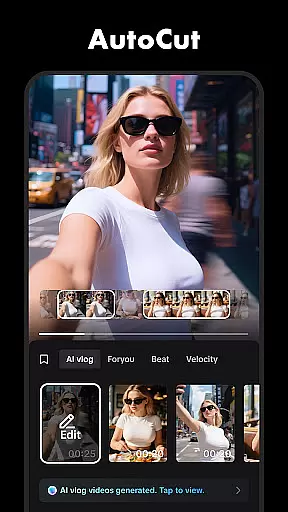
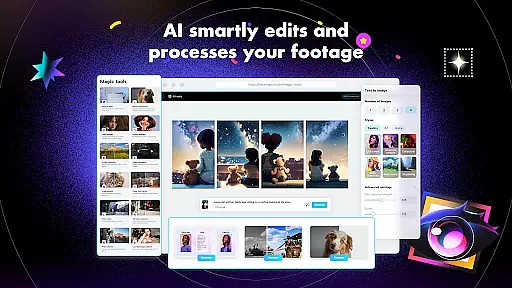
CapCut incorporates cutting-edge AI-powered editing features that revolutionize how users approach video creation. These intelligent tools are designed to simplify complex tasks while offering innovative ways to enhance storytelling through visual media.
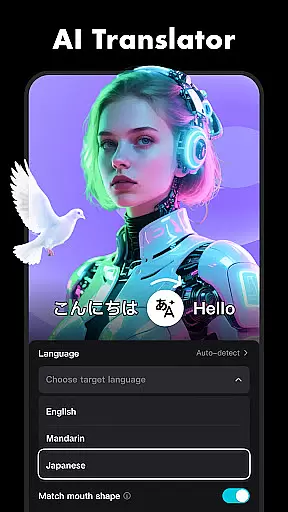
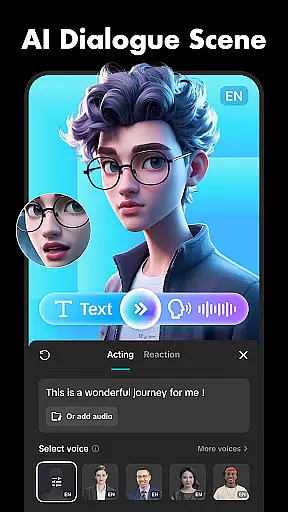
One standout feature is auto captions, which leverages speech recognition technology to automatically generate subtitles for videos. This not only improves accessibility but also caters to audiences who prefer watching content without sound. Additionally, text-to-speech functionality in multiple languages allows creators to add narration easily, expanding global reach.
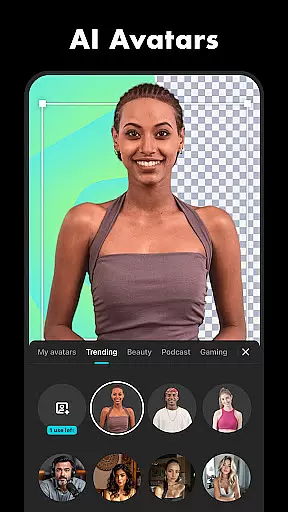
Motion tracking and background removal further exemplify CapCut's commitment to providing powerful yet user-friendly solutions. Motion tracking lets you attach elements to moving objects within your footage seamlessly, creating dynamic effects previously reserved for professional studios. Meanwhile, automatic background removal opens new avenues for creativity by enabling green screen-like results without specialized equipment.
By integrating these advanced AI capabilities, CapCut empowers users to push creative boundaries effortlessly, resulting in polished productions that captivate viewers across TikTok, YouTube, Instagram, WhatsApp, and Facebook.
User-friendly interface
Advanced editing tools
Extensive effect library
High-quality export options
Regular feature updates
Limited offline functionality
Occasional ads in free version
Advanced tools may overwhelm beginners
Export times can be lengthy
Some features locked behind paywall

Video player, file manager for all formats, 4K/HD media player supports subtitle
 4.30
4.30
A full editing room to accompany your Insta360 cameras and handheld gimbals.
3.30
Powerful, professional, versatile teleprompter. Developed by an active film crew
4.00
Photo and Music Video Creator into Stunning Videos—Effortlessly
4.40
Create & edit videos with AI
4.30
HD video maker with no watermark, no ads & vlog maker with music, PIP, text
4.50
Support 1000+ Video Format, Subtitle Download, mp3 & Background Play, Cast On TV
4.60
Pro video editor app for Instagram, edit video with song, AI, effect & slowmo.
4.80
Browser for Sony TV to stream web videos, online movies and live tv
3.20
AI Video Editor with Music, Filter, Slideshow, Effect, Merge & Trim Video.
4.80
Find, download, and play torrents with the official BitTorrent® Pro app
4.70
HD Video player all format, HD Videos, Cast & Subtitle. No annoying ads.
4.60
Seamlessly connect and control your smart devices, anytime, anywhere with ease.
4.60
Browser + Remote for Roku to stream webvideos, online movies and livestreams
4.60
Cast movies, tv shows and live streams to Chromecast, Roku, DLNA, Fire TV & more
4.60
Auto video maker with music & exclusive filters. Video editing made simple.
4.50
Online Videos Player
3.90
IPTV Player - Watch live TV from m3m & m3u8 playlist, stream IPTV on mobile
3.30
Stream high quality video from your camera over NDI protocol
4.1





User Reviews