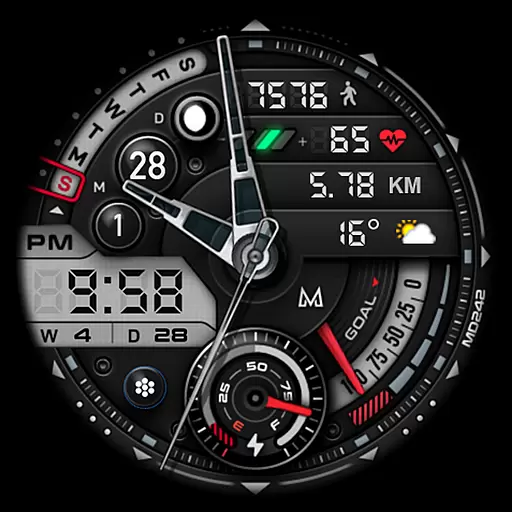
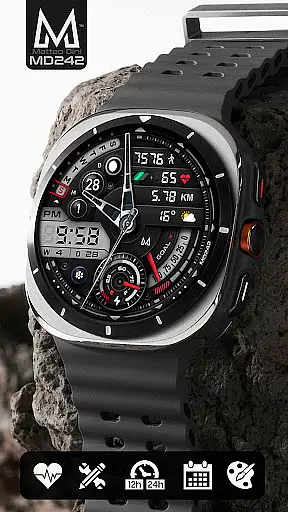
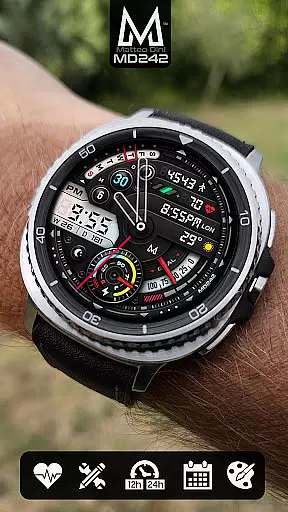
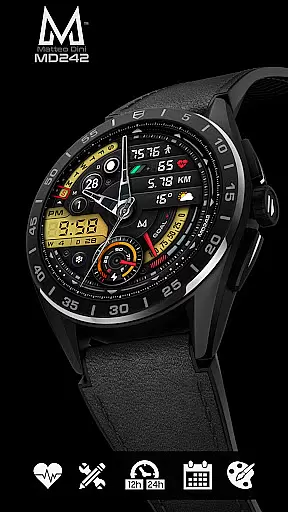
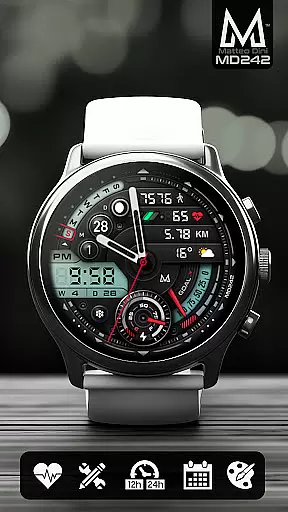
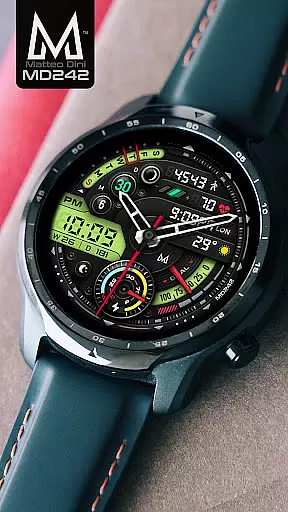
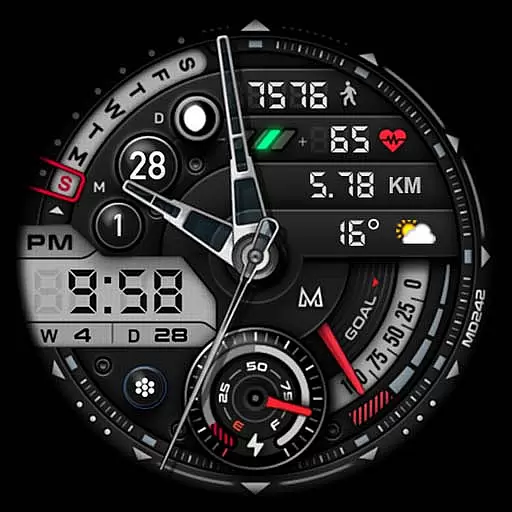
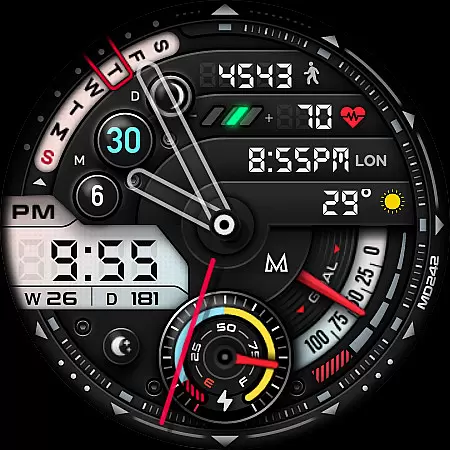
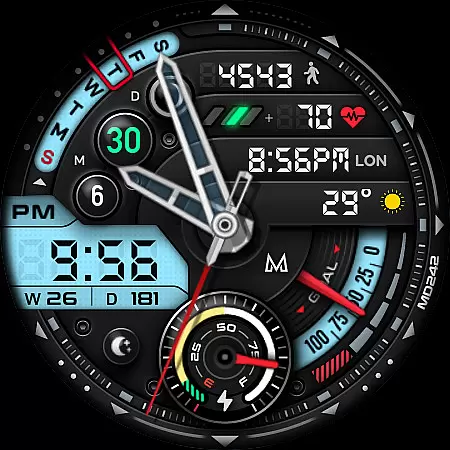
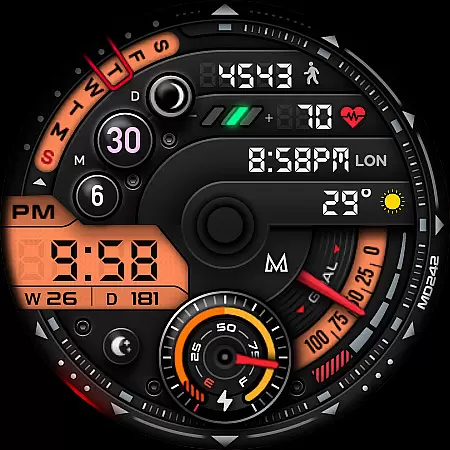
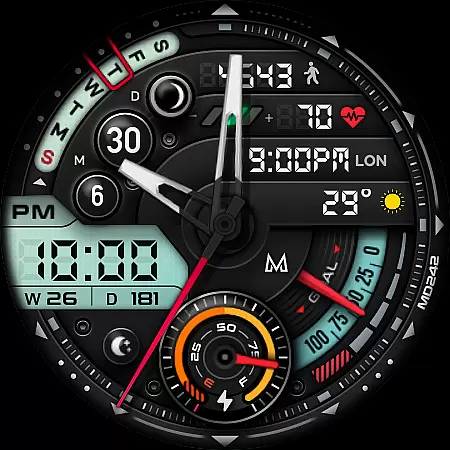
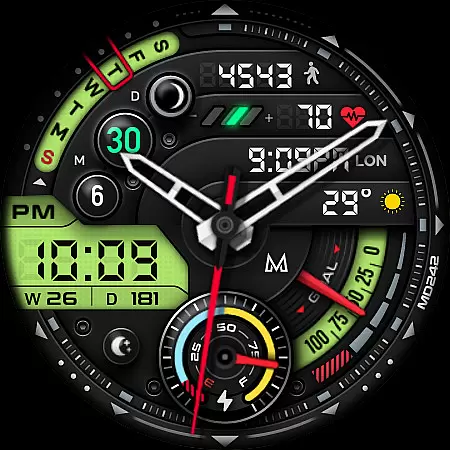
MD242 Hybrid watch face is a feature-rich, customizable watch face designed for Wear OS devices. It offers advanced functionalities including health tracking, app shortcuts, and customizable complications that allow users to personalize their watch interface.
This watch face supports all Wear OS devices with API Level 33+ and includes features like heart rate monitoring, step counting, and various data display options such as barometer and weather. Its Always ON Display feature ensures important information is visible at a glance, making it ideal for users who want both functionality and personalization on their smartwatch.
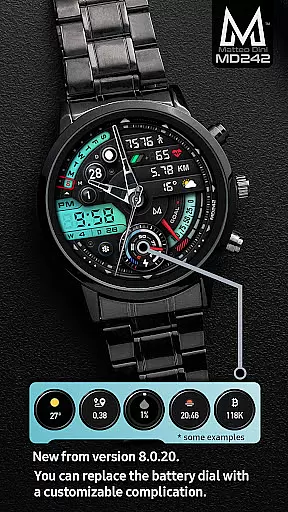
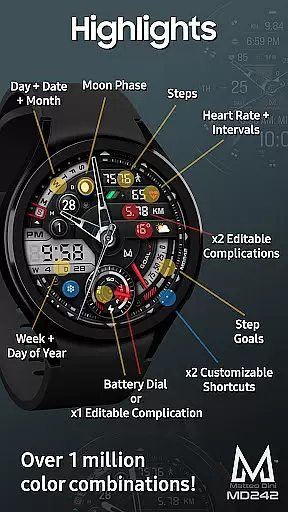
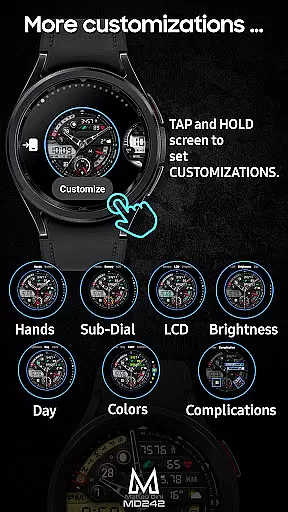
The MD242 Hybrid watch face stands out with its extensive customization options. Users can choose from 3 preset app shortcuts and 2 customizable shortcuts, allowing quick access to frequently used apps. The inclusion of 3 customizable complications means users can display preferred data like weather, distance walked, or next appointments directly on their watch face.
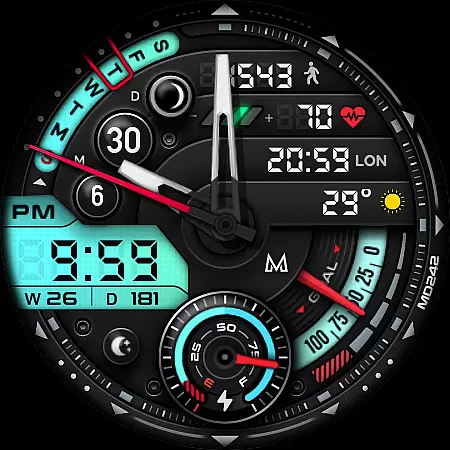
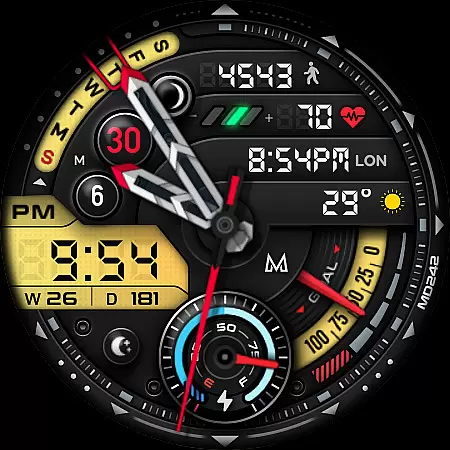
Advanced features include digital time display based on phone settings, battery dial, daily step goals synced with Health App, moon phase, and more. The Always ON Display feature with changeable colors ensures usability even when the watch is not active. This level of customization and functionality makes MD242 suitable for both casual users and tech enthusiasts looking for a personalized smartwatch experience.
Companion app integration is crucial for hybrid watch faces like MD242, ensuring seamless functionality between the wearable and smartphone. This connection allows users to customize settings directly from their phone, enhancing usability.
The MD242 watch face leverages this integration by enabling users to modify complications, shortcuts, and color schemes through the Samsung Wearable app. Despite current loading issues with complex designs, customization remains accessible directly on the device.
This synchronization ensures that all personalized data such as health metrics, app shortcuts, and preferred complications are accurately reflected on the watch face. Users benefit from a cohesive experience where changes made on one device instantly appear on the other.
By maintaining reliable companion app integration, MD242 provides a versatile and user-friendly platform for Galaxy Watch users to tailor their smartwatch experience according to their preferences and needs.
Ensuring broad device compatibility is essential for any Wear OS application. The MD242 Hybrid watch face supports all Wear OS devices with API Level 33+, including Samsung Galaxy Watch 4-8, Ultra, and Pixel Watch models.
This wide compatibility range guarantees that users across different Wear OS devices can enjoy the advanced features of MD242 without worrying about technical limitations. By supporting the latest Wear OS versions, the watch face takes full advantage of system enhancements and optimizations.
Key functionalities such as customizable complications, heart rate monitoring, step tracking, and always-on display are optimized for these devices. This ensures consistent performance and visual quality regardless of the specific model used.
With comprehensive support for various devices, MD242 offers a future-proof solution that adapts to upcoming Wear OS updates while maintaining its feature set across supported hardware configurations.
Highly customizable
Feature-rich design
User-friendly interface
Wide device compatibility
Active social media presence
Complex setup process
Limited customer support
Requires third-party complications
Some features device-dependent
Frequent updates needed

Walking app for weight loss: walk & step tracker, pedometer, indoor treadmill
 4.60
4.60
Wear Os Watch Face - Animated Snow Effect & Christmas Lights
4.1
WTW M17 is a premium and luxurious hybrid watch face
4.70
Christmas watch face. For Wear OS devices.
4.30
Precision analog watch face with 7 complications and style options
4.0
To-Do List: daily schedule planner, task organizer, to do reminder app, calendar
4.60
The Chevron App allows you to pay for fuel from the comfort of your car!
4.80
A modern hybrid informative watch face for Wear OS designed by BALLOZI
4.80
Toyota app currently supports 2010 or newer vehicles (2018 or newer for Hawaii).
4.50
Beautiful, colorful and practical watch face. For Wear OS devices.
5.00
Be an elegant and classy secret agent, with this carefully detailed watch face
4.70
Monitor health with the stress test and pulse checker in the heart rate app.
4.60
Connect to your Bluelink equipped Hyundai vehicle from your smartphone.
4.50
Current temperature, weather hourly, weather radar by the weather forecast app
4.40
Reliable phone calls with spam protection, caller ID and more helpful features
4.40
Animated video-game inspired “secret agent” simulation, right on your wrist!
4.20
Viewer for Wyze/Yi/Eufy/Arlo/ONVIF/RTSP/P2P IP cams w/ adv. features & DIY DVR
4.00
Wear Os Watch Face - Animated Snow - Sesonal for Christmas & Winter
4.2
A Wintery Snow Globe on Your Wrist; now celebrating Christmas!
4.3



User Reviews