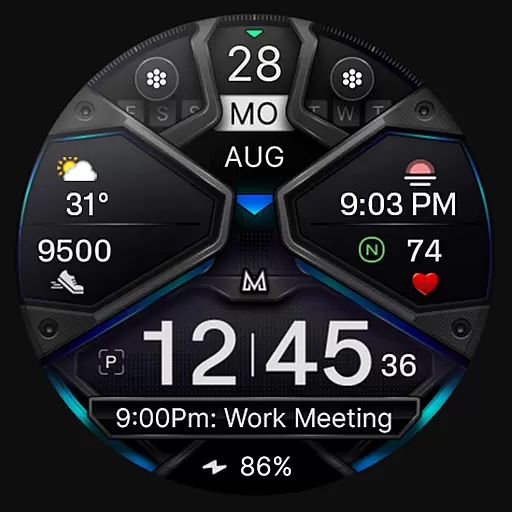
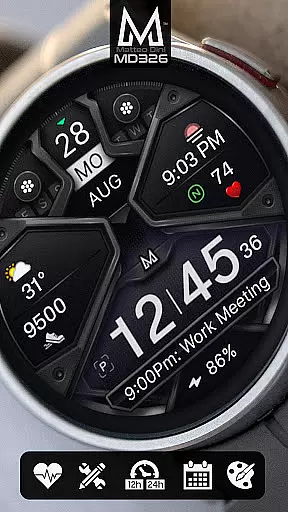
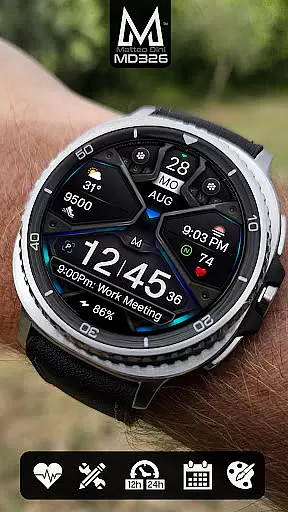
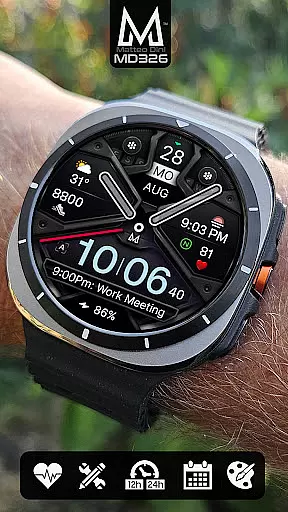
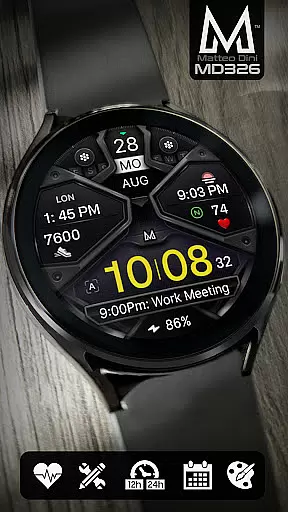
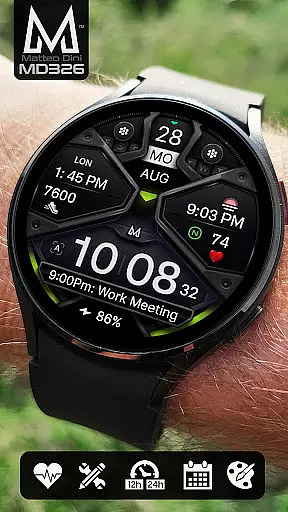
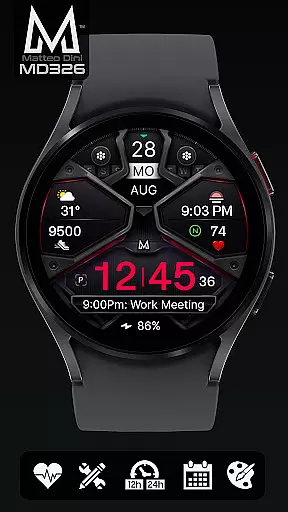
MD326 3D Modern Watch Face offers a sophisticated and customizable timepiece experience for Wear OS users. Designed with advanced features, this watch face supports all Wear OS devices with API Level 33+ including Samsung Galaxy Watch 4-8, Ultra, and Pixel Watch.
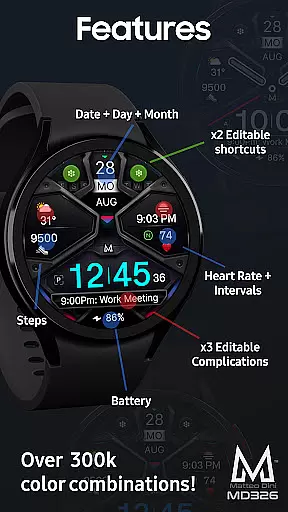
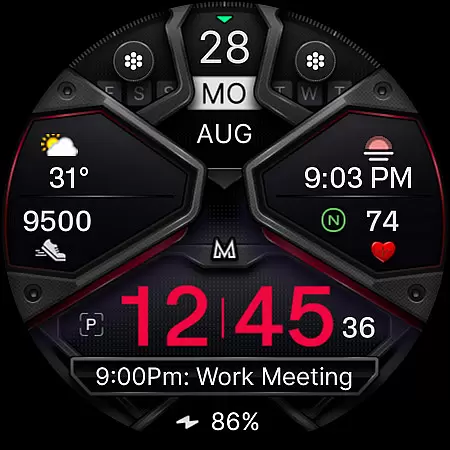
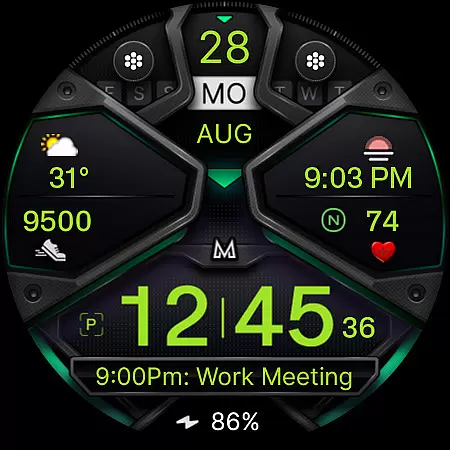
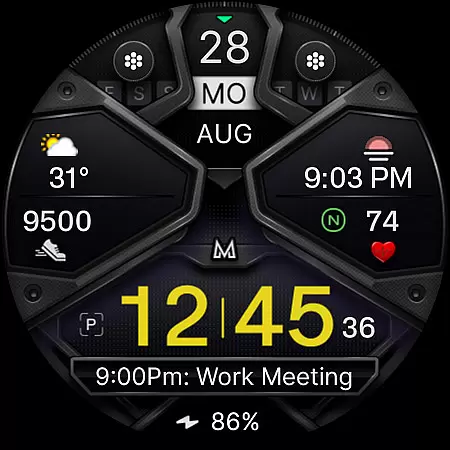
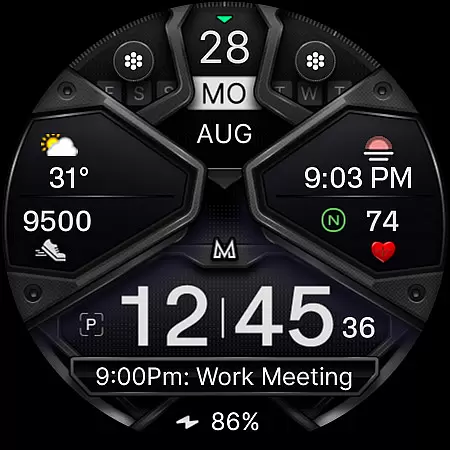
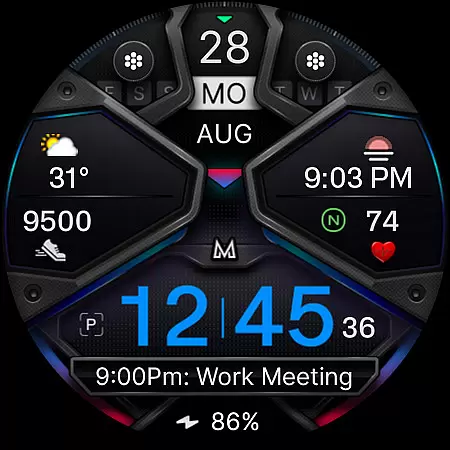
The interface includes 3 preset app shortcuts, 2 customizable shortcuts, and 3 complications that can display data such as weather, barometer readings, UV index, and chance of rain. Users can personalize the appearance by changing colors of time, bezel, background, and more. The Always ON Display feature ensures visibility at all times.
Ideal for tech-savvy individuals who value both aesthetics and functionality on their smartwatches, MD326 enhances daily productivity while keeping you stylishly informed.
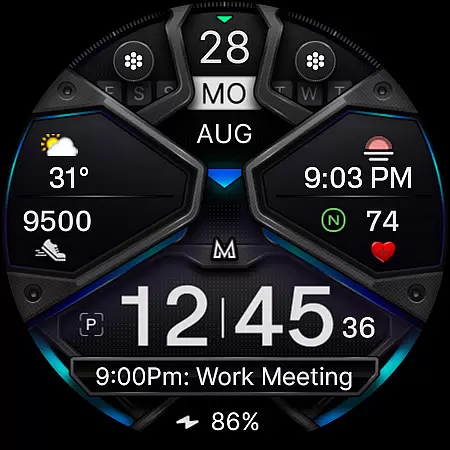
MD326 stands out with its comprehensive set of features tailored to enhance user interaction and convenience. It automatically adjusts to 12/24hr formats based on phone settings and displays essential information like date, day, month, battery status, steps taken, and heart rate intervals.
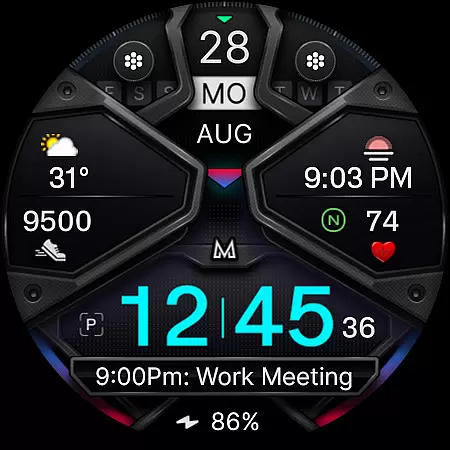
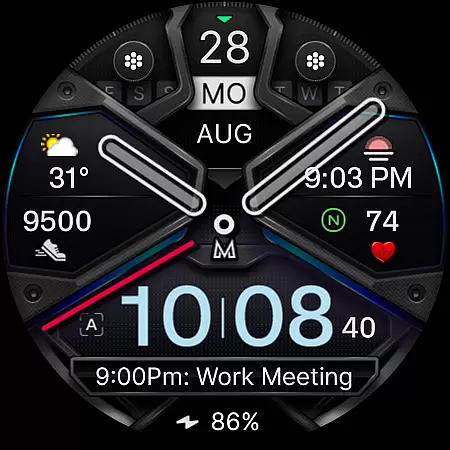
Customization is key with this watch face; it allows users to modify not only the shortcuts but also the complications showing various types of data. With options to hide hands or switch to minimal style in Always ON Display mode, personalization reaches new heights.
For those looking to streamline their digital life right from their wrist, the preset app shortcuts provide quick access to calendar, battery stats, and heart rate measurement functionalities, making everyday tasks easier and more efficient.
Companion app integration is essential for a seamless smartwatch experience. The MD326 3D Modern Watch Face offers robust connectivity with its companion app, ensuring that users can easily customize and manage their watch face settings directly from their smartphone.
This integration allows for real-time synchronization of data such as weather updates, calendar events, and fitness metrics. Users can effortlessly configure the three preset app shortcuts and two customizable shortcuts through the intuitive interface provided by the companion app.
Additionally, the ability to personalize complications on the watch face enhances user engagement. By linking various data sources like barometer readings or UV index, wearers can access critical information at a glance, making daily activities more convenient and efficient.
Ensuring broad device compatibility is crucial for any Wear OS application. The MD326 3D Modern Watch Face supports all Wear OS devices with API Level 33+ (Wear OS 4 and later versions), including popular models like Samsung Galaxy Watch 4-8, Ultra, and Pixel Watch.
This wide-ranging compatibility guarantees that users across different devices can enjoy the advanced features of this watch face. Whether it's displaying time in 12/24hr format based on phone settings, showing detailed health metrics like heart rate intervals, or offering an always-on display option, the MD326 ensures consistent performance.
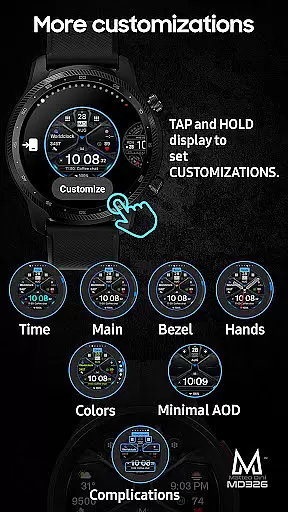
Moreover, the customization options available directly on the watch further enhance user experience. With touch-and-hold functionality and easy access to customization menus, users can tailor their watch faces to suit personal preferences without needing to rely on external apps or tools.
Highly Customizable
Wide Device Support
Always ON Display
Comprehensive Data Options
User-Friendly Interface
Complex Setup Process
Limited Compatibility Issues
Premium Features Locked
Occasional Sync Problems
Resource Intensive

Wear Os Watch Face - Animated Snow Effect & Christmas Lights
 4.4
4.4
Animated Watch Face and Customizable with 24 Backgrounds. Perfect for Christmas!
3.90
Rose gold watch face with festive lights & customizable features.
4.60
A Wintery Snow Globe on Your Wrist; now celebrating Christmas!
4.5
MyNISSAN® lets you remotely control your car from your phone.*
4.50
Deck out your Wear OS Watch face with a beautifully decorated pine wreath!
4.50
Minimalistic design modern digital watch face.
4.0
Fast and smart typing with Emojis, GIFs, and more
4.50
Back up your contacts & access them anywhere
4.30
A modern premium sporty hybrid watch face for Wear OS by Ballozi
4.70
A realistic hybrid watch face with many customization options.
4.60
Connect to your Bluelink equipped Hyundai vehicle from your smartphone.
4.50
Beautiful artistic animated digital watch face, with a customizable layout!
4.40
Snowflake Rose Gold Watch Face - Digital, modern, & sleek with GYRO effect.
4.10
The #1 source of faces for your smartwatch!
4.00
Hyper-Realistic Airplane Dashboard Watch Face With 10 Skins and Custom AOD
4.00
Authentic military-tactical design with ZULU time! Realistic and functional!
3.80
3 Complications. All shadow on/off. 30 Themes color palette...
4.5
Hybrid Vibrant Health Watch Face for Wear OS
4.1



User Reviews