
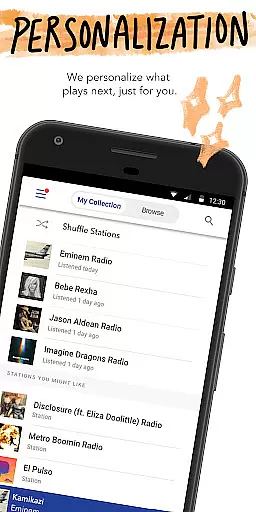
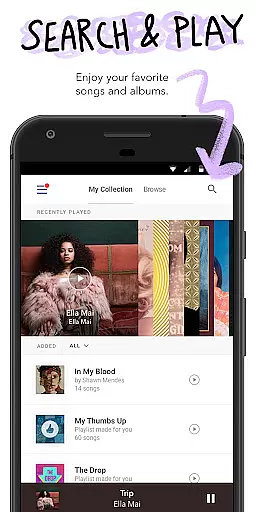
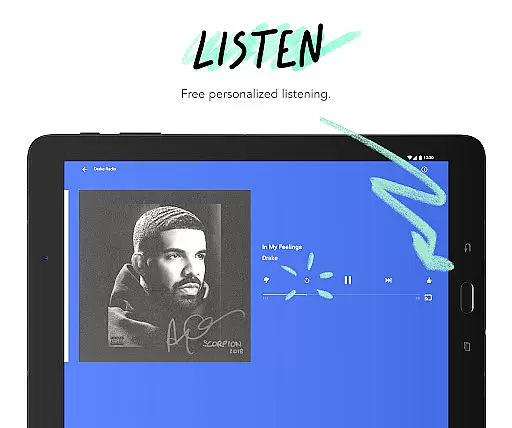
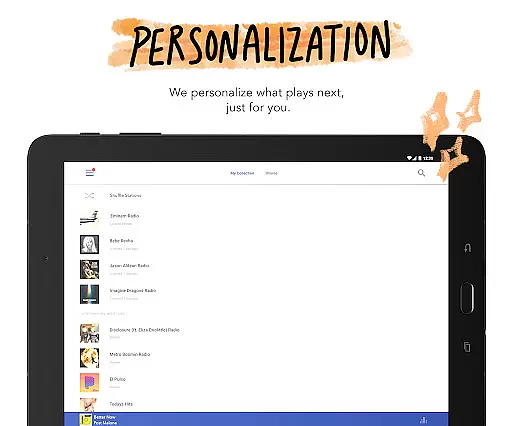
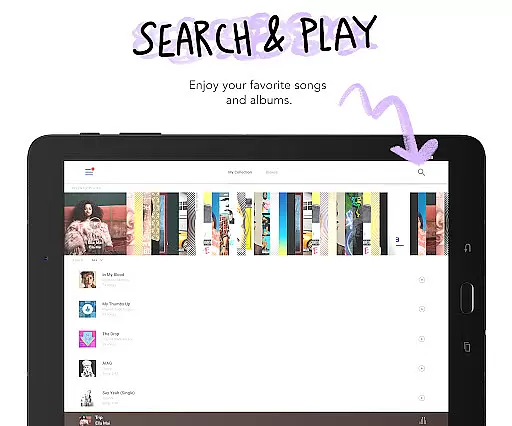
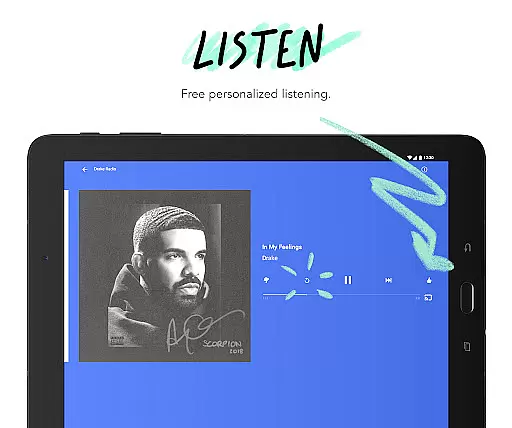
Pandora is a leading music streaming service that offers users a personalized listening experience tailored to their unique tastes. The app allows you to create custom stations based on your favorite songs, artists, or genres, ensuring an ever-evolving selection of music that grows with your preferences. Available on Android Wear, Pandora lets you enjoy your favorite stations directly from your wrist, making it perfect for workouts, walks, or when you're traveling light.
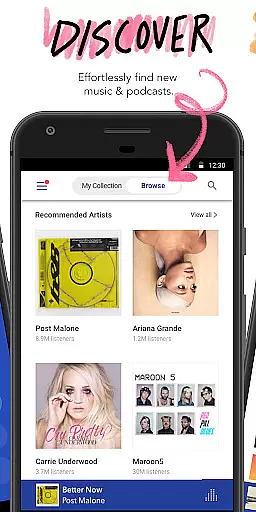
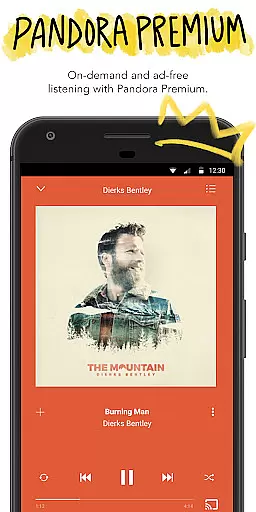
One standout feature is the new voice mode, which enables hands-free control through simple voice commands. Whether you're commuting or on a road trip, Pandora integrates seamlessly with Android Auto, allowing you to stream global hits effortlessly. Additionally, the app provides access to personalized podcast recommendations and curated content like SiriusXM shows. With subscription options such as Pandora Plus and Pandora Premium, users can enjoy benefits like offline listening, ad-free music, and higher audio quality.
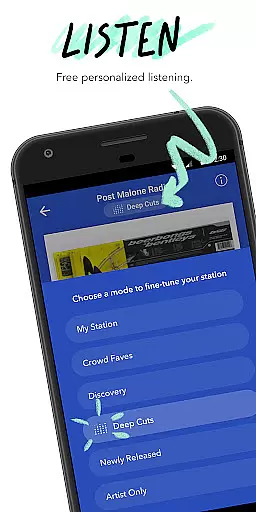
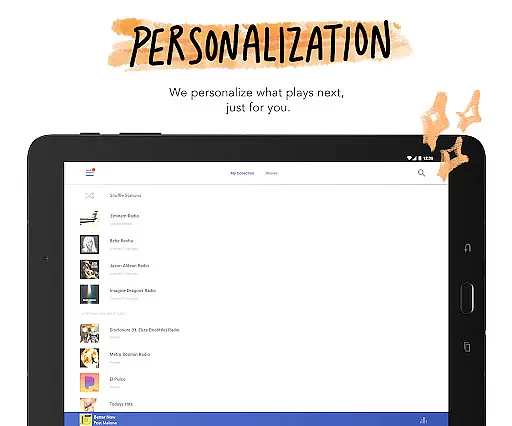
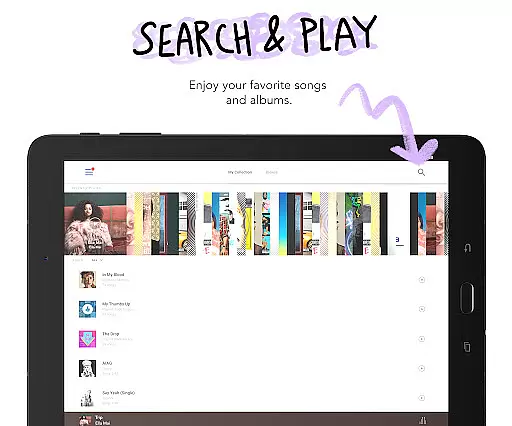
Pandora stands out with its innovative features designed to enhance user experience. The app's station creation tool allows you to build personalized stations from your favorite songs, artists, or genres, while Pandora Modes let you customize your listening further. Options like Crowd Faves, Deep Cuts, and Discovery introduce variety into your playlists by showcasing popular tracks, lesser-known songs, and new artists respectively. This ensures that your music experience remains dynamic and engaging.
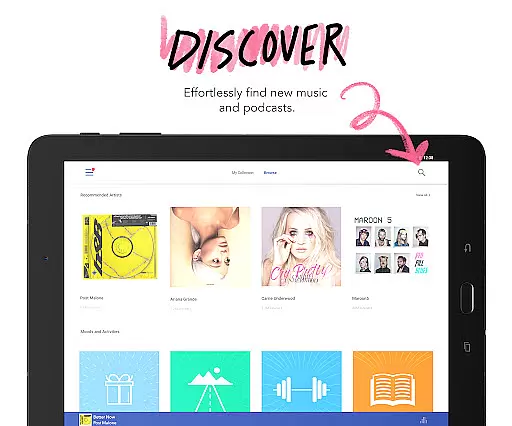
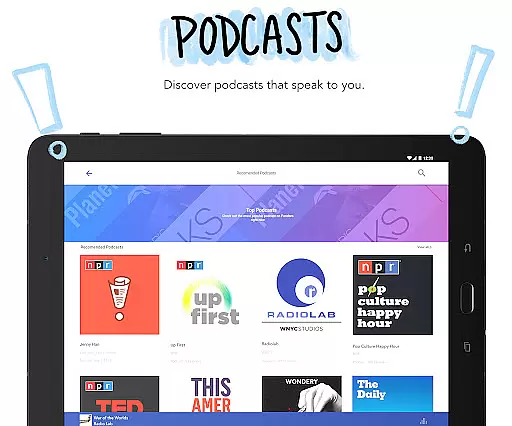
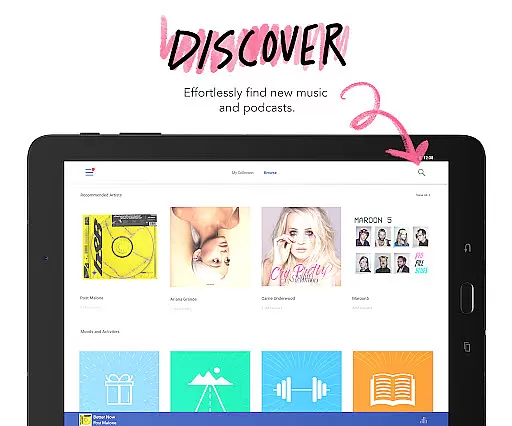
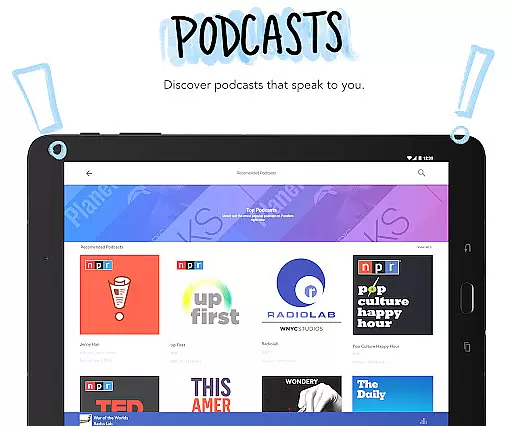
For podcast enthusiasts, Pandora offers personalized recommendations and easy access to trending shows, including exclusive SiriusXM content. The integration with Android Auto and Wear OS makes it versatile for various scenarios, whether you're driving or exercising. Voice mode adds convenience by letting you control playback with simple commands. Subscription tiers like Pandora Plus and Premium provide additional perks such as offline listening, unlimited skips, and high-quality audio, catering to diverse user needs.
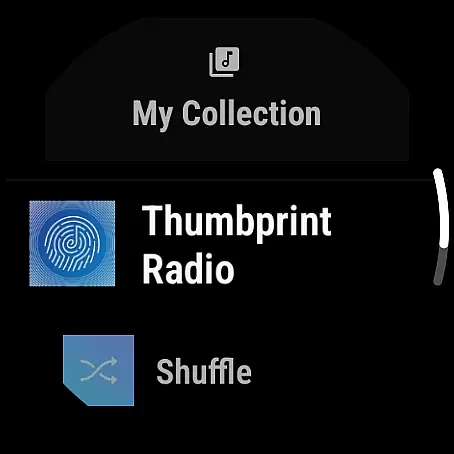
Companion app integration is essential for a seamless wearable experience. Pandora excels in this area by offering robust synchronization between its mobile application and Wear OS devices. This ensures that your music preferences, stations, and playlists remain consistent across all platforms.
The integration allows users to control their music directly from their smartwatch. Whether you want to play, pause, skip tracks, or adjust the volume, all these functions are available right from your wrist. This makes it incredibly convenient when you're on the go, exercising, or simply away from your phone.
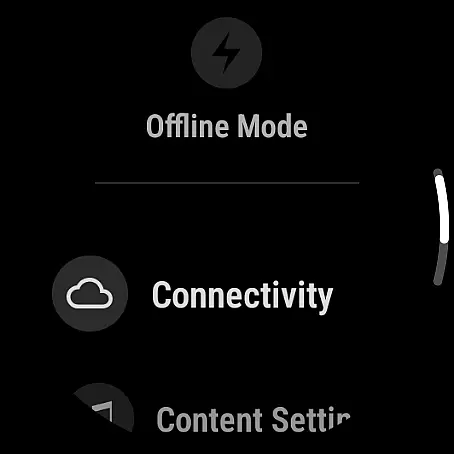
Pandora's companion app also supports offline listening on Wear OS. This means you can download your favorite stations and podcasts on your phone and access them later on your smartwatch without needing an active internet connection. This feature is perfect for travelers, gym-goers, or anyone who finds themselves in areas with limited connectivity.
Overall, Pandora's companion app integration enhances user convenience and extends the functionality of Wear OS devices. By ensuring smooth data flow and providing essential controls on your wrist, Pandora delivers a comprehensive and user-friendly music experience tailored for modern lifestyles.
Device compatibility is crucial for ensuring that applications run smoothly across various hardware configurations. Pandora offers extensive support for Wear OS, making it accessible on a wide range of smartwatches. This broad compatibility ensures that no matter what Wear OS device you own, you can enjoy Pandora's personalized music experience.
Pandora leverages the full capabilities of Wear OS, optimizing its performance to provide a seamless user experience. The app takes advantage of the device's processing power and display technology to deliver high-quality audio and intuitive navigation. This optimization results in faster load times and smoother playback, enhancing overall user satisfaction.
In addition to supporting a variety of devices, Pandora also ensures that its app remains functional even when the paired smartphone is not nearby. By allowing direct streaming over Wi-Fi or cellular connections, Pandora provides flexibility and freedom to users. This independence from the phone makes it an ideal choice for those who prefer lightweight solutions during workouts or travel.
Ultimately, Pandora's commitment to Wear OS/device compatibility guarantees that users can enjoy their favorite music and podcasts on any compatible smartwatch. This dedication to accessibility and performance underscores Pandora's position as a leader in personalized music experiences on wearable technology.
User-friendly interface
Extensive music library
Personalized recommendations
Voice command support
Offline listening options
Limited free version
US-only availability
Data usage concerns
Occasional ads
Subscription cost

Christmas Theme Watch Face for Wear Os
 5.00
5.00
Embrace the festive spirit with our Christmas Countdown watchface for Wear OS
4.10
Digital, flexibly customizable watch face. For Wear OS 5.0, API 34+ and later.
5.00
Authentic military-tactical design with ZULU time! Realistic and functional!
3.80
The ultimate destination for kids ages 3-8 to explore the Marvel Universe!
4.30
Reliable phone calls with spam protection, caller ID and more helpful features
4.40
Premium hybrid watch face with many customizations for Wear OS devices.
4.40
Track your active life in one place and share the journey with friends.
4.40
Fitbit is dedicated to helping people lead healthier, more active lives.
4.10
Diet tracker for weight loss - track calories, food and macros. Simple and easy!
4.70
Hybrid watch face for Wear OS with customizable complications by Matteo Dini MD
4.70
Find EV charging stations
4.30
Locate your family members by GPS phone location tracker everywhere and anytime
4.30
Stay in touch with your friends and family using LINE!
3.40
A watch face that fuses motorsport precision with contemporary smartwatch design
4.0
Stunning modern digital watch face with 7 complications and strong contrast
4.2
Artistic Digital Watchface
4.0
Stylish digital watch face for Wear OS devices with customizable features
4.4
Minimalistic design modern digital watch face.
4.5









User Reviews