
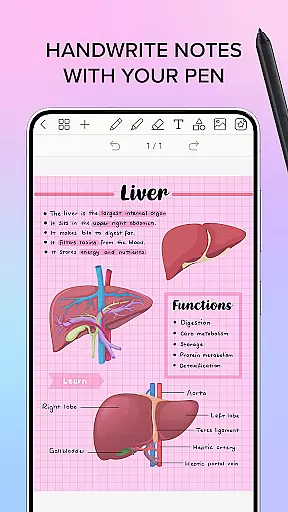
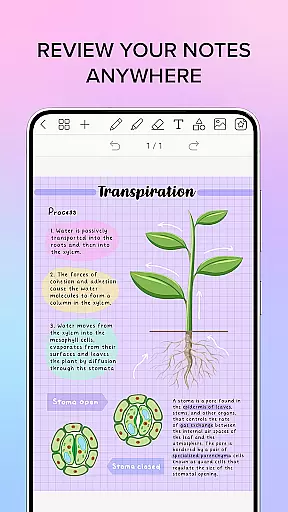
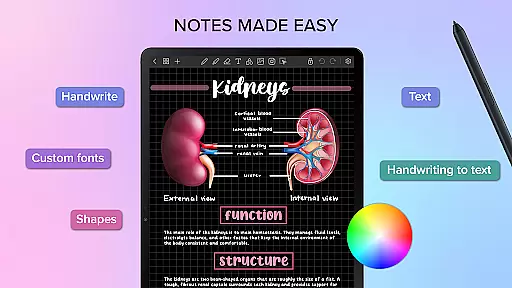
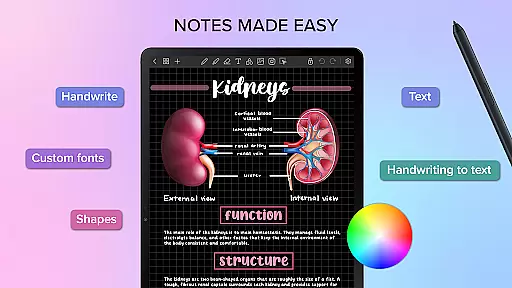
Penly is a comprehensive digital planner, journal, and note-taking app designed to enhance both creativity and productivity. The app features an intuitive interface with smooth handwriting recognition and smart eraser functionality, alongside tools for text, image, and shape manipulation. Users can create sticker collections, import custom fonts, and convert handwriting to text automatically.
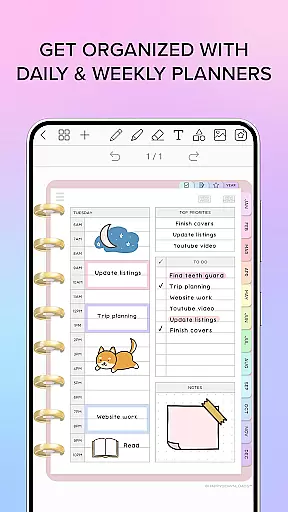
Included with Penly are four digital planners with hyperlinked pages, available in undated and reusable formats. These planners offer landscape and portrait orientations, along with various styles and templates for to-do lists and notes. Additionally, users can import any PDF file into the app, navigating them using existing hyperlinks and exporting files as editable Penly documents or PDFs.
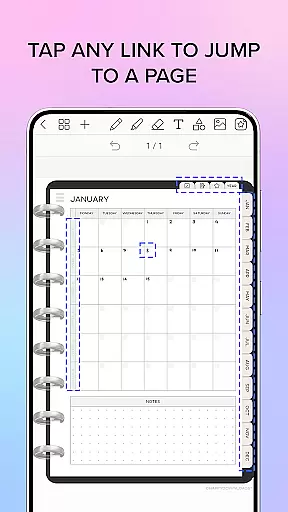
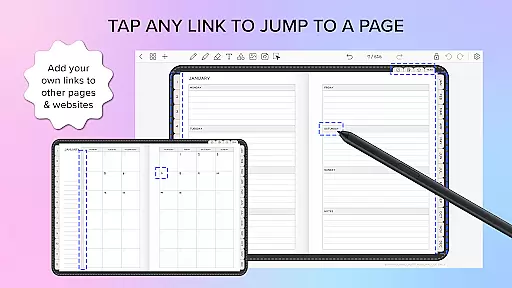
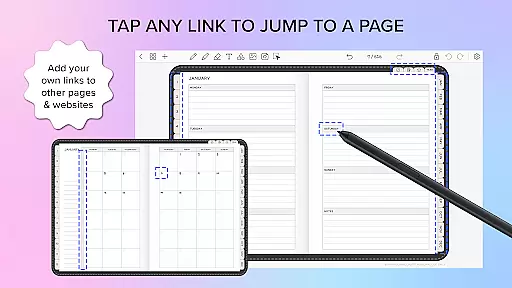
Penly stands out with its robust feature set tailored for organization and customization. The app allows users to create hyperlinks within any document, transforming objects into clickable links that direct to specific pages or websites. This capability enhances navigation and connectivity within personal and professional projects.
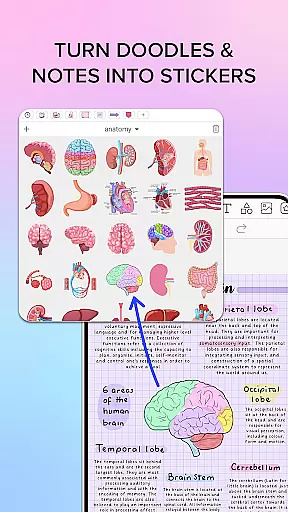
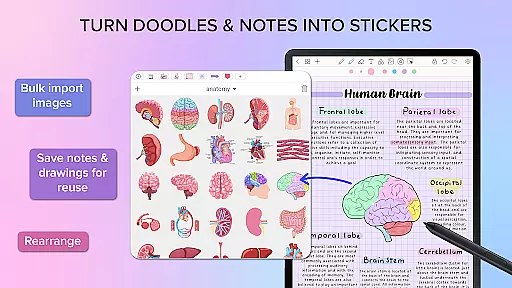
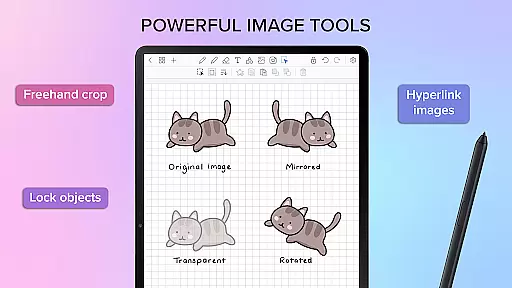
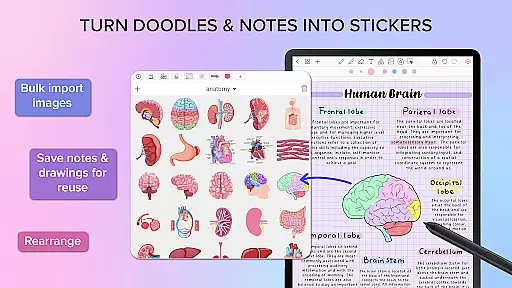
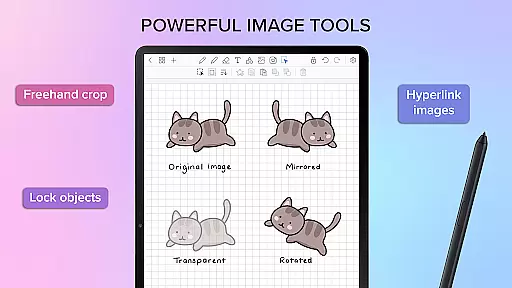
The sticker and image tools provide extensive options for organizing and editing visual content. Users can bulk import stickers, save notes and drawings for reuse, and edit items with functionalities like mirroring, flipping, cropping, and adjusting opacity. Furthermore, Penly supports syncing between Android devices via Google Drive, ensuring seamless access and updates across all user devices.
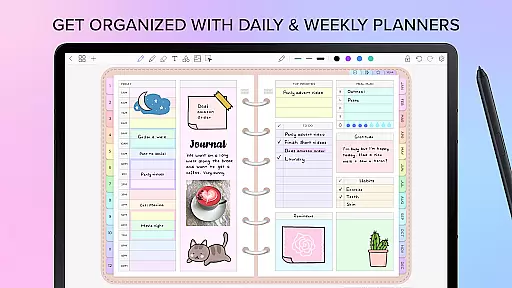
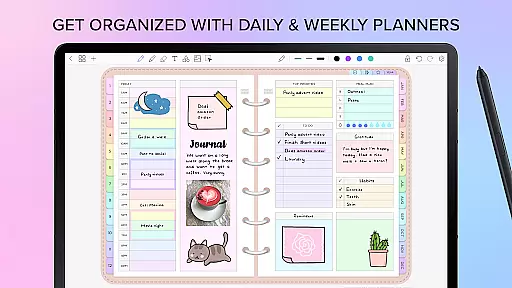
Penly excels in core task management by offering a comprehensive suite of tools designed to enhance productivity. The app provides users with the ability to create hyperlinked monthly, weekly, and daily pages, which serve as an efficient way to navigate through tasks and events.
The digital planners included in Penly are undated and reusable, allowing for personalized organization without the constraints of predefined dates. This feature is particularly beneficial for users who prefer flexibility in planning their schedules.
Moreover, Penly supports the transformation, grouping, and locking of objects within its interface. These capabilities ensure that users can manage complex projects with ease, keeping related tasks organized and secure from accidental changes.
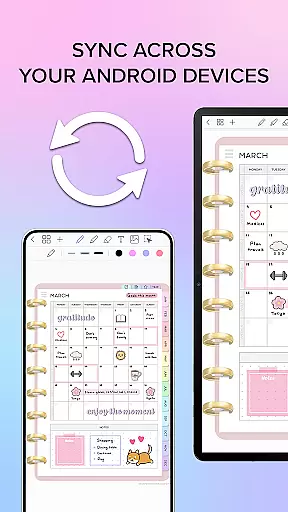
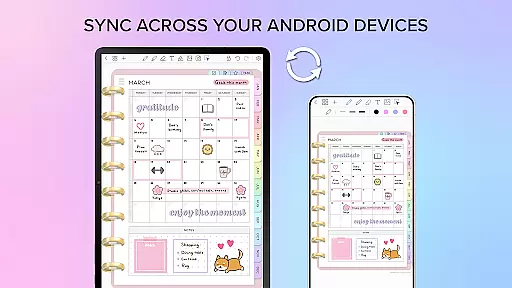
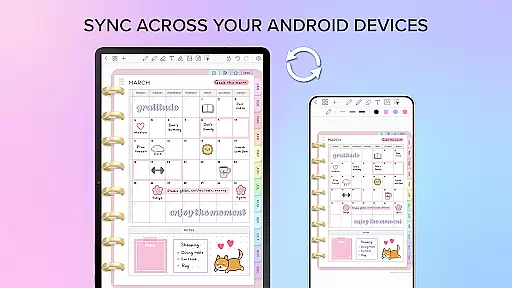
Cross-device synchronization is a critical component of Penly, ensuring that users can access their data seamlessly across multiple Android devices. By linking Google Drive to Penly, users enable a syncing feature that updates their information either manually or automatically when the app is opened or closed.
This reliable synchronization means that no matter where you are or what device you're using, your planners, notes, and documents remain up-to-date and consistent. It eliminates the worry of losing important information due to device switching.
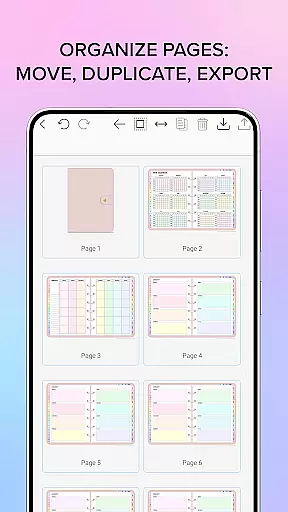
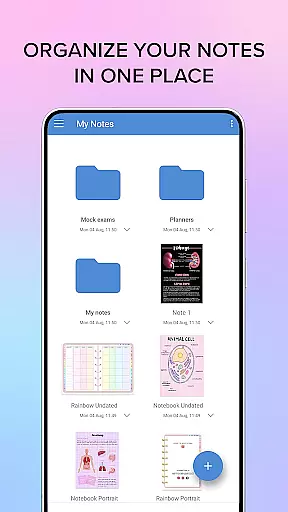
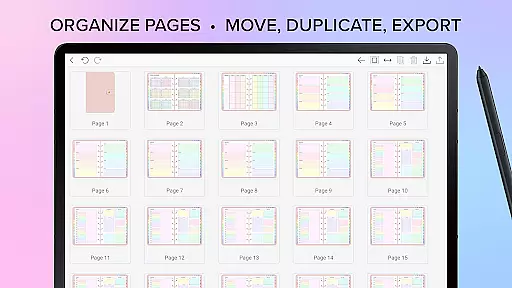
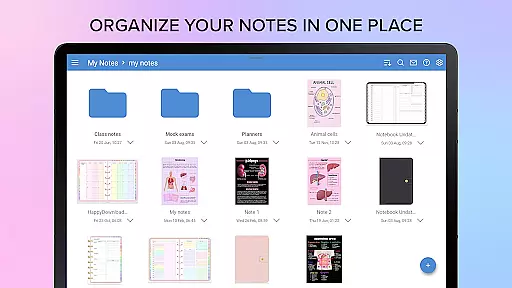
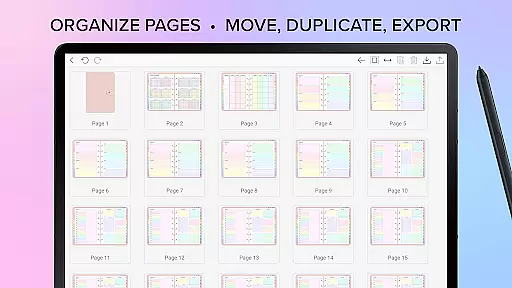
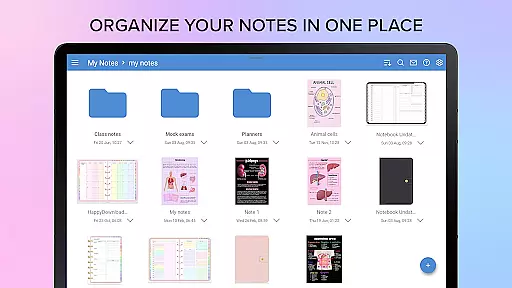
In addition, Penly's document management system allows for the organization of notes with options to copy, paste, delete, and rearrange pages. Documents reopen exactly where you left off, providing a fluid and uninterrupted user experience that enhances productivity.
User-friendly interface
Handwriting to text conversion
Customizable planners
Hyperlink creation
Cross-device syncing
English language only
No automatic sync
Premium features cost
Limited refund period
Bulk import limitations

Professional calendar app for Google Calendar, MS Outlook & Exchange
 4.20
4.20
Planet Free VPN - The best Fast Unlimited and Secure VPN Without Logs
4.50
8 custom complications. Custom Time Fonts. Beautiful color schemes. A++ Design.
5.00
The upgraded version of Name Wheel with AI and the power to add your own wheels.
4.0
Make your handwriting beautiful, even more than pen on paper.
3.60
* block pre-roll ads, pop-up and forced redirect ads * Samsung certification app
4.00
Scientific calculator for Android - looks and operates like the real thing!
4.90
Share files & memories safely. Keep your photos and videos secure.
4.40
Seamlessly read, manage, and organize all your PDF files solution in one place
4.40
CalenGoo is a very flexible and feature-rich calendar app
4.40 4.20
4.20
Total remote control for your Android device, PC and cloud services (IFTTT)!
4.20
All in One PDF Reader: Manage, Read and Edit your Documents
4.20
Unlock AutoNotification
4.00
Wake up & get tasks done! Add alarms & reminders on the Clock Launcher.
4.00
Create and edit presentations with Google Slides, part of Google Workspace.
4.00
Take control of your clipboard with Clipper!
3.90
Ultimate Virtual AI Character for immersive Roleplay Chat. Perfect Companion
3.90
Create study competitions, track your hours, and stay consistent with friends
4.5



User Reviews