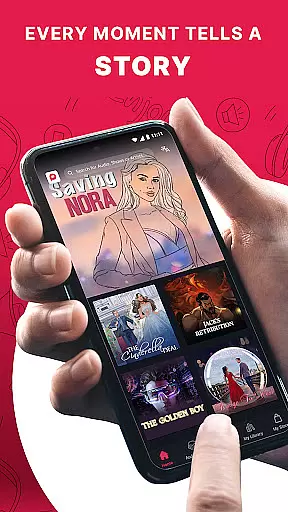
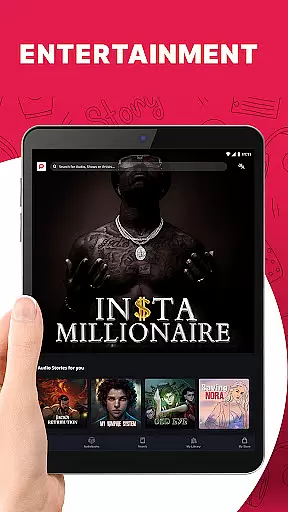
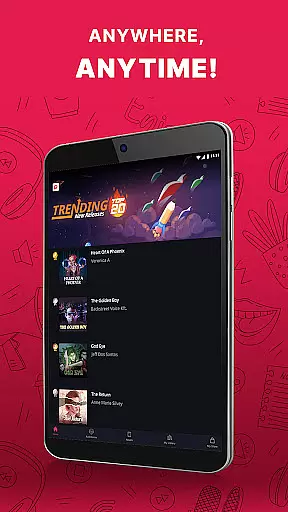
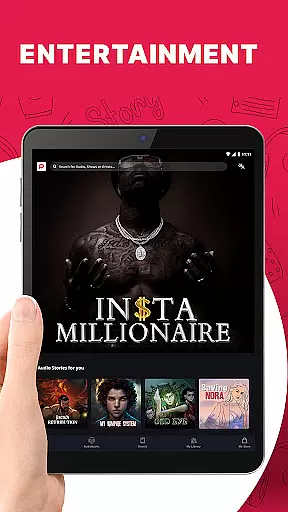
Pocket FM is a pioneering audio entertainment platform that offers an extensive library of audio series across multiple genres and languages. With over 100,000 hours of content, it provides non-stop entertainment for millions of listeners worldwide. The app enriches users with diverse storytelling created by top authors and voice-over artists.
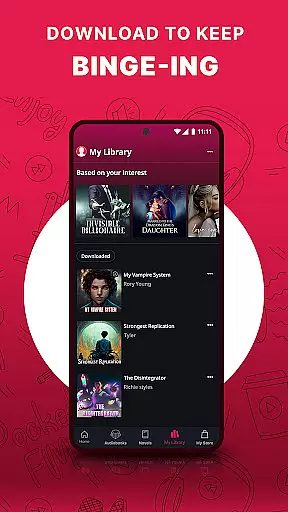
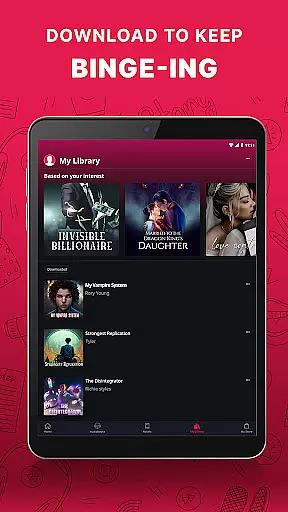
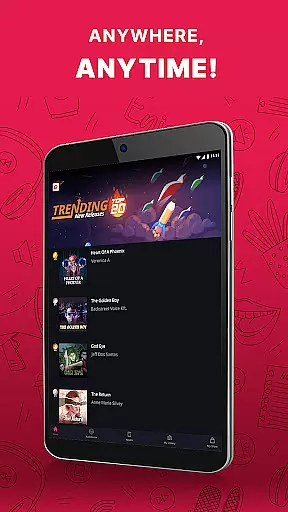
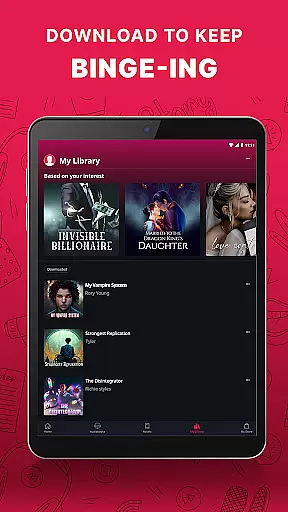
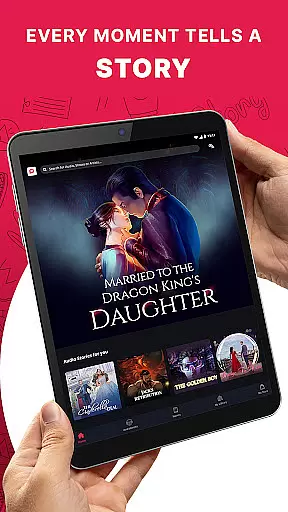
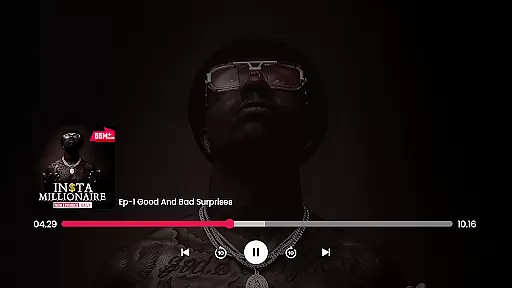
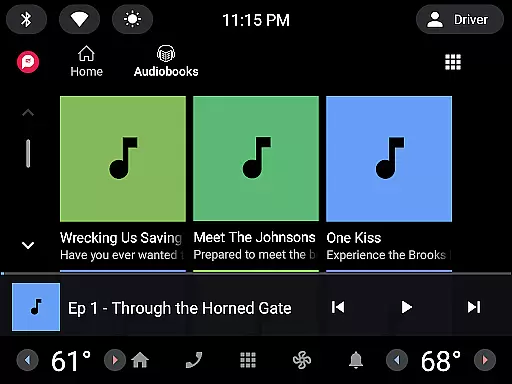
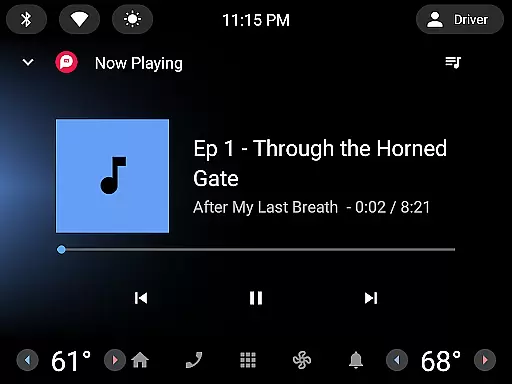
Whether you're commuting, driving, or relaxing at home, Pocket FM delivers a unique listening experience. Its user-friendly interface allows easy browsing and searching of audio series, while the built-in player supports adjustable playback speed and offline listening. Listeners can enjoy their favorite stories anytime, anywhere, on mobile, tablet, desktop, or even wearable devices.
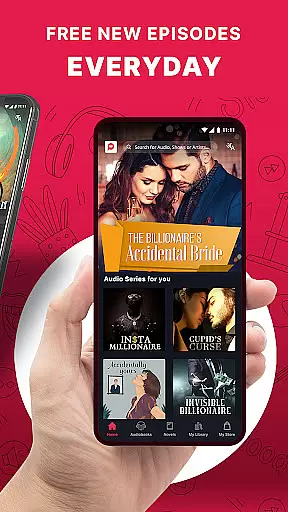
The platform's micropayment model offers flexibility and freedom to users. You only pay for the content you want to consume, with no lock-in period or waiting time for new episodes. Premium features include unlimited downloads, ad-free listening, and seamless integration across various devices, making Pocket FM the ultimate destination for immersive audio entertainment.
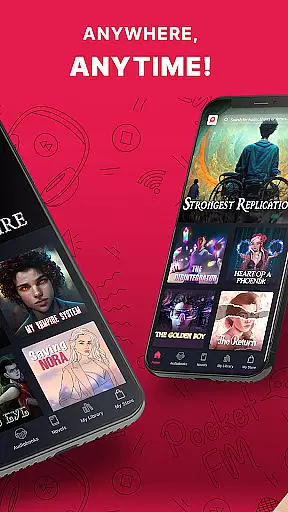
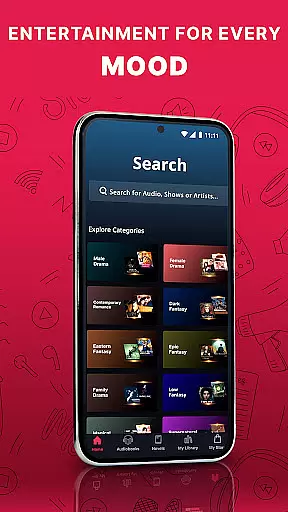
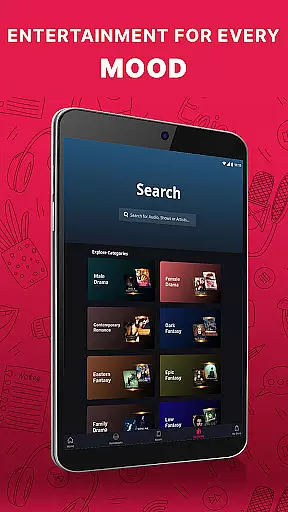
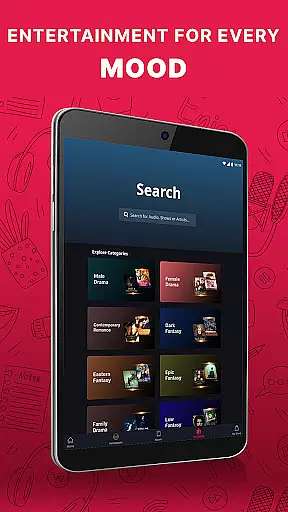
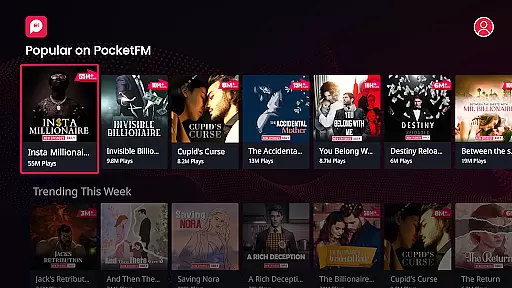
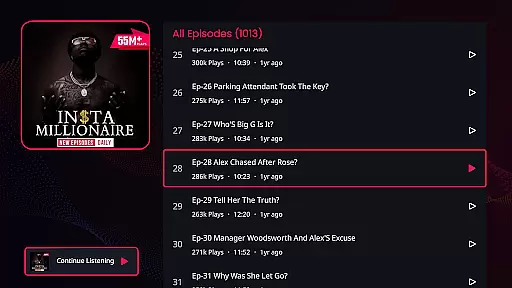
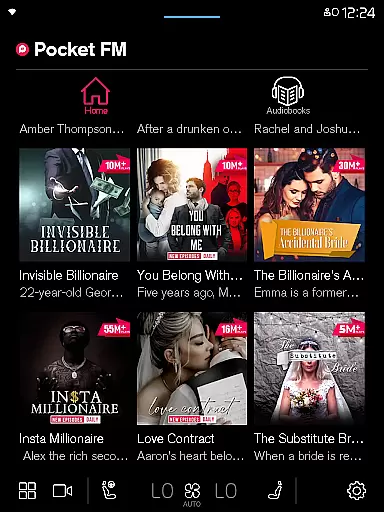
Pocket FM stands out with its innovative features designed to enhance the listening experience. The app boasts a vast content library spanning Romance, Horror, Thriller, Drama, Fantasy, and more. Its unique storytelling format introduces a new era of entertainment that can be enjoyed hands-free during daily activities like cooking, exercising, or working.
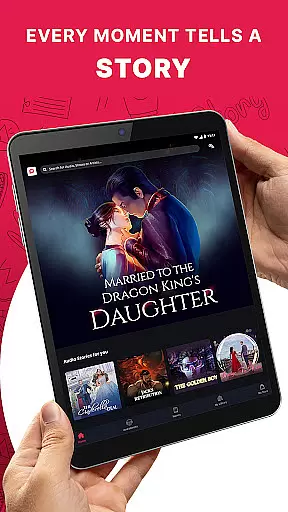
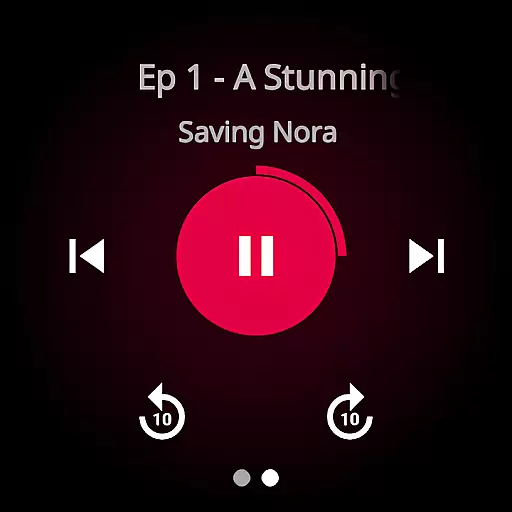
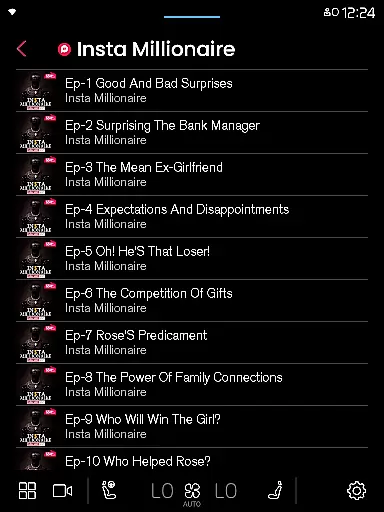
One of the key highlights is its community-driven approach, featuring works from the best authors, storytellers, and voice-over artists. The platform ensures smooth navigation between episodes with quick ten-second skip options and a built-in sleep timer for bedtime listening. Users can also cast their favorite series to Chromecast or TV for a bigger experience.
Pocket FM's micropayment model revolutionizes content consumption. Unlike traditional subscription services, users only pay for specific audio series they wish to enjoy. Additional premium features include offline downloads, adjustable playback speeds, and an ad-free experience through optional 'No-ads' packs. These innovations make Pocket FM a flexible and user-centric audio entertainment solution.
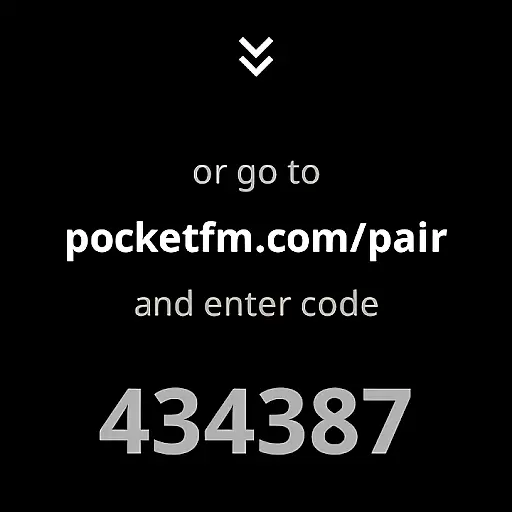
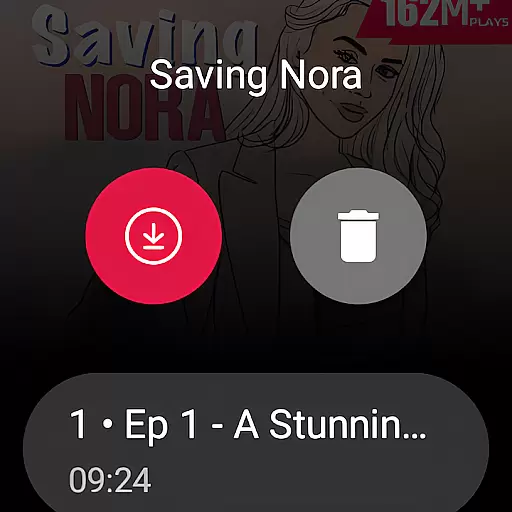
Companion app integration is essential for wearable devices to function seamlessly with smartphones or tablets. Pocket FM excels in this area by ensuring that its Android Wear application works in harmony with its mobile counterpart. This allows users to control their audio experience directly from their smartwatch, providing unparalleled convenience.
The Pocket FM app offers a synchronized experience across devices, enabling users to start listening on one device and continue on another without missing a beat. Whether you're transitioning from your phone to your Wear OS device, the app ensures that your playback position, preferences, and playlists remain consistent and up-to-date.
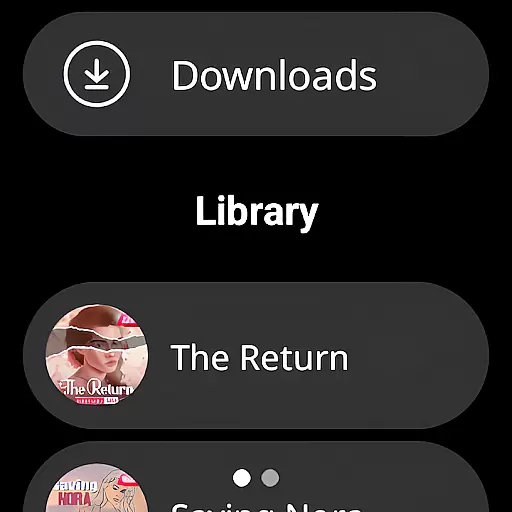
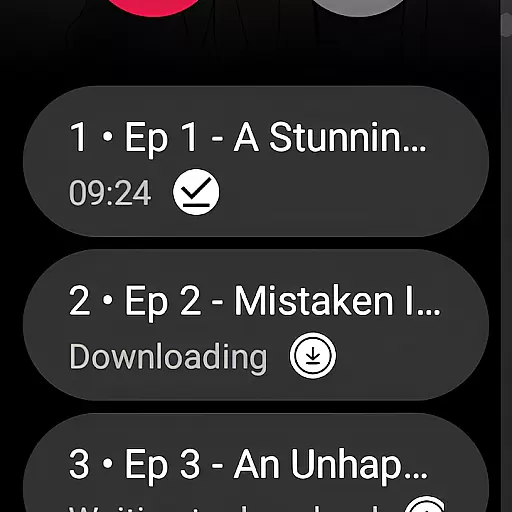
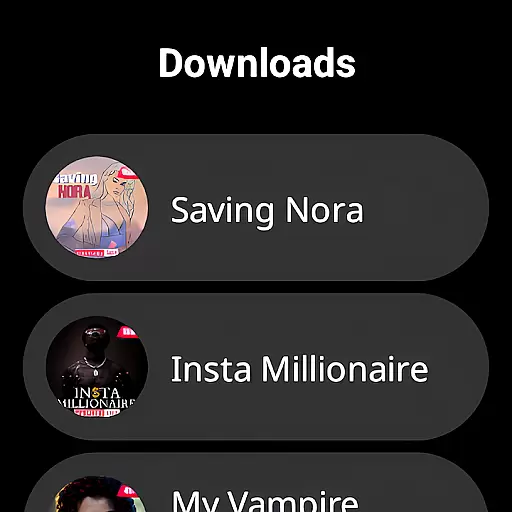
With real-time data sharing between devices, Pocket FM's companion app integration provides users with instant access to their favorite audio series. This means no delays or interruptions when switching devices, allowing for an uninterrupted entertainment experience. The ability to manage downloads, view episode details, and control playback from your wrist enhances the overall usability of the platform.
Ensuring broad compatibility with various Wear OS devices is crucial for any app targeting the smartwatch market. Pocket FM has been optimized to work with a wide range of Wear OS devices, making it accessible to a large audience of audio entertainment enthusiasts. This compatibility guarantees that users can enjoy their favorite content regardless of their specific device model.
The app's developers have paid special attention to system-level integration, ensuring that Pocket FM feels like a native part of the Wear OS ecosystem. By adhering to Google's design guidelines and utilizing platform-specific features, the app delivers a smooth and intuitive user experience that takes full advantage of each device's capabilities.
Furthermore, Pocket FM maintains consistent functionality across different Wear OS versions, preventing fragmentation issues that often plague cross-device applications. This commitment to compatibility demonstrates the developer's dedication to providing a reliable and high-quality listening experience for all users, regardless of their chosen wearable technology.
User-friendly interface
Extensive content library
Flexible micropayment model
Offline listening capability
Cross-device compatibility
Limited free episode availability
Additional cost for premium features
Internet required for initial downloads
Some genres may lack depth
Occasional buffering on slow networks

A customizable Christmas watch face for Wear OS with a countdown.
 4.20
4.20
Wear Os Watch Face - Animated Snow Effect & Christmas Lights
4.3
Christmas - Festive - Christmas Village - Winter - Christmas lights
5.00
Christmas is near, let's count together the days left until Santa comes
4.4
Watch face designed for Thanksgiving Day. 7 Background Styles included.
3.20
A modern premium sporty hybrid watch face for Wear OS by Ballozi
4.70
Digital watch face with big numbers and many customization for Wear OS devices
4.40
Connect, create, and collaborate with Gmail, part of Google Workspace.
4.10
Back up your contacts & access them anywhere
4.30
The Chevron App allows you to pay for fuel from the comfort of your car!
4.80
Real-time weather radar with temperatures, warnings, hurricanes, and widgets
4.80
Walking app for weight loss: walk & step tracker, pedometer, indoor treadmill
4.60
Premium hybrid watch face with many customizations for Wear OS devices.
4.40
Bold, Modern Hybrid Watch Face for Wear OS. 10 Colors, Rich Info Display.
4.30
Animated video-game inspired “secret agent” simulation, right on your wrist!
4.20
Animated Watch Face and Customizable with 24 Backgrounds. Perfect for Christmas!
3.90
Stay in touch with your friends and family using LINE!
3.40
Stunning modern digital watch face with 7 complications and strong contrast
4.0
Sleek, highly customizable watch face inspired by Galaxy Watch Circle Dashboard.
4.2






User Reviews