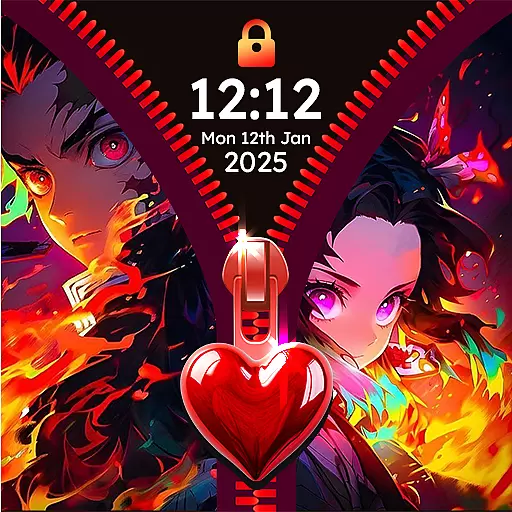
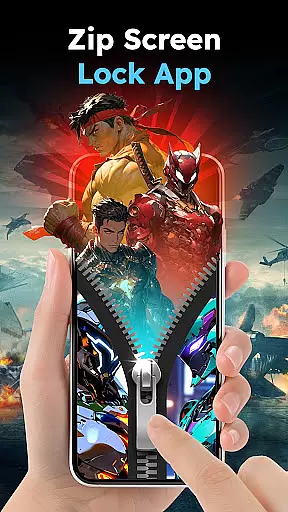
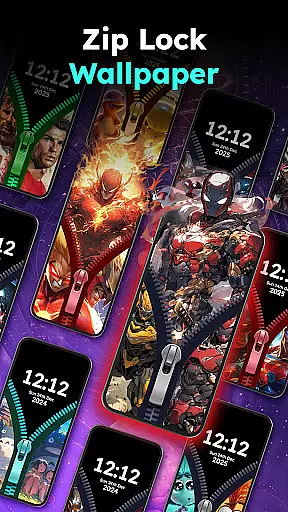
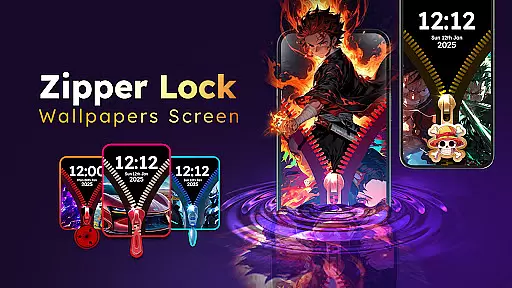
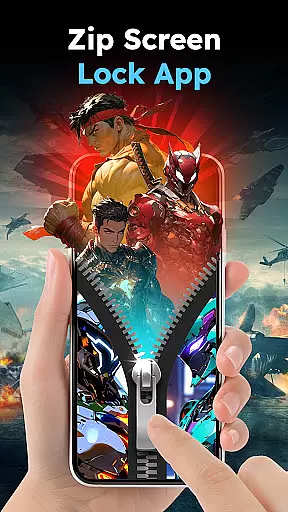
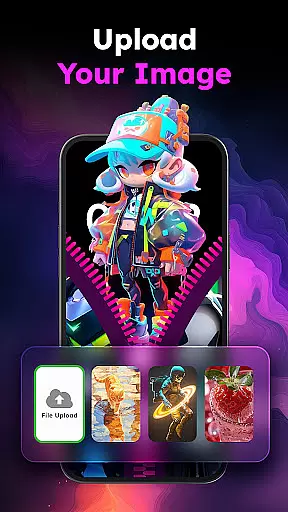
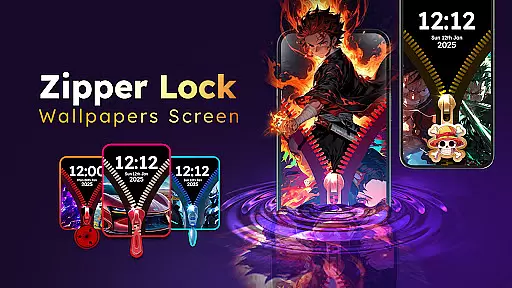
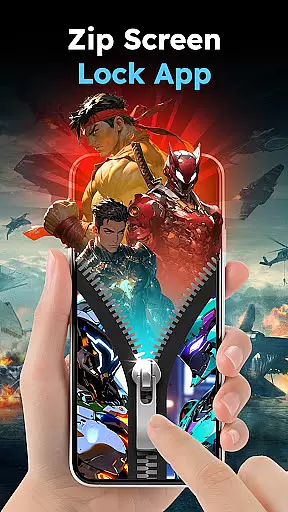
Zipper Lock Wallpapers Screen is a unique personalization app that transforms your phone's lock screen into an interactive zipper-style experience. The app allows users to unlock their devices with realistic zip-opening effects while offering a wide selection of customizable HD wallpapers and themes. With options ranging from anime and animals to cars and scenic views, this app caters to diverse aesthetic preferences.
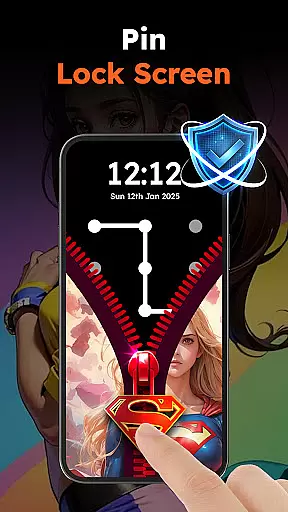
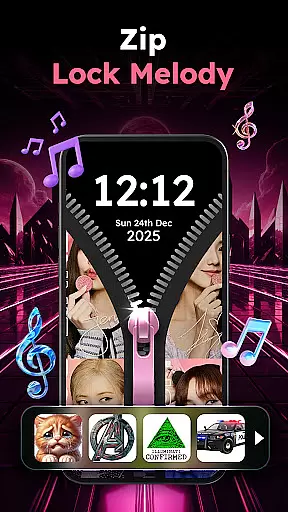
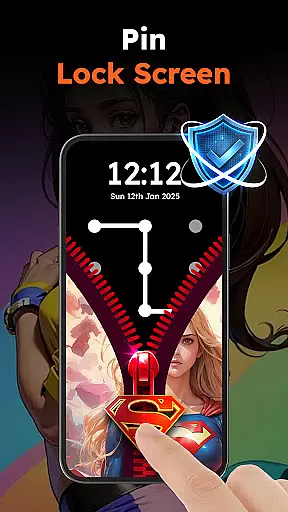
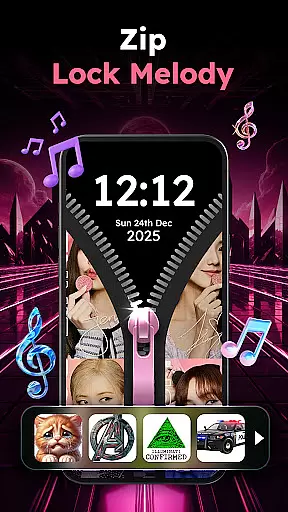
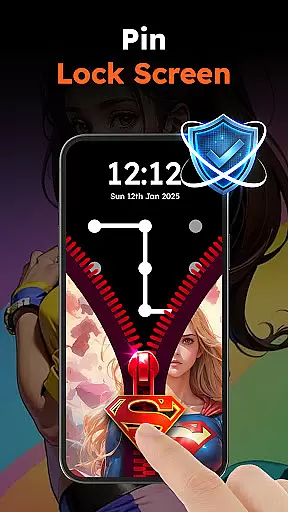
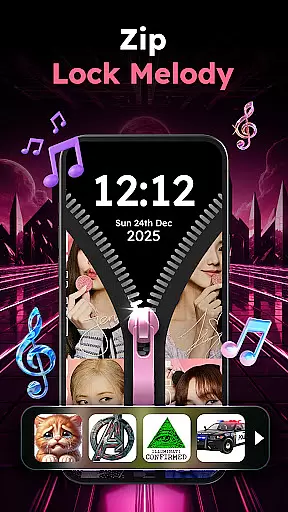
In addition to its creative unlocking feature, Zipper Lock Wallpapers Screen enhances user experience through personalized themes, sound effects, and privacy protection. Users can choose from various zipper styles, background themes, and even melodies that play during unlocking. For added security, the app provides PIN code functionality, ensuring dual-layer protection for your device.
This app is ideal for individuals seeking both style and functionality in their smartphone experience. Whether you're looking to add flair to your daily routine or protect your phone with engaging yet secure features, Zipper Lock Wallpapers Screen delivers a perfect blend of innovation and practicality.
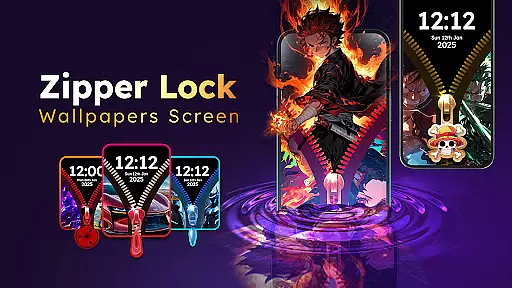
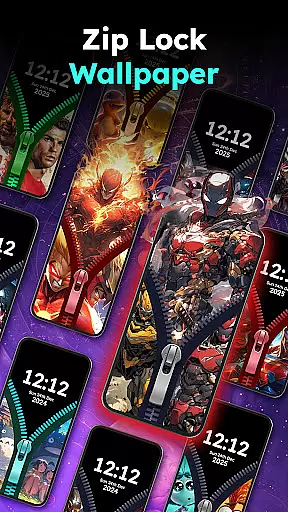
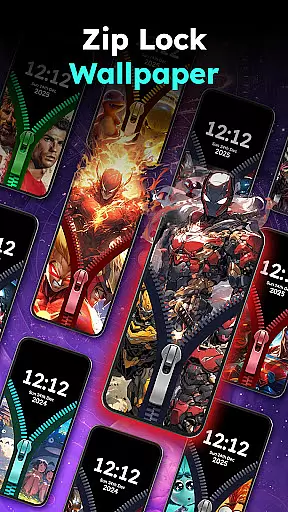
Zipper Lock Wallpapers Screen stands out with its rich set of features designed to enhance personalization and usability. One of its key highlights is the extensive library of HD wallpapers available across multiple categories such as anime, cartoons, animals, cars, and more. This ensures that every user can find something tailored to their taste.
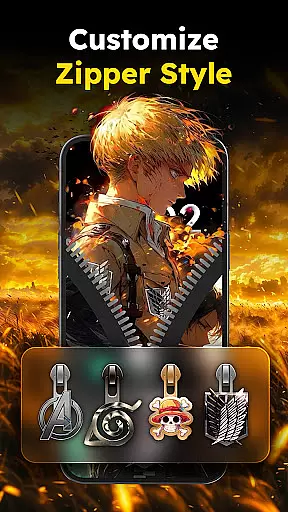
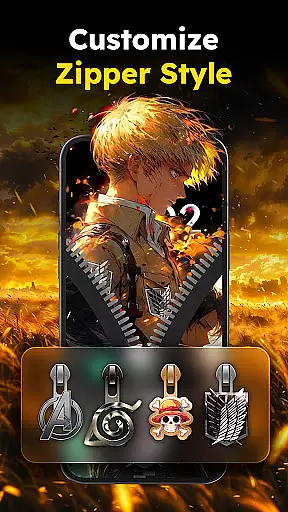
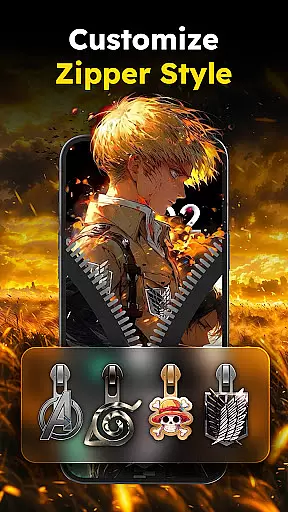
The app also offers advanced customization options, including different zipper styles (like stars, hearts, and spiderwebs) and accompanying sound effects. These range from fun and whimsical tones to more serious ones, providing an immersive unlocking experience. Additionally, the interactive preview feature lets users experiment with combinations before finalizing their choice, ensuring complete satisfaction.
Beyond aesthetics, the app prioritizes security by integrating PIN lock functionality. This two-layer protection system combines the fun of a zipper lock with the reliability of traditional passcodes, making it both entertaining and secure. Overall, these features make Zipper Lock Wallpapers Screen a versatile tool for anyone looking to personalize their device creatively.
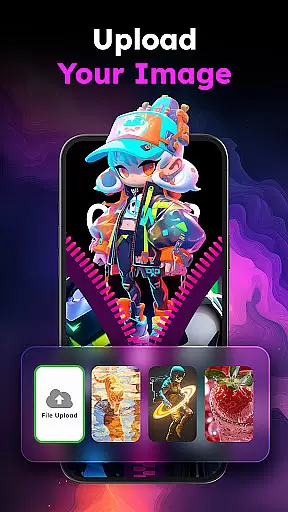
Customization is at the heart of Zipper Lock Wallpapers Screen, offering users a rich tapestry of options to personalize their phone's lock screen. With an extensive collection of HD wallpapers spanning various themes such as anime, animals, cars, cartoons, and scenic views, users can find the perfect backdrop that resonates with their personal style.
The app goes beyond static images by integrating dynamic zipper lock screen effects. Users can choose from multiple zipper styles including stars, hearts, and even Spiderman-themed zippers. This feature allows for an unprecedented level of personal expression, making each unlock experience not only secure but also reflective of oneu2019s unique aesthetic preferences.
Additionally, Zipper Lock provides interactive previews, enabling users to experiment with different combinations of wallpapers and zipper styles before finalizing their choice. This ensures that every user can tailor their lock screen to perfectly match their personality, offering both visual delight and functional security in one package.
Theme compatibility is a standout feature of Zipper Lock Wallpapers Screen, ensuring that all elements of the lock screen work harmoniously to create a cohesive visual experience. The app supports a wide array of themes, allowing users to mix and match wallpapers, zipper styles, and sound effects without worrying about inconsistencies or disruptions in the overall look and feel.
Each theme within the app is crafted to maintain high standards of design integrity. Whether opting for a cute animal print paired with playful zipper sounds or a sleek car wallpaper complemented by a smooth zip effect, users are guaranteed a seamless integration of all components. This meticulous attention to detail enhances the authenticity of the unlocking experience, making it feel as real as operating an actual zipper.
Furthermore, the inclusion of customizable row styles adds another layer of compatibility, ensuring that every element on the lock screen aligns perfectly. By prioritizing theme compatibility, Zipper Lock Wallpapers Screen delivers a polished and professional appearance, elevating the everyday act of unlocking your phone into an enjoyable ritual tailored specifically to individual tastes.
Unique unlocking effects
Wide variety of themes
Customizable zipper styles
Enhanced security with PIN
Interactive preview feature
May drain battery faster
Limited free content
Occasional bugs reported
Ads may disrupt experience
Requires frequent updates

Ultra realistic gold analog watch face with lots of customization options.
 4.50
4.50
Gun Chase - Let the chase begin.
4.80
Add cute Shimeji pets to screen, interact with them and relax with cute motions
4.60
Over 28,000 high quality icons to bring color & homogeneity to your phone.
4.60
Adaptive Dot Style IconPack with Light & Dark Theme.
3.70
Icons made of colorful linear lines
4.60
400+ Beautifully crafted widgets inspired by NOTHING.
4.70
Enjoy a variety of amazing live wallpapers and colorful EDGE lighting borders!
4.80
A minimalist productivity launcher. One-hand-friendly. Zero ads.
4.70
Winter's Journey: digital watch face for Galaxy Watch & Wear OS
4.80
100+ Stylish Fonts, Emojis, Symbols keyboard for Instagram & TikTok!
4.80
A Colorful and Minimal icon pack in an Outline Style - Over 13,600 icons!
4.70
Bring adorable pets to life on your screen. Playful, interactive and full of fun
4.60
Customize your home screen with stunning themes, blur, widgets & icons.
4.60
Beautiful realistic hybrid watch face with numerous customization options.
4.50
200+ Material Inspired Widgets
4.50
Customizable flower power digital watch face for Wear OS watches.
4.00
Ultimate widget creator. Design custom widgets for a truly unique home screen!
3.90
Prank your friends with realistic broken screen and cracked HD effects!
4.0



User Reviews