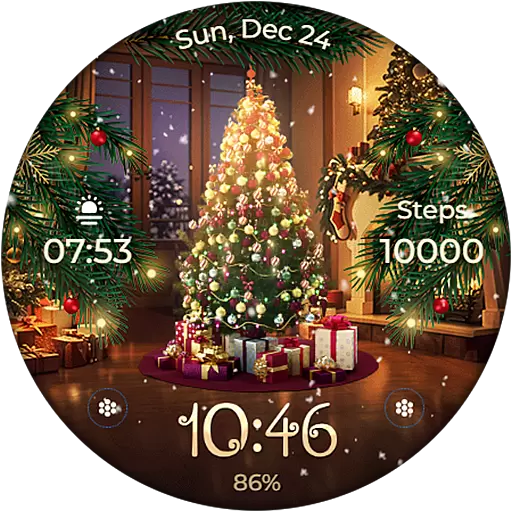
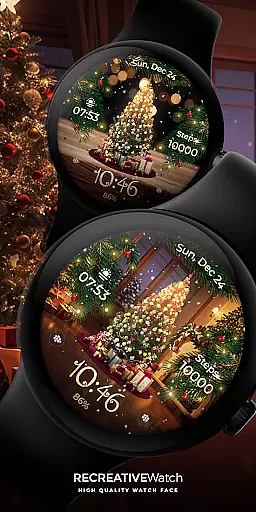
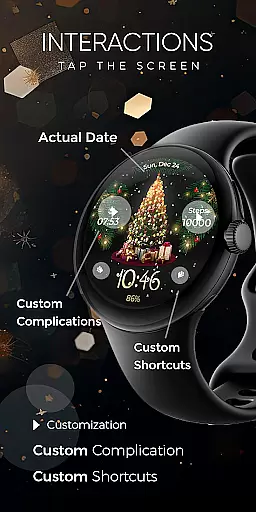
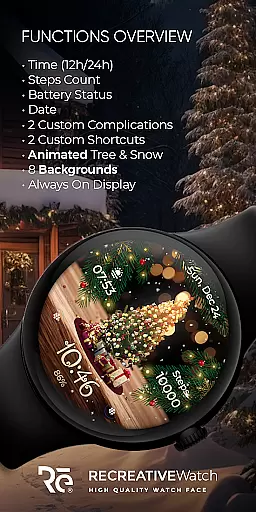
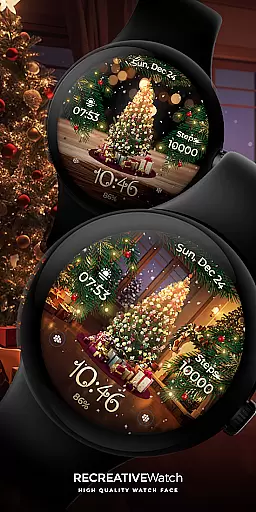
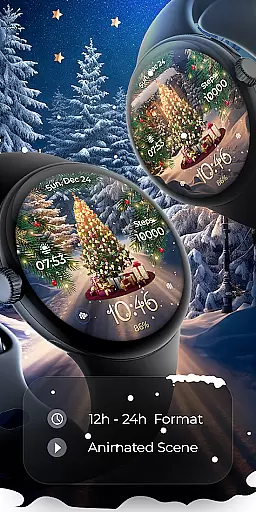
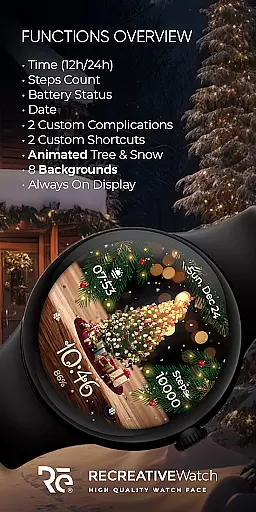
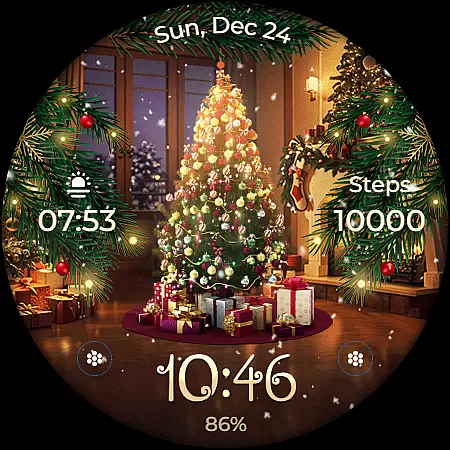
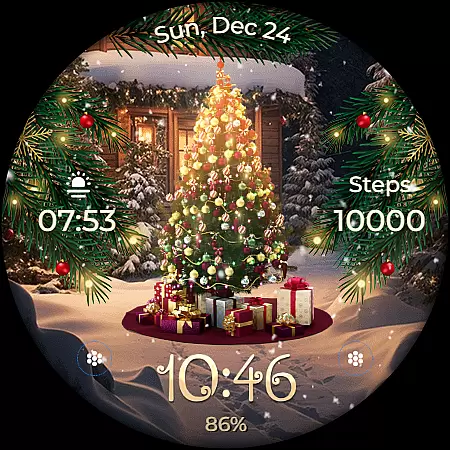
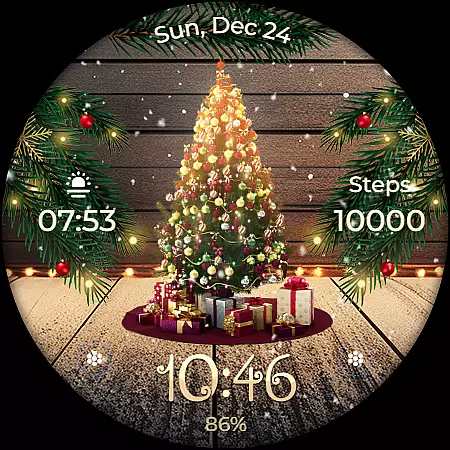
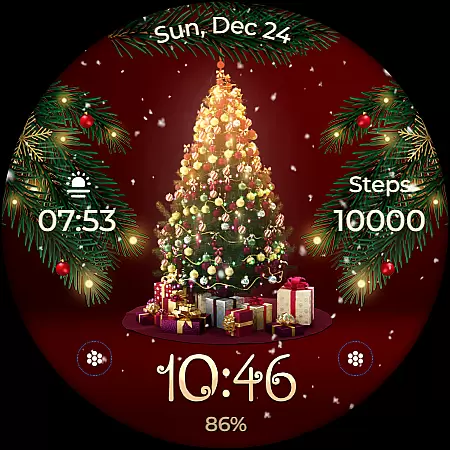
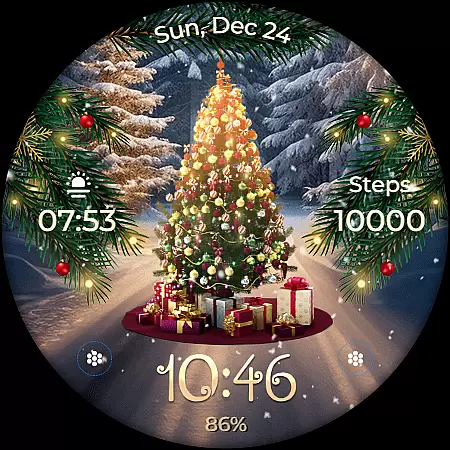
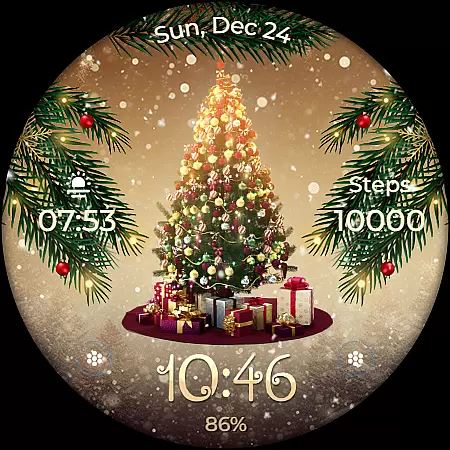
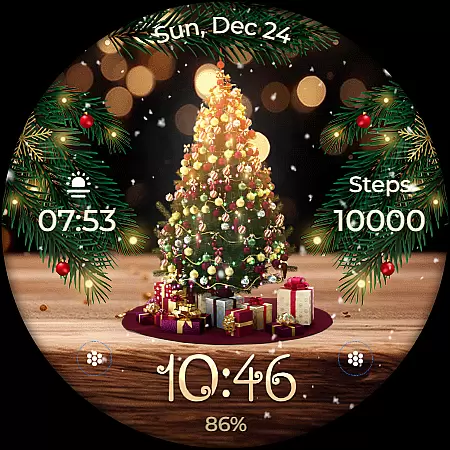
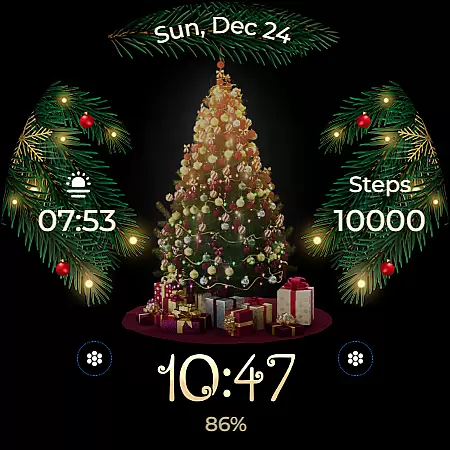
Animated is a festive Wear OS watch face that brings the magic of Christmas to your wrist. Featuring a lively animated Christmas tree adorned with presents, cascading snowflakes, and enchanting sparkles, it creates a whimsical winter wonderland experience. The watch face displays essential information including digital time, date, battery level, and step count.
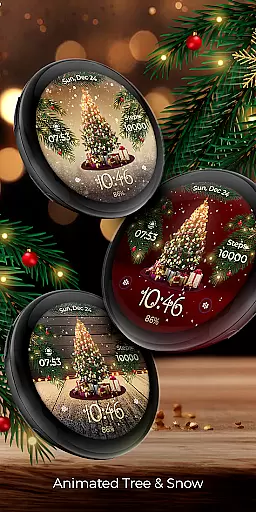
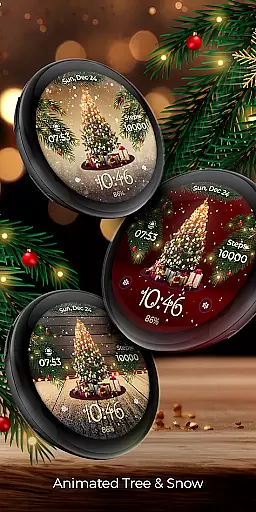
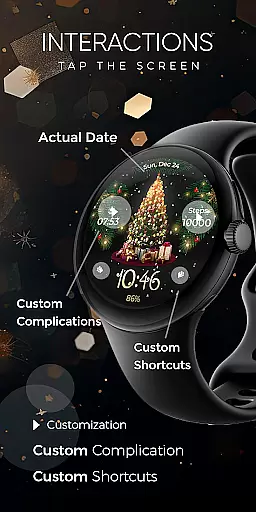
Users can customize their experience through various features such as two customizable complications and shortcuts, eight different backgrounds, and an Always ON Display mode with changeable colors and modes. Compatible with API level 33+ devices like Google Pixel and Galaxy Watch series, this app ensures both functionality and festivity are at your fingertips.
The Animated watch face stands out with its unique combination of holiday spirit and practical functionality. Its signature feature is the animated Christmas tree accompanied by gently falling snowflakes and magical sparkles, creating an engaging visual experience on your Wear OS device.
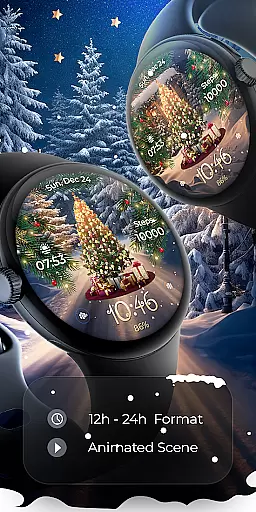
Beyond its festive design, the app provides essential features like 12/24h digital time display, date, battery indicator, and step counter. Users can further personalize their watch face with two customizable complications and shortcuts, choose from eight different backgrounds, and enable the Always ON Display mode for convenience. These features ensure users enjoy both aesthetics and utility in one package.
Companion app integration is essential for ensuring seamless functionality between a Wear OS watch face and its corresponding mobile application. In the case of Animated, the companion app facilitates the installation process and helps users locate the watch face on their Wear OS devices.
The phone app acts as a bridge, enabling users to access additional features and settings that enhance the overall experience. While the mobile app contains ads, it remains a crucial tool for managing the animated Christmas tree, snowflakes, and magical sparkle elements displayed on the watch face.
By using the phone app, users can customize complications, shortcuts, and backgrounds, tailoring the watch face to their preferences. This integration ensures that users have full control over the visual and functional aspects of their wearable device.
Ultimately, the companion app provides a user-friendly interface that simplifies the setup and customization process, allowing wearers to enjoy a whimsical touch of winter wonderland magic on their wrists every day.
Ensuring compatibility with Wear OS and various devices is crucial for delivering a reliable and enjoyable user experience. The Animated watch face supports API level 33+ Google Pixel, Galaxy Watch 4, 5, 6, and other Wear OS models, making it accessible to a wide range of users.
This broad compatibility allows more individuals to experience the magic of Christmas through an animated watch face adorned with a lively Christmas tree, presents, and cascading snowflakes. Users can enjoy these enchanting visuals alongside practical features like digital time, date, battery status, and step count.
For optimal performance, especially concerning battery life, it's recommended to disable the Always On Display mode. This setting helps maintain the watch's efficiency while still offering changeable colors and modes for personalization.
With support for customizable complications and shortcuts, the Animated watch face combines festive charm with practical utility, ensuring it meets the needs of diverse users across compatible devices.
Festive Design
Customizable Features
Always ON Display
Multiple Backgrounds
Step Counter Included
Battery Intensive
Limited Compatibility
No Advanced Metrics
Holiday-themed Only
Requires Manual Setup

an Analog Watch Face for winter season with freeze winter background for Wear OS
 4.3
4.3
Let's celebrate Thanksgiving - Wear Os watch face
4.20
To-Do List: daily schedule planner, task organizer, to do reminder app, calendar
4.60
Professional weather radar and more
3.90
Animated video-game inspired “secret agent” simulation, right on your wrist!
4.20
Daily Weather forecast with 15 weather images for Day & Night plus Big Bold time
4.10
Simple, helpful messaging by Google
4.60
Fitbit is dedicated to helping people lead healthier, more active lives.
4.10
Track airplanes and follow flights with our real-time flight tracker
4.50
Hyperlocal rain alerts by MyRadar using patent-pending technology, radar & more
4.80
Highly customizable hybrid watch face for Wear OS, perfect for everyday use.
4.60
Rose gold watch face with festive lights & customizable features.
4.60
Monitor health with the stress test and pulse checker in the heart rate app.
4.60
Current temperature, weather hourly, weather radar by the weather forecast app
4.40
Wear Os Watch Face - Animated Snow Effect & Magic Spark - 6 Scenes
4.10
A digital watch face that celebrates Christmas.
4.00
Get helpful reminders, take progress photos and find answers to your questions.
3.90
Artistic Digital Watchface
4.2
Hybrid Vibrant Health Watch Face for Wear OS
4.2



User Reviews