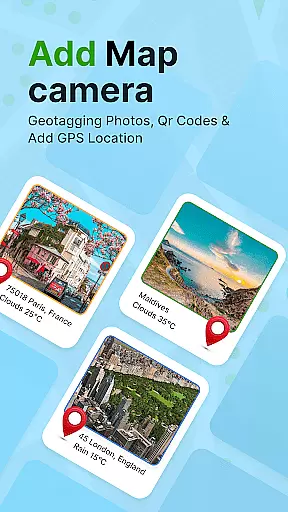
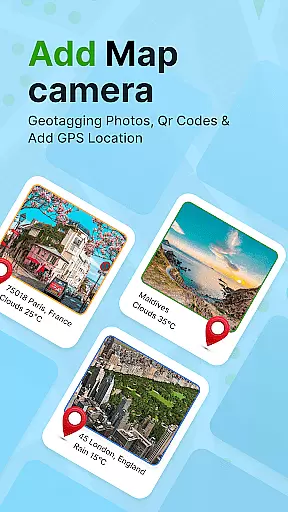
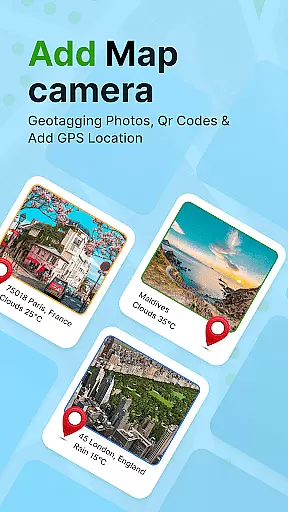
GPS Geotag Photos & Camera Map is a powerful photography app designed to enhance your photo-taking experience by embedding precise location data into your images. The app automatically adds GPS coordinates, altitude, and even weather information to your photos' metadata, making it easy to track where and when each photo was taken.
In addition to geotagging, the app offers advanced customization options, allowing users to add timestamps, adjust font styles, sizes, and colors, and manually fine-tune location details. Whether you're a traveler wanting to document your journeys or a professional photographer managing large photo collections, this app provides valuable tools to organize and enrich your photo library with accurate location-based information.
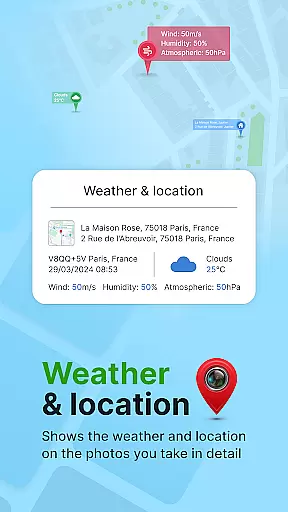
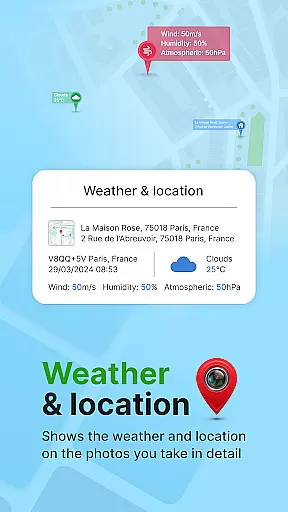
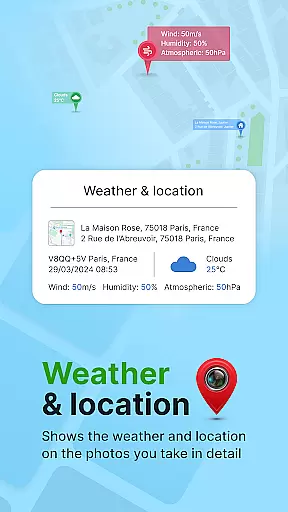
One of the standout features of GPS Geotag Photos & Camera Map is its ability to automatically embed GPS data directly into your photos. This includes latitude, longitude, altitude, and even the local weather at the time the photo was taken. Users can also enable an auto-stamp feature that overlays short location names directly onto the image for quick reference.
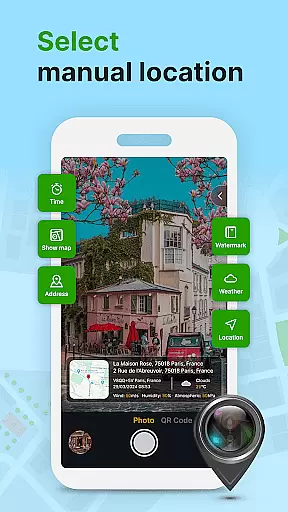
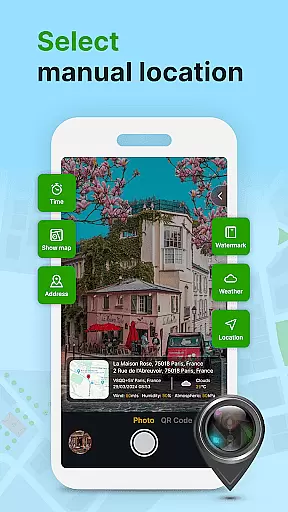
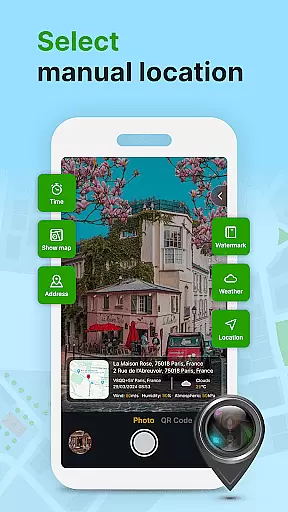
The app supports extensive customization options, such as adjusting the timestamp's font, size, color, and position on the photo. For those who require precision, manual adjustments to GPS coordinates are available. Additionally, the built-in QR code scanner allows for seamless integration with other mapping services, while the intuitive live map interface helps you visualize your geotagged photos in real-time.
These features collectively ensure that photographers have all the necessary tools to create well-documented, location-rich photo collections that are both informative and visually appealing.
Real-time capture and preview functionality is essential for ensuring that each photo taken with GPS Geotag Photos & Camera Map app accurately reflects the desired composition and location data. This feature allows users to see exactly what the camera sees, including live updates of GPS coordinates, before capturing a photo.
The app supports stunning photos while embedding crucial metadata such as GPS coordinates, altitude, and address directly into the image. This real-time preview ensures that all geotagged information is correct, providing peace of mind that images are marked with precise location details.
Users benefit from this feature by being able to trust that their photos' embedded information is accurate at the moment of capture. Whether sharing travel experiences or cataloging locations for work, the ability to preview and capture in real time enhances the reliability and utility of the photos.
While primarily focused on geotagging, GPS Geotag Photos & Camera Map also offers features related to AI beauty and enhancement, ensuring that photos look their best without sacrificing naturalness. The app provides options to enhance images subtly, maintaining authenticity while improving overall photo quality.
Customization options within the app allow users to adjust font, size, color, and position of timestamps, which can include not just time but also location and weather data. These enhancements add context to photos without overwhelming the original image, preserving its natural state.
By offering these balanced enhancement tools, the app ensures that users can enrich their photos with useful metadata and aesthetic improvements that feel organic and unforced. This approach respects the integrity of the original photo while adding valuable layers of information and subtle enhancements.
User-friendly interface
Accurate GPS tagging
Customizable timestamp
Live map functionality
Weather data integration
Occasional GPS delays
Limited free features
Heavy file sizes
No offline maps
Ads in free version

Search, tag and rate your way to an organized image gallery
 4.40
4.40
Add Watermark - Sign your pictures with a text or logo. Effective, quick, easy!
4.50
Photo editor: AI filters, photo enhancer, pic collage maker, AI art generator.
4.80
HD Camera Pro with HD Video shooting, Panorama, Photo editor , Beauty Camera.
4.50
USB Storage Access for Photos, Videos, Music and Documents
3.80
Transform Photos: Edit, Beautify and Craft Memories & Make Collages!
4.10
PhotoSync Bundle Add-On License. Enables all features and services in PhotoSync.
4.60
Unlock the full potential of your DJI drone with Litchi
4.50
A unique animation app. Powerful, easy to use, and lots of fun.
4.30
Create funny photos and videos with the popular Time Warp Scan filter.
4.90
Perfect body tune & face app - photo retouch, makeup, slim body & beautify face.
4.80
Android Native system HD camera app. Never been so simple and faster.
4.70
Amazing Photo Effects - The most fun you can have with your photos!
4.70
AI photo enhancer with Sora 2! Enhance, descratch, and colorize your old photos.
4.50
Use AI Video Generator to turn your words to ai generated videos.
4.50
Catch sunlight, sunrise sunset times and sun phases with the AR sun tracker.
4.10
Perfect photos with body shaping, BG changer and object remover.
3.70
Be your best in every shot! Fix, edit and retouch your face in selfies & photos.
3.70
HD Photo gallery and photo manager to edit, hide private photos, videos & albums
4.5



User Reviews