
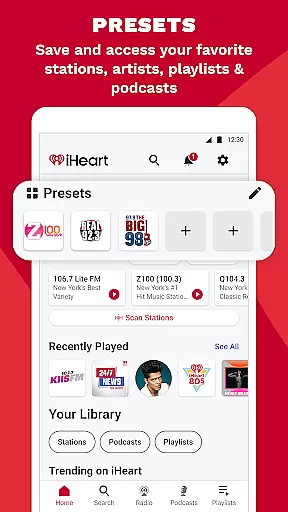
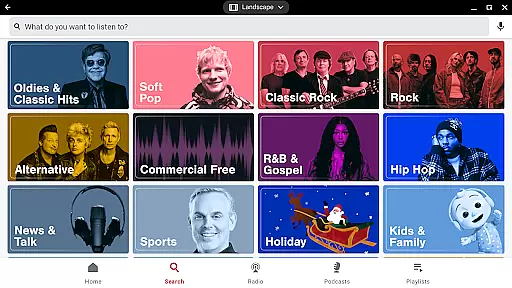
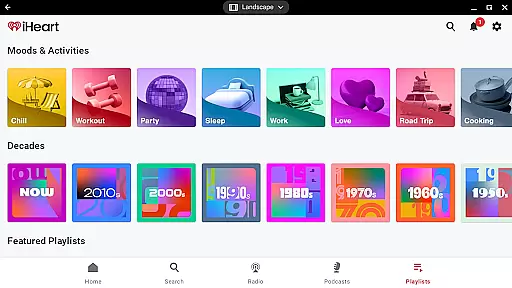
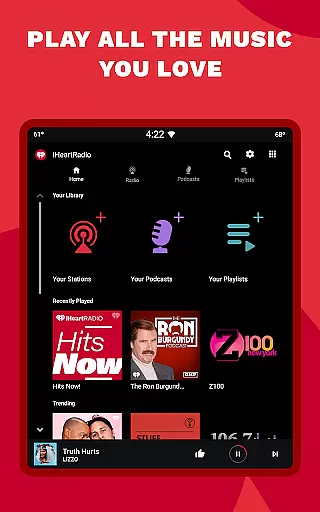
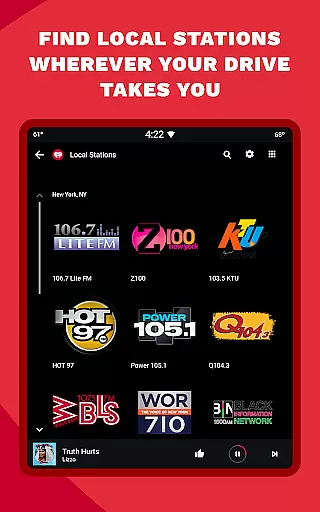
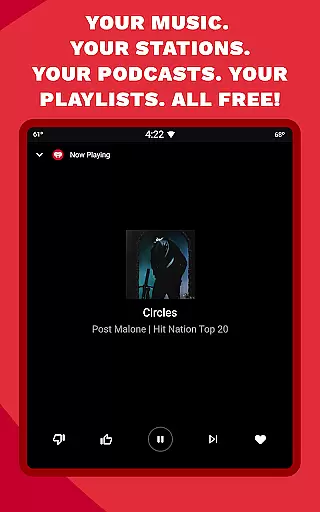
iHeart is a versatile audio entertainment app designed specifically for Android Wear devices. This application serves as an all-in-one platform for streaming live radio, playing music, and accessing a wide range of podcasts. Users can enjoy thousands of live radio stations, unlimited free music playlists, and popular podcasts tailored to various interests and activities.
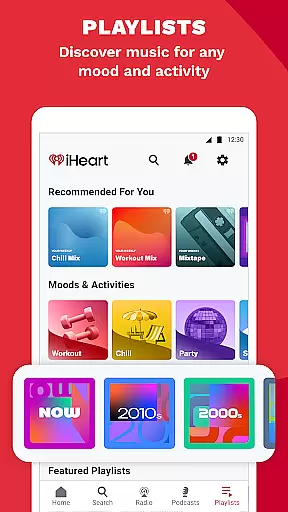
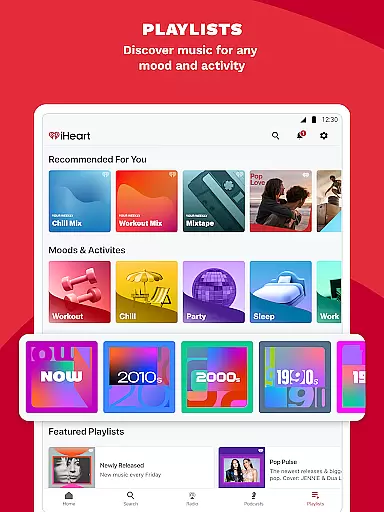
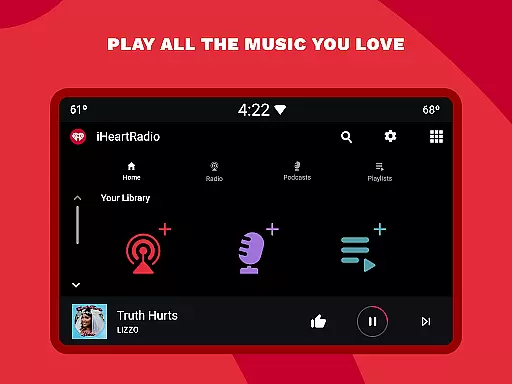
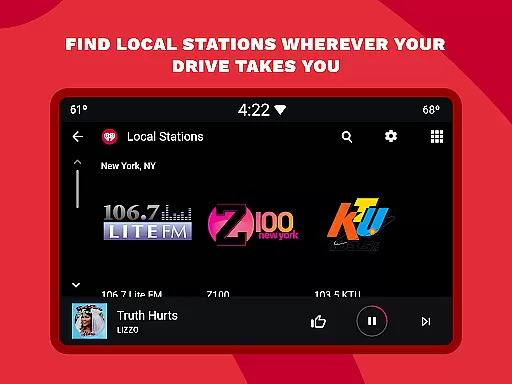
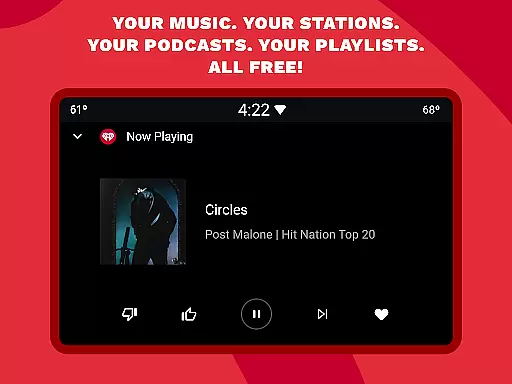
The app stands out with its ability to provide ad-free music and podcasts, customizable playlists based on mood or genre, and access to live sports updates. Whether you're commuting, working out, or simply relaxing at home, iHeart ensures that you have access to your favorite audio content anytime, anywhere. Its compatibility with Android Auto makes it perfect for travelers who want uninterrupted music on the go.
One notable feature is the Talkback mic, which allows users to interact directly with radio hosts, making the listening experience more engaging. Additionally, iHeart offers premium features such as offline listening and ad-free streaming, enhancing user convenience and satisfaction. With its comprehensive offerings, iHeart caters to diverse listener preferences, making it a top choice for those seeking a rich audio experience on their wearable devices.
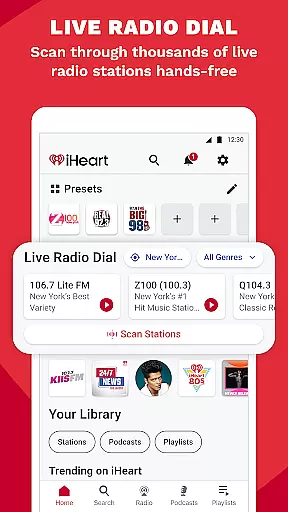
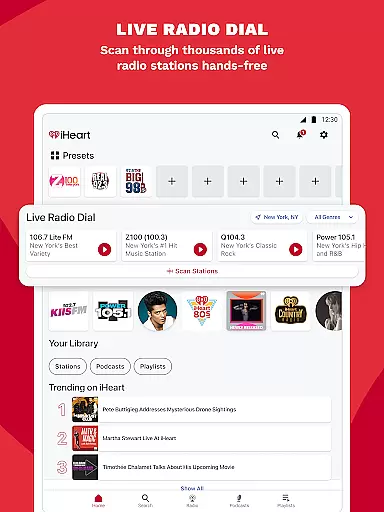
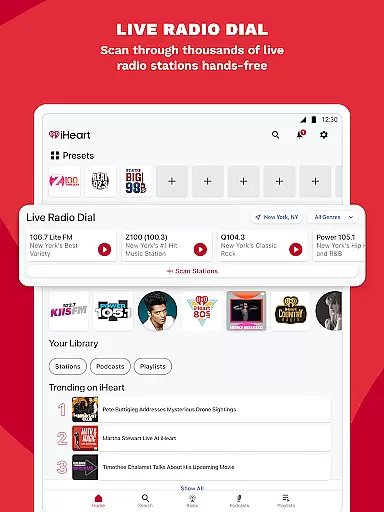
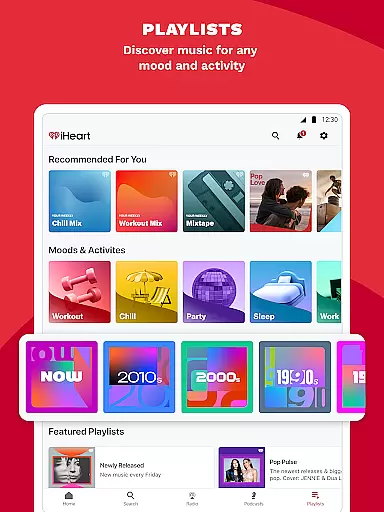
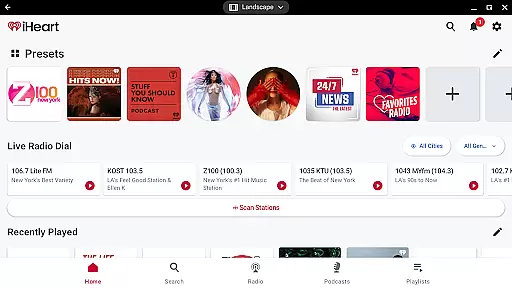
iHeart boasts an impressive array of features that cater to audiophiles and casual listeners alike. As a free radio app, it provides access to thousands of local and global live radio stations, including FM and AM options. Users can replace traditional radio tuners with this digital solution, enjoying high-quality streams of top hits and breaking news.
For sports enthusiasts, iHeart functions as a robust sports radio app. It includes dedicated channels like ESPN Radio and Fox Sports Radio, offering live sports coverage and commentary. Fans can stay updated on their favorite teams across various leagues, including NFL, NBA, MLB, and more. The app's integration with wearable technology ensures that users never miss a beat, whether they're at home or on the move.
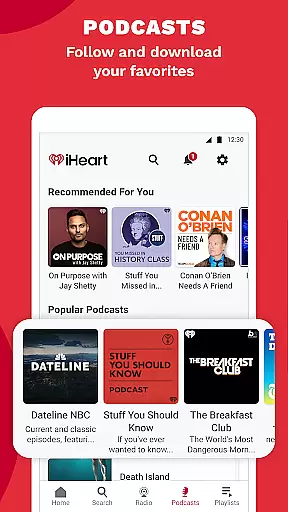
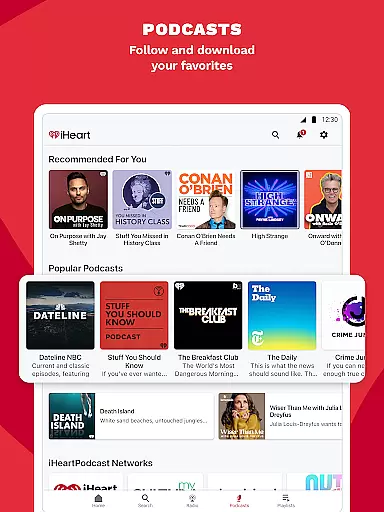
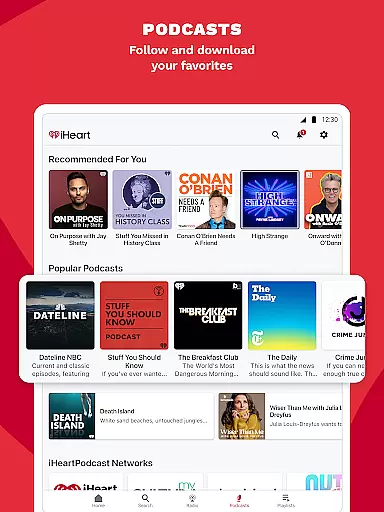
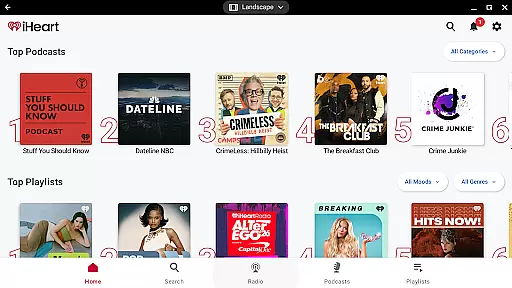
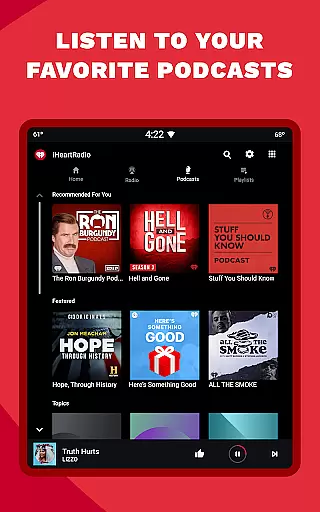
Podcast lovers will appreciate iHeart's extensive library, featuring popular shows like 'On Purpose with Jay Shetty' and 'The Breakfast Club.' The app allows users to adjust playback speed and explore a variety of topics ranging from true crime to educational content. Furthermore, personalized music stations and curated playlists enhance the overall user experience, providing endless entertainment options tailored to individual tastes.
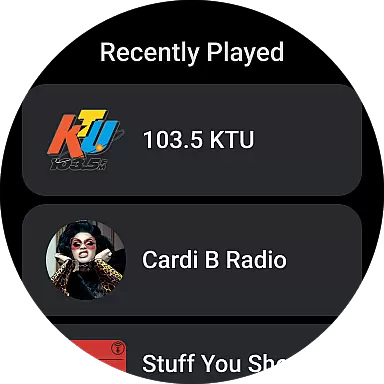
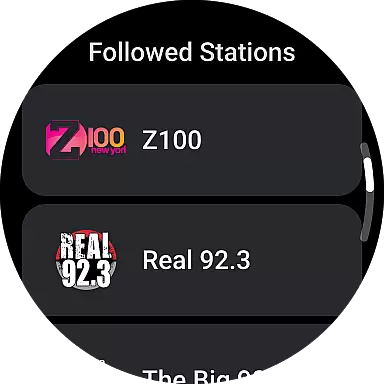
Companion app integration is essential for wearable devices to function seamlessly with smartphones. iHeart ensures that users can easily sync their music, podcasts, and radio stations between their mobile devices and Android Wear smartwatches.
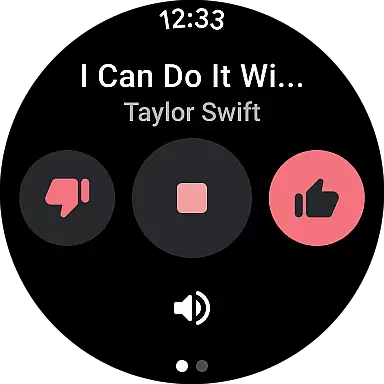
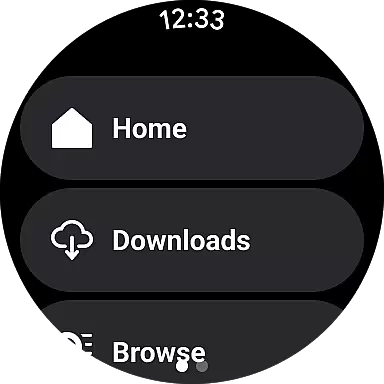
The iHeart app provides a unified experience by allowing users to control playback, browse content, and manage playlists directly from their wearable device. This means you can start listening on your phone during your commute and continue on your smartwatch while you're at the gym.
By maintaining consistent functionality across devices, iHeart enhances user convenience. Whether you're streaming live radio or enjoying your favorite podcast, the transition between phone and watch is smooth, ensuring you never miss a beat of your personalized content.
This seamless companion app integration not only simplifies media management but also enriches the overall user experience by extending the app's capabilities to the wrist, making it easier than ever to enjoy music and audio content on the go.
Ensuring broad compatibility with Wear OS and various devices is crucial for any application targeting the smartwatch market. iHeart excels in this area by supporting a wide range of Wear OS-powered smartwatches, enabling users to enjoy their favorite audio content regardless of their device choice.
The app is optimized to deliver a smooth performance on all compatible devices, taking advantage of the specific hardware capabilities each one offers. Whether you own a high-end model or an entry-level smartwatch, iHeart guarantees a high-quality listening experience tailored to your device's specifications.
Moreover, iHeart stays up-to-date with the latest Wear OS updates, ensuring ongoing compatibility and access to new features as they become available. This commitment to compatibility means that users can rely on iHeart to work flawlessly, whether they upgrade their smartwatch or switch to a different Wear OS device.
With its dedication to Wear OS/device compatibility, iHeart positions itself as a versatile and reliable option for users seeking uninterrupted access to music, podcasts, and radio on their smartwatches.
User-friendly interface
Extensive content library
Ad-free premium option
Offline listening capability
Interactive Talkback feature
Limited offline content
Occasional buffering issues
Premium subscription cost
Ads in free version
Complex navigation

Christmas - Festive - Christmas Village - Winter - Christmas lights
 5.00
5.00
Christmas is near, let's count together the days left until Santa comes
4.0
Beautiful, colorful and practical watch face. For Wear OS devices.
5.00
Watch face designed for Thanksgiving Day. 7 Background Styles included.
3.20
Digital watch face with big numbers and many customization for Wear OS devices
4.40
Your second brain for organizing your life: to-do, calendar, reminder.
4.70
To-Do List: daily schedule planner, task organizer, to do reminder app, calendar
4.60
Funny animated watch face for Thanksgiving
4.3
Real-time weather radar with temperatures, warnings, hurricanes, and widgets
4.80
Gym Log & Workout Tracker | Fitness Journal, Training & Weight Lifting Planner
4.90
Kia Access makes getting your vehicle information easier than ever
4.60
Animated video-game inspired “secret agent” simulation, right on your wrist!
4.20
Daily Weather forecast with 15 weather images for Day & Night plus Big Bold time
4.10
Connect, create, and collaborate with Gmail, part of Google Workspace.
4.10
Viewer for Wyze/Yi/Eufy/Arlo/ONVIF/RTSP/P2P IP cams w/ adv. features & DIY DVR
4.00
A full-featured Amazon Alexa voice assistant that can show you things.
3.70
Contemporary digital watch face with five complications
4.0
Sleek, highly customizable watch face inspired by Galaxy Watch Circle Dashboard.
4.0
3 Complications. All shadow on/off. 30 Themes color palette...
4.3












User Reviews