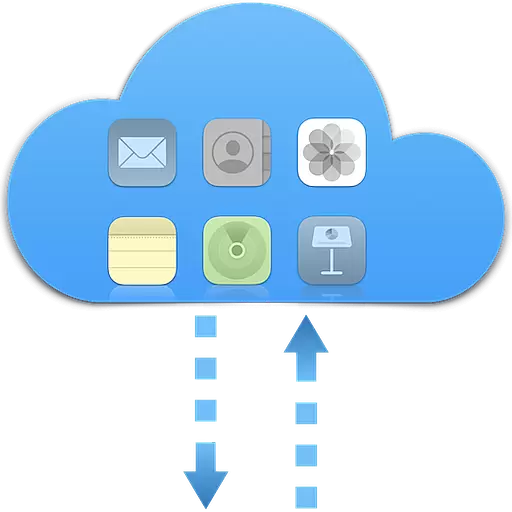
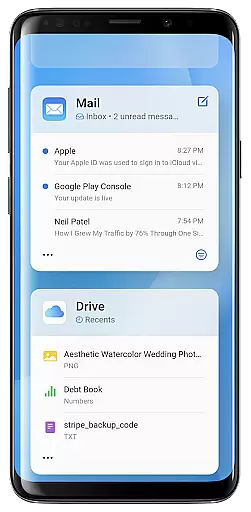
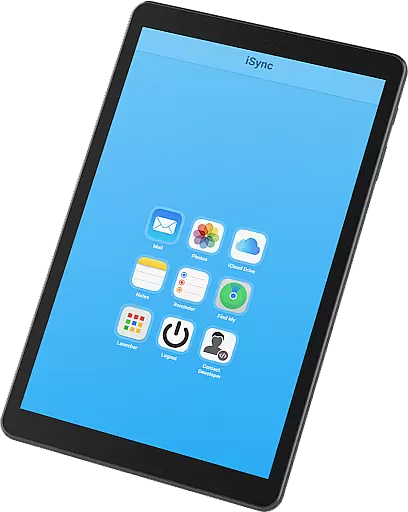
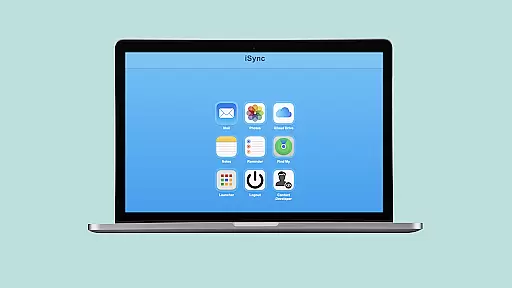
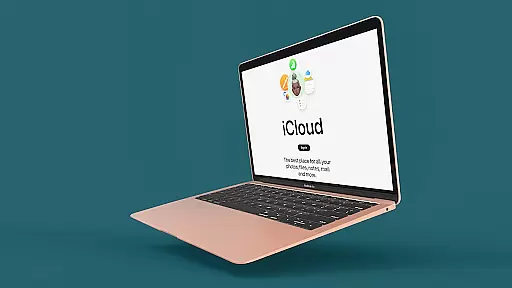
iSync Premium is a productivity-focused application that bridges the gap between Android and Apple ecosystems. It allows users to access their entire iCloud suite - including Mail, Photos, iCloud Drive, Notes, Reminders, and Find My - directly from an Android device. This seamless integration ensures that users can efficiently manage their digital life without platform limitations.
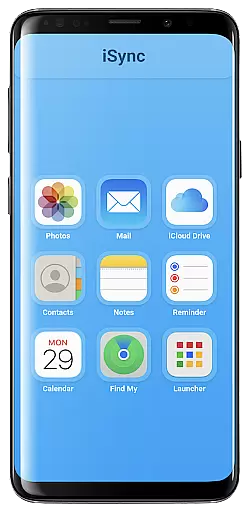
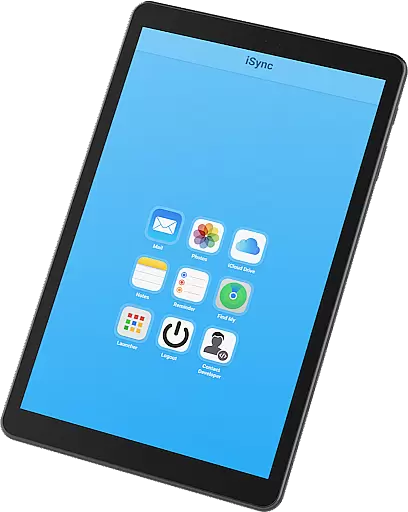
The app offers a user-friendly interface with one-touch access to favorite iCloud apps through its intuitive launcher. Whether it's staying connected through email, organizing photos, managing documents, or keeping track of reminders, iSync Premium provides a secure and reliable solution. The app is designed with privacy in mind, ensuring personal data protection while delivering a smooth user experience.
For professionals who use both Android and Apple devices, iSync Premium enhances productivity by centralizing access to essential iCloud services. Its cross-platform functionality makes it an invaluable tool for those seeking to streamline their workflow and maintain synchronization across devices.
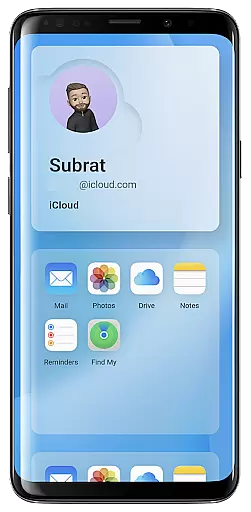
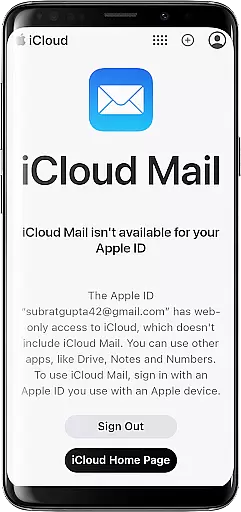
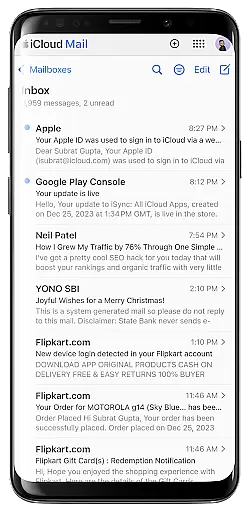
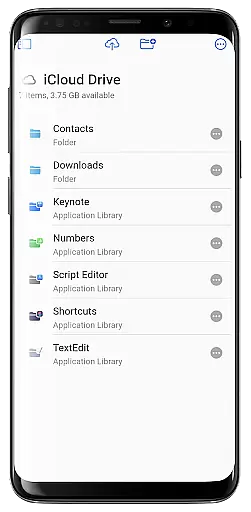
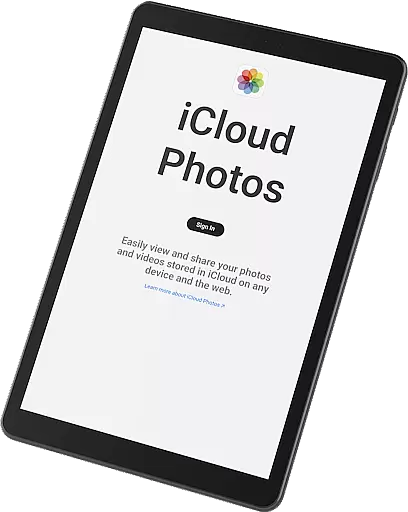
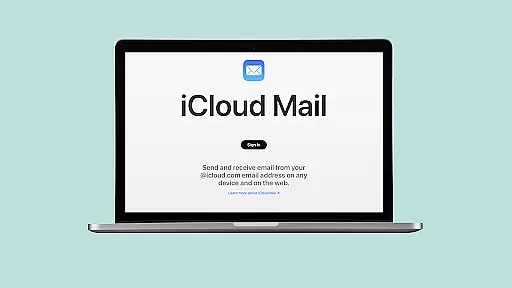
iSync Premium stands out with its comprehensive feature set tailored for productivity. The app integrates multiple iCloud services into a single platform, eliminating the need to switch between different applications. Users can send, receive, and manage emails via iCloud Mail, view and share photos from iCloud Photos, and access documents stored in iCloud Drive - all from their Android device.
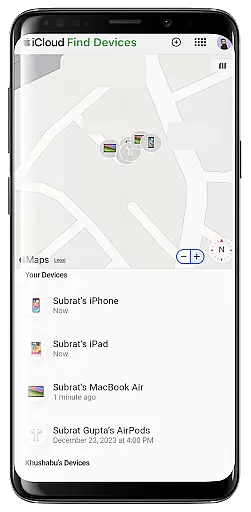
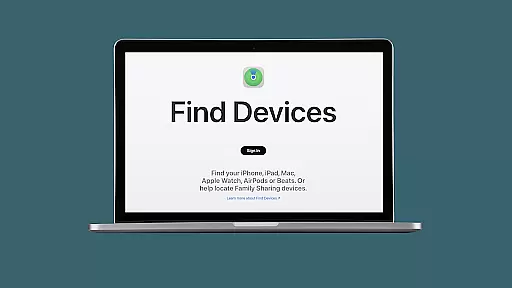
One of the key highlights is the app's intuitive launcher, which provides one-touch access to frequently used iCloud apps. This feature significantly reduces navigation time and enhances efficiency. Additionally, the app supports essential productivity tools like Notes for jotting down ideas and Reminders for task management. The inclusion of Apple's Find My service adds an extra layer of security by helping users locate lost devices quickly.
Security and privacy are paramount in iSync Premium's design. The app employs robust encryption protocols to protect user data while maintaining a user-friendly interface. These features collectively create a secure, efficient, and convenient environment for managing digital content across platforms, making it an ideal choice for professionals seeking seamless integration between their Apple and Android devices.
Task management is a cornerstone of productivity, and iSync Premium excels in providing seamless access to your iCloud account's task-related applications directly from your Android device. With features like Reminders, you can effortlessly organize your daily tasks and to-do lists.
The app ensures that managing reminders is not only hassle-free but also efficient, allowing users to stay on top of their schedules anytime, anywhere. This functionality bridges the gap between Apple's ecosystem and Android devices, offering a unified experience.
Users benefit from having all their important reminders synced across devices, ensuring they never miss an important deadline or appointment. The intuitive interface makes it easy to add, edit, and check off tasks as you complete them.
Ultimately, iSync Premium enhances personal productivity by making sure that your reminders and tasks are always within reach, no matter where you are. This seamless integration empowers users to maintain organization and efficiency in both their personal and professional lives.
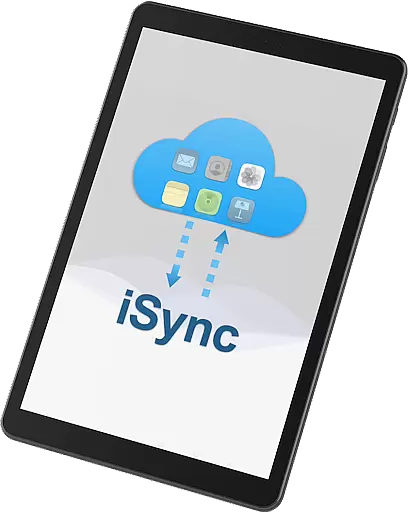
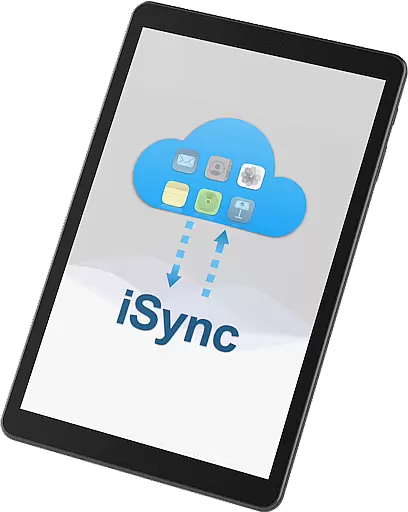
Cross-device synchronization is vital for maintaining consistency and reliability across different platforms. iSync Premium offers robust solutions by bridging Android and Apple ecosystems, ensuring your data is reliably synced between iCloud and your Android device.
With functionalities such as Mail, Photos, iCloud Drive, and Notes, iSync Premium provides comprehensive synchronization services. Whether itu2019s accessing emails, viewing photos, managing documents, or jotting down notes, the app ensures that every piece of information is up-to-date and accessible from any device.
This reliable synchronization empowers users to switch between devices without losing track of their essential data. It eliminates the frustration of outdated files or missing information, thus enhancing overall user experience and workflow continuity.
By prioritizing security and privacy, iSync Premium guarantees that while your data is being synchronized, it remains protected against unauthorized access. This dual focus on reliability and security ensures users can trust iSync Premium to keep their digital lives organized and secure across all devices.
User-friendly interface
Comprehensive iCloud integration
Enhanced cross-platform functionality
Robust security features
Efficient task management tools
Limited to Android users
Requires iCloud subscription
Occasional sync delays
No offline access to certain features
Additional storage may incur costs

Experience Reading - Night Mode for Documents
 4.40
4.40
Professional calendar app for Google Calendar, MS Outlook & Exchange
4.20
Send files, sync SMS, notifications & clipboard across devices via local network
4.40
Secure, fast, open-source, Remote Desktop Client for Windows and Linux with SSH
4.60
⏰ Finally a timer app which can run multiple timers simultaneously on your watch
3.90
Todo reminder
4.10
Stay on top of your to-dos with Google Tasks, part of Google Workspace.
4.60
Experience and share your SolidWorks designs on your Android® phone and tablet.
2.50
Seamlessly read, manage, and organize all your PDF files solution in one place
4.40
Android Wallet Password Manager
4.80
Protect and view your important info on your phone and tablet with eWallet®
4.80
App Lock with fingerprint, password: Lock apps & hide photos with lock screens
4.60
When you Focus, so will your Bean in this cozy focus timer
4.30
Total remote control for your Android device, PC and cloud services (IFTTT)!
4.20
Make apps & sites with natural language prompts
4.10
Font maker keyboard with your own handwriting
4.10
Secure, open-source, SPICE and SSH Remote Desktop for QEMU KVM virtual machines
4.00
Ultimate Virtual AI Character for immersive Roleplay Chat. Perfect Companion
3.90
Code on-the-go with VScode for Android. Edit,debug and collaborate from mobile!!
3.10



User Reviews