
QZ is a versatile connectivity app designed specifically for fitness enthusiasts who want to integrate their exercise equipment with popular platforms like Zwift. The app acts as a bridge, enabling treadmills, bikes, and other workout machines from brands such as Domyos, Echelon, Proform, Flywheel, Yesoul, and Toorx to seamlessly connect with virtual training environments.
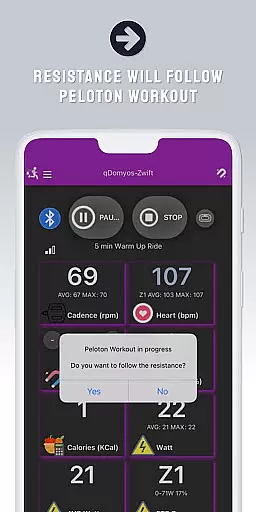
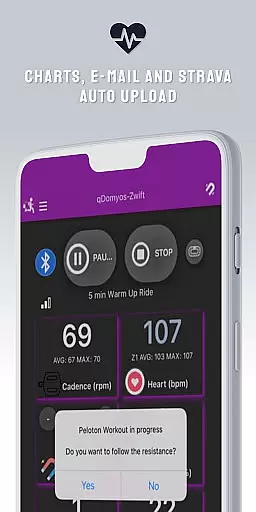
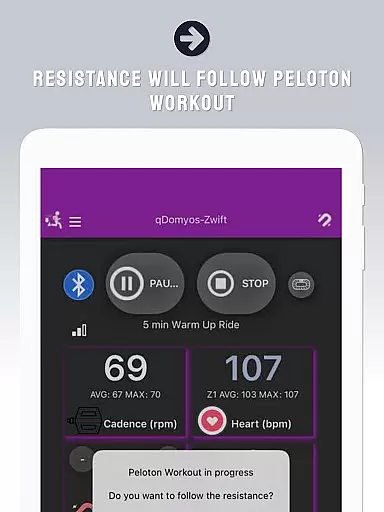
One of the standout features of QZ is its ability to automatically adjust resistance levels during workouts, particularly when used with Peloton equipment. This creates a more immersive and hands-free experience for users. Additionally, the app supports Strava Autopload functionality, allowing users to effortlessly sync their workout data with Strava. With compatibility extended to Wear OS devices, users can now track heart rate directly from their smartwatches, making it an all-in-one solution for tech-savvy fitness enthusiasts.
QZ offers a comprehensive set of features that cater to various fitness needs. First and foremost, the app provides extensive compatibility with a wide range of exercise equipment brands, including Domyos, Echelon, Proform, Flywheel, Yesoul, and Toorx. This ensures that users with different types of workout machines can benefit from the app's capabilities.
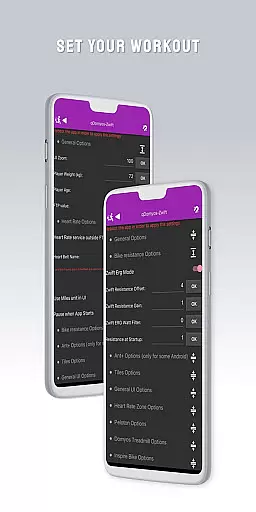
A key feature is the automatic resistance adjustment function, which works particularly well with Peloton equipment. This allows users to follow structured workouts without manually adjusting settings. The app also includes a Strava Autopload feature, enabling seamless data transfer to the Strava platform. Furthermore, QZ's integration with Wear OS devices adds another layer of convenience by allowing users to monitor their heart rate directly from their smartwatches, providing more accurate and real-time fitness tracking.
Companion app integration is essential for users who want a seamless experience between their wearable devices and main applications. QZ (qdomyos-zwift) excels in this area by offering robust connectivity options.
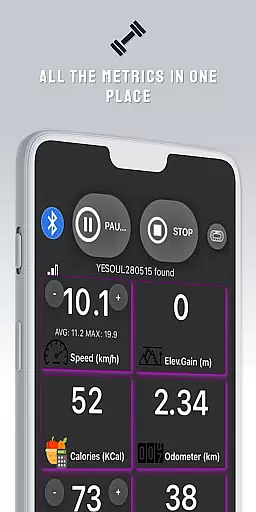
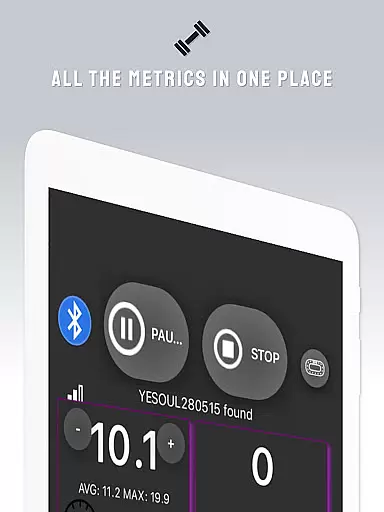
The app allows users to connect their smartphones to treadmills or bikes, enabling Zwift to recognize the equipment effortlessly. This ensures that your workout data is accurately reflected in real-time, enhancing your virtual fitness journey.
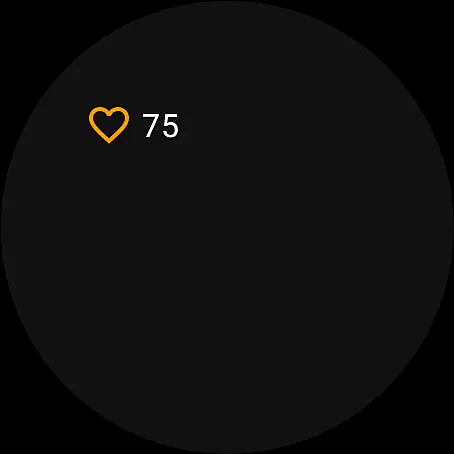
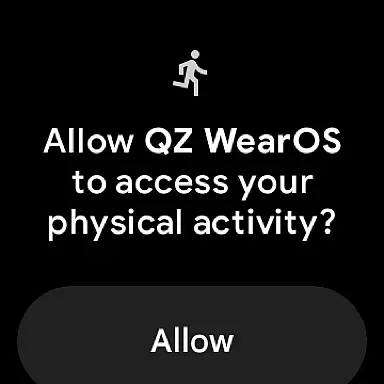
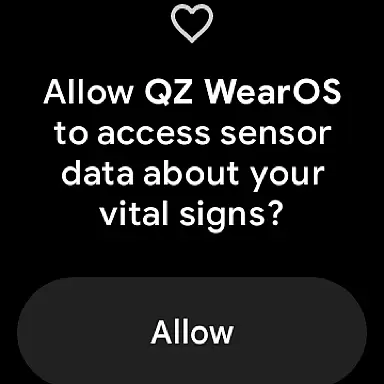
Additionally, QZ supports Wear OS, allowing users to download the companion app on their smartwatches. This feature reads heart rate data from the watch and sends it to the main QZ app, ensuring comprehensive health tracking during workouts.
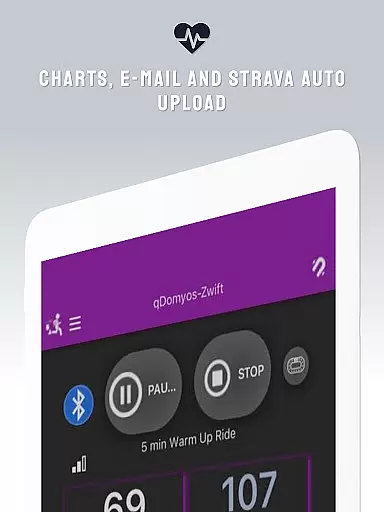
By integrating with Strava's Autopload feature, QZ further extends its functionality, making it easier for users to upload their workout data automatically. This holistic approach to companion app integration provides a cohesive and efficient user experience.
Ensuring compatibility with Wear OS and various devices is crucial for delivering a versatile fitness application like QZ (qdomyos-zwift). The app supports an extensive range of exercise equipment, making it adaptable to different user needs.
QZ is compatible with all Echelon and Domyos bikes, treadmills, and elliptical machines. It also works seamlessly with Keiser M3i bikes without requiring any additional converters, providing users with flexibility and convenience.
For those using Yesoul, Sportstech, Inspire, Schwinn, Toorx, Fassi, Proform, Flywheel, and JK Fitness equipment, QZ offers tailored support, ensuring accurate performance metrics are captured and utilized effectively within the app.
This broad device compatibility empowers users to maximize their existing fitness gear while enjoying an enhanced digital workout experience through precise tracking and synchronization features provided by QZ.
User-friendly interface
Wide equipment compatibility
Auto resistance adjustment
Strava Autopload support
Wear OS integration
Limited official endorsements
Occasional connection issues
Advanced features require specific hardware
Some equipment compatibility unconfirmed
Interface may feel complex to beginners

Gym Log & Workout Tracker | Fitness Journal, Training & Weight Lifting Planner
 4.90
4.90
WTW M17 is a premium and luxurious hybrid watch face
4.70
Analog watch face with 8 complications and expedition styling
4.2
Let's celebrate Thanksgiving - Wear Os watch face
4.20
3 Complications. All shadow on/off. 30 Themes color palette...
4.2
Viewer for Wyze/Yi/Eufy/Arlo/ONVIF/RTSP/P2P IP cams w/ adv. features & DIY DVR
4.00
Animated video-game inspired “secret agent” simulation, right on your wrist!
4.20
Your music, your playlists, and more—offline and unlimited.
4.20
Start and succeed with PAP
4.10
A modern hybrid informative watch face for Wear OS designed by BALLOZI
4.80
To-Do List: daily schedule planner, task organizer, to do reminder app, calendar
4.60
Retro digital watch face with customizable colors and a unique lighting effect
4.60
Digital watch face. For Wear OS devices.
4.40
A digital watch face that celebrates Christmas.
4.00
Professional weather radar and more
3.90
Watch face designed for Thanksgiving Day. 7 Background Styles included.
3.20
Artistic Digital Watchface
4.1
Fitness interactive virtual pet super fighter boy watch face
4.3
Minimalistic design modern digital watch face.
4.2



User Reviews