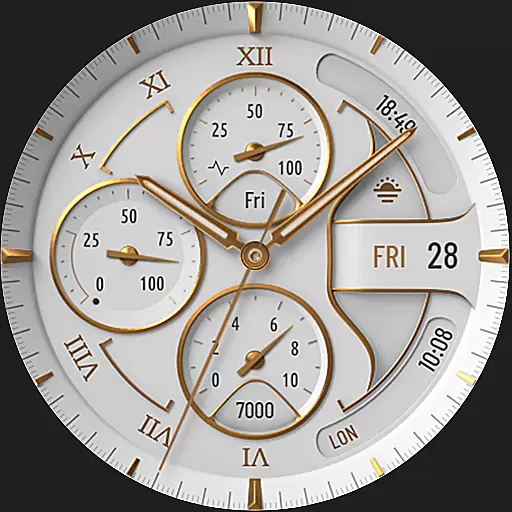
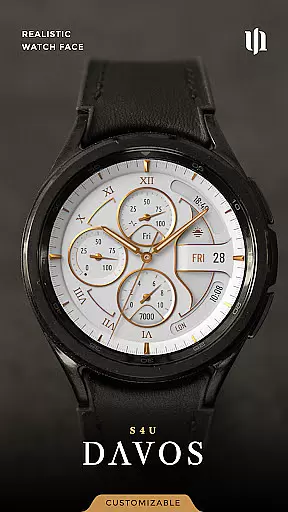
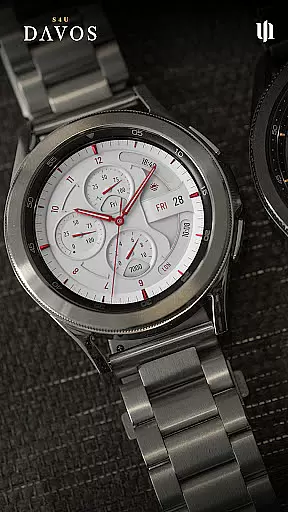
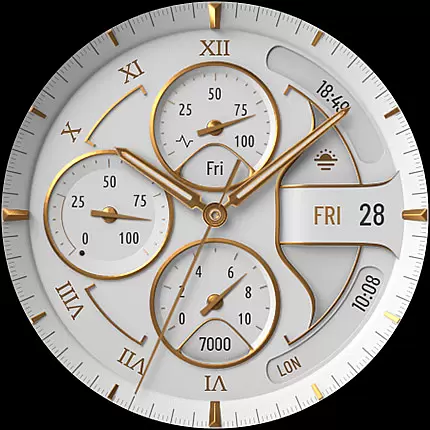
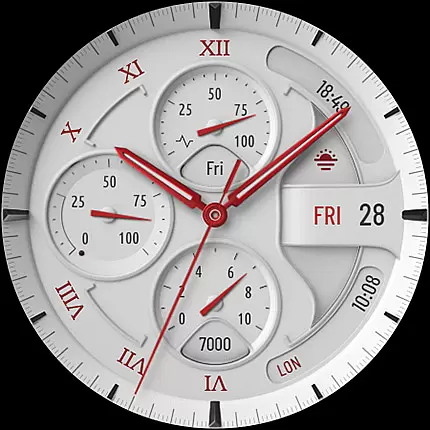
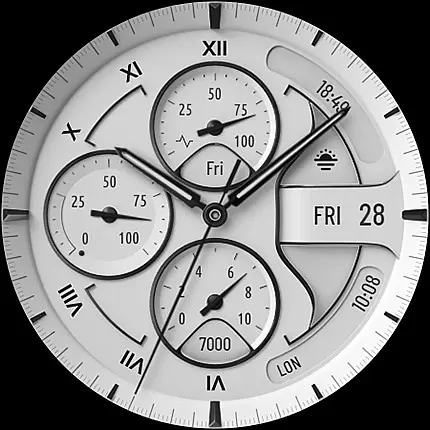
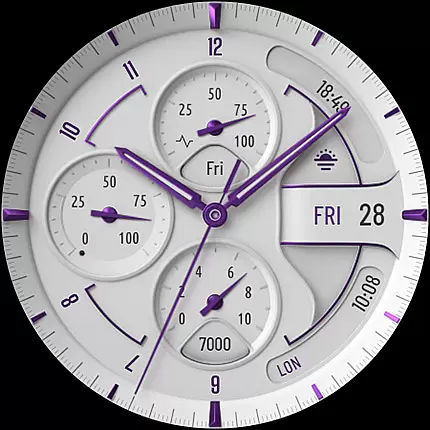
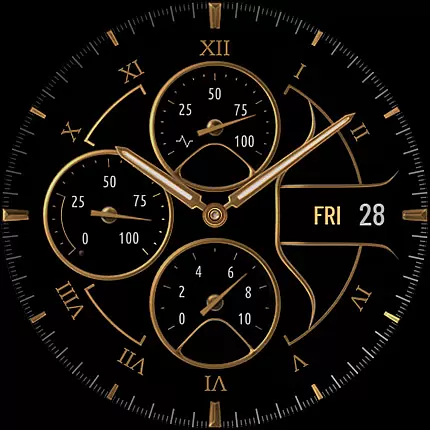
S4U Davos is a premium Wear OS watch face app designed for smartwatches running Wear OS 4 or higher. This app combines luxury and functionality, offering users a realistic white analog dial with timeless elegance. Compatible devices include Samsung Galaxy Watches 4-8, Google Pixel Watch 1-3, and other Wear OS 4+ smartwatches.
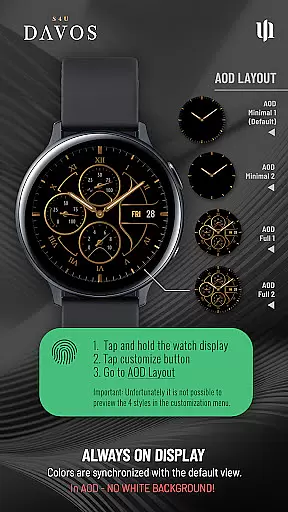
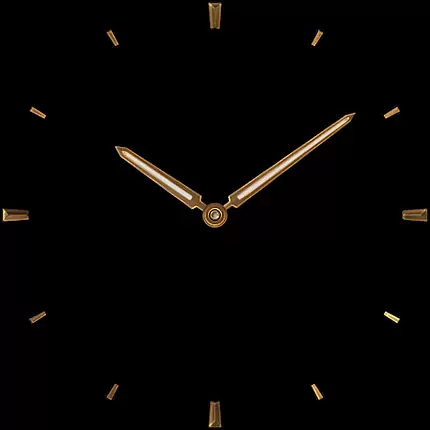
With customizable options such as multiple dial colors, editable complications, and shortcuts, S4U Davos allows users to tailor their watch face to fit personal styles and needs. The Always-On Display (AOD) feature ensures continuous timekeeping with adaptive colors, making it both practical and stylish.
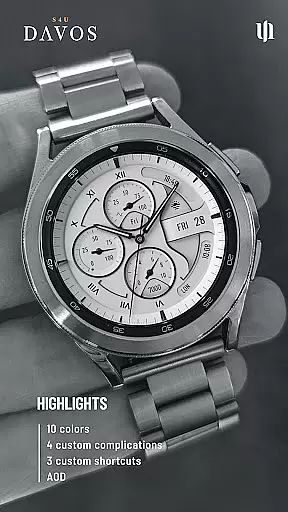
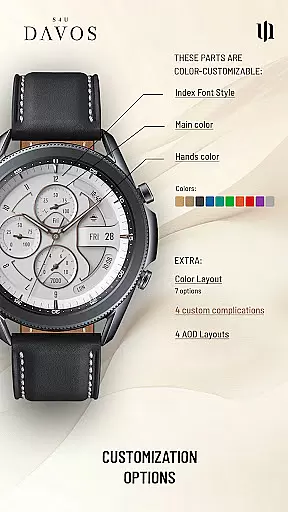
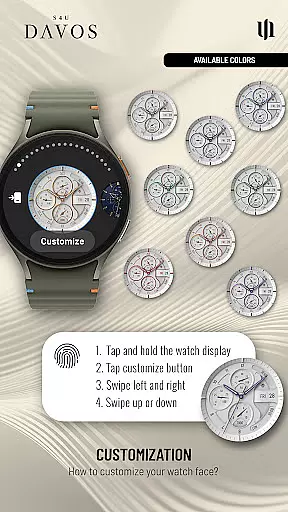
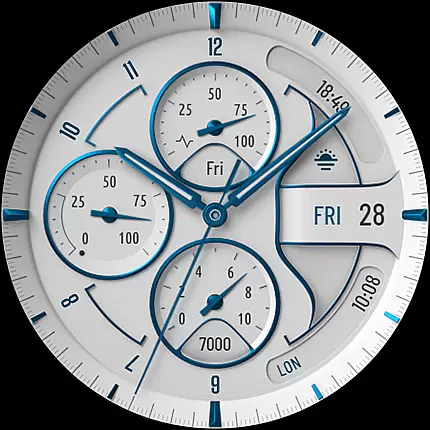
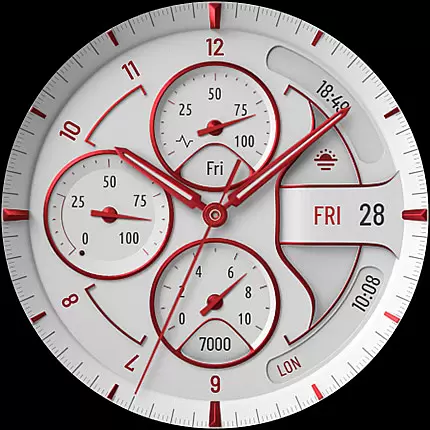
The S4U Davos watch face stands out with its beautifully realistic white analog dial and extensive customization capabilities. Users can personalize the main colors, hands colors, secondary colors, color layout, index font style, and AOD layout. With 10 main color options, 10 hands color choices, and 9 secondary colors, the possibilities are vast.
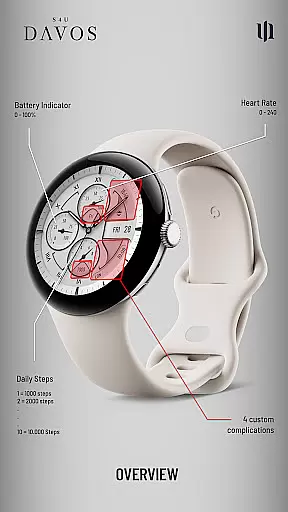
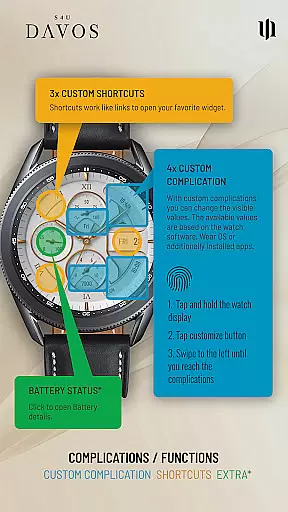
Functionality is enhanced through 4 editable complications and 3 app shortcuts, allowing quick access to favorite widgets and displaying user-defined data. The AOD feature includes 4 layout options, ensuring optimal visibility even when the screen is dimmed. These features collectively provide a personalized and efficient user experience.
Companion app integration is crucial for a seamless Wear OS experience. The S4U Davos watch face ensures smooth synchronization with its dedicated companion app, which is included with your purchase. This integration allows users to easily resolve installation issues and access advanced customization features.
The companion app serves as a control center where users can follow detailed steps to address any installation or downloading problems. By opening the app and navigating to the Install/Issues section, users are guided through troubleshooting processes that ensure proper setup on compatible smartwatches running Wear OS 4 or higher.
This robust integration enhances user experience by providing direct support options. If issues persist, users can contact wear@s4u-watches.com for further assistance. Such comprehensive support ensures that users can fully utilize the S4U Davos watch face's features without technical hindrances.
Device compatibility is a key consideration for any Wear OS application. The S4U Davos watch face supports smartwatches running Wear OS 4 or higher (Wear OS API 33+), ensuring optimal performance on devices such as Samsung Galaxy Watch 4, 5, 6, 7, 7 Ultra, 8, and Google Pixel Watch 1u20133.
This compatibility ensures that users benefit from the latest advancements in Wear OS technology, including enhanced processing power and improved battery management. By aligning with these standards, the S4U Davos guarantees a stable and responsive user experience across a range of high-end smartwatches.
Moreover, this strict compatibility criterion helps maintain the integrity of the watch face's sophisticated features like customizable complications and always-on display functionality. Users can trust that their device will fully support the extensive personalization options offered by the S4U Davos, delivering both luxury and practicality.
Highly customizable
Beautiful design
Wide device compatibility
User-friendly interface
Always-On Display
Wear OS 4+ only
Battery consumption
Complex setup
Limited free options
No white AOD background

Christmas watch face. For Wear OS devices.
 4.30
4.30
Analog watch face with 8 complications and expedition styling
4.5
Watch face designed for Thanksgiving Day. 7 Background Styles included.
3.20
Stylish digital watch face for Wear OS devices with customizable features
4.0
Digital watch face. For Wear OS devices.
4.40
Connect to your Bluelink equipped Hyundai vehicle from your smartphone.
4.50
The Chevron App allows you to pay for fuel from the comfort of your car!
4.80
Stay in touch with your friends and family using LINE!
3.40
Retro digital watch face with customizable colors and a unique lighting effect
4.60
Real-time weather radar with temperatures, warnings, hurricanes, and widgets
4.80
A modern hybrid informative watch face for Wear OS designed by BALLOZI
4.80
WTW M17 is a premium and luxurious hybrid watch face
4.70
Be an elegant and classy secret agent, with this carefully detailed watch face
4.70
Hybrid watch face for Wear OS with customizable complications by Matteo Dini MD
4.70
Kia Access makes getting your vehicle information easier than ever
4.60
Monitor health with the stress test and pulse checker in the heart rate app.
4.60
Bold weather Digital watchface with forecast & optional animated background
4.40
Calming & relaxing sounds for sleeping and stress relief. Stay focused all day!
4.20
A digital watch face that celebrates Christmas.
4.00



User Reviews